

From my experience with Amplifier Security, I found it excels at automating penetration testing and providing risk-based vulnerability prioritization, which helps security teams focus on the most critical threats. The platform’s continuous monitoring and centralized management capabilities make it a strong choice for enterprise cybersecurity programs. However, the lack of publicly available pricing and its focus on larger organizations may limit accessibility for smaller businesses. Overall, if you need a comprehensive tool to streamline vulnerability management and improve security posture, Amplifier Security delivers effective, actionable insights.
Amplifier Security Cybersecurity Platform for Vulnerability Management
Amplifier Security is a cybersecurity platform that automates penetration testing and prioritizes vulnerabilities based on risk to help organizations manage and remediate security threats effectively.
- Best for
- Vulnerability Management
- Key capability
- Automated Penetration Testing
Your actions
Save Amplifier Security, follow its updates and vote on it — everything stays in your account.
Sign in or create a free account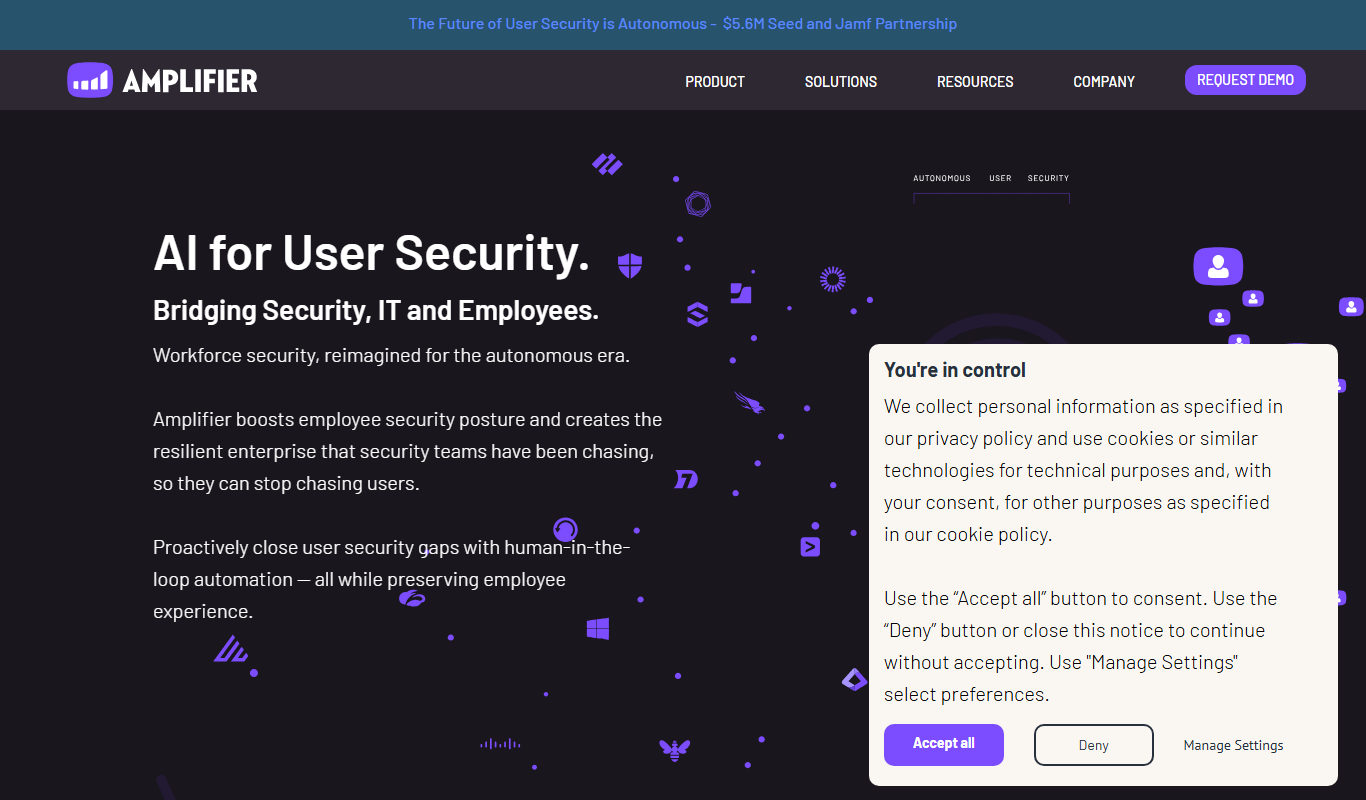
What is Amplifier Security?
Amplifier Security is a cybersecurity platform designed to help organizations identify, prioritize, and remediate vulnerabilities through automation and continuous testing. It integrates penetration testing automation with risk-based vulnerability management to provide actionable insights that improve security posture and reduce risk exposure.
Key features of Amplifier Security
The platform offers automated penetration testing, risk-based vulnerability prioritization, continuous security monitoring, and centralized management of security programs. It streamlines vulnerability workflows and helps security teams focus on the most critical threats.
Automated Penetration Testing
Simulates real-world attack scenarios automatically to uncover exploitable vulnerabilities.
Risk-Based Vulnerability Prioritization
Prioritizes vulnerabilities by combining exploitability data with business context.
Continuous Security Monitoring
Provides ongoing visibility into security posture and emerging threats.
Centralized Security Management
Offers a unified dashboard to manage vulnerabilities, remediation, and compliance efforts.
Integration with Security Tools
Supports integration with existing security infrastructure for seamless data aggregation.
Pros and cons of Amplifier Security
Pros
- Automates penetration testing to reduce manual effort
- Prioritizes vulnerabilities based on real-world risk
- Centralizes security program management
- Continuous monitoring enhances threat visibility
- Integrates well with existing security tools
Cons
- Pricing details are not publicly available
- Primarily focused on enterprise customers
- Limited information on supported languages beyond English
Key use cases for Amplifier Security
Vulnerability Management
Identify, prioritize, and remediate security vulnerabilities across your IT environment efficiently.
Penetration Testing Automation
Automate penetration testing processes to continuously assess security posture without manual overhead.
Risk Assessment and Prioritization
Evaluate and prioritize security risks based on real-world exploitability and business impact.
Security Program Management
Manage and track security initiatives and compliance efforts through a centralized platform.
Continuous Security Monitoring
Maintain ongoing visibility into vulnerabilities and threats to reduce exposure time.
How Amplifier Security works
- 1
Integration Setup
Connect Amplifier Security to your IT environment and security tools to gather vulnerability data.
- 2
Automated Testing
Run automated penetration tests that simulate real-world attacks to identify exploitable vulnerabilities.
- 3
Risk Prioritization
Analyze vulnerabilities based on exploitability, business impact, and threat intelligence to prioritize remediation.
- 4
Remediation Tracking
Assign and track remediation tasks within the platform to ensure vulnerabilities are addressed promptly.
- 5
Continuous Monitoring
Maintain ongoing assessments to detect new vulnerabilities and verify fixes.
Who is using Amplifier Security
Enterprise security teams
Cybersecurity professionals
Risk management departments
IT security consultants
Compliance officers
Amplifier Security pricing
Custom Pricing
Contact for Pricing
Pricing tailored to organizational size and security needs.
Plans and prices are as published by the vendor and can change. Check the official site before you buy. Open the pricing page (opens in a new tab)
Frequently asked questions about Amplifier Security
It detects a wide range of vulnerabilities including network, application, and configuration issues through automated penetration testing.
Yes, it supports integration with various security tools to aggregate vulnerability data and streamline workflows.
While primarily designed for enterprises, organizations of various sizes can benefit depending on their security requirements.
Yes, it offers features to help manage compliance efforts and generate relevant reports.
Data handling and security practices vary by provider. Review the official privacy policy to understand how your data is stored and used.
Data handling and security practices vary by provider. Review the official privacy policy to understand how your data is stored and used.
Data handling and security practices vary by provider. Review the official privacy policy to understand how your data is stored and used.
Sign in to review this tool.
Sign In to ReviewNo reviews yet
Be the first to share how this tool worked for you.
Ask about pricing, limits, or how it compares — or answer someone else.
Sign In to AskNo questions yet
Have a question about using or paying for this tool? Be the first to ask.
Featured on TiorAI



Alternative Tools
Explore similar AI tools that might fit your needs

Enterprise
Rapid7 InsightVM
Rapid7 InsightVM is a vulnerability management tool that provides continuous visibility, risk prioritization, and remediation tracking to help organizations secure their IT environments.
More AI Video Upscaler tools
Other tools in the same category, for when this one is not quite the fit.

Free
VidIq
VidIQ is a YouTube analytics and SEO tool that helps creators optimize videos, research keywords, analyze competitors, and grow their channels effectively.

Free
jpgHi.com Magic Image Upscale
jpgHi Magic Image Upscale is a web-based AI tool that enlarges and enhances images up to 4x their original size while preserving quality through noise reduction and detail restoration.

Free
Free AI Image Upscaling
Free AI Image Upscaling is a web-based tool that uses artificial intelligence to increase image resolution and improve quality without losing detail, available for free without registration.

Free
Image Upscaler AI
Image Upscaler AI is an online tool that uses artificial intelligence to enlarge and enhance images up to 4 times their original resolution while preserving quality and reducing noise.

Free
Upscalepics
Upscalepics is an AI-based online image upscaling tool that enlarges photos up to 4x their original size while reducing noise and artifacts, all through a simple web interface.

Free
Lumen Scaler
Lumen Scaler is an AI-based web tool that enlarges images while preserving quality using advanced machine learning algorithms.
Custom Pricing
Virtual Scale
Virtual Scale is an AI-driven data annotation platform that automates and refines labeling of images, videos, and text to provide high-quality training data for machine learning models.

Free Trial
UPEvent
UPEvent is an event management platform designed to create, manage, and analyze virtual, hybrid, and in-person events with features like ticketing, live streaming, exhibitor booths, and attendee networking.