

From my experience with Allchemy, I found it excels at automating the repetitive and time-consuming parts of the data science workflow, especially data preparation and model deployment. The platform’s no-code approach makes it accessible to users who may not have deep programming skills, which is a significant advantage for teams looking to accelerate AI projects. However, the pricing details are not transparent upfront, requiring direct contact, which might slow decision-making for some organizations. Overall, if you need a streamlined, collaborative environment to build and deploy machine learning models efficiently, Allchemy offers a solid, user-friendly solution.
Allchemy AI Platform for Data Science Automation and Model Deployment
Allchemy is an AI-driven platform that automates data preparation, machine learning model development, deployment, and monitoring, designed to simplify and accelerate the data science workflow.
- Best for
- Automated Data Preparation
- Key capability
- Automated Data Preparation
Your actions
Save Allchemy, follow its updates and vote on it — everything stays in your account.
Sign in or create a free account
What is Allchemy?
Allchemy is an AI-powered data science platform designed to automate and simplify the end-to-end machine learning lifecycle. It helps data scientists and analysts accelerate data preparation, model development, deployment, and monitoring through an intuitive web interface. The platform emphasizes automation, collaboration, and explainability to make AI projects more efficient and accessible.
Key features of Allchemy
Allchemy provides automated data cleaning and feature engineering, drag-and-drop model building, deployment pipelines, real-time monitoring, and explainability tools. It integrates collaboration features to support team workflows and reduce manual coding efforts.
Automated Data Preparation
Reduces manual data cleaning and feature engineering through AI-driven automation.
No-Code/Low-Code Model Building
Enables users to create machine learning models without extensive programming.
Model Deployment Pipelines
Simplifies the process of deploying models into production with monitoring tools.
Explainability and Transparency
Provides insights into model decisions to build trust and comply with regulations.
Team Collaboration Features
Supports shared workspaces, version control, and project management for data science teams.
Pros and cons of Allchemy
Pros
- Automates tedious data preparation tasks
- Accessible no-code interface for model building
- Supports end-to-end machine learning lifecycle
- Includes explainability features for transparency
- Facilitates team collaboration and project management
Cons
- Pricing details require direct contact
- Limited information on integrations and tech stack
Key use cases for Allchemy
Automated Data Preparation
Streamlines data cleaning, transformation, and feature engineering to accelerate model building.
Machine Learning Model Development
Enables users to build, train, and validate machine learning models with minimal coding.
Model Deployment and Monitoring
Facilitates deploying models into production environments and monitoring their performance.
Collaboration for Data Science Teams
Supports team collaboration by providing shared workspaces and version control for projects.
Explainable AI Insights
Offers interpretability features to understand model decisions and improve transparency.
How Allchemy works
- 1
Sign Up
Create an account on the Allchemy platform to access the AI data science tools.
- 2
Upload Data
Import datasets into the platform for automated cleaning and preparation.
- 3
Build Models
Use automated machine learning or manual configuration to train predictive models.
- 4
Deploy Models
Publish models to production environments with monitoring capabilities.
- 5
Collaborate and Iterate
Work with team members on projects and refine models using explainability insights.
Who is using Allchemy
Data scientists and analysts
Machine learning engineers
Business intelligence teams
AI project managers
Small to medium enterprises adopting AI
Allchemy pricing
Free Trial
$0 for 14 days
Access to core features for evaluation purposes.
Professional
Contact for pricing
Full platform access with advanced features and team collaboration.
Plans and prices are as published by the vendor and can change. Check the official site before you buy. Open the pricing page (opens in a new tab)
Frequently asked questions about Allchemy
No, Allchemy offers no-code and low-code tools to build machine learning models, making it accessible to users without extensive programming experience.
Yes, the platform includes deployment pipelines and monitoring tools to manage models in production environments.
Allchemy offers a free trial for 14 days to explore its features before committing to a subscription.
Yes, it provides shared workspaces and version control to facilitate collaboration among data science teams.
This tool is designed to help users accomplish its core tasks more efficiently. It is typically used by individuals or teams looking to improve productivity and workflow.
Yes, it can help with that use case depending on how you configure it and what features are available. You’ll get the best results with clear inputs and a defined goal.
Yes, it can help with that use case depending on how you configure it and what features are available. You’ll get the best results with clear inputs and a defined goal.
Some tools offer a free plan or trial with limited features. Availability can vary, so confirm on the official website.
Sign in to review this tool.
Sign In to ReviewNo reviews yet
Be the first to share how this tool worked for you.
Ask about pricing, limits, or how it compares — or answer someone else.
Sign In to AskNo questions yet
Have a question about using or paying for this tool? Be the first to ask.
Featured on TiorAI



Alternative Tools
Explore similar AI tools that might fit your needs
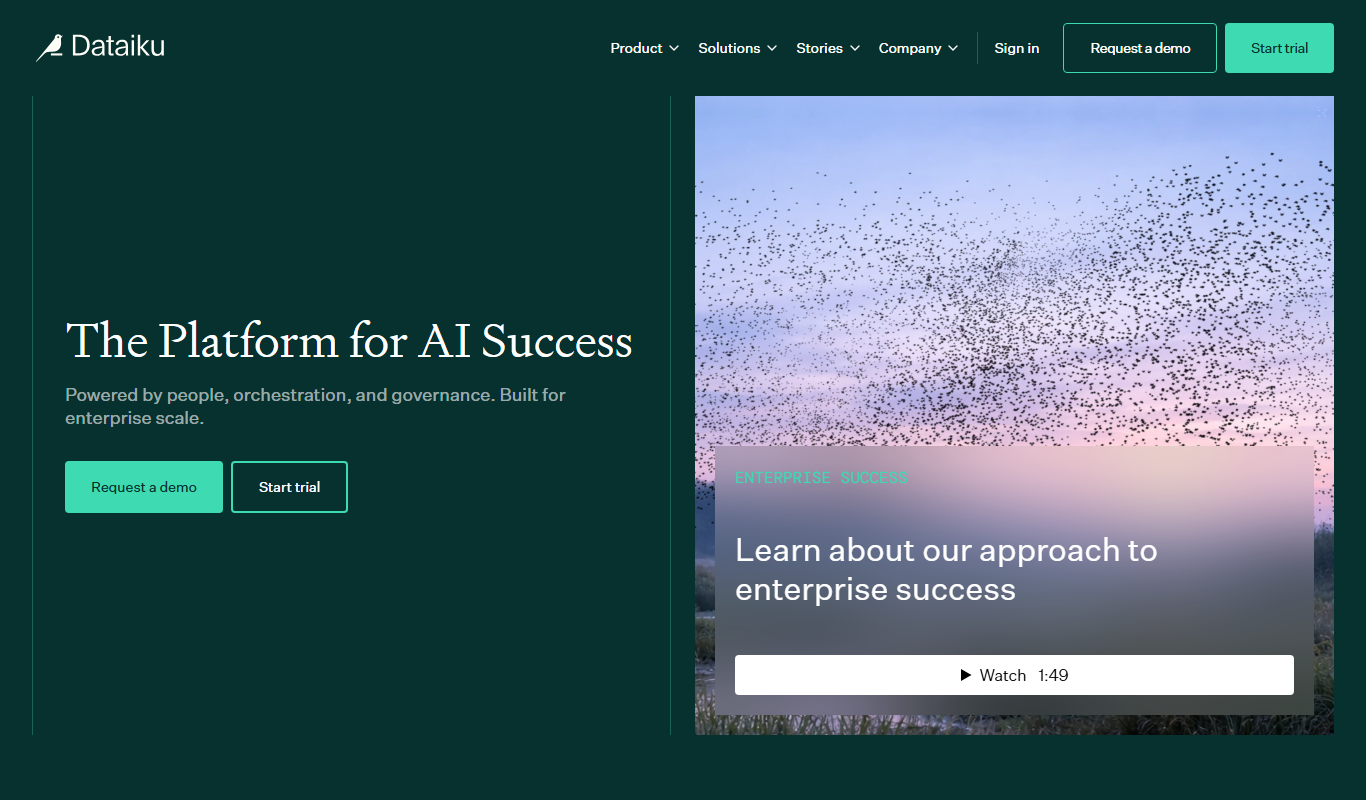
Enterprise
Dataiku
Dataiku is a collaborative AI and data science platform that enables organizations to prepare data, build machine learning models, and deploy AI solutions at scale.
More AI Background Remover tools
Other tools in the same category, for when this one is not quite the fit.

Custom Pricing
FittingBox
FittingBox is an augmented reality platform that enables virtual try-on of eyewear using 3D modeling and face detection technology, enhancing online and in-store shopping experiences.

Free
MakePassportPhoto.com
MakePassportPhoto.com is an online tool that helps users create official passport and ID photos by uploading a photo, automatically removing the background, resizing, and formatting it to meet country-specific requirements.
Free
IDPhoto4You
IDPhoto4You is a free online tool that helps you create passport, visa, and ID photos compliant with official standards by automatically resizing, cropping, and removing backgrounds.

Free
Passport Photo Online
Passport Photo Online is a web tool that helps users create passport, visa, and ID photos compliant with official standards by automating background removal, cropping, and formatting.
Freemium
OsiriX
OsiriX is a specialized medical image viewer for MacOS and iOS that supports DICOM images, providing advanced 2D, 3D, and 4D visualization and analysis tools for radiology and medical imaging professionals.

Free
Enhance.Pho.to
Enhance.Pho.to is a free web-based AI photo enhancement tool that automatically improves photo quality, removes backgrounds, retouches faces, and restores old images without requiring user registration.

Pay As You Go
BoxBrownie
BoxBrownie is a professional online service specializing in real estate photo editing, virtual staging, and floor plan redraw to improve property marketing images.

Free
Instagram is a free social media platform owned by Meta that allows users to share photos, videos, stories, and engage with communities globally.