

From my experience with AirBrush, I found it excels at making mobile photo retouching accessible and straightforward, especially for users who want quick, natural-looking enhancements without a steep learning curve. The app’s intuitive tools like skin smoothing and teeth whitening work well for casual selfies and social media content. However, the free version includes ads and limits some advanced features, which might be a drawback for power users. Overall, if you want a reliable, easy-to-use mobile editor focused on beauty and portrait enhancement, AirBrush delivers solid results with minimal effort.
AirBrush Photo Editor App for Easy Mobile Photo Retouching
AirBrush is a mobile photo editing app that allows users to easily retouch selfies and portraits with tools like skin smoothing, teeth whitening, and makeup filters, available on iOS and Android with free and premium plans.
- Best for
- Selfie Enhancement
- Key capability
- Blemish and Pimple Remover
Your actions
Save airbrush.com, follow its updates and vote on it — everything stays in your account.
Sign in or create a free account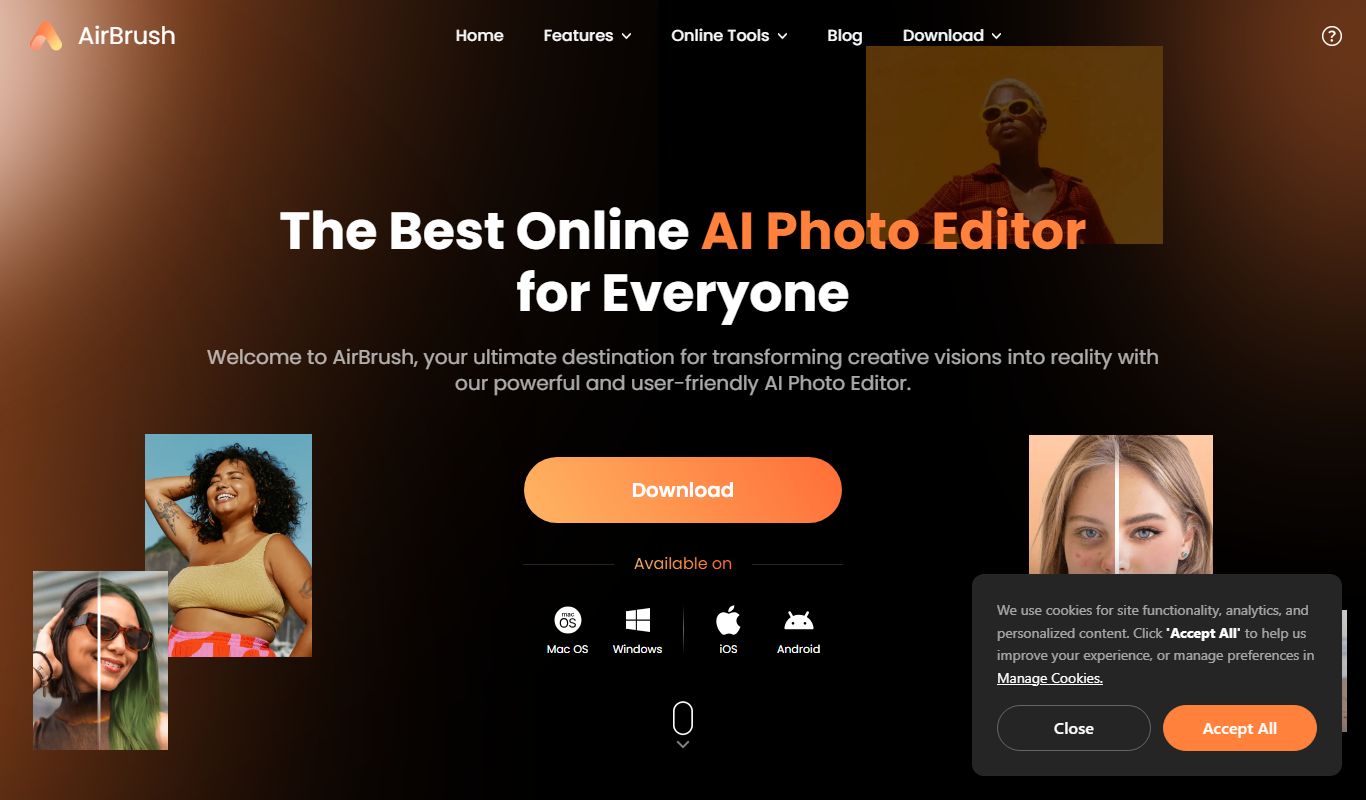

What is airbrush.com?
AirBrush is a mobile photo editing app designed to simplify the process of retouching and enhancing photos, especially selfies and portraits. It offers a user-friendly interface with powerful tools that allow users to smooth skin, remove imperfections, whiten teeth, reshape facial features, and apply makeup effects. The app is popular among casual users and social media enthusiasts who want professional-looking photos without complex editing software.
Key features of airbrush.com
AirBrush provides a comprehensive suite of editing tools including blemish removal, skin smoothing, teeth whitening, eye brightening, reshaping tools, makeup filters, and artistic effects. It supports real-time editing previews and easy sharing options to social media platforms.
Blemish and Pimple Remover
Quickly remove skin imperfections for a flawless look.
Skin Smoother
Smooth out skin texture while maintaining a natural appearance.
Teeth Whitening
Brighten your smile with easy-to-use whitening tools.
Reshape and Contour
Adjust facial features subtly to enhance portraits.
Makeup Filters
Apply virtual makeup effects like lipstick, blush, and eyeliner.
Real-Time Editing Preview
See changes instantly as you edit your photos.
One-Tap Filters and Effects
Enhance photos quickly with preset filters and artistic effects.
Pros and cons of airbrush.com
Pros
- User-friendly interface suitable for beginners
- Wide range of beauty and retouching tools
- Real-time preview of edits
- Available on both major mobile platforms
- Affordable premium subscription
Cons
- Some advanced features locked behind paywall
- Occasional ads in free version
- Limited editing capabilities compared to desktop software
Key use cases for airbrush.com
Selfie Enhancement
Users can easily retouch selfies by smoothing skin, whitening teeth, and removing blemishes.
Portrait Editing
Enhance portraits with reshaping tools, makeup effects, and lighting adjustments.
Social Media Content Creation
Create polished photos optimized for sharing on Instagram, TikTok, and other platforms.
Quick Photo Touch-ups
Apply fast corrections like red-eye removal, background blur, and filters.
Creative Photo Effects
Add artistic filters, frames, and effects to personalize images.
How airbrush.com works
- 1
Download and Install
Get the AirBrush app from the App Store or Google Play and install it on your mobile device.
- 2
Upload or Capture Photo
Open the app and either take a new photo or upload an existing one from your gallery.
- 3
Apply Editing Tools
Use the intuitive tools to retouch your photo, such as smoothing skin, whitening teeth, or adding filters.
- 4
Preview and Adjust
Review your edits in real-time and make any additional adjustments to achieve the desired look.
- 5
Save and Share
Save the edited photo to your device or share it directly to social media platforms.
Who is using airbrush.com
Social media influencers
Casual mobile photographers
Selfie enthusiasts
Content creators
Beauty and fashion bloggers
airbrush.com pricing
Free
$0/month
Access to basic editing tools with ads and limited features.
Premium
$7.99/month
Unlock all features, remove ads, and access exclusive filters.
Premium Annual
$39.99/year
Annual subscription with full access and cost savings.
Plans and prices are as published by the vendor and can change. Check the official site before you buy. Open the pricing page (opens in a new tab)
Frequently asked questions about airbrush.com
Yes, AirBrush offers a free version with basic tools and ads. Premium features require a subscription.
Yes, AirBrush is available for both Android and iOS devices.
AirBrush supports high-resolution images, but output quality may depend on device capabilities.
Yes, the app includes options to share photos directly to platforms like Instagram and Facebook.
It depends on your specific needs and how you plan to use the tool. The official website and documentation are the best sources for the latest details.
It depends on your specific needs and how you plan to use the tool. The official website and documentation are the best sources for the latest details.
Yes, it can help with that use case depending on how you configure it and what features are available. You’ll get the best results with clear inputs and a defined goal.
Some tools offer a free plan or trial with limited features. Availability can vary, so confirm on the official website.
Sign in to review this tool.
Sign In to ReviewNo reviews yet
Be the first to share how this tool worked for you.
Ask about pricing, limits, or how it compares — or answer someone else.
Sign In to AskNo questions yet
Have a question about using or paying for this tool? Be the first to ask.
Featured on TiorAI



More AI Image & Visual Tools tools
Other tools in the same category, for when this one is not quite the fit.

Free
A1 Art
A1 Art is a web-based AI image generator that creates digital artwork from text prompts, offering free and subscription plans for users.

Enterprise Licensing
Getty Images
Getty Images is a leading stock photography platform offering millions of high-quality images, videos, and music with flexible licensing for commercial and editorial use.

Free
Spectre Camera
Spectre Camera is an iOS app that uses AI to create long exposure photos by stabilizing shots and combining multiple frames, enabling effects like light trails and motion blur without professional equipment.

Free
PicWish
PicWish is an AI-driven photo editing tool that automatically removes backgrounds, enhances images, and supports batch processing on web and mobile platforms.
Free
PhotoGrid | Collage Maker
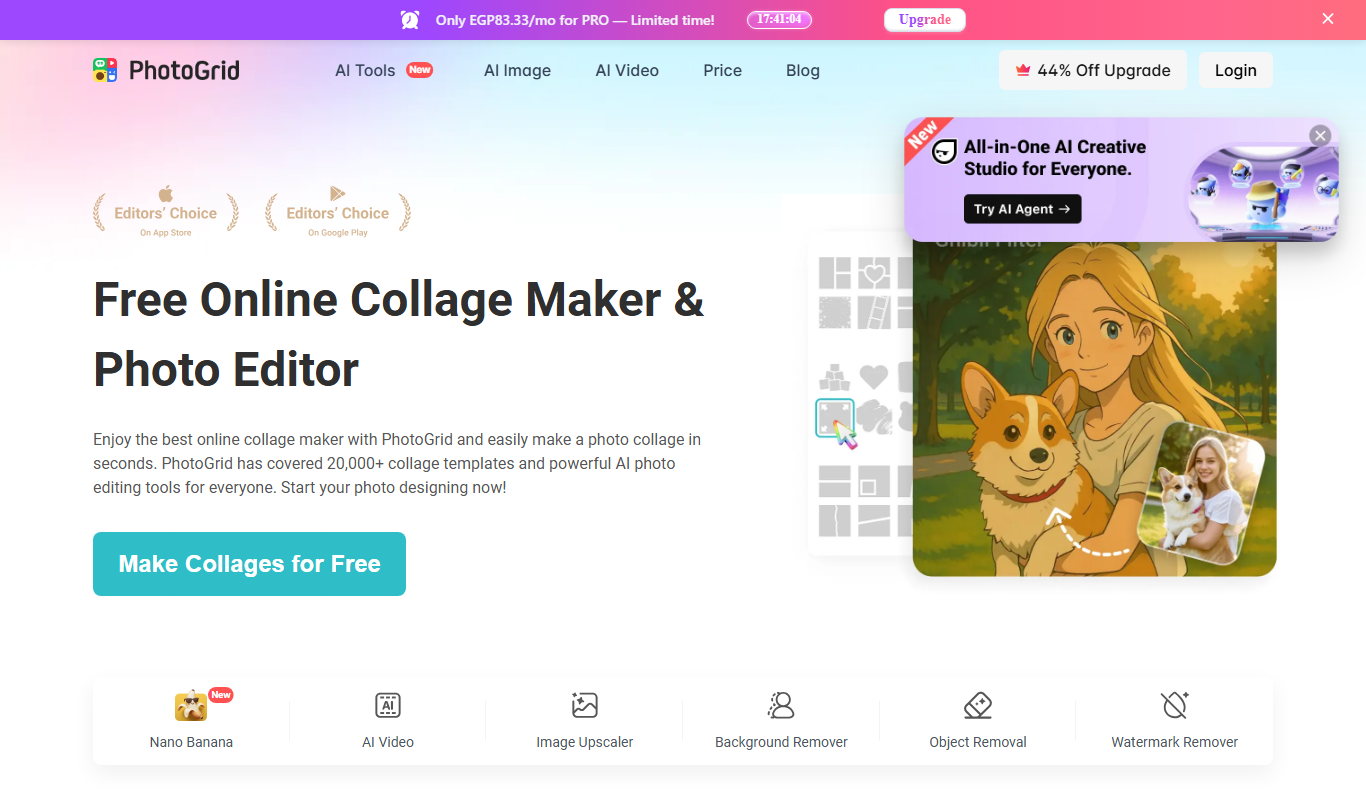
PhotoGrid is a mobile and web app that allows users to create photo collages, edit images with filters and stickers, and export high-quality designs for social media or printing.

Free
Create a Meme
Create a Meme is a free web-based tool that allows users to create custom memes easily by selecting templates or uploading images, adding text, and downloading or sharing the final meme.
Freemium
Fine Pixel
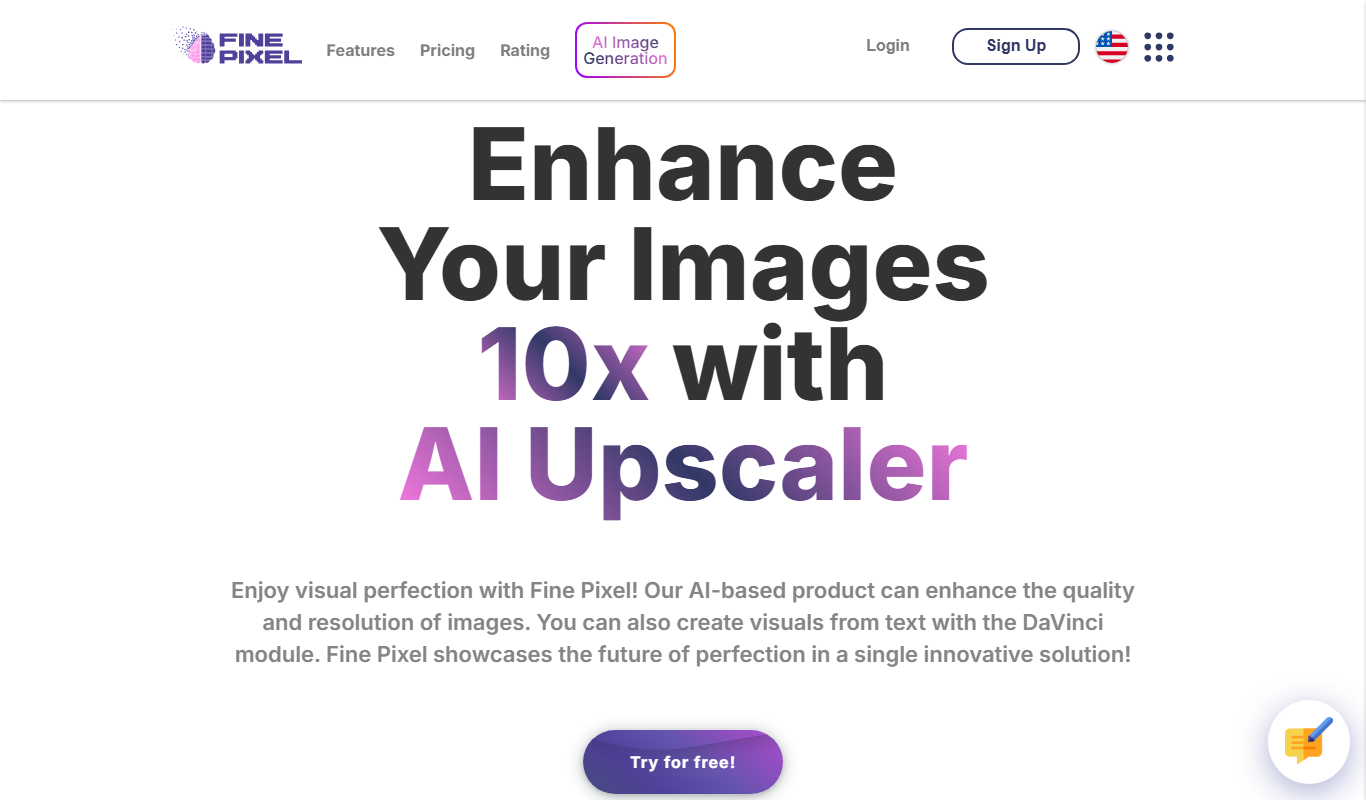
Fine Pixel is an AI-based image upscaling tool that enlarges photos while enhancing details and reducing noise, ideal for photographers and designers.

Freemium
Neural.love Art Generator
Neural.love Art Generator is an AI-powered web tool that creates unique digital artworks from text prompts or images using neural networks, offering features like style transfer and image upscaling.