

AI Song Maker - Create Original Music Tracks with AI Online
AI Song Maker is a web-based AI music generator for royalty-free songs, with 20 free credits a day and paid plans for more generation.
- Best for
- Music Creation for Content
- Key capability
- AI-Powered Music Composition
Save AI Song Maker, follow its updates and vote on it — everything stays in your account.
Sign in or create a free account
What is AI Song Maker?
AI Song Maker is a web-based AI music generator that creates royalty-free songs from lyrics or a text description, with the style set by genre, vibe, tempo and instruments. Signed-in users get 20 free credits a day (about 4 songs), and paid Basic, Standard and Pro plans add more credits.
Key features of AI Song Maker
The main features include genre and mood selection, instrument customization, real-time music generation, and the ability to download created tracks. The interface is user-friendly, designed for quick experimentation and easy music production.
AI-Powered Music Composition
Automatically creates original melodies and beats using advanced AI algorithms.
Genre and Mood Selection
Allows users to influence the style and emotional feel of the music.
Instrument Customization
Users can select different instruments to shape the sound of their track.
Free and Web-Based
Web-based, with 20 free credits daily for signed-in users.
Pros and cons of AI Song Maker
Pros
- Easy to use with no musical background required
- 20 free credits daily, enough for 4 songs
- Fast music creation with customizable options
Cons
- Limited advanced editing or mixing features
- No mobile app, only web platform
Key use cases for AI Song Maker
Music Creation for Content
Generate original music tracks quickly for videos, podcasts, or presentations without needing musical expertise.
Creative Experimentation
Explore new musical ideas and styles by using AI to compose melodies and beats automatically.
Learning and Inspiration
Use AI Song Maker as a tool to understand music composition basics and spark creativity for musicians and producers.
How AI Song Maker works
- 1
Select Genre and Mood
Choose the style and emotional tone for your song to guide the AI’s composition.
- 2
Customize Instruments
Pick instruments you want in your track to tailor the sound.
- 3
Generate Music
Click the generate button to let AI compose a unique song based on your inputs.
- 4
Listen and Download
Preview the generated track and download it if satisfied.
Who is using AI Song Maker
AI Song Maker pricing
Free
$0 /month
20 credits per day, which equals 4 songs, with 1 concurrent generation.
Basic
$14.99 /month, or $10.49 /month with the yearly 30% off
12000 credits per year (2400 songs), 1 concurrent generation, custom music uploads up to 2 min and up to 3 custom voice models.
Standard
$29.99 /month, or $20.99 /month with the yearly 30% off
30000 credits per year (6000 songs), 10 concurrent generations, custom music uploads up to 8 min and up to 30 custom voice models.
Pro
$59.99 /month, or $41.99 /month with the yearly 30% off
72000 credits per year (14400 songs), unlimited concurrent generations, custom music uploads up to 8 min and unlimited custom voice models.
Plans and prices are as published by the vendor and can change. Check the official site before you buy. Open the pricing page (opens in a new tab)
Frequently asked questions about AI Song Maker
No, the tool is designed for users of all skill levels, including beginners.
Yes, you can download your generated tracks directly from the platform.
Signed-in users get 20 free credits a day (4 songs); paid Basic, Standard and Pro plans are available for more generation.
It depends on your specific needs and how you plan to use the tool. The official website and documentation are the best sources for the latest details.
Yes, it can help with that use case depending on how you configure it and what features are available. You’ll get the best results with clear inputs and a defined goal.
Conclusion
Lyrics or a short text description go in, with the style described by genre, vibe, tempo and instruments and a choice of male or female voice. There is also the choice to opt for instrumental-only tracks or create 8-minute songs. Other tools on the site include a vocal remover, an AI song cover generator and an MP3 to MIDI converter.
Content creators needing royalty-free music, aspiring musicians, and podcasters and video producers are the intended users. Users generate a track and can then download the royalty-free music. Signed-in users get free credits every day, and paid Basic, Standard and Pro plans add more credits, custom music uploads and custom voice models.
Sources
Sign in to review this tool.
Sign In to ReviewNo reviews yet
Be the first to share how this tool worked for you.
Ask about pricing, limits, or how it compares — or answer someone else.
Sign In to AskNo questions yet
Have a question about using or paying for this tool? Be the first to ask.
Featured on TiorAI



More AI Design & Creative Tools tools
Other tools in the same category, for when this one is not quite the fit.

AI Song Generator
AI Song Generator is a web tool that creates original songs and lyrics from your genre, mood and topic, with a limited free plan and paid subscriptions.

TwoShot
TwoShot is an AI creative suite for music, audio, video and images: generate music and sounds from text, split stems, make voiceovers and produce in an online studio.

Remodel AI
Remodel AI is a web-based AI tool that redesigns any room or home exterior from an uploaded photo in seconds.

AI Song Generator-Make Song
AI Song Generator-Make Song is an online tool that uses artificial intelligence to create original songs by generating melodies and lyrics based on user inputs such as themes or moods.

Soundraw
Soundraw is an AI-powered music generator that creates original, royalty-free music tracks customizable by mood, genre, and length, ideal for content creators and marketers.

ilovesong.ai
ilovesong.ai is an AI music generator that creates songs with male or female vocals as MP3/M4A audio and MP4 videos.
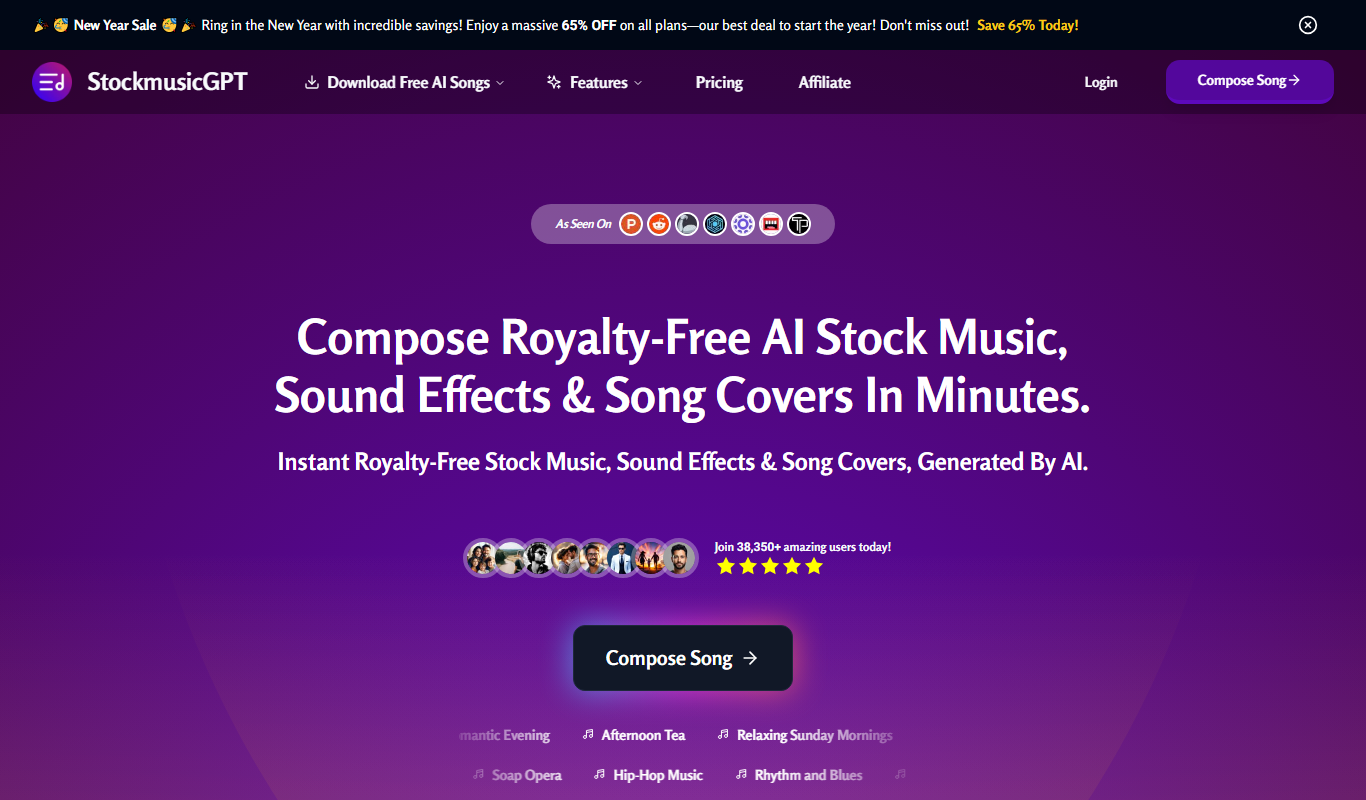
StockmusicGPT
StockmusicGPT is an AI-driven platform that generates royalty-free stock music tailored to your preferences, allowing instant download and use in commercial or personal projects without licensing fees.

Musicfy
Musicfy is an AI voice song generator for creating covers in any voice, with 100,000+ voices or a clone of your own.