

From my experience with Adminer, I found it excels at providing a fast, no-fuss database management interface that is incredibly easy to deploy. Its single-file PHP design means you can get started managing your databases within minutes without complex installation. This makes it particularly well-suited for developers and administrators who need a lightweight tool for quick SQL tasks or managing multiple database types. However, the trade-off is that it lacks some advanced features found in more heavyweight clients and requires a PHP environment. Overall, if you want a simple, efficient web-based SQL management tool, Adminer delivers solid performance with minimal overhead.
Adminer Database Management Tool for Efficient SQL Administration
Adminer is a lightweight, single PHP file database management tool supporting multiple SQL databases, designed for easy deployment and efficient database administration.
- Best for
- Database Administration
- Key capability
- Single File Deployment
Your actions
Save Adminer, follow its updates and vote on it — everything stays in your account.
Sign in or create a free account

What is Adminer?
Adminer is a lightweight, full-featured database management tool written in PHP. It provides a simple web-based interface to manage databases such as MySQL, PostgreSQL, SQLite, MS SQL, Oracle, and others. Unlike heavier tools, Adminer is a single PHP file that you can deploy easily on any server supporting PHP, enabling quick and secure database administration without complex setup.
Key features of Adminer
Adminer offers a compact yet powerful interface for database management, including browsing tables, running SQL queries, editing data, managing users, and exporting/importing data. It supports multiple database systems and emphasizes simplicity, speed, and security.
Single File Deployment
Adminer is distributed as a single PHP file, simplifying installation and updates.
Multi-Database Support
Supports MySQL, PostgreSQL, SQLite, MS SQL, Oracle, and others.
User-Friendly Interface
Clean and minimal UI designed for quick navigation and efficient database management.
SQL Editor with Syntax Highlighting
Write and execute SQL queries with syntax highlighting and error feedback.
Data Export and Import
Export data in multiple formats and import data to databases easily.
Pros and cons of Adminer
Pros
- Lightweight and fast with minimal resource usage
- Supports multiple database systems
- Easy to deploy as a single PHP file
- Clean and intuitive user interface
- Open-source with active community
Cons
- Limited advanced features compared to full desktop clients
- Requires PHP-enabled server to run
- No native desktop or mobile app versions
Key use cases for Adminer
Database Administration
Manage and maintain SQL databases efficiently through a lightweight web interface.
SQL Query Execution
Run and test SQL queries directly within the browser without needing heavy client software.
Data Browsing and Editing
Browse database tables and edit records quickly with an intuitive UI.
Database Backup and Export
Export database structures and data for backup or migration purposes.
Multi-Database Support
Work with various database systems like MySQL, PostgreSQL, SQLite, and others seamlessly.
How Adminer works
- 1
Download and Deploy
Download the single PHP file from the official site and upload it to your web server.
- 2
Login to Database
Access Adminer via browser and enter your database credentials to connect.
- 3
Manage Your Database
Use the intuitive interface to browse tables, execute queries, and perform administrative tasks.
Who is using Adminer
Database administrators
Web developers
Small to medium businesses
Freelancers managing databases
Educational institutions teaching SQL
Adminer pricing
Free
$0
Fully functional open-source version available for free.
Pro
From $9/month
Adminer Pro offers additional features, support, and updates for professional users.
Plans and prices are as published by the vendor and can change. Check the official site before you buy. Open the pricing page (opens in a new tab)
Frequently asked questions about Adminer
Yes, Adminer is open-source and free to use. There is also a paid Pro version with extra features.
Adminer supports MySQL, PostgreSQL, SQLite, MS SQL, Oracle, SimpleDB, Elasticsearch, and MongoDB.
Adminer is designed with security in mind, but it is recommended to restrict access and use HTTPS.
Yes, since Adminer is a single PHP file, it can be easily deployed on shared hosting environments.
This tool is designed to help users accomplish its core tasks more efficiently. It is typically used by individuals or teams looking to improve productivity and workflow.
It depends on your specific needs and how you plan to use the tool. The official website and documentation are the best sources for the latest details.
It depends on your specific needs and how you plan to use the tool. The official website and documentation are the best sources for the latest details.
Sign in to review this tool.
Sign In to ReviewNo reviews yet
Be the first to share how this tool worked for you.
Ask about pricing, limits, or how it compares — or answer someone else.
Sign In to AskNo questions yet
Have a question about using or paying for this tool? Be the first to ask.
Featured on TiorAI



Alternative Tools
Explore similar AI tools that might fit your needs
Free
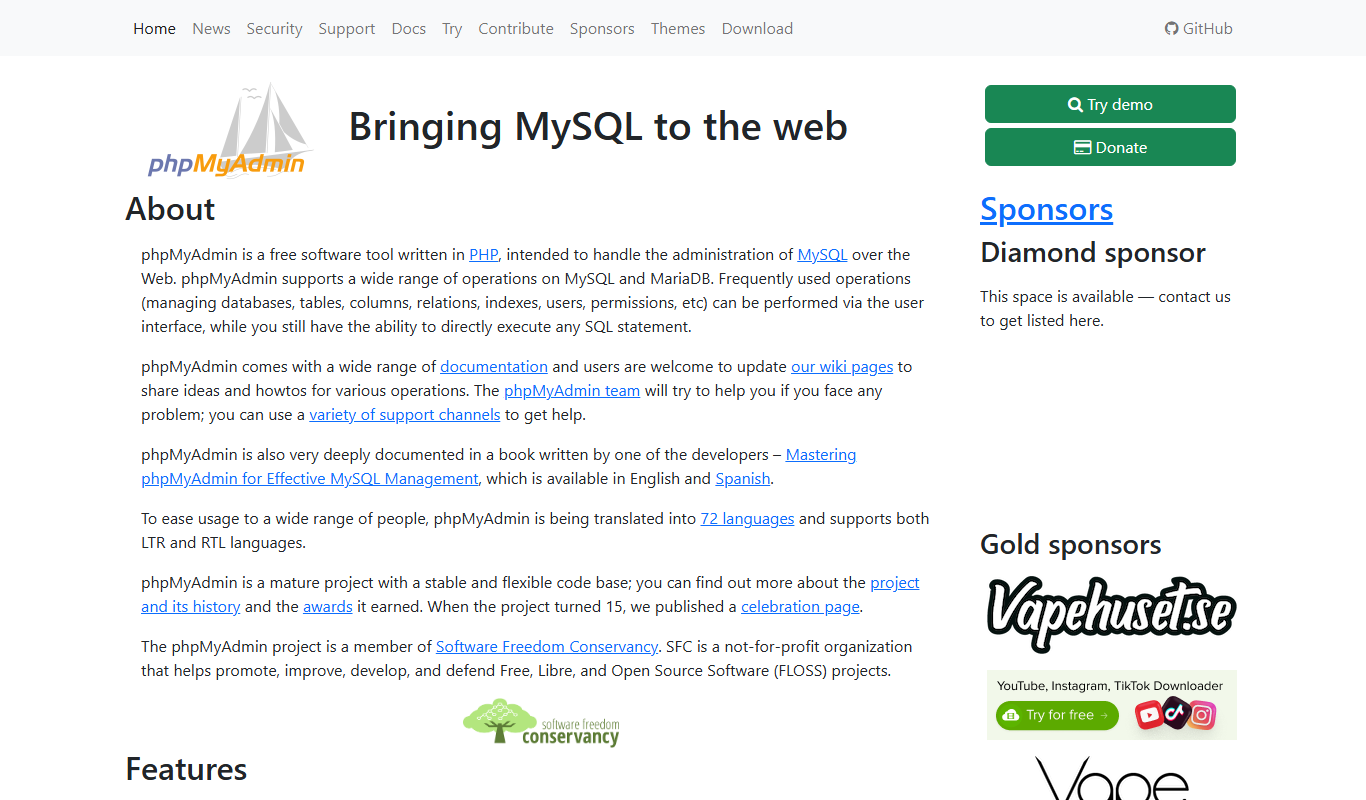
phpMyAdmin
phpMyAdmin is a free, open-source web application that provides a graphical interface to manage MySQL and MariaDB databases, allowing users to perform database administration tasks without command-line knowledge.

Free
DBeaver
DBeaver is a cross-platform database management tool that supports numerous database types, offering features like SQL editing, data visualization, and team collaboration.

Free
HeidiSQL
HeidiSQL is a free, open-source database client for Windows that supports MySQL, MariaDB, PostgreSQL, and Microsoft SQL Server. It offers an intuitive GUI for managing databases, writing SQL queries, and performing administrative tasks.
More AI Commercial Generator tools
Other tools in the same category, for when this one is not quite the fit.

Free
Fanfuel
Fanfuel is a web-based platform by Lemon Squeezy that enables creators to monetize their fanbase through subscriptions, digital product sales, and a customizable storefront without monthly fees, operating on a transaction-based pricing model.
Freemium
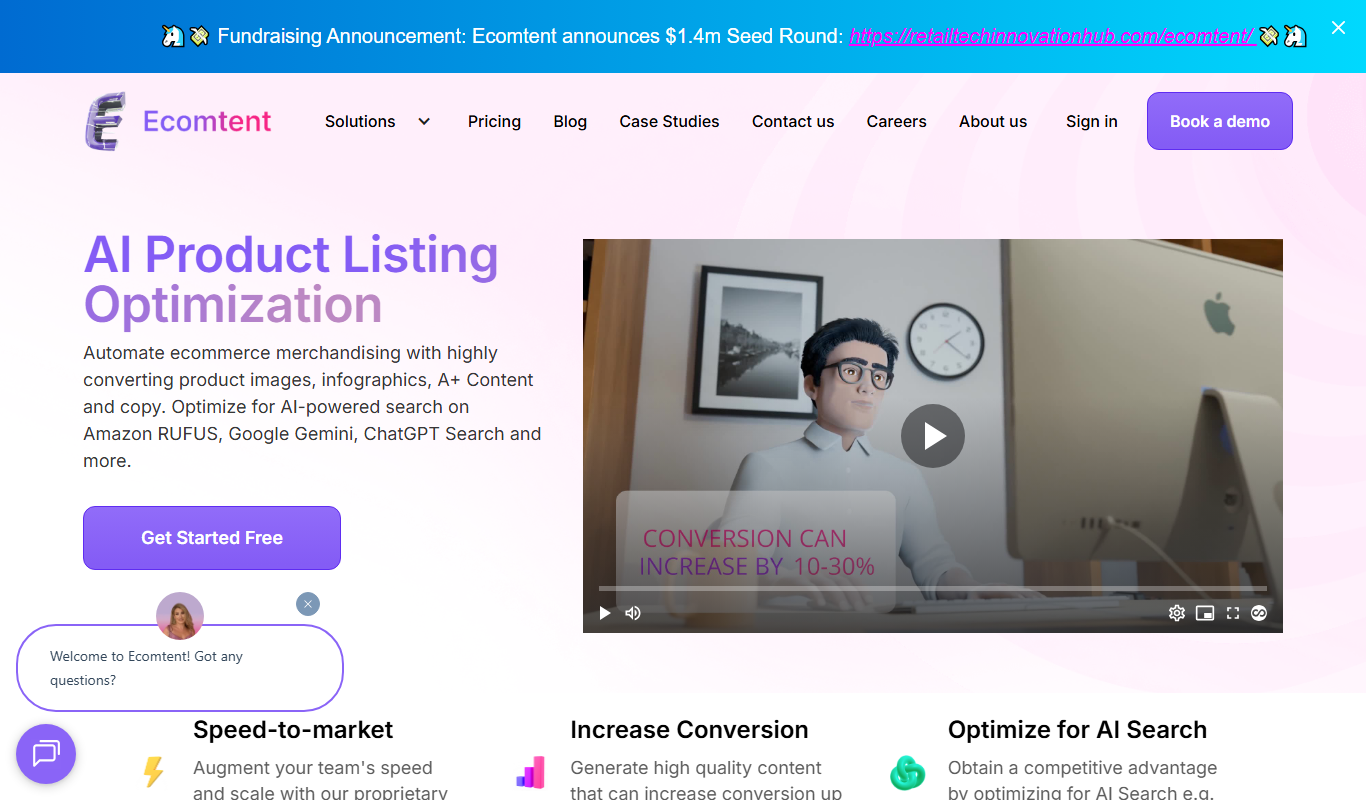
Ecomtent
Ecomtent is an AI content generation platform focused on creating SEO-optimized product descriptions for e-commerce businesses to improve sales and streamline content creation.

Freemium
uniqin.ai
Uniqin.ai is an AI content generation platform that creates unique, SEO-friendly articles and marketing copy to help improve website rankings and engagement.

Freemium
Xiangji 1.0
Xiangji 1.0 is an AI-powered writing assistant focused on Chinese language content creation, offering features like content generation, text refinement, and style improvement.

Freemium
AdGen AI
AdGen AI is an AI-powered platform that automates the creation, optimization, and management of digital ads across multiple platforms, helping marketers generate effective ads and improve campaign performance.

Free
Instantgen AI
Instantgen AI is a web-based tool that uses artificial intelligence to generate images from text prompts, suitable for artists, marketers, and content creators seeking quick and creative visuals.

Freemium
DesignGen
DesignGen is an AI-driven graphic design tool that enables users to quickly create professional marketing and branding visuals using customizable templates and an easy drag-and-drop editor.

Freemium
fpt.ai
fpt.ai is an AI platform by FPT Corporation providing APIs for natural language processing, computer vision, speech recognition, and chatbot development, primarily supporting English and Vietnamese languages.