

From my experience with DesignGen, I found it excels at simplifying graphic design for users without prior experience by leveraging AI-generated templates and an intuitive editor. The platform is particularly well-suited for small businesses and marketing teams needing quick, professional visuals without hiring designers. However, the web-only access and limited advanced customization options may not satisfy expert designers seeking full creative control. Overall, if you want to speed up creating marketing materials and maintain brand consistency with minimal effort, DesignGen delivers solid, user-friendly results.
DesignGen AI Graphic Design Tool for Fast Custom Visual Content Creation
DesignGen is an AI-driven graphic design tool that enables users to quickly create professional marketing and branding visuals using customizable templates and an easy drag-and-drop editor.
- Best for
- Marketing Material Creation
- Key capability
- AI-Powered Template Generation
Your actions
Save DesignGen, follow its updates and vote on it — everything stays in your account.
Sign in or create a free account
What is DesignGen?
DesignGen is an AI-powered graphic design platform that enables users to create custom visual content quickly and easily without advanced design skills. It leverages artificial intelligence to generate professional-quality designs for marketing, branding, social media, and more, using customizable templates and smart automation.
Key features of DesignGen
DesignGen offers AI-driven template generation, drag-and-drop customization, brand asset management, multi-format export options, and collaboration tools to streamline the design process for individuals and teams.
AI-Powered Template Generation
Automatically generate design templates tailored to your project needs using AI algorithms.
Drag-and-Drop Editor
Intuitive interface for easy customization of design elements without technical skills.
Brand Kit Management
Store and apply your brand colors, fonts, and logos consistently across all designs.
Multi-Format Export
Download designs in various formats including PNG, JPG, PDF, and SVG for versatile use.
Collaboration Tools
Invite team members to view, comment, and edit designs in real-time.
Pros and cons of DesignGen
Pros
- User-friendly interface suitable for beginners
- AI-generated templates speed up design process
- Supports brand consistency with brand kit
- Multiple export formats available
- Collaboration tools for teams
Cons
- Limited language support (English only)
- No desktop or mobile app, web-only platform
- Advanced customization options may be limited for expert designers
Key use cases for DesignGen
Marketing Material Creation
Generate professional marketing visuals such as flyers, posters, and social media graphics quickly using AI templates.
Branding Design
Create logos, brand assets, and cohesive visual identities tailored to your business needs.
Social Media Content
Produce engaging and customized social media posts and banners optimized for various platforms.
Presentation Graphics
Design visually appealing slides and infographics to enhance presentations and reports.
E-commerce Visuals
Develop product images, promotional banners, and ads that attract customers and boost sales.
How DesignGen works
- 1
Create an Account
Sign up on the DesignGen website to access the design platform.
- 2
Select a Template or Start Fresh
Choose from a wide range of AI-generated templates or create your design from scratch.
- 3
Customize Your Design
Use the drag-and-drop editor to modify text, images, colors, and layouts to fit your brand.
- 4
Download or Share
Export your design in multiple formats or share it directly to social media or with collaborators.
Who is using DesignGen
Small business owners
Marketing agencies
Social media managers
Content creators
Startups
DesignGen pricing
Free
$0/month
Access to basic templates and limited exports with DesignGen watermark.
Pro
$19/month
Unlimited templates, high-resolution exports, brand kit, and no watermarks.
Team
$49/month
All Pro features plus team collaboration, shared brand assets, and priority support.
Plans and prices are as published by the vendor and can change. Check the official site before you buy. Open the pricing page (opens in a new tab)
Frequently asked questions about DesignGen
Yes, DesignGen is built for users of all skill levels with AI-generated templates and an easy editor.
You can export designs in PNG, JPG, PDF, and SVG formats.
DesignGen offers a free plan with limited features; check their website for any Pro trial offers.
Yes, the Team plan includes collaboration features for multiple users.
This tool is designed to help users accomplish its core tasks more efficiently. It is typically used by individuals or teams looking to improve productivity and workflow.
Some tools offer a free plan or trial with limited features. Availability can vary, so confirm on the official website.
Yes, it can help with that use case depending on how you configure it and what features are available. You’ll get the best results with clear inputs and a defined goal.
Yes, it can help with that use case depending on how you configure it and what features are available. You’ll get the best results with clear inputs and a defined goal.
Sign in to review this tool.
Sign In to ReviewNo reviews yet
Be the first to share how this tool worked for you.
Ask about pricing, limits, or how it compares — or answer someone else.
Sign In to AskNo questions yet
Have a question about using or paying for this tool? Be the first to ask.
Featured on TiorAI



More AI Commercial Generator tools
Other tools in the same category, for when this one is not quite the fit.

Free
Fanfuel
Fanfuel is a web-based platform by Lemon Squeezy that enables creators to monetize their fanbase through subscriptions, digital product sales, and a customizable storefront without monthly fees, operating on a transaction-based pricing model.
Freemium
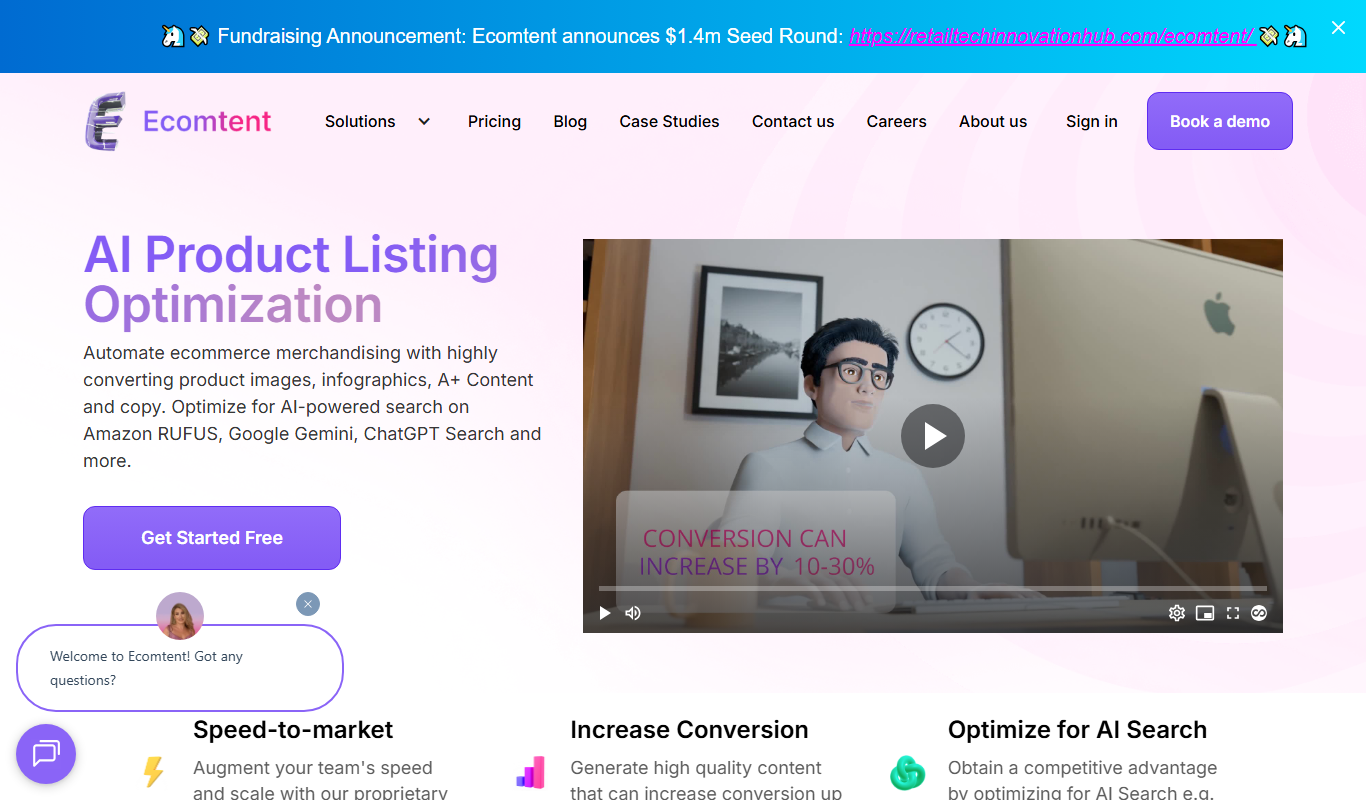
Ecomtent
Ecomtent is an AI content generation platform focused on creating SEO-optimized product descriptions for e-commerce businesses to improve sales and streamline content creation.

Freemium
uniqin.ai
Uniqin.ai is an AI content generation platform that creates unique, SEO-friendly articles and marketing copy to help improve website rankings and engagement.
Freemium
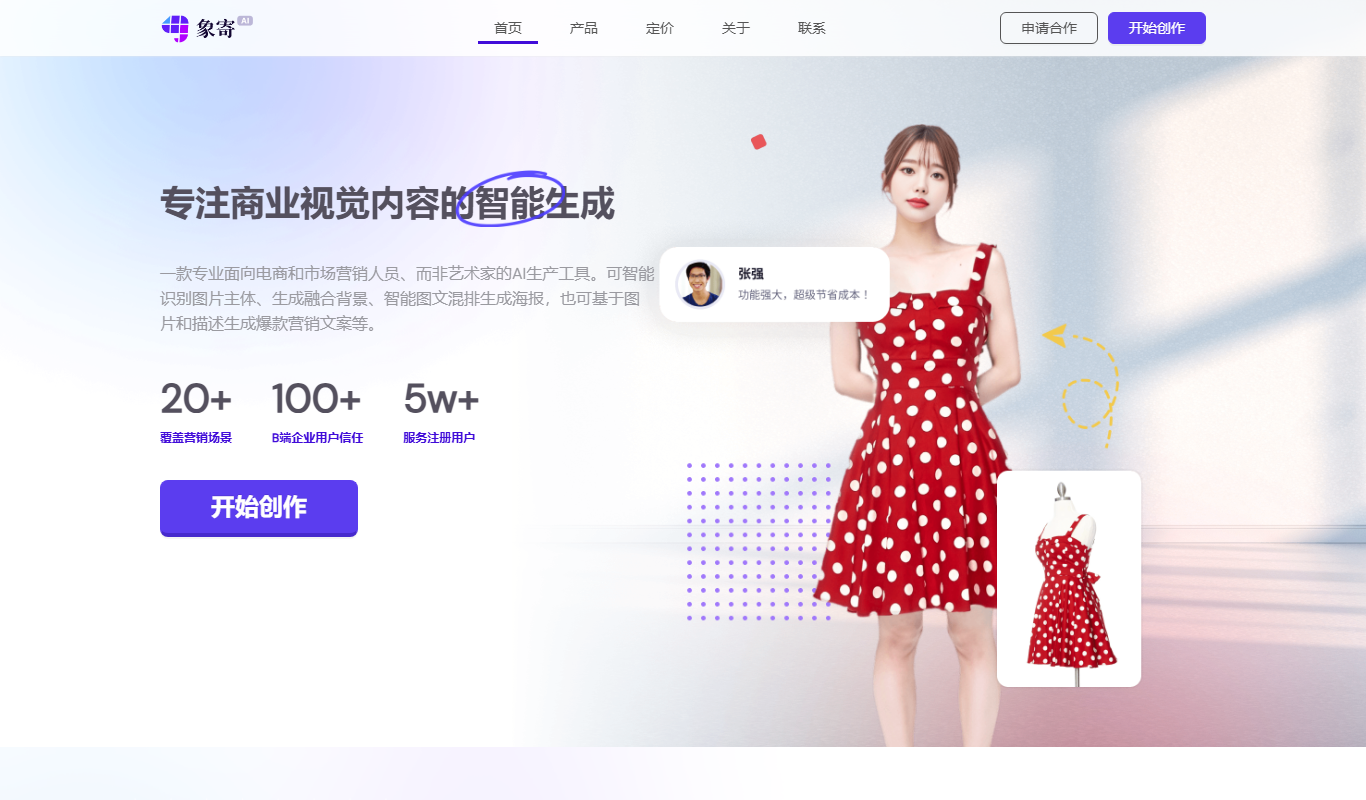
Xiangji 1.0
Xiangji 1.0 is an AI-powered writing assistant focused on Chinese language content creation, offering features like content generation, text refinement, and style improvement.

Freemium
AdGen AI
AdGen AI is an AI-powered platform that automates the creation, optimization, and management of digital ads across multiple platforms, helping marketers generate effective ads and improve campaign performance.
Free
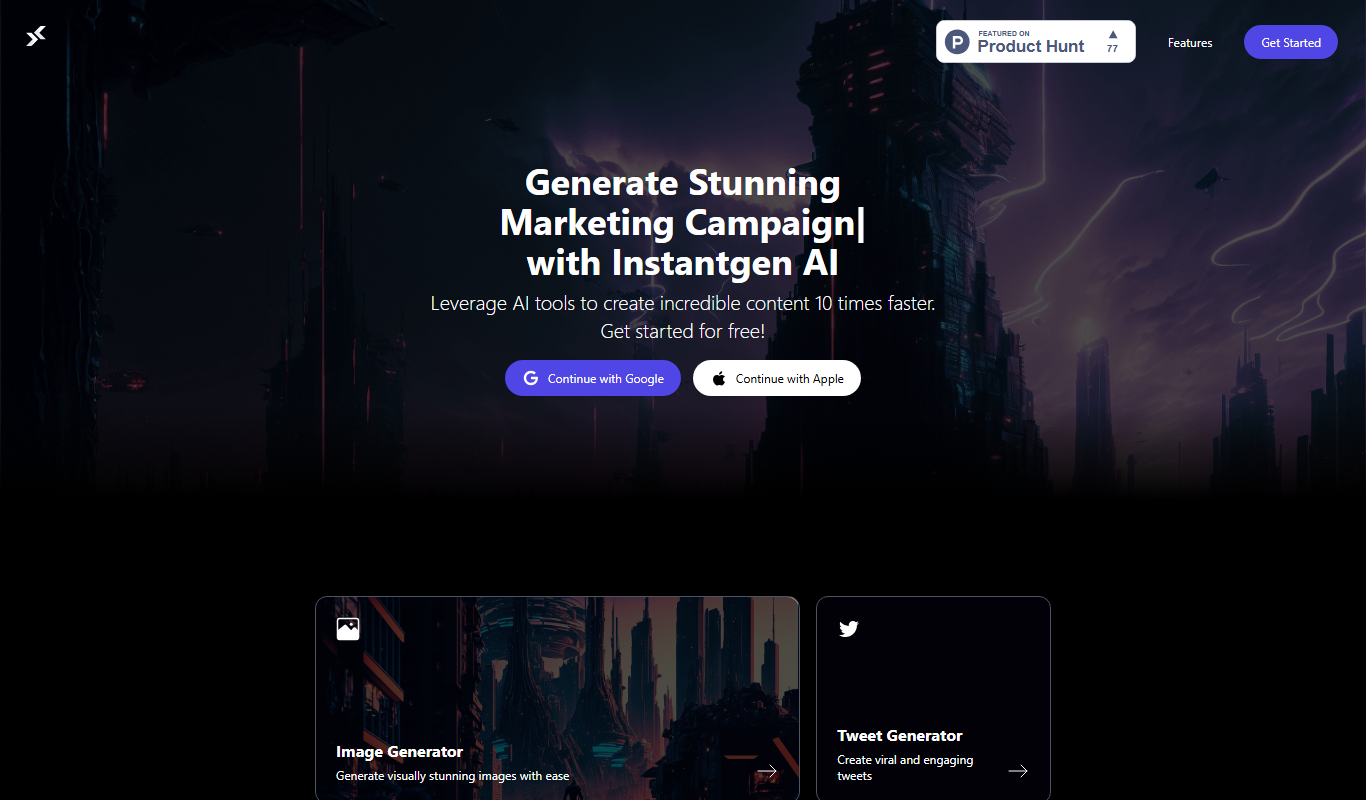
Instantgen AI
Instantgen AI is a web-based tool that uses artificial intelligence to generate images from text prompts, suitable for artists, marketers, and content creators seeking quick and creative visuals.

Freemium
fpt.ai
fpt.ai is an AI platform by FPT Corporation providing APIs for natural language processing, computer vision, speech recognition, and chatbot development, primarily supporting English and Vietnamese languages.

Free Trial
WinningHunter
WinningHunter is a sales intelligence platform that helps businesses find and enrich B2B leads, integrate with CRMs, and streamline sales prospecting.