

YouTube Channel ID Finder
Extract YouTube Channel ID from a channel URL, video URL, or custom handle.
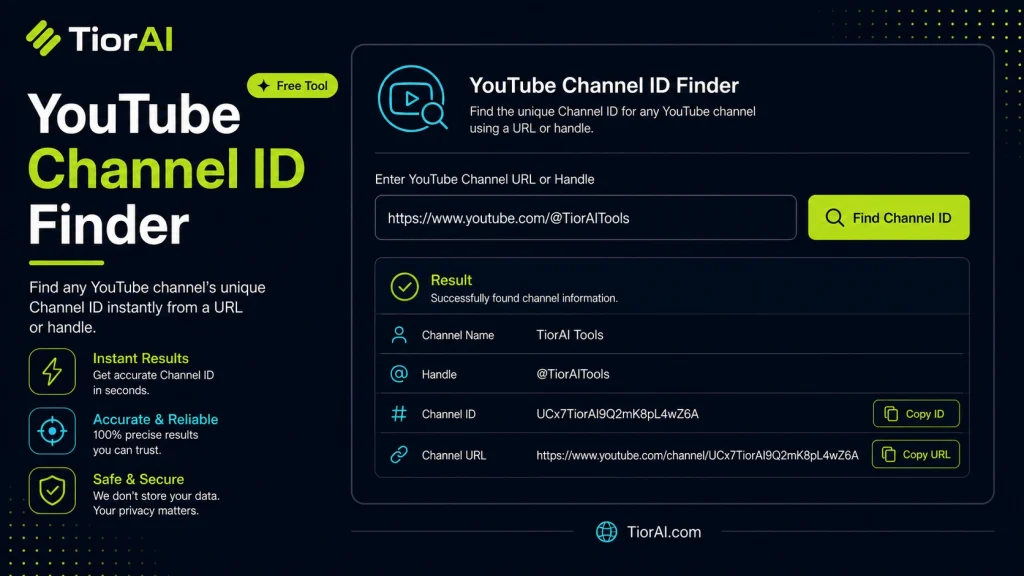
YouTube Channel ID Finder
Supported URL Formats
Channel URLs
https://www.youtube.com/channel/UC...https://www.youtube.com/@handlehttps://www.youtube.com/c/customnamehttps://www.youtube.com/user/username
Video URLs
https://www.youtube.com/watch?v=VIDEO_IDhttps://youtu.be/VIDEO_IDhttps://www.youtube.com/embed/VIDEO_IDhttps://www.youtube.com/shorts/VIDEO_ID
For custom handles and usernames, the tool automatically resolves the correct Channel ID when required.
How to use it
- Enter URL or Keyword Enter your website URL or target keyword into the Youtube Channel Id Finder to begin the analysis process.
- Run the Analysis Click analyze to scan your input. The tool examines multiple SEO factors and compiles the results.
- Review Your Report Examine the detailed report with actionable insights, scores, and recommendations to improve your SEO.
Tip Use the Youtube Channel Id Finder monthly to track improvements and catch SEO regressions before they impact rankings.
Understanding YouTube Channel IDs
Every YouTube channel is assigned a unique identifier known as a channel ID. This ID is a string of letters and numbers that distinguishes one channel from another, regardless of the channel’s display name or URL. Unlike usernames or custom URLs, which can change or be duplicated, the channel ID remains constant.
Why is the channel ID important? It is essential for developers, marketers, and content creators who need to access channel-specific data through YouTube’s API or embed channel information accurately. For example, when integrating YouTube data into websites or apps, the channel ID ensures the correct channel is referenced.
Common scenarios for using channel IDs include:
- Retrieving channel statistics programmatically via YouTube API.
- Embedding channel content on external websites.
- Verifying channel ownership or linking accounts.
- Tracking analytics or managing multiple channels.
Since channel IDs are not always visible or easy to find, especially if a channel uses a custom URL, tools that extract the channel ID from a username or video URL are valuable. These tools parse the available information and return the unique channel ID, simplifying tasks that require precise channel identification.
What is a YouTube Channel ID?
A YouTube channel ID is a unique identifier assigned to every YouTube channel. Unlike channel names or custom URLs, which can be changed or duplicated, the channel ID is a fixed string of letters and numbers that uniquely identifies a channel. This makes it essential for precise referencing, especially in technical or development contexts.
When to Use a YouTube Channel ID Finder
You might need to find a channel ID when working with YouTube’s API, embedding channel content on websites, or managing multiple channels. If you only have a channel name, custom URL, or even a video URL, a channel ID finder tool can extract the exact channel ID quickly and accurately.
Common Mistakes to Avoid
- Mixing up the channel ID with the channel name or custom URL. The channel ID is the only permanent and unique identifier.
- Attempting to locate the channel ID manually by guessing or inspecting URLs without understanding the difference between user URLs and channel URLs.
Technical Context
YouTube’s API requires the channel ID to fetch channel-specific data such as subscriber counts, video lists, or analytics. Since custom URLs and display names can change, relying on the channel ID ensures consistent and reliable data retrieval. Tools that find the channel ID automate this process by parsing URLs or usernames, saving time and reducing errors.
Frequently asked questions
Reviews and questions
Whether this tool gave people the answer they needed, and what they asked about it.
Sign in to review this tool.
Sign In to Review
Great Tool
Thanks For This Tool

Ask how to read the result, or what the tool does with an edge case — or answer someone else.
Sign In to AskNo questions yet
Not sure how to read a result? Be the first to ask.