

Website to IP Lookup
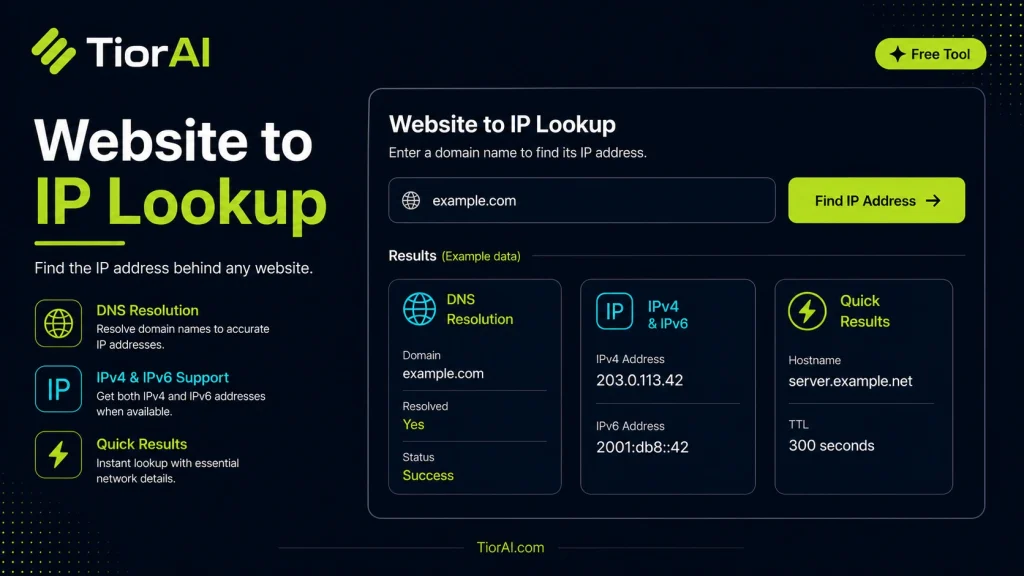
Website to IP lookup is the process of converting a website's domain name into its corresponding IP address. This is essential because while humans use domain names to access websites, computers and network devices communicate using IP addresses. The Domain Name System (DNS) handles this…
How to use it
- Enter Domain or IP Enter the domain name, IP address, or URL into the Website to Ip Lookup to start the lookup or analysis.
- Run the Check Click the check button to query the relevant databases. Results are retrieved and displayed in seconds.
- Analyze the Results Review the detailed results including status, records, and diagnostics to troubleshoot or verify your query.
Tip Use the Website to Ip Lookup to verify DNS propagation after making changes — it can take up to 48 hours for full propagation.
Understanding Website to IP Lookup
Every device connected to the internet is assigned a unique identifier known as an IP (Internet Protocol) address. Websites, hosted on servers, also have IP addresses that allow devices to locate and communicate with them over the network. A website to IP lookup tool translates a human-readable domain name (like example.com) into its corresponding IP address (such as 93.184.216.34 for IPv4 or a longer alphanumeric string for IPv6).
This process is fundamentally tied to the Domain Name System (DNS), a hierarchical and decentralized naming system standardized by the Internet Engineering Task Force (IETF) in RFC 1034 and RFC 1035. DNS servers resolve domain names into IP addresses, enabling browsers and other clients to connect to the correct server hosting the website.
Developers and network administrators use website to IP lookup tools to diagnose connectivity issues, verify DNS configurations, or gather information about hosting environments. For example, when troubleshooting a website that is not loading, confirming the IP address can help determine if DNS resolution is functioning correctly or if there are network routing problems.
Additionally, IP addresses can reveal geographic information about the server location, which is useful for content delivery optimization, compliance checks, or security analysis. However, IP addresses alone do not provide detailed personal information about website owners or users.
Standards such as IPv4 and IPv6 define the format of IP addresses. IPv4 uses a 32-bit numeric address written as four decimal numbers separated by dots, while IPv6 uses 128-bit hexadecimal addresses separated by colons. Modern lookup tools support both formats.
In real-world projects, developers might integrate IP lookup functionality into monitoring dashboards, security tools, or analytics platforms to correlate domain names with network infrastructure details.
What is Website to IP Lookup?
Website to IP lookup is the process of converting a website’s domain name into its corresponding IP address. This is essential because while humans use domain names to access websites, computers and network devices communicate using IP addresses. The Domain Name System (DNS) handles this translation, enabling seamless browsing experiences.
When Should You Use Website to IP Lookup?
- Troubleshooting Connectivity: If a website is unreachable, verifying its IP address can help identify DNS or network issues.
- Deployment Verification: Developers can confirm that a domain points to the correct server after migration or setup.
- Security and Auditing: Knowing the IP address helps configure firewalls or monitor traffic sources.
- Performance Analysis: Understanding hosting locations can guide optimization strategies like using CDNs.
Common Mistakes to Avoid
- Assuming IP Equals Physical Location: Many websites use CDNs or proxies, so the IP address may not reflect the actual server’s geographic location.
- Mixing Up IPs: Confusing the website’s IP with your own or unrelated IP addresses can lead to incorrect conclusions.
Technical Context
IP addresses come in two main formats: IPv4 and IPv6. IPv4 addresses are 32-bit numbers expressed in dotted decimal notation, while IPv6 addresses are 128-bit hexadecimal strings separated by colons. DNS servers store records that map domain names to these IP addresses, following standards defined in RFC 1034 and RFC 1035.
Developers often integrate IP lookup functionality into tools for monitoring, diagnostics, or analytics. Understanding the underlying DNS resolution process and IP addressing schemes is crucial for effective network management and troubleshooting.
Common use cases
- Lookup IP for example.com
- Find IP for wikipedia.org
Frequently asked questions
Reviews and questions
Whether this tool gave people the answer they needed, and what they asked about it.
Sign in to review this tool.
Sign In to ReviewNo reviews yet
Be the first to say whether this tool gave you what you needed.
Ask how to read the result, or what the tool does with an edge case — or answer someone else.
Sign In to AskNo questions yet
Not sure how to read a result? Be the first to ask.
AI tools related to this topic
Tools from the TiorAI directory that work on the same kind of job.

4pm.app | Simple PRO website
4pm.app is a minimalist website builder that helps professionals and small businesses create simple, elegant websites quickly without coding.

Action Network
Action Network is a free digital organizing platform designed for progressive activists and nonprofits to manage petitions, fundraising, email and SMS outreach, and events.