

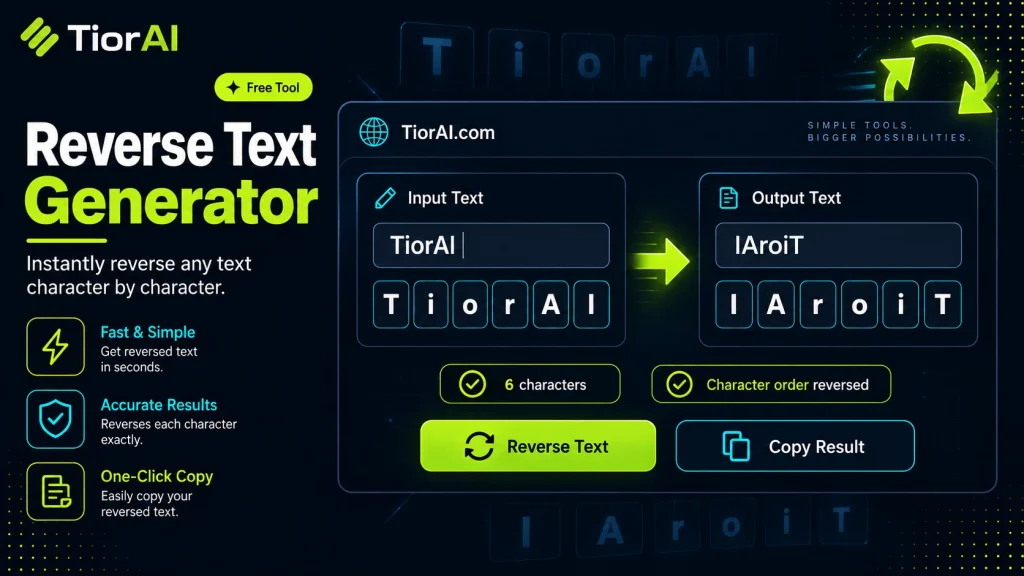
How to use it
- Enter Source Value Type or paste the value you want to convert into the Reverse Text Generator. The tool accepts a wide range of input formats.
- Select Target Format Choose your desired output format or unit from the available options. The conversion starts automatically.
- Copy the Result Review the converted output and click copy to use it in your project, document, or workflow.
Tip Chain the Reverse Text Generator with other conversion tools on TiorAI to handle multi-step format transformations.
Understanding Text Reversal: The Concept Behind Reverse Text Generators
Text reversal is a simple yet intriguing manipulation of strings where the order of characters in a given text is inverted. Instead of reading from left to right, the text is read from right to left. This concept is fundamental in computer science and text processing, serving various practical and recreational purposes.
Why Text Reversal Exists
At its core, reversing text is a way to transform data for encoding, obfuscation, or stylistic effects. Historically, reversing text has been used in puzzles, cryptography, and programming challenges. It helps in understanding string manipulation, a key skill in software development.
How Text Reversal Works Technically
Technically, text reversal involves iterating over the characters of a string from the end to the beginning and constructing a new string with this reversed order. In programming languages, this can be achieved using built-in functions or manual loops. For example, in Python, the slicing syntax string[::-1] returns the reversed string.
Each character, including letters, numbers, spaces, and punctuation, is treated as an individual element. The reversal process does not alter the characters themselves but only their sequence.
Common Real-World Scenarios
- Programming and Coding: Developers use text reversal to solve algorithmic problems, test string functions, or create palindromes.
- Data Obfuscation: Reversing text can serve as a lightweight method to obscure information in casual contexts, such as hiding spoilers or playful messages.
- Design and Typography: Graphic designers sometimes reverse text for artistic effects or to create mirrored text visuals.
- Language and Linguistics: Studying reversed text can help in understanding palindromes and symmetrical word structures.
Understanding text reversal is foundational for grasping more complex text transformations and encoding techniques used in computing and digital communication.
What is Text Reversal?
Text reversal is the process of rearranging the characters in a string so that they appear in the opposite order. Instead of reading from left to right, the text is read from right to left. This simple transformation is a fundamental concept in string manipulation and has various applications in programming, design, and communication.
How Text Reversal Works
At a technical level, reversing text involves iterating over the characters of a string starting from the last character and moving to the first, then constructing a new string from these characters in that order. This operation treats every character equally, including letters, numbers, spaces, and punctuation marks.
For example, the string "Hello" reversed becomes "olleH". This is achieved by taking the last character ‘o’ first, then ‘l’, ‘l’, ‘e’, and finally ‘H’.
Common Uses of Text Reversal
- Programming: Developers use text reversal to solve coding challenges, test string functions, or create palindromes.
- Obfuscation: Reversing text can hide messages in casual contexts, such as social media posts or puzzles.
- Design: Graphic designers use reversed text for artistic effects or mirrored typography.
- Linguistics: Studying reversed text helps analyze symmetrical word structures and palindromes.
When to Use a Reverse Text Generator
- When you want to create a mirrored or stylistic text effect for visual design.
- To quickly obfuscate a message in informal communication.
- When testing or debugging string manipulation code in programming.
- To generate or analyze palindromic sequences.
Common Mistakes to Avoid
- Confusing character reversal with word order reversal — reversing text flips characters, not the order of words.
- Expecting the tool to correctly reverse complex scripts or right-to-left languages without specialized support.
Technical Context
Text reversal is a basic string operation supported by virtually all programming languages. It is often one of the first exercises when learning about strings and arrays. Despite its simplicity, it forms the basis for understanding more complex text transformations and encoding techniques.
While reversing text is straightforward for Latin alphabets and simple characters, handling languages with combining characters, ligatures, or bidirectional text requires more advanced processing beyond simple reversal.
Worked examples
Creating a playful hidden message
Used in social media posts to hide spoilers or add a fun twist
Before Hello World!After !dlroW olleHTesting string reversal in programming
When a developer needs to verify that their string manipulation code works correctly
Before AlgorithmAfter mhtiroglADesigning mirrored text for graphics
Graphic designers reversing text to create symmetrical visual effects
Before DesignAfter ngiseD
Frequently asked questions
Reviews and questions
Whether this tool gave people the answer they needed, and what they asked about it.
Sign in to review this tool.
Sign In to ReviewNo reviews yet
Be the first to say whether this tool gave you what you needed.
Ask how to read the result, or what the tool does with an edge case — or answer someone else.
Sign In to AskNo questions yet
Not sure how to read a result? Be the first to ask.
AI tools related to this topic
Tools from the TiorAI directory that work on the same kind of job.

AI Writer: Essay Email Writing(APP)
AI Writer is a web-based AI writing assistant that helps users generate essays and emails efficiently by providing AI-generated drafts based on user prompts.

CoableAI – Code Writing & Debugging
CoableAI is an AI-driven tool that assists developers by generating code snippets, providing debugging suggestions, and improving code quality through intelligent review.
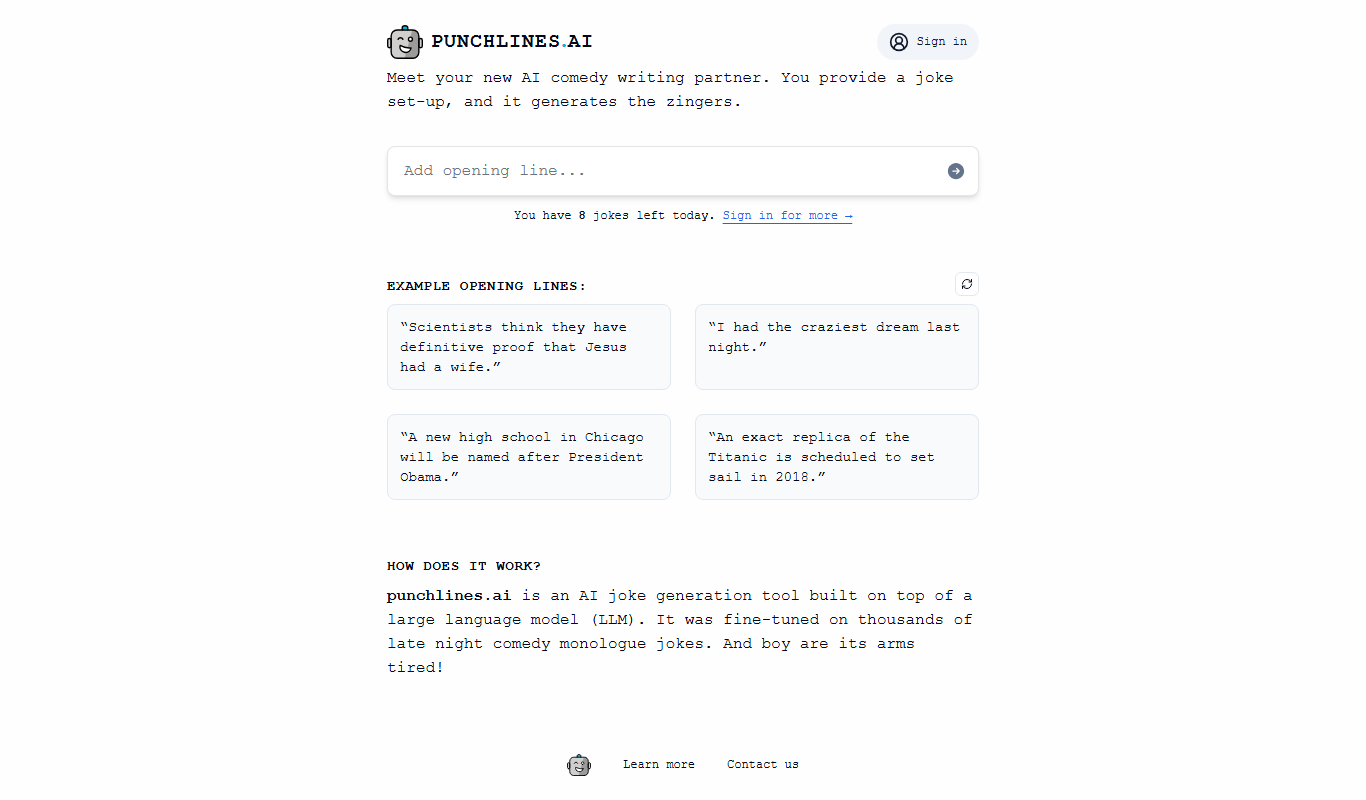
punchlines.ai :: GPT joke writing
Punchlines.ai is an AI-driven platform that generates original jokes and punchlines using GPT-3 technology, helping comedians and creators produce humorous content quickly.