

AI Writer App for Essay and Email Writing with AI Assistance
AI Writer is an iOS and Android app with 10M+ downloads.
- Best for
- Essay Writing
- Key capability
- AI-Powered Text Generation
Save AI Writer: Essay Email Writing(APP), follow its updates and vote on it — everything stays in your account.
Sign in or create a free account

What is AI Writer: Essay Email Writing(APP)?
AI Writer is an app on iOS and Android with 10M+ downloads.
Key features of AI Writer: Essay Email Writing(APP)
The tool offers features such as AI-generated essay drafts, email templates, content suggestions, and editing assistance to improve clarity and style. It is accessible through a web platform, making it easy to use without installation.
AI-Powered Text Generation
Creates essays and emails based on user prompts with coherent and contextually relevant content.
User-Friendly Interface
Simple web-based platform that requires no installation and is easy to navigate.
Content Editing Tools
Allows users to refine and customize AI-generated text for tone, style, and clarity.
Multiple Writing Formats
Supports various writing needs including essays, emails, and general content drafting.
Multilingual Capabilities
The site lists multilingual capabilities.
Pros and cons of AI Writer: Essay Email Writing(APP)
Pros
- Easy to use with a clean web interface
- Supports multiple writing formats including essays and emails
- Offers a free tier for basic usage
Key use cases for AI Writer: Essay Email Writing(APP)
Essay Writing
Generate well-structured essays quickly by providing topics or prompts, helping students and professionals draft content efficiently.
Email Composition
Create professional and clear emails for various purposes such as business communication, follow-ups, and personal messages.
Content Drafting
Assist in drafting articles, blog posts, or other written content by generating coherent text based on user input.
Idea Generation
Help users brainstorm ideas and outlines for writing projects, improving creativity and productivity.
How AI Writer: Essay Email Writing(APP) works
- 1
Access the Web App
Visit the AI Writer website and sign up or log in to start using the tool.
- 2
Input Your Prompt
Enter the topic, essay question, or email subject you want to write about.
- 3
Generate Content
The AI processes your input and produces a draft or suggested text.
- 4
Edit and Customize
Review the generated content, make adjustments, and personalize it to fit your needs.
Who is using AI Writer: Essay Email Writing(APP)
AI Writer: Essay Email Writing(APP) pricing
Free
$0/month
Basic access with limited daily usage and standard AI generation features.
Premium
$9.99/month
Unlimited usage, faster generation, priority support, and advanced editing features.
Plans and prices are as published by the vendor and can change. Check the official site before you buy. Open the pricing page (opens in a new tab)
Frequently asked questions about AI Writer: Essay Email Writing(APP)
Yes, AI Writer offers a free plan with limited daily usage and basic features.
Yes, the tool supports both essay and email writing with AI-generated drafts.
AI Writer is offered as a downloadable app for iPhone, iPad and Android; the site says it works across smartphones, tablets and computers.
The company follows standard data protection practices, but users should review the privacy policy for details.
It depends on your specific needs and how you plan to use the tool. The official website and documentation are the best sources for the latest details.
Yes, it can help with that use case depending on how you configure it and what features are available. You’ll get the best results with clear inputs and a defined goal.
Yes, it can help with that use case depending on how you configure it and what features are available. You’ll get the best results with clear inputs and a defined goal.
Conclusion
Writing starts from a topic, essay question or email subject, and the AI produces a draft from that input. Users then review the generated text and adjust its tone, style and clarity. Beyond essays and emails, it helps with articles, blog posts and outlines for writing projects.
Its use cases center on students drafting essays and professionals writing business emails. It is an app for iOS and Android with 10M+ downloads. The site also lists multilingual capabilities.
Sources
Sign in to review this tool.
Sign In to ReviewNo reviews yet
Be the first to share how this tool worked for you.
Ask about pricing, limits, or how it compares — or answer someone else.
Sign In to AskNo questions yet
Have a question about using or paying for this tool? Be the first to ask.
Featured on TiorAI



More AI Content Generator tools
Other tools in the same category, for when this one is not quite the fit.
Ion Interactive
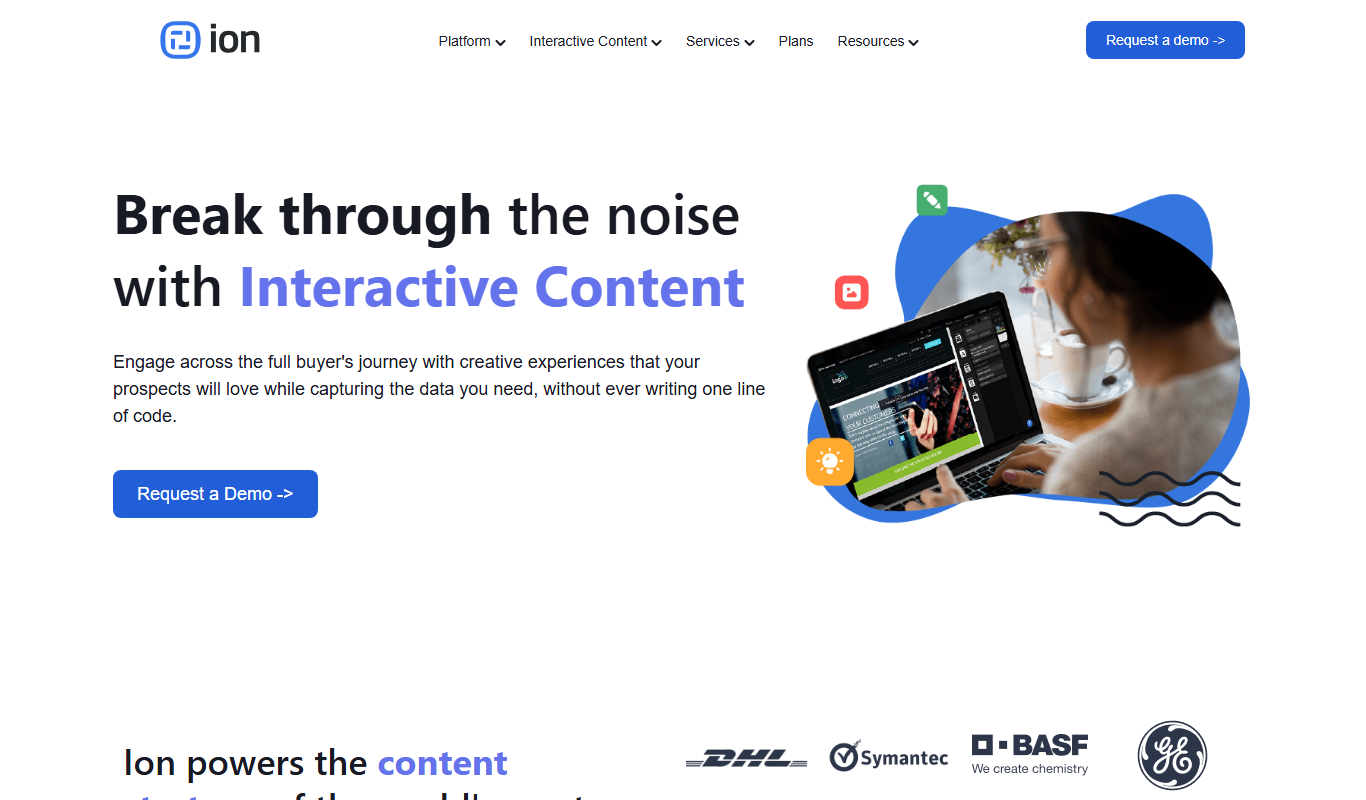
Ion Interactive is a web-based platform that enables marketers to create interactive content like quizzes and assessments to engage audiences and generate leads without coding.

写作猫AI
写作猫AI is a Chinese-language AI writing assistant that supports content generation, creative writing, and text refinement through a web platform.

Calmly Writer
Calmly Writer is a minimalist writing app designed to help users focus by providing a distraction-free interface, Markdown support, autosave, and export options. It is available as a free web app and a paid desktop app for offline use.

750 Words
750 Words is a web-based platform that encourages users to write 750 words daily to build a consistent writing habit, offering a distraction-free interface and progress tracking.

Bewerbung2Go
Bewerbung2Go is an AI-driven platform that helps German-speaking users generate customized cover letters and optimize job applications efficiently.

Gengo
Gengo is a professional human translation platform that provides accurate, culturally relevant translations for businesses via web and API, supporting over 70 language pairs.
Skyword
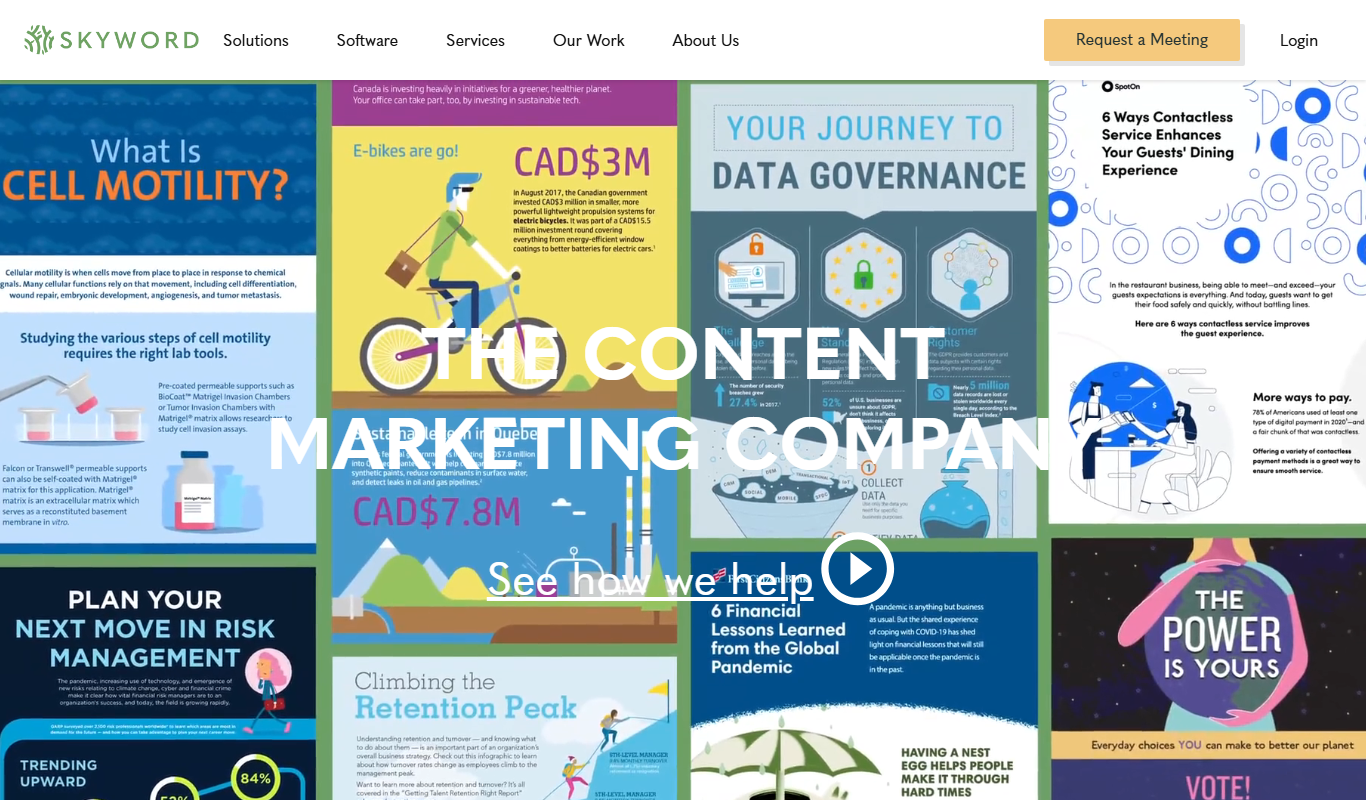
Skyword is an enterprise content marketing platform that helps organizations plan, create, manage, and analyze content marketing campaigns with collaboration tools and a freelance network.

Archive.org
Archive.org is a free digital library and internet archive providing access to billions of archived web pages, books, audio, video, and software for research, education, and creative projects.