

PNG to ICO
Convert PNG images to ICO format quickly and free with our online converter. Upload your PNG file and download the converted ICO image instantly – no software installation required, works on all devices.
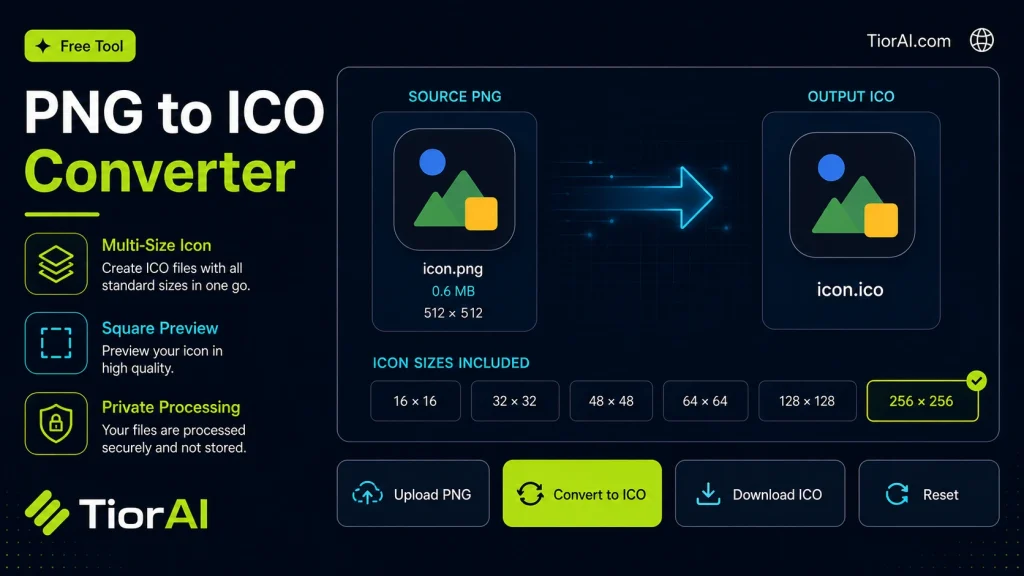
PNG to ICO Converter
Your files never leave your browser.
Conversion settings
Uses balanced quality, original dimensions, preserved transparency, browser auto-orientation, high-quality resizing, and removes metadata.
Advanced Settings
Conversion results
How to use it
- Upload Your Image Upload or drag and drop your image into the Png to Ico. Supports PNG, JPG, WebP, and other common formats.
- Process the Image Configure your desired settings and click process. The tool applies changes to your image in seconds.
- Download the Result Preview the processed image and download it in your preferred format, ready for use.
Tip The Png to Ico preserves image quality while optimizing — your photos stay sharp even after processing.
Understanding PNG to ICO Conversion
An ICO file is a format used primarily for icons in Microsoft Windows environments. It contains one or more small images at multiple sizes and color depths, allowing the operating system to display the most appropriate icon depending on context, such as desktop shortcuts, taskbar icons, or file thumbnails.
PNG (Portable Network Graphics) is a popular image format known for lossless compression and support for transparency. However, Windows and many applications require icons in the ICO format for proper display.
Converting PNG images to ICO files involves packaging one or more PNG images into a single ICO container. This process often includes resizing the original PNG to standard icon dimensions like 16×16, 32×32, 48×48, and 256×256 pixels. The ICO format supports multiple resolutions within one file, enabling smooth scaling and crisp display on different screen settings.
Why is this conversion needed?
- Windows applications and shortcuts require ICO files for their icons.
- Developers need ICO files when creating software or websites that integrate with Windows OS.
- Designers convert PNGs to ICO to maintain transparency and image quality in icons.
Overall, PNG to ICO conversion is essential for ensuring that custom images function correctly as icons in Windows environments.
What is PNG to ICO Conversion?
Converting PNG images to ICO files is a process that transforms a standard image format into a specialized icon format used mainly by Windows. ICO files contain multiple images at different sizes and color depths, allowing the system to select the best icon resolution for various display contexts.
PNG images are widely used due to their lossless compression and support for transparency, but Windows requires icons in the ICO format for proper integration. This conversion involves resizing and packaging one or more PNG images into a single ICO file.
When Should You Use PNG to ICO Conversion?
- When designing custom icons for Windows applications or desktop shortcuts.
- When preparing images for software development that requires ICO format icons.
- When you want to maintain transparency in your icons.
- When bundling multiple icon sizes into one file for better display on different screen resolutions.
Common Mistakes to Avoid
- Using PNG files with incorrect dimensions, which can lead to poor icon quality.
- Assuming the ICO file contains only one image size, which can cause icons to appear blurry on some displays.
Understanding these technical details helps ensure your icons look sharp and professional across all Windows interfaces.
Frequently asked questions
Reviews and questions
Whether this tool gave people the answer they needed, and what they asked about it.
Sign in to review this tool.
Sign In to ReviewNo reviews yet
Be the first to say whether this tool gave you what you needed.
Ask how to read the result, or what the tool does with an edge case — or answer someone else.
Sign In to AskNo questions yet
Not sure how to read a result? Be the first to ask.
AI tools related to this topic
Tools from the TiorAI directory that work on the same kind of job.

PngMaker.io: Convert Text to PNG Quickly
PngMaker.io is a free online tool that converts text into PNG images with transparent backgrounds, allowing customization of fonts and colors without requiring any software installation or account.

Any Video Converter
Any Video Converter is a multimedia software that converts video files between numerous formats, downloads online videos, and offers basic editing and DVD burning features.

Bank Statement Converter
Bank Statement Converter is an online tool that converts PDF bank statements into Excel and CSV formats, enabling easy data extraction and financial management.