

Image OCR
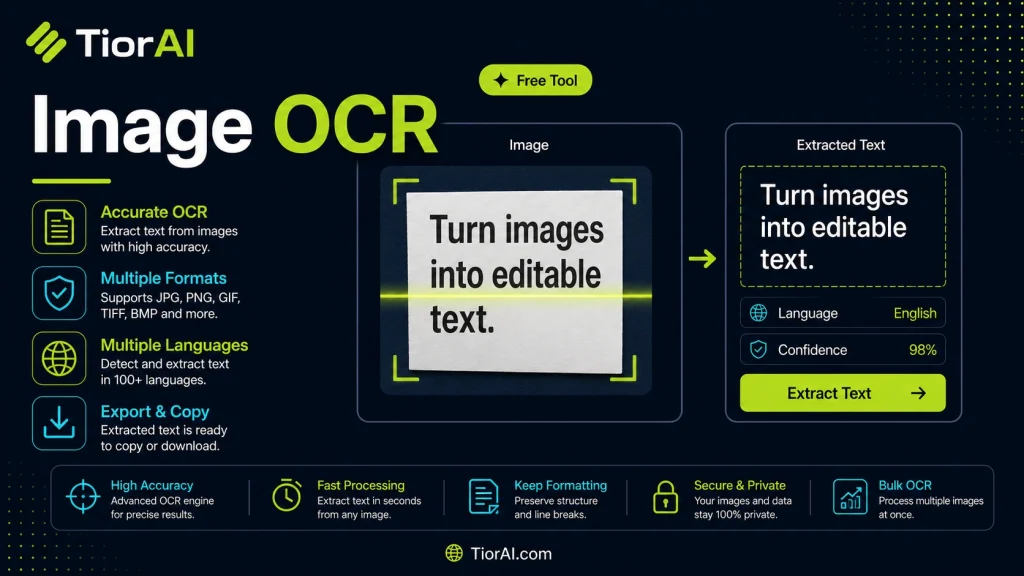
Edit and optimize images online with the free image ocr. Upload your file, apply changes, and download the result — no software installation needed.
How to use it
- Upload Your Image Upload or drag and drop your image into the Image Ocr. Supports PNG, JPG, WebP, and other common formats.
- Process the Image Configure your desired settings and click process. The tool applies changes to your image in seconds.
- Download the Result Preview the processed image and download it in your preferred format, ready for use.
Tip Batch process multiple images with the Image Ocr by uploading them one after another for consistent results.
What is Optical Character Recognition (OCR)?
Optical Character Recognition (OCR) is a technology that converts text within images into editable and searchable digital text. It analyzes the shapes and patterns of characters in a scanned document, photo, or screenshot and translates them into machine-readable text. This process is essential because text embedded in images cannot be copied, searched, or edited without OCR.
OCR is widely used in digitizing printed documents, automating data entry, and extracting information from photos or scanned files. For example, businesses use OCR to convert invoices or receipts into digital records, while students might extract text from textbook images for notes.
How OCR works:
- Image preprocessing to enhance quality and remove noise.
- Text detection to locate areas containing characters.
- Character recognition using pattern matching or machine learning models.
- Post-processing to correct errors and format the output.
OCR technology supports multiple languages and fonts, but accuracy depends on image quality, text clarity, and layout complexity. It is a key tool in image editing and document management workflows where converting visual text into editable content is necessary.
Understanding Image OCR Technology
Optical Character Recognition (OCR) converts text embedded in images into editable digital text. This technology is crucial when dealing with scanned documents, photos, or screenshots containing text that cannot be copied or searched directly. OCR works by analyzing the shapes of characters in an image and translating them into machine-readable text.
OCR involves several steps: enhancing the image quality, detecting text regions, recognizing individual characters, and correcting errors. The process enables users to digitize printed materials, automate data entry, and extract text for editing or searching.
When to Use Image OCR
- Extract text from scanned documents or photos for editing.
- Digitize printed materials like books, receipts, or forms.
- Convert screenshots containing text into editable formats.
- Automate data entry from paper-based records.
- Translate text from images in different languages.
Common Mistakes to Avoid
- Uploading low-resolution or blurry images reduces OCR accuracy.
- Using images with complex backgrounds or overlapping text confuses the OCR engine.
Ensuring clear, high-quality images with simple backgrounds improves recognition results. While OCR technology is powerful, it may require manual correction for complex layouts or unusual fonts.
Frequently asked questions
Reviews and questions
Whether this tool gave people the answer they needed, and what they asked about it.
Sign in to review this tool.
Sign In to ReviewNo reviews yet
Be the first to say whether this tool gave you what you needed.
Ask how to read the result, or what the tool does with an edge case — or answer someone else.
Sign In to AskNo questions yet
Not sure how to read a result? Be the first to ask.