

ICO to PNG
Convert ICO images to PNG format quickly and free with our online converter. Upload your ICO file and download the converted PNG image instantly – no software installation required, works on all devices.
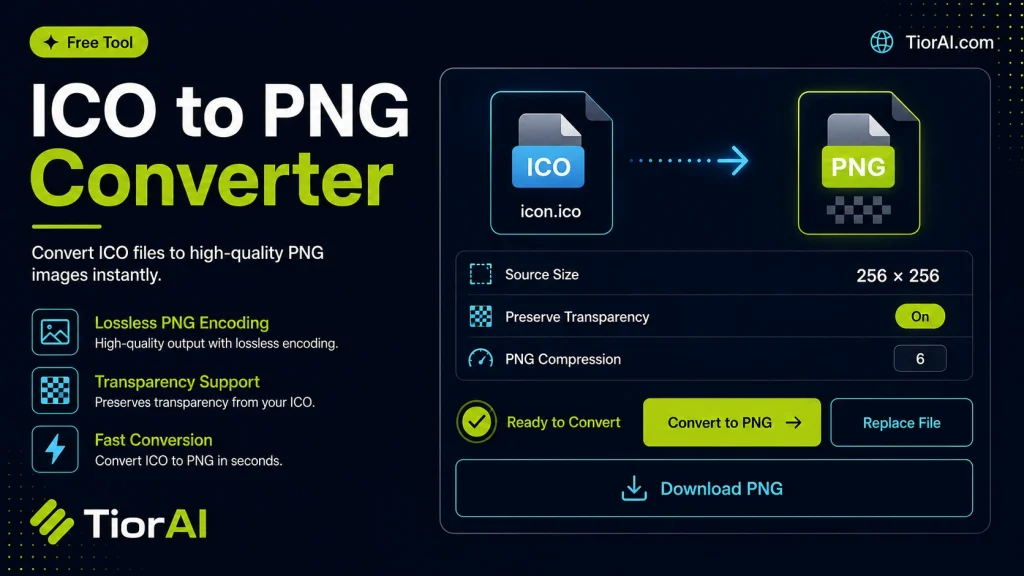
ICO to PNG Converter
Your files never leave your browser.
Conversion settings
Uses balanced quality, original dimensions, preserved transparency, browser auto-orientation, high-quality resizing, and removes metadata.
Advanced Settings
Conversion results
How to use it
- Upload Your Image Upload or drag and drop your image into the Ico to Png. Supports PNG, JPG, WebP, and other common formats.
- Process the Image Configure your desired settings and click process. The tool applies changes to your image in seconds.
- Download the Result Preview the processed image and download it in your preferred format, ready for use.
Tip Batch process multiple images with the Ico to Png by uploading them one after another for consistent results.
About ICO to PNG
ICO (icon) files are a format primarily used to store icons on Windows systems. These files can contain multiple images at different sizes and color depths, allowing the operating system to select the most appropriate icon for a given context. PNG (Portable Network Graphics) is a widely supported raster image format known for lossless compression and support for transparency.
Converting ICO files to PNG is common because PNG is more versatile and easier to use in web design, graphic editing, and other applications that do not natively support ICO files. While ICO files are optimized for icons, PNG files are better suited for general image use, including high-quality displays and online content.
Why convert ICO to PNG?
- Compatibility: Many image editors and web platforms do not support ICO files directly but do support PNG.
- Transparency preservation: PNG supports alpha transparency, which is essential for icons with smooth edges or shadows.
- Editing flexibility: PNG files can be easily edited or resized without losing quality.
Typical use cases include extracting icons from software for use in presentations, websites, or mobile apps, and converting legacy icon files to modern formats.
Understanding ICO to PNG Conversion
ICO files are specialized image containers used primarily for icons in Windows environments. They often include multiple images at different sizes and color depths to ensure icons display correctly in various contexts. PNG, on the other hand, is a standard image format known for its lossless compression and support for transparency, making it ideal for web and graphic design.
Converting ICO files to PNG is necessary when you want to use icon images outside their native environment. For example, web developers often convert ICO files to PNG to embed icons in websites, as most browsers and design tools do not support ICO files directly.
When to Use ICO to PNG Conversion
- When you need to use icons on platforms or applications that do not support ICO files.
- When preparing icon images for editing in graphic software that accepts PNG but not ICO.
- When extracting specific icon sizes from a multi-resolution ICO file for design or presentation purposes.
- When preserving transparency is important for the icon’s appearance in different backgrounds.
Common Mistakes to Avoid
- Assuming the ICO file contains only one image and not selecting the appropriate icon size before conversion, which can lead to low-quality PNGs.
- Expecting automatic optimization of image quality without adjusting settings, resulting in poor resolution.
- Overlooking transparency preservation, which can cause unwanted backgrounds in the converted PNG.
Understanding these aspects ensures you get the best results when converting ICO files to PNG format for your projects.
Frequently asked questions
Reviews and questions
Whether this tool gave people the answer they needed, and what they asked about it.
Sign in to review this tool.
Sign In to ReviewNo reviews yet
Be the first to say whether this tool gave you what you needed.
Ask how to read the result, or what the tool does with an edge case — or answer someone else.
Sign In to AskNo questions yet
Not sure how to read a result? Be the first to ask.
AI tools related to this topic
Tools from the TiorAI directory that work on the same kind of job.

PngMaker.io: Convert Text to PNG Quickly
PngMaker.io is an AI tool that creates transparent PNG images from text prompts, with a free daily credit allowance and paid plans for more credits and commercial use.

Any Video Converter
Any Video Converter is a multimedia software that converts video files between numerous formats, downloads online videos, and offers basic editing and DVD burning features.

Bank Statement Converter
Bank Statement Converter is an online tool that converts PDF bank statements into Excel and CSV formats, enabling easy data extraction and financial management.