

From my experience with PngMaker.io, I found it excels at quickly turning plain text into clean PNG images with transparent backgrounds. The simplicity of the interface means you can generate graphics in seconds without any design skills or software installation. It’s particularly well-suited for content creators and web developers who need fast, no-fuss text images for projects or marketing. However, the tool is limited to basic text-to-image conversion and lacks advanced editing features. Overall, if you want a straightforward way to create transparent text PNGs instantly, PngMaker.io delivers efficiently.
PngMaker.io - Fast and Easy Text to PNG Image Converter Online
PngMaker.io is a free online tool that converts text into PNG images with transparent backgrounds, allowing customization of fonts and colors without requiring any software installation or account.
- Best for
- Create Transparent Text Images
- Key capability
- Instant Text to PNG Conversion
Your actions
Save PngMaker.io: Convert Text to PNG Quickly, follow its updates and vote on it — everything stays in your account.
Sign in or create a free account

What is PngMaker.io: Convert Text to PNG Quickly?
PngMaker.io is a free online tool that converts plain text into PNG images with transparent backgrounds. It allows users to customize font size, color, and style, enabling quick creation of text-based graphics without requiring graphic design software.
Key features of PngMaker.io: Convert Text to PNG Quickly
The tool offers instant text-to-PNG conversion with customization options for font, size, color, and background transparency. It is browser-based, requires no installation, and outputs high-quality PNG images suitable for various digital uses.
Instant Text to PNG Conversion
Transforms text input into a downloadable PNG image instantly.
Customizable Fonts and Colors
Choose from various fonts and colors to match your design needs.
Transparent Background Support
Generates PNGs with transparent backgrounds for versatile use.
No Account Required
Use the tool freely without signing up or installing software.
Pros and cons of PngMaker.io: Convert Text to PNG Quickly
Pros
- Simple and intuitive interface
- No sign-up or installation required
- Fast conversion with transparent backgrounds
- Completely free to use
Cons
- Limited to text-to-PNG conversion only
- No advanced graphic design features
Key use cases for PngMaker.io: Convert Text to PNG Quickly
Create Transparent Text Images
Generate PNG images with transparent backgrounds from any text for use in presentations, websites, or social media.
Quick Graphic Design Elements
Produce text-based graphics quickly without needing advanced design software.
Content Creation for Marketing
Easily create text images for marketing materials, banners, or ads.
Web Development
Generate text images for UI elements or placeholders in web projects.
How PngMaker.io: Convert Text to PNG Quickly works
- 1
Enter Text
Type or paste the desired text into the input field on the website.
- 2
Customize Appearance
Adjust font style, size, and color to your preference.
- 3
Generate PNG
Click the convert button to create a PNG image with transparent background.
- 4
Download Image
Save the generated PNG file directly to your device for immediate use.
Who is using PngMaker.io: Convert Text to PNG Quickly
Content creators
Web developers
Social media managers
Small business owners
Marketing professionals
PngMaker.io: Convert Text to PNG Quickly pricing
Free
$0
Full access to all features with unlimited text to PNG conversions.
Plans and prices are as published by the vendor and can change. Check the official site before you buy. Open the pricing page (opens in a new tab)
Frequently asked questions about PngMaker.io: Convert Text to PNG Quickly
No, PngMaker.io is completely free and does not require any registration.
Yes, you can select different fonts, sizes, and colors before generating the PNG.
Yes, the tool creates PNG images with transparent backgrounds by default.
No, you can generate as many PNG images as you need without restrictions.
It depends on your specific needs and how you plan to use the tool. The official website and documentation are the best sources for the latest details.
Some tools offer a free plan or trial with limited features. Availability can vary, so confirm on the official website.
It depends on your specific needs and how you plan to use the tool. The official website and documentation are the best sources for the latest details.
Sign in to review this tool.
Sign In to ReviewNo reviews yet
Be the first to share how this tool worked for you.
Ask about pricing, limits, or how it compares — or answer someone else.
Sign In to AskNo questions yet
Have a question about using or paying for this tool? Be the first to ask.
Featured on TiorAI



Alternative Tools
Explore similar AI tools that might fit your needs
Free
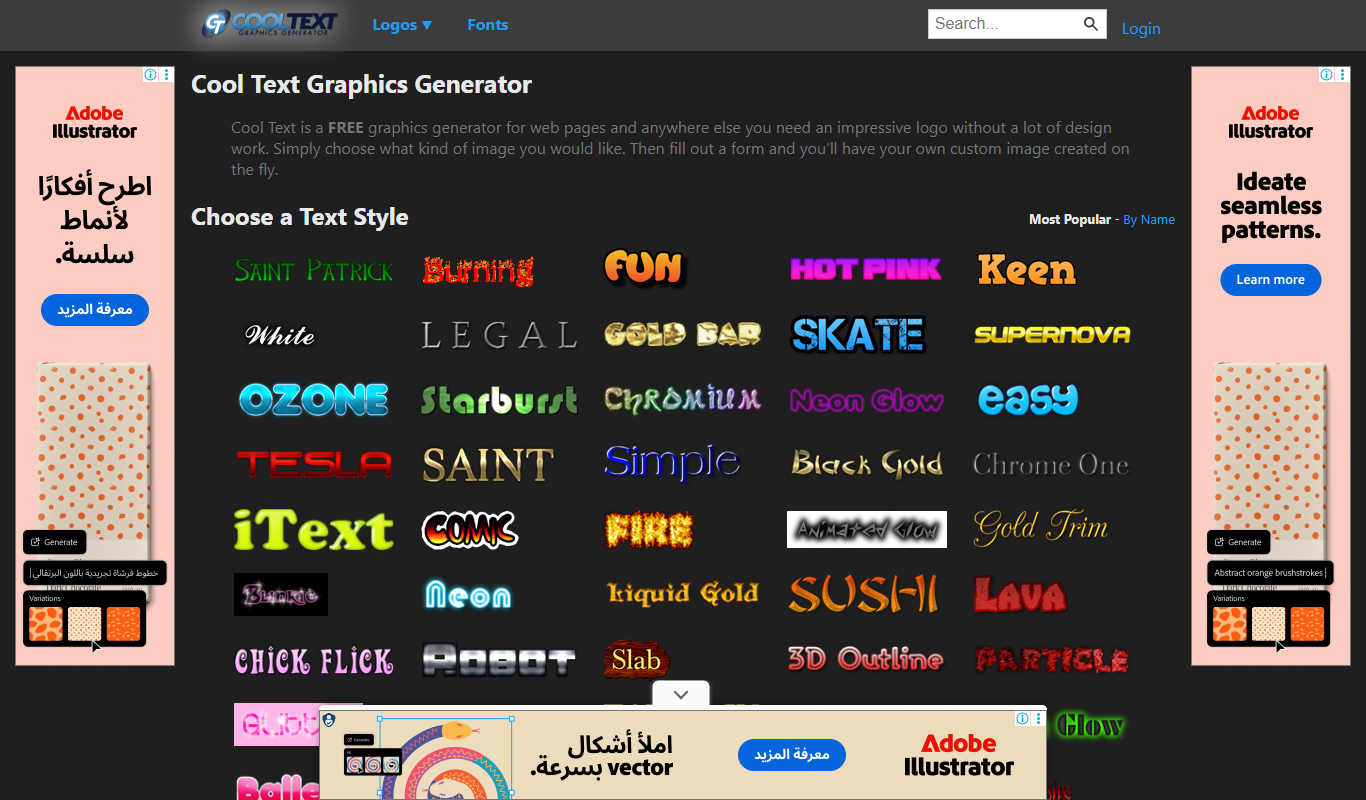
CoolText
CoolText is a free online tool for creating custom logos and graphic text designs with various fonts and effects, ideal for quick branding needs.