

PNG to GIF
Convert PNG images to GIF format quickly and free with our online converter. Upload your PNG file and download the converted GIF image instantly – no software installation required, works on all devices.
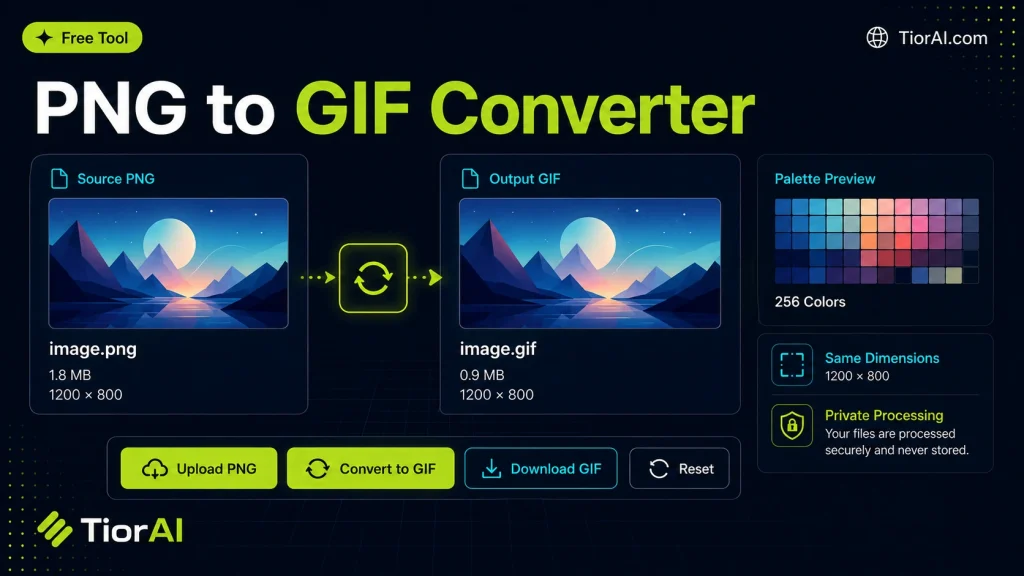
PNG to GIF Converter
Your files never leave your browser.
Conversion settings
Uses balanced quality, original dimensions, browser auto-orientation, high-quality resizing, and removes metadata.
Advanced Settings
Conversion results
How to use it
- Upload Your Image Upload or drag and drop your image into the Png to Gif. Supports PNG, JPG, WebP, and other common formats.
- Process the Image Configure your desired settings and click process. The tool applies changes to your image in seconds.
- Download the Result Preview the processed image and download it in your preferred format, ready for use.
Tip Batch process multiple images with the Png to Gif by uploading them one after another for consistent results.
Understanding PNG to GIF Conversion
PNG (Portable Network Graphics) and GIF (Graphics Interchange Format) are two popular image file formats used on the web. PNG supports lossless compression and millions of colors, making it ideal for high-quality static images with transparency. GIF, on the other hand, supports a limited color palette (up to 256 colors) but allows for simple animations by combining multiple frames into one file.
Converting PNG to GIF involves changing the image format from a static, high-color PNG file to a GIF file, which may be static or animated. This conversion is necessary when you want to create lightweight images compatible with older browsers or platforms that only support GIFs, or when you want to create animations from multiple PNG frames.
Why convert PNG to GIF?
Compatibility:GIFs are widely supported across all browsers and email clients.Animation:GIF format allows multiple images to be combined into an animated sequence.File size:GIFs can be smaller than PNGs for images with limited colors.
Common use cases include creating simple animations from a series of PNG images, reducing file size for web use when color depth is not critical, or preparing images for platforms that only accept GIFs.
What is PNG to GIF Conversion?
PNG and GIF are two widely used image formats with different strengths. PNG supports millions of colors and lossless compression, making it ideal for high-quality static images with transparency. GIF supports up to 256 colors and allows animation by combining multiple frames.
Converting PNG to GIF changes the image format, often to create animations or ensure compatibility with platforms that only support GIFs. This process reduces color depth and may affect image quality but enables features like simple animations.
When to Use PNG to GIF Conversion
- Creating an animated GIF from multiple PNG images.
- Reducing file size for images with limited colors to improve web loading times.
- Preparing images for platforms or software that only accept GIF format.
- Maintaining transparency where a simple on/off transparency is sufficient.
Common Mistakes to Avoid
- Expecting full color fidelity after conversion; GIF supports only 256 colors, so some color loss is normal.
- Attempting to create an animated GIF from a single PNG image; animation requires multiple frames.
Understanding these technical differences helps you choose the right format and conversion method for your project.
Frequently asked questions
Reviews and questions
Whether this tool gave people the answer they needed, and what they asked about it.
Sign in to review this tool.
Sign In to ReviewNo reviews yet
Be the first to say whether this tool gave you what you needed.
Ask how to read the result, or what the tool does with an edge case — or answer someone else.
Sign In to AskNo questions yet
Not sure how to read a result? Be the first to ask.
AI tools related to this topic
Tools from the TiorAI directory that work on the same kind of job.

PngMaker.io: Convert Text to PNG Quickly
PngMaker.io is a free online tool that converts text into PNG images with transparent backgrounds, allowing customization of fonts and colors without requiring any software installation or account.

Any Video Converter
Any Video Converter is a multimedia software that converts video files between numerous formats, downloads online videos, and offers basic editing and DVD burning features.

Bank Statement Converter
Bank Statement Converter is an online tool that converts PDF bank statements into Excel and CSV formats, enabling easy data extraction and financial management.