

GIF to PNG
Convert GIF images to PNG format quickly and free with our online converter. Upload your GIF file and download the converted PNG image instantly – no software installation required, works on all devices.
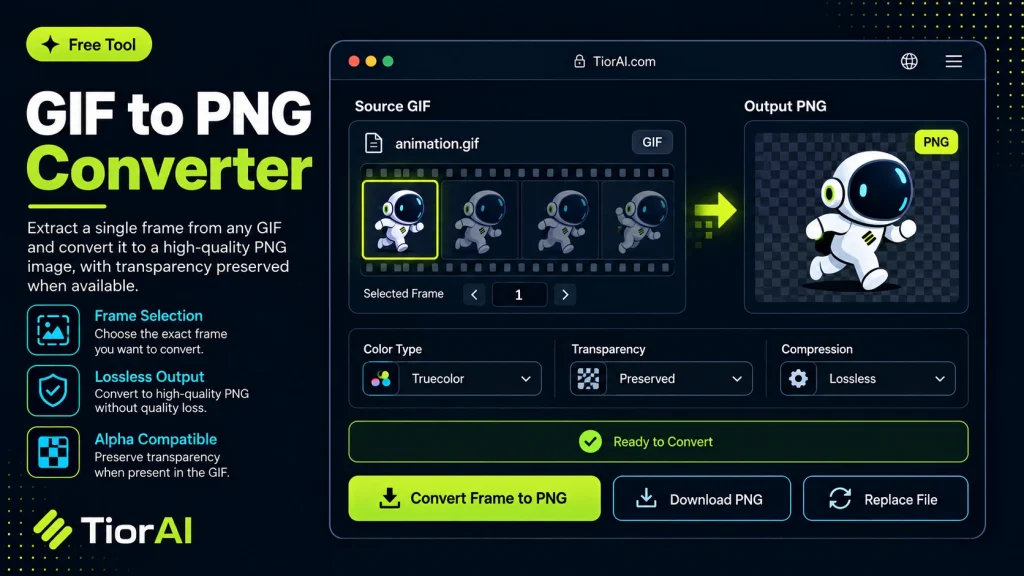
GIF to PNG Converter
Your files never leave your browser.
Conversion settings
Uses balanced quality, original dimensions, preserved transparency, browser auto-orientation, high-quality resizing, and removes metadata.
Advanced Settings
Conversion results
How to use it
- Upload Your Image Upload or drag and drop your image into the Gif to Png. Supports PNG, JPG, WebP, and other common formats.
- Process the Image Configure your desired settings and click process. The tool applies changes to your image in seconds.
- Download the Result Preview the processed image and download it in your preferred format, ready for use.
Tip Check the before-and-after preview in the Gif to Png to fine-tune settings before downloading your final image.
Understanding GIF to PNG Conversion
Converting a GIF to PNG involves changing the image file format from Graphics Interchange Format (GIF) to Portable Network Graphics (PNG). Both formats are widely used for images on the web but serve different purposes and have distinct characteristics.
GIF supports simple animations and uses a limited color palette of up to 256 colors. It is ideal for short animations or graphics with flat colors. However, GIFs use lossless compression but are limited in color depth and do not support partial transparency.
PNG is a raster image format that supports millions of colors and offers lossless compression with full alpha channel transparency. PNGs are static images, meaning they do not support animation. When converting from GIF to PNG, the animation frames are typically separated into individual static PNG images.
This conversion is useful when you need high-quality static images extracted from an animated GIF or when you want to use a single frame without animation. For example, designers might extract a specific frame from a GIF to use as a transparent logo or icon in PNG format.
Common use cases include:
- Extracting a single frame from an animated GIF for use in presentations or websites.
- Converting GIFs with limited colors to PNG for better color depth and transparency.
- Preparing images for editing in software that does not support GIF animation.
What is GIF to PNG Conversion?
GIF to PNG conversion changes an image from the GIF format, which supports animation and limited colors, to PNG, a static image format with higher color depth and transparency support. This process is useful when you want to extract a single frame from an animated GIF or improve image quality for editing or web use.
When Should You Use GIF to PNG Conversion?
- To obtain a high-quality static image from an animated GIF.
- When editing a frame from a GIF in software that does not support animation.
- To use images with transparent backgrounds and better color fidelity.
- For converting GIF icons or graphics into PNG for web or print.
Common Mistakes to Avoid
- Assuming the PNG will keep the GIF’s animation; PNGs are static images.
- Uploading multi-frame GIFs without knowing if the tool converts all frames or just the first.
Understanding these differences helps you choose the right format and conversion method for your needs. PNG is ideal for static images requiring transparency and high quality, while GIF remains the choice for simple animations.
Frequently asked questions
Reviews and questions
Whether this tool gave people the answer they needed, and what they asked about it.
Sign in to review this tool.
Sign In to ReviewNo reviews yet
Be the first to say whether this tool gave you what you needed.
Ask how to read the result, or what the tool does with an edge case — or answer someone else.
Sign In to AskNo questions yet
Not sure how to read a result? Be the first to ask.
AI tools related to this topic
Tools from the TiorAI directory that work on the same kind of job.

PngMaker.io: Convert Text to PNG Quickly
PngMaker.io is a free online tool that converts text into PNG images with transparent backgrounds, allowing customization of fonts and colors without requiring any software installation or account.

Any Video Converter
Any Video Converter is a multimedia software that converts video files between numerous formats, downloads online videos, and offers basic editing and DVD burning features.

Bank Statement Converter
Bank Statement Converter is an online tool that converts PDF bank statements into Excel and CSV formats, enabling easy data extraction and financial management.