

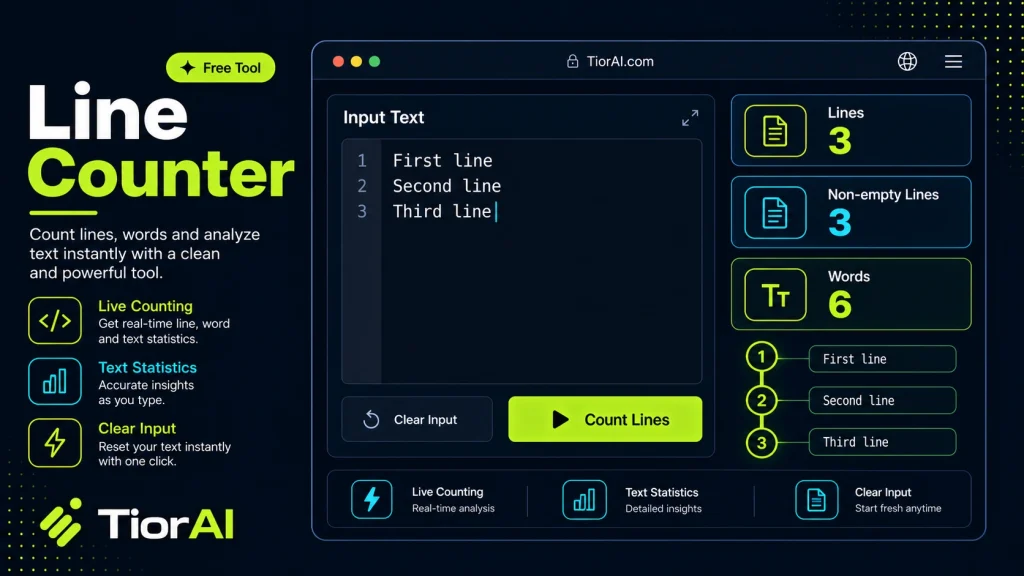
| Lines | 0 |
|---|---|
| Non-blank Lines | 0 |
| Characters | 0 |
How to use it
- Paste Your Text Paste or type your text into the Line Counter. The tool handles content of any length with no character limits.
- Apply the Tool Click the action button to process your text. The transformation is applied instantly to your content.
- Copy the Result Review the transformed text and copy it to your clipboard for use in documents, emails, or projects.
Tip Use the Line Counter to clean up copied text from PDFs or web pages that often carry hidden formatting issues.
Understanding Line Counting in Text Processing
Line counting is a fundamental concept in text processing and programming that involves determining the number of lines present in a given text input. A “line” is typically defined as a sequence of characters ending with a newline character, such as n (Line Feed) or rn (Carriage Return + Line Feed) depending on the operating system. This concept exists because text files and documents are often structured in lines to improve readability, organization, and processing efficiency.
Why Line Counting Exists
Counting lines is essential for many reasons. In programming, it helps developers understand the size and structure of code files. In text editing, line numbers assist in navigation and error tracking. In data processing, lines often represent individual records or entries, so counting lines can give a quick overview of dataset size.
How Line Counting Works Technically
At its core, line counting involves scanning the text for newline characters. Different operating systems use different newline conventions:
- Unix/Linux/macOS: Lines end with
n(Line Feed). - Windows: Lines end with
rn(Carriage Return + Line Feed). - Older Mac OS: Lines end with
r(Carriage Return) only.
A line counter tool reads the entire input text, detects these newline characters, and increments a counter each time one is found. The total count is usually the number of newline characters plus one, assuming the last line does not end with a newline.
Common Real-World Scenarios
- Programming and Debugging: Developers use line counts to estimate code size, locate errors by line number, or enforce style guidelines.
- Text Editing: Writers and editors use line numbers to reference specific parts of a document.
- Data Processing: When working with CSV or log files, each line often corresponds to a data record; counting lines helps assess dataset size.
- Quality Assurance: Testers may verify that output files have the expected number of lines.
Understanding how line counting works helps users interpret the results correctly, especially when dealing with different newline conventions or files that may have trailing blank lines.
What is Line Counting?
Line counting is the process of determining how many lines of text are present in a given input. Lines are segments of text separated by newline characters, which vary depending on the operating system. This concept is essential in many areas such as programming, data analysis, and text editing because it helps organize and reference text efficiently.
How Line Counting Works
Technically, line counting involves scanning the text for newline characters like n or rn. Each occurrence of these characters indicates the end of one line and the start of another. The total number of lines is generally the count of these newline characters plus one, assuming the last line does not end with a newline.
Different systems use different newline conventions:
- Unix/Linux/macOS: Use
nto mark line endings. - Windows: Use
rnas line endings. - Older Mac OS: Use
ralone.
Understanding these differences is important because a line counter must correctly interpret the newline characters to provide an accurate count.
When to Use a Line Counter
- When you need to quickly determine the number of lines in source code files for debugging or review.
- To verify the number of entries in data files like CSVs or logs before processing.
- When preparing text files that require a specific line count for submission or compliance.
- To check the length of scripts or configuration files before deployment.
Common Mistakes to Avoid
- Assuming newline characters are uniform across all files, which can lead to incorrect line counts if the tool does not handle different newline formats.
- Ignoring empty or trailing lines, which are still counted as lines and can affect the total count.
Technical Context
Line counting is a simple yet crucial operation in text processing. It relies on the consistent use of newline characters to separate lines. However, variations in newline conventions and the presence of empty lines can complicate the process. Tools that count lines must be designed to handle these variations to provide accurate results.
In programming environments, line numbers are often displayed alongside code to help developers navigate and debug. In data processing, line counts can indicate the number of records, which is vital for data integrity checks. Understanding how line counting works helps users interpret results correctly and avoid common pitfalls.
Worked examples
Counting lines in a source code file
Developers want to know the size of their codebase or locate errors by line number.
Before A JavaScript file with 150 lines of code separated by newline characters.After The line counter tool outputs '150' indicating the total number of lines.Verifying records in a CSV file
Data analysts check the file integrity before importing into a database.
Before A CSV file containing 1000 lines, each representing a data entry.After The tool counts and confirms there are 1000 lines, ensuring no data loss.Checking empty lines in a text document
Editors need to remove trailing blank lines to meet formatting standards.
Before A text document with 50 lines, including 5 empty lines at the end.After The line counter reports 50 lines, including empty ones, which may affect processing.
Frequently asked questions
Reviews and questions
Whether this tool gave people the answer they needed, and what they asked about it.
Sign in to review this tool.
Sign In to ReviewNo reviews yet
Be the first to say whether this tool gave you what you needed.
Ask how to read the result, or what the tool does with an edge case — or answer someone else.
Sign In to AskNo questions yet
Not sure how to read a result? Be the first to ask.
AI tools related to this topic
Tools from the TiorAI directory that work on the same kind of job.

Culture Counter
Culture Counter is a web app that enables organizations to measure, track, and improve workplace diversity and inclusion through customizable metrics, data visualization, and benchmarking tools.

Prompt Token Counter
Prompt Token Counter is a free online tool that counts tokens in AI prompts to help users optimize input size and manage API costs for models like GPT-3 and GPT-4.