

From my experience with Prompt Token Counter, I found it excels at providing quick and accurate token counts essential for managing AI prompt inputs. The tool’s simplicity and real-time feedback make it particularly well-suited for developers and content creators who need to optimize prompts for cost and performance. However, it focuses solely on token counting without additional features like prompt editing or analytics. Overall, if you want a straightforward, free tool to understand your prompt token usage, Prompt Token Counter delivers reliable results efficiently.
Prompt Token Counter Tool for Accurate AI Prompt Token Calculation Online
Prompt Token Counter is a free online tool that counts tokens in AI prompts to help users optimize input size and manage API costs for models like GPT-3 and GPT-4.
- Best for
- AI Prompt Optimization
- Key capability
- Multi-Model Tokenization Support
Your actions
Save Prompt Token Counter, follow its updates and vote on it — everything stays in your account.
Sign in or create a free account
What is Prompt Token Counter?
Prompt Token Counter is a free web-based utility designed to count the number of tokens in text prompts used for AI language models like OpenAI’s GPT series. It helps users understand how many tokens their input consumes, which is essential for managing API usage limits and costs.
Key features of Prompt Token Counter
The tool provides instant token counts for any input text, supports multiple AI model tokenization schemes, and offers a simple interface for quick prompt analysis.
Multi-Model Tokenization Support
Supports token counting for various OpenAI models, reflecting their specific tokenization methods.
Real-Time Token Counting
Instantly updates token count as users type or paste their prompts.
User-Friendly Interface
Clean and simple web interface requiring no registration or installation.
Pros and cons of Prompt Token Counter
Pros
- Free and easy to use
- Supports multiple OpenAI models
- Real-time token counting
- No sign-up required
Cons
- Limited to token counting only
- No offline or mobile app versions
Key use cases for Prompt Token Counter
AI Prompt Optimization
Helps users optimize their AI prompts by accurately counting tokens to stay within model limits.
Cost Estimation for AI Usage
Enables developers and content creators to estimate token usage and associated costs for API calls.
Prompt Engineering Education
Assists learners and professionals in understanding tokenization and prompt length implications.
How Prompt Token Counter works
- 1
Enter Text Prompt
Users input or paste their text prompt into the provided text box.
- 2
Select AI Model
Choose the AI model to match the tokenization rules (e.g., GPT-3, GPT-4).
- 3
View Token Count
The tool calculates and displays the total number of tokens used by the prompt.
Who is using Prompt Token Counter
AI developers
Prompt engineers
Content creators using AI
Educators teaching AI concepts
Businesses managing AI API costs
Prompt Token Counter pricing
Free
$0
Unlimited usage of token counting features at no cost.
Plans and prices are as published by the vendor and can change. Check the official site before you buy. Open the pricing page (opens in a new tab)
Frequently asked questions about Prompt Token Counter
A token is a piece of text, such as a word or part of a word, that AI models process. Counting tokens helps manage input size and cost.
Counting tokens ensures your prompts fit within model limits and helps estimate API usage costs.
It supports major OpenAI models like GPT-3 and GPT-4, but may not cover every AI model tokenization scheme.
It depends on your specific needs and how you plan to use the tool. The official website and documentation are the best sources for the latest details.
It depends on your specific needs and how you plan to use the tool. The official website and documentation are the best sources for the latest details.
Sign in to review this tool.
Sign In to ReviewNo reviews yet
Be the first to share how this tool worked for you.
Ask about pricing, limits, or how it compares — or answer someone else.
Sign In to AskNo questions yet
Have a question about using or paying for this tool? Be the first to ask.
Featured on TiorAI



More AI Prompt Engineering Tools tools
Other tools in the same category, for when this one is not quite the fit.

Free
Video to Prompt Generator
Video to Prompt Generator is a free web tool that converts video content into descriptive text prompts for AI creative applications by analyzing video frames and generating detailed prompts.

Free
16x Prompt
16x Prompt is a web tool that automates the generation and optimization of prompts to improve AI language model responses, boosting productivity for developers and content creators.

Free
PromptPoint
PromptPoint is a web platform that helps users create, manage, and optimize AI prompts to improve the quality and relevance of AI-generated content, with features for collaboration and analytics.

Free
promptengineering.org
promptengineering.org is a free educational platform offering tutorials, prompt examples, and best practices to help users master prompt engineering for AI language models.

Free
Prompting Sheets™
Prompting Sheets™ offers curated, ready-to-use AI prompt templates in Google Sheets format to help ChatGPT and GPT-4 users generate high-quality outputs efficiently.
Free
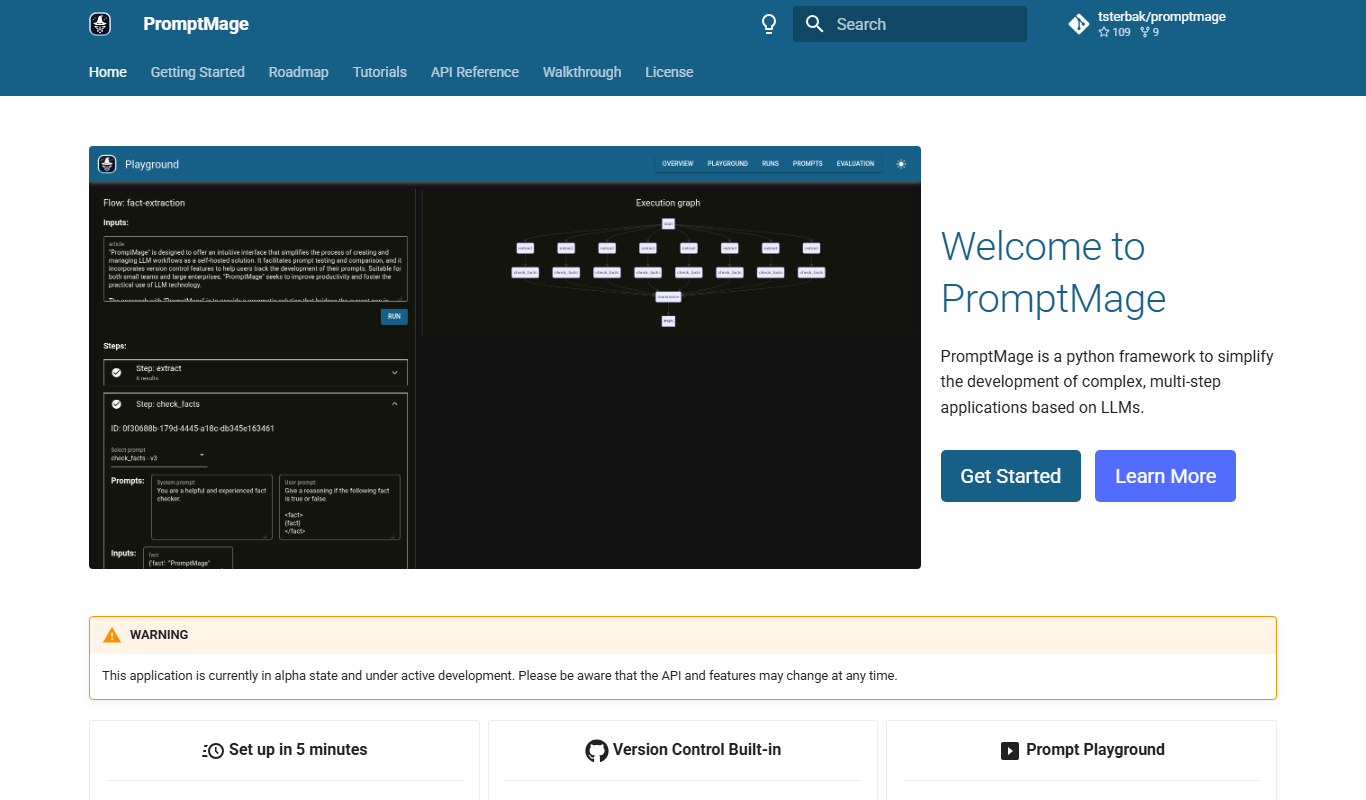
PromptMage
PromptMage is a web tool that generates and customizes AI prompts to help users improve the quality and creativity of AI-generated content across various applications.
Free
Promptify.pro
Promptify.pro is a web platform that provides a library of customizable AI prompts to enhance content creation and AI interaction workflows.
Free
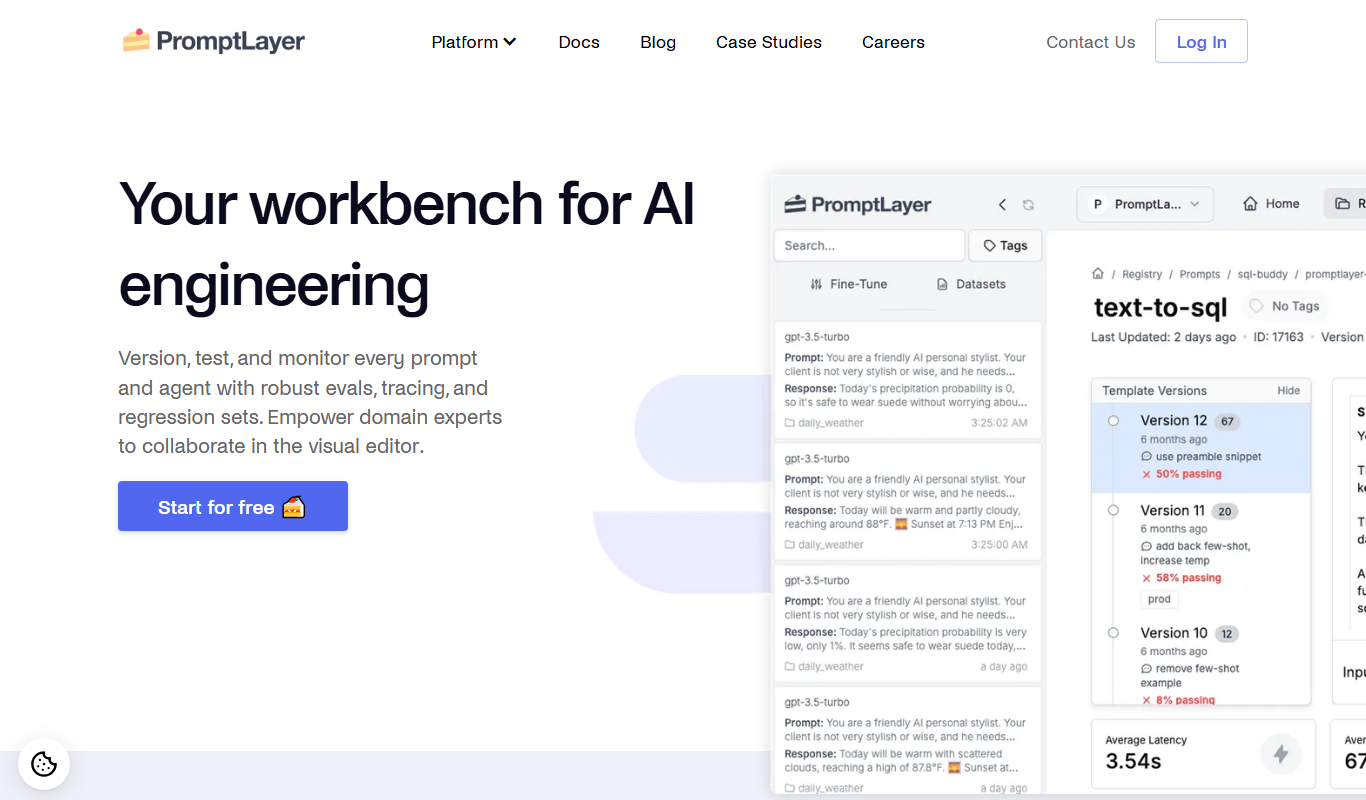
PromptLayer
PromptLayer is a platform that helps developers log, version, and analyze AI prompts and completions to improve prompt engineering and optimize costs when using large language models like OpenAI's GPT.