

Internet Speed Test
Understanding Internet Speed Tests An internet speed test measures how fast your internet connection can send and receive data. It evaluates download speed, upload speed, and latency by exchanging data packets between your device and a test server. These metrics help you understand your connection's…
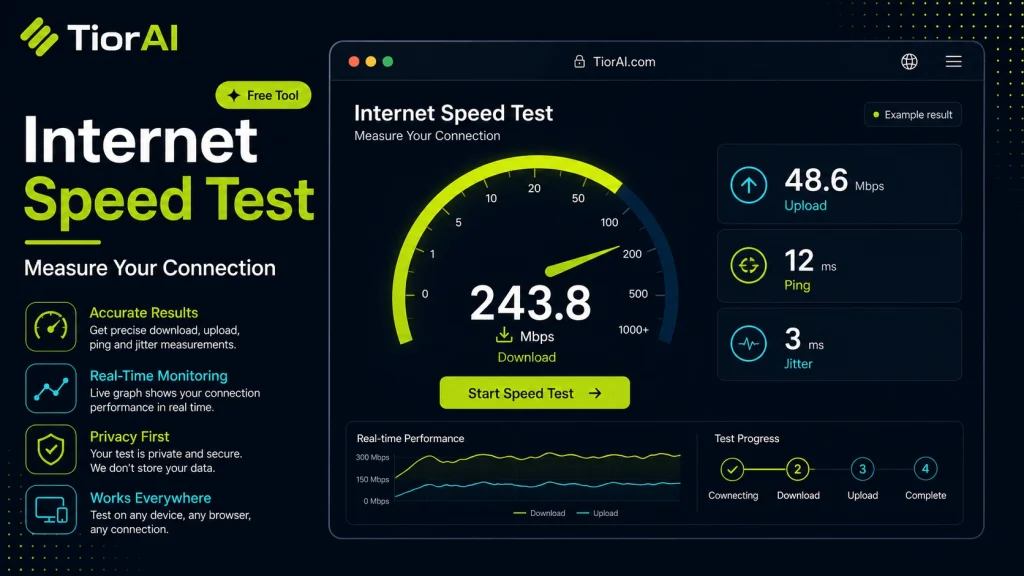
Results reflect speed between your device and this server.
| Measurement | Result | Rating |
|---|---|---|
| Download | -- Mbps | |
| Upload | -- Mbps | |
| Latency | -- ms |
How to use it
- Enter Domain or IP Enter the domain name, IP address, or URL into the Internet Speed Test to start the lookup or analysis.
- Run the Check Click the check button to query the relevant databases. Results are retrieved and displayed in seconds.
- Analyze the Results Review the detailed results including status, records, and diagnostics to troubleshoot or verify your query.
Tip Run the Internet Speed Test from different times of day to catch intermittent issues that only appear during peak traffic.
About Internet Speed Test
An internet speed test measures the performance of your internet connection by evaluating key metrics such as download speed, upload speed, and latency (ping). These tests work by sending and receiving data packets between your device and a test server, then calculating how quickly data travels in both directions.
Understanding your internet speed is essential because it directly affects how smoothly you can stream videos, play online games, conduct video calls, or download files. Different activities require different speeds; for example, streaming HD video typically needs higher download speeds than browsing websites.
Internet speed tests are commonly used to diagnose network issues, verify if your internet service provider (ISP) is delivering the promised speeds, or compare performance across different networks or devices. They provide a snapshot of your connection quality at a given moment, which can vary depending on network congestion, hardware, or distance from the server.
These tests usually measure three main parameters:
- Download speed: How fast data is received from the internet to your device.
- Upload speed: How fast data is sent from your device to the internet.
- Latency (ping): The time it takes for a data packet to travel to the server and back, affecting responsiveness.
By understanding these metrics, users can make informed decisions about their internet plans, troubleshoot connectivity problems, or optimize their network setup.
Understanding Internet Speed Tests
An internet speed test measures how fast your internet connection can send and receive data. It evaluates download speed, upload speed, and latency by exchanging data packets between your device and a test server. These metrics help you understand your connection’s performance and whether it meets your needs.
When to Use an Internet Speed Test
- To check if your internet service provider delivers the speeds promised in your plan.
- When troubleshooting slow internet or connectivity issues.
- To compare different internet providers or network setups.
- After installing new network equipment to verify performance.
- Before engaging in activities that require high bandwidth, like streaming or gaming.
Common Mistakes to Avoid
- Running tests over weak Wi-Fi signals, which can produce misleadingly low speeds.
- Testing during peak usage times or when multiple devices are active, skewing results.
- Failing to close background apps that consume bandwidth during the test.
By understanding how internet speed tests work and when to use them, you can better assess your network’s health and make informed decisions about your internet usage and service plans.
Frequently asked questions
Reviews and questions
Whether this tool gave people the answer they needed, and what they asked about it.
Sign in to review this tool.
Sign In to ReviewNo reviews yet
Be the first to say whether this tool gave you what you needed.
Ask how to read the result, or what the tool does with an edge case — or answer someone else.
Sign In to AskNo questions yet
Not sure how to read a result? Be the first to ask.
AI tools related to this topic
Tools from the TiorAI directory that work on the same kind of job.

Action Network
Action Network is a free digital organizing platform designed for progressive activists and nonprofits to manage petitions, fundraising, email and SMS outreach, and events.