

Domain Location
Find the geographic location and server details of any domain.
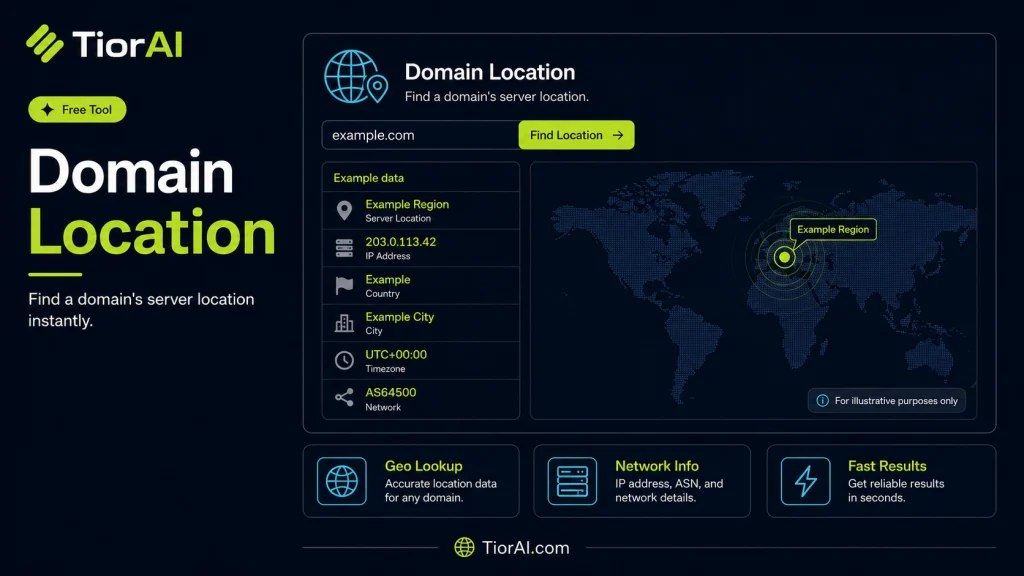
| IP Address | - |
|---|---|
| Country | - |
| City | - |
| ISP | - |
How to use it
- Enter Domain or IP Enter the domain name, IP address, or URL into the Domain Location to start the lookup or analysis.
- Run the Check Click the check button to query the relevant databases. Results are retrieved and displayed in seconds.
- Analyze the Results Review the detailed results including status, records, and diagnostics to troubleshoot or verify your query.
Tip Use the Domain Location to verify DNS propagation after making changes — it can take up to 48 hours for full propagation.
Understanding Domain Location Lookup
A domain location lookup tool identifies the geographical location associated with a domain name or its hosting server. When you enter a domain, the tool queries databases that map IP addresses to physical locations, revealing where the domain’s server is physically situated. This process is based on IP geolocation technology, which uses data from internet registries, network providers, and other sources to approximate the server’s location.
Why is this important? Knowing a domain’s location helps in various contexts such as cybersecurity, compliance, and performance optimization. For example, businesses may want to verify if a website is hosted in a country with specific data privacy laws or to detect suspicious activity by identifying unexpected server locations.
Common use cases include:
- Verifying the origin of a website for trust and security purposes.
- Checking if a domain is hosted in a preferred geographic region to improve loading speeds.
- Investigating potential fraud or phishing by analyzing domain hosting locations.
- Supporting compliance with regional regulations by confirming server locations.
What is Domain Location Lookup?
Domain location lookup is a process that reveals the physical location of the server hosting a specific domain name. This is done by mapping the domain’s IP address to a geographic area using IP geolocation databases. The location information typically includes the country, region, and sometimes the city where the server resides.
When to Use Domain Location Lookup
- Verifying website legitimacy by confirming the hosting location.
- Choosing hosting services based on geographic proximity to target users.
- Investigating suspicious domains during cybersecurity assessments.
- Ensuring compliance with data residency and privacy regulations.
Common Mistakes to Avoid
- Assuming the domain location reflects the business’s physical address rather than the server’s location.
- Expecting exact precision from IP geolocation, which can be approximate.
- Confusing domain registrar information with hosting server location.
Understanding domain location helps in making informed decisions about website trustworthiness, performance, and compliance. While the data is useful, remember that IP-based location is an approximation and can change if the hosting setup changes.
Frequently asked questions
Reviews and questions
Whether this tool gave people the answer they needed, and what they asked about it.
Sign in to review this tool.
Sign In to ReviewNo reviews yet
Be the first to say whether this tool gave you what you needed.
Ask how to read the result, or what the tool does with an edge case — or answer someone else.
Sign In to AskNo questions yet
Not sure how to read a result? Be the first to ask.
AI tools related to this topic
Tools from the TiorAI directory that work on the same kind of job.

Digital Domain
Digital Domain is a top visual effects and digital production studio specializing in CGI, virtual reality, and immersive media for films, commercials, and interactive experiences.

Fast Domain
Fast Domain is a web-based platform providing affordable domain registration, transfers, and DNS management with a focus on simplicity and speed.

Near Domain
Near Domain is a web-based SEO tool that helps users find relevant and expired domains using semantic keyword analysis and provides domain authority and backlink metrics to support SEO and branding strategies.