

ASCII to Unicode Converter
Understanding ASCII to Unicode Conversion ASCII is an early character encoding standard that represents English letters, digits, and basic symbols using 7-bit codes. Unicode, by contrast, is a universal encoding system designed to cover virtually all characters used worldwide, including emojis and scripts from different…
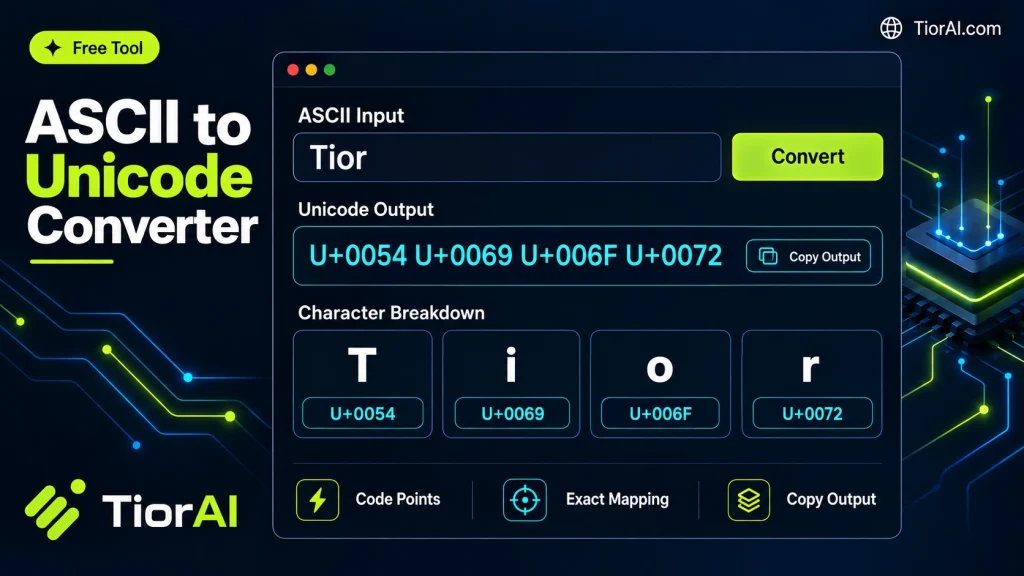
| Char | Code Point | Formatted |
|---|
How to use it
- Enter Source Value Type or paste the value you want to convert into the Ascii to Unicode Converter. The tool accepts a wide range of input formats.
- Select Target Format Choose your desired output format or unit from the available options. The conversion starts automatically.
- Copy the Result Review the converted output and click copy to use it in your project, document, or workflow.
Tip Switch between source and target formats in the Ascii to Unicode Converter to quickly verify conversions in both directions.
About ASCII to Unicode Converter
ASCII (American Standard Code for Information Interchange) is a character encoding standard that represents text in computers using 7-bit binary numbers, allowing for 128 unique symbols including letters, digits, and control characters. However, ASCII is limited to basic English characters and lacks support for many global scripts and symbols.
Unicode is a comprehensive character encoding system designed to represent virtually all characters from all writing systems worldwide. It uses a much larger range of code points, allowing for thousands of characters, including emojis, accented letters, and symbols from diverse languages.
Converting ASCII to Unicode involves mapping ASCII characters to their equivalent Unicode code points. Since ASCII characters are a subset of Unicode, this conversion typically means representing ASCII characters in a Unicode-compatible format, often as U+XXXX hexadecimal codes or UTF-8 encoded bytes.
Why is this conversion needed?
- To ensure compatibility with modern software and systems that use Unicode as the standard encoding.
- To prepare text for internationalization and localization, supporting multiple languages.
- To enable the use of extended characters and symbols beyond the ASCII set.
Common situations for ASCII to Unicode conversion include software development, data migration, web content encoding, and text processing where uniform character representation is critical.
Understanding ASCII to Unicode Conversion
ASCII is an early character encoding standard that represents English letters, digits, and basic symbols using 7-bit codes. Unicode, by contrast, is a universal encoding system designed to cover virtually all characters used worldwide, including emojis and scripts from different languages.
Converting ASCII to Unicode means representing ASCII characters within the Unicode framework. Since ASCII characters are included in Unicode, this conversion often involves encoding ASCII text in Unicode formats like UTF-8 or UTF-16, which support a much wider range of characters.
When to Use an ASCII to Unicode Converter
- When updating legacy ASCII text files to be compatible with modern software that requires Unicode encoding.
- When preparing text for internationalization, ensuring it can support multiple languages and symbols.
- When debugging encoding issues where ASCII text is misinterpreted due to encoding mismatches.
- When embedding ASCII characters into systems or databases that only accept Unicode input.
Common Mistakes to Avoid
- Believing ASCII and Unicode are entirely separate sets rather than Unicode including ASCII as a subset.
- Confusing ASCII numeric codes with Unicode code points without accounting for encoding formats like UTF-8.
Understanding these concepts helps ensure accurate text encoding and compatibility across different platforms and languages.
Frequently asked questions
Reviews and questions
Whether this tool gave people the answer they needed, and what they asked about it.
Sign in to review this tool.
Sign In to ReviewNo reviews yet
Be the first to say whether this tool gave you what you needed.
Ask how to read the result, or what the tool does with an edge case — or answer someone else.
Sign In to AskNo questions yet
Not sure how to read a result? Be the first to ask.
AI tools related to this topic
Tools from the TiorAI directory that work on the same kind of job.

Any Video Converter
Any Video Converter is a multimedia software that converts video files between numerous formats, downloads online videos, and offers basic editing and DVD burning features.

Bank Statement Converter
Bank Statement Converter is an online tool that converts PDF bank statements into Excel and CSV formats, enabling easy data extraction and financial management.

Code Language Converter
Code Language Converter is a free web-based tool that translates code snippets between multiple programming languages, helping developers convert syntax quickly and learn language differences.