

Podcastle vs Cleanvoice: Which Delivers Better TTS Quality in 2026?
Podcastle vs Cleanvoice — an honest comparison of TTS naturalness, language support, pricing, and value for money.
- Category
- Music & Audio
- Format
- Head-to-head
- Updated
- April 27, 2026


How they compare
| Feature |
Podcastle
|
Cleanvoice AI
|
|---|---|---|
| Made by | Podcastle Inc. | Cleanvoice AI |
| Category | Audio & Podcasting Music & Audio Podcast Analytics Podcast Hosting | AI Audio Enhancer AI Music & Audio Tools AI Podcast Tools |
| Pricing model | Free Freemium Subscription | Freemium Subscription |
| Platforms | Web | Web |
| Built with | JavaScript Python TensorFlow | JavaScript Python TensorFlow |
| Languages | English | English |
| Based in | United States | Denmark |
Greyed rows are the same for both tools.
What each one is
Podcastle
Podcastle is an all-in-one AI-powered platform designed to simplify podcast creation and audio editing. It offers tools for recording, editing, transcribing, and generating voice content, enabling creators to produce professional podcasts and audio projects without complex software. The platform leverages AI to automate tasks like filler word removal, noise reduction, and text-to-speech synthesis, making audio production accessible to beginners and efficient for professionals.
Cleanvoice AI
Cleanvoice AI is a web-based audio cleaning tool that uses artificial intelligence to automatically detect and remove unwanted sounds such as filler words, mouth noises, stutters, and background noise from audio recordings. It is designed primarily for podcasters, video creators, and voiceover artists who want to streamline their audio editing process and improve sound quality without manual intervention.
Key features
Podcastle
-
AI-Powered Audio Editing
Automatically remove filler words, reduce background noise, and enhance audio quality.
-
Multi-Track Recording and Editing
Record multiple audio tracks and edit them independently for professional mixing.
-
Automatic Transcription
Generate accurate text transcripts from audio to aid content creation and accessibility.
-
Realistic Text-to-Speech Voices
Convert written text into natural-sounding AI voices for narration or dubbing.
-
Remote Interview Recording
Invite guests to record interviews remotely with high audio quality.
Cleanvoice AI
-
Filler Word Removal
Automatically detects and removes common filler words like 'um', 'uh', and 'you know'.
-
Mouth Noise Reduction
Eliminates distracting mouth clicks, lip smacks, and other oral noises.
-
Background Noise Suppression
Reduces ambient noise to enhance voice clarity.
-
Stutter Detection and Removal
Identifies and removes stuttering or repeated words for smoother speech.
-
Batch Processing
Allows users to process multiple files simultaneously to save time.
Pricing
Plans as published by each vendor. Check the vendor site before buying — pricing changes.
Podcastle
Free $0/month
Basic features with limited recording time and standard AI tools.
Solo $14.99/month
Extended recording limits, advanced editing features, and premium voices.
Pro $29.99/month
Full access to all features, highest limits, and priority support.
Business Custom pricing
Cleanvoice AI
Free $0/month
Limited audio minutes per month with basic cleanup features.
Pro $15/month
Increased audio minutes, priority processing, and advanced features.
Enterprise Custom pricing
Tailored solutions with higher limits and dedicated support.
Strengths and trade-offs
Podcastle
Strengths
- Intuitive interface suitable for beginners and pros
- Comprehensive all-in-one podcast production tools
- High-quality AI transcription and voice generation
- Remote interview recording capability
- Flexible pricing plans including a free tier
Trade-offs
- Limited language support (primarily English)
- Web-only platform with no desktop or mobile apps
- Some advanced features require paid plans
Cleanvoice AI
Strengths
- Automates tedious audio cleanup tasks
- User-friendly web interface with fast processing
- Effective removal of filler words and mouth noises
- Supports batch processing for efficiency
- Affordable pricing with a free tier
Trade-offs
- Limited language support (English only)
- No desktop or mobile apps, web-only
- Lacks direct integrations with popular podcast tools
Who it is for
Podcastle
- Podcasters and audio content creators
- Journalists and interviewers
- Content marketers repurposing audio
- Educators creating audio lessons
- Small businesses producing podcasts
Cleanvoice AI
- Podcasters
- Video content creators
- Voiceover artists
- Interviewers and journalists
- Small production studios
What people use it for
Podcastle
-
Podcast Creation
Record, edit, and produce professional-quality podcasts using AI-powered tools.
-
Audio Editing
Edit audio files with features like noise reduction, filler word removal, and multi-track editing.
-
Transcription
Automatically transcribe audio to text for captions, show notes, or content repurposing.
-
Text-to-Speech Conversion
Generate realistic AI voices from text for narration or voiceover purposes.
-
Remote Interviews
Conduct and record high-quality remote interviews with guests via the platform.
Cleanvoice AI
-
Podcast Editing
Automatically remove filler words, mouth sounds, and background noise to produce clean podcast audio.
-
Video Audio Cleanup
Enhance audio tracks in videos by eliminating distractions and improving voice clarity.
-
Voiceover Production
Refine voiceover recordings by removing unwanted sounds and improving overall audio quality.
-
Interview Audio Processing
Clean up interview recordings by removing stutters, breaths, and ambient noise for professional results.
Getting started
Podcastle
Create an Account
Sign up on Podcastle’s website to access the platform’s tools.
Record or Upload Audio
Use the built-in recorder to capture audio or upload existing files.
Edit Audio
Apply AI-powered editing tools like noise reduction and filler word removal.
Transcribe or Generate Voice
Convert audio to text with automatic transcription or create voiceovers using text-to-speech.
Export and Publish
Export your final audio project in various formats and publish your podcast.
Cleanvoice AI
Upload Audio
Users upload their audio or video files directly to the Cleanvoice AI web platform.
AI Analysis
The AI engine analyzes the audio to detect filler words, mouth clicks, stutters, and background noise.
Automatic Cleanup
Detected unwanted sounds are automatically removed or reduced without manual editing.
Review and Export
Users can preview the cleaned audio, make adjustments if needed, and export the final file.
Common questions
Yes, Podcastle is designed to be user-friendly for beginners with AI tools that automate complex editing tasks.
Cleanvoice AI supports common audio formats including MP3, WAV, and M4A.
Yes, you can invite guests to join and record interviews remotely through the platform.
Cleanvoice AI focuses on removing background noise and mouth sounds but is not designed to remove background music.
Podcastle allows exporting audio in common formats such as MP3 and WAV.
Yes, limits depend on your subscription plan, with higher tiers allowing longer audio files.
Podcastle uses advanced AI models to provide high-accuracy transcriptions, though some manual corrections may be needed.
Currently, Cleanvoice AI operates as a standalone web app without direct integrations.
Explore alternatives
Other tools that do a similar job, picked on each tool’s own profile.
 Free
FreeDescript
Descript is an AI-driven audio and video editing platform that allows users to edit media by editing transcripts, includes AI transcription, voice cloning with Overdub, and supports collaboration.
- Free Trial
Alitu
Alitu is a web-based podcast maker that automates audio editing, cleanup, and episode assembly to help podcasters produce professional-quality episodes quickly and easily.
- Freemium
Auphonic
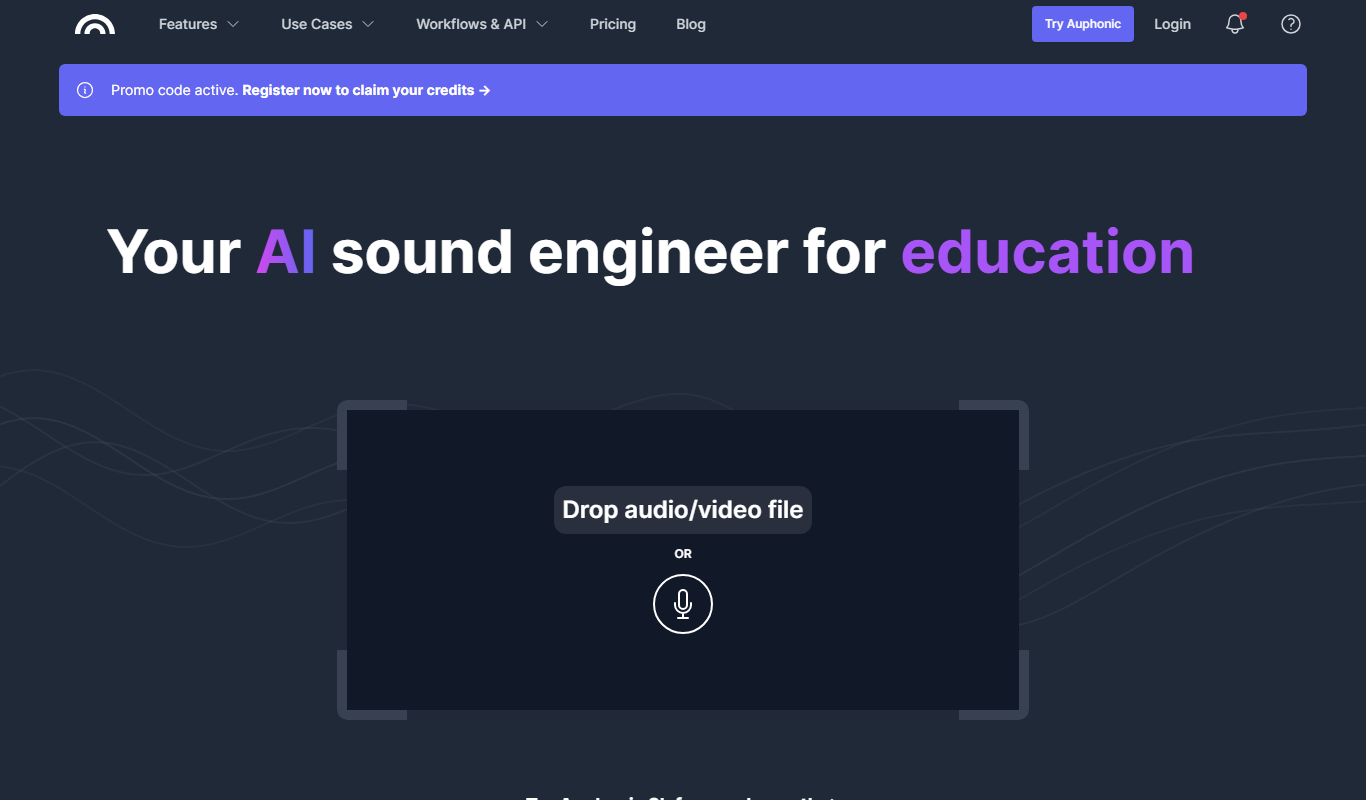
Auphonic is an AI-driven audio post-production tool that automates leveling, noise reduction, loudness normalization, and metadata tagging to produce professional-quality audio for podcasts and broadcasts.


More comparisons with these tools

Krisp AI vs Cleanvoice: Enterprise Features & Compliance
Krisp AI vs Cleanvoice for enterprise — compare compliance, SSO, usage limits, API reliability, and custom voice options.
- Krisp AI: $16/month Starts at Cleanvoice AI: $15/month
- Krisp AI: 7 Platforms Cleanvoice AI: 1
Podcastle Free vs Paid: Free vs Paid Compared
Compare the free and paid tiers of Podcastle Free and Paid — features, usage limits, and which plan is worth paying for.
Podcastle vs Audacity AI: Studio Controls, Integrations & Cost
Podcastle or Audacity AI? Compare studio editing controls, platform integrations, supported formats, and pricing for teams.
Podcastle vs Elevenlabs: Free Plan, Speed & Voice Variety
Compare Podcastle and ElevenLabs on free tier limits, generation speed, voice variety, and which gives more value at each price.
Podcastle vs otter.ai: Voice Cloning, API Access & Pricing
Compare Podcastle and Otter.ai on voice cloning quality, API features, response latency, pricing tiers, and enterprise support.
Podcastle vs riverside.fm: Best for Content Creators & Developers?
Podcastle or riverside.fm? Compare voice quality, API access, cloning speed, and pricing for creators and developers.

