

beautiful.ai vs Tome: For Beginners vs Professional Designers
Beautiful.ai or Tome? Compare learning curve, feature depth, output quality, and pricing for designers.
- Category
- Office & Productivity
- Format
- Head-to-head
- Updated
- April 20, 2026


What each one is
Beautiful.ai
Beautiful.ai is an AI-powered presentation software designed to simplify the creation of professional slides. It uses smart templates and design automation to help users build visually consistent and engaging presentations quickly without needing advanced design skills.
Key features
Beautiful.ai
-
Smart Templates
Pre-designed templates that adapt dynamically to your content for professional layouts.
-
Automated Design
AI-driven formatting ensures slides are visually balanced and consistent.
-
Data Visualization
Built-in charts and graphs that update automatically with your data.
-
Collaboration Tools
Real-time collaboration with team members for seamless presentation development.
-
Cloud-Based Platform
Access and edit presentations from any device with internet connectivity.
Pricing
Plans as published by each vendor. Check the vendor site before buying — pricing changes.
Beautiful.ai
Pro $12/month
Access to basic templates and limited presentations with Beautiful.ai branding.
Team $40/user/month
Advanced features including unlimited presentations, premium templates, and branding removal.
Enterprise Custom pricing
Collaboration tools, team management, and priority support for organizations.
Strengths and trade-offs
Beautiful.ai
Strengths
- Easy-to-use interface with AI-powered design assistance
- Professional-looking slides without design expertise
- Strong data visualization capabilities
- Cloud-based access from anywhere
- Collaboration features for teams
Trade-offs
- Limited offline functionality
- No direct PowerPoint import feature
- Primarily English language support
Who it is for
Beautiful.ai
- Business professionals
- Marketing teams
- Educators and trainers
- Startups and entrepreneurs
- Design novices seeking quick presentations
What people use it for
Beautiful.ai
-
Business Presentations
Create professional and visually appealing presentations for meetings, pitches, and reports.
-
Marketing Content
Design engaging marketing decks and sales presentations that communicate brand messages effectively.
-
Educational Materials
Develop clear and attractive slides for teaching, training, and workshops.
-
Startup Pitch Decks
Build compelling investor pitch decks with data visualization and storytelling features.
-
Team Collaboration
Collaborate with team members on presentation projects with shared access and editing.
Getting started
Beautiful.ai
Sign Up
Create an account on Beautiful.ai's website to access the platform.
Choose a Template
Select from a wide range of smart templates tailored for different presentation types.
Add Content
Input your text, images, charts, and data; the AI automatically adjusts the design.
Customize Slides
Modify colors, fonts, and layouts while maintaining design consistency.
Collaborate and Share
Invite team members to edit or review and export or present your slides.
Common questions
Beautiful.ai currently does not support direct import of PowerPoint files but allows content to be recreated using its templates.
Beautiful.ai is primarily web-based and does not offer a dedicated mobile app.
Yes, presentations can be exported as PDFs or PowerPoint files for offline use.
Yes, team plans include collaboration features allowing multiple users to work on presentations.
This tool is designed to help users accomplish its core tasks more efficiently. It is typically used by individuals or teams looking to improve productivity and workflow.
Pricing depends on the plan and included features. For the most accurate and up-to-date details, check the official pricing page.
Yes, it can help with that use case depending on how you configure it and what features are available. You'll get the best results with clear inputs and a defined goal.
Yes, it can help with that use case depending on how you configure it and what features are available. You'll get the best results with clear inputs and a defined goal.
Explore alternatives
Other tools that do a similar job, picked on each tool’s own profile.
 Freemium
Canva
Canva is an online design platform with Magic Design, Magic Write, and Text to Image AI tools. Offers 1M+ templates for graphics, presentations, and videos. Free plan available, Canva Pro at $15/month.
 Free
FreeVisme
Visme is a web-based platform for creating presentations, infographics, and marketing visuals with customizable templates and data visualization tools.
- Free
Prezi
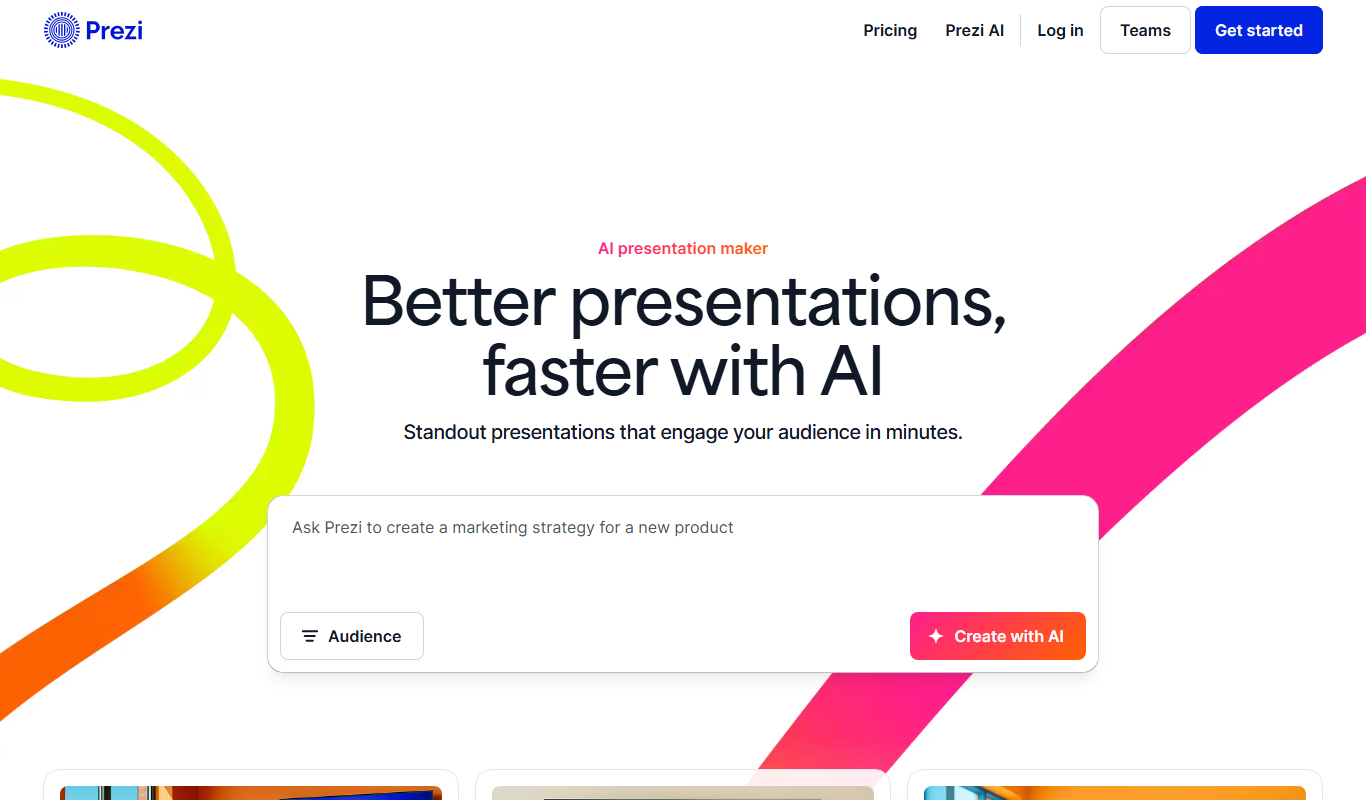
Prezi is a cloud-based presentation tool that uses a zoomable canvas to create engaging, non-linear presentations with real-time collaboration and multimedia support.


More comparisons with these tools

Gamma App vs beautiful.ai: Which AI Design Tool Wins in 2026?
We tested Gamma App and Beautiful.ai on design output, AI features, ease of use, and pricing — here's the verdict.
- Gamma App: $10/month Starts at Beautiful.ai: $12/month
- Gamma App: 1 Platforms Beautiful.ai: 1
beautiful.ai Free vs Paid: Free vs Paid Compared
Compare the free and paid tiers of Beautiful.ai Free and Paid — features, usage limits, and which plan is worth paying for.
-
beautiful.ai vs Magicslides: Templates, AI Features & Pricing
Beautiful.ai vs Magicslides — compare design templates, AI generation quality, export options, and pricing for teams.
- Beautiful.ai: $12/month Starts at MagicSlides: $15/month
- Beautiful.ai: 1 Platforms MagicSlides: 1
-
beautiful.ai vs Slidesai: Ease of Use, Speed & Output Quality
Compare Beautiful.ai and Slidesai on design speed, AI quality, ease of use, and which delivers better results.
- Beautiful.ai: $12/month Starts at SlidesAI: $9/month
- Beautiful.ai: 1 Platforms SlidesAI: 2
-
beautiful.ai vs Pitch: Free Plan, Export & Commercial License
Beautiful.ai vs Pitch — compare free tier features, export quality, commercial licensing terms, and pricing.
- Beautiful.ai: $12/month Starts at Pitch: $12/month per user
- Beautiful.ai: 1 Platforms Pitch: 3
-
beautiful.ai vs Powerpoint: UI Design, Prototyping & Collaboration
Compare Beautiful.ai and Powerpoint on UI design features, prototyping tools, team collaboration, and pricing.
