

From my experience with RunPod, I found it excels at providing flexible and affordable access to high-performance GPUs without the need for physical hardware investment. The platform’s pay-as-you-go pricing and quick provisioning make it particularly well-suited for AI researchers, developers, and startups who need scalable compute power on demand. However, since it is purely cloud-based, users must have reliable internet connectivity and be mindful of variable pricing depending on GPU demand. Overall, if you require remote GPU resources for AI training or inference, RunPod offers a practical and cost-effective solution.
RunPod Cloud GPU Rental Platform for AI Model Training and Inference
RunPod is a cloud platform providing on-demand GPU rentals optimized for AI model training and inference, enabling users to access powerful GPUs remotely with flexible pricing.
Your actions
Save RunPod, follow its updates and vote on it — everything stays in your account.
Sign in or create a free account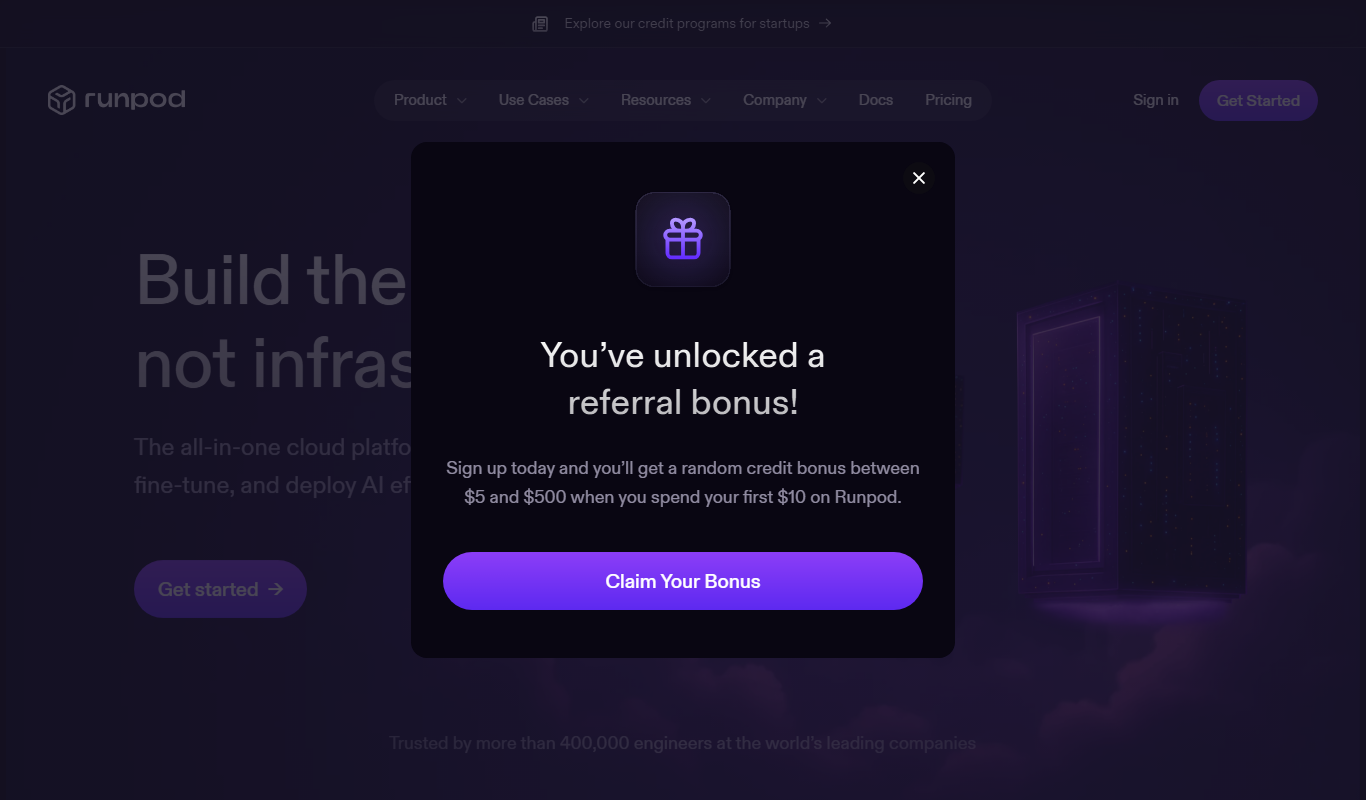

What is RunPod?
RunPod is a cloud platform that offers on-demand rental of GPU servers optimized for AI model training, machine learning inference, and other GPU-intensive workloads. It enables users to access powerful hardware remotely, bypassing the need to maintain expensive physical GPUs.
Key use cases for RunPod
AI Model Training
RunPod provides scalable GPU resources to train machine learning and deep learning models efficiently without investing in physical hardware.
Machine Learning Inference
Users can deploy AI models on RunPod’s cloud GPUs to perform inference tasks with low latency and high throughput.
GPU Rental for Developers
Developers and researchers can rent GPUs on demand for various compute-intensive tasks such as data processing, simulations, and rendering.
Cost-Effective Cloud GPU Access
RunPod offers affordable GPU rental options, enabling startups and small teams to access powerful hardware without large upfront costs.
How RunPod works
- 1
Create an Account
Sign up on RunPod’s website to access the dashboard and billing.
- 2
Select GPU Instance
Choose from a variety of GPU types and configurations based on your workload requirements.
- 3
Launch and Configure
Deploy your AI training or inference environment with pre-installed frameworks or custom setups.
- 4
Run Workloads
Execute your machine learning tasks remotely on the rented GPU instance.
- 5
Stop and Pay
Stop the instance when done to control costs; pay only for the time used.
RunPod pricing
Pay-as-you-go
Varies by GPU type and usage
Flexible pricing based on hourly GPU rental without long-term commitment.
Plans and prices are as published by the vendor and can change. Check the official site before you buy. Open the pricing page (opens in a new tab)
Frequently asked questions about RunPod
RunPod offers a variety of GPUs including NVIDIA RTX 3090, A100, and others suitable for AI workloads.
Yes, users have full control over their instances and can install any compatible software.
No, you can rent GPUs by the hour with no minimum commitment.
Billing is based on the duration the GPU instance is active, with detailed usage reports available.
This tool is designed to help users accomplish its core tasks more efficiently. It is typically used by individuals or teams looking to improve productivity and workflow.
Pricing depends on the plan and included features. For the most accurate and up-to-date details, check the official pricing page.
Yes, it can help with that use case depending on how you configure it and what features are available. You’ll get the best results with clear inputs and a defined goal.
It depends on your specific needs and how you plan to use the tool. The official website and documentation are the best sources for the latest details.
Sign in to review this tool.
Sign In to ReviewNo reviews yet
Be the first to share how this tool worked for you.
Ask about pricing, limits, or how it compares — or answer someone else.
Sign In to AskNo questions yet
Have a question about using or paying for this tool? Be the first to ask.
Featured on TiorAI



Alternative Tools
Explore similar AI tools that might fit your needs
Free
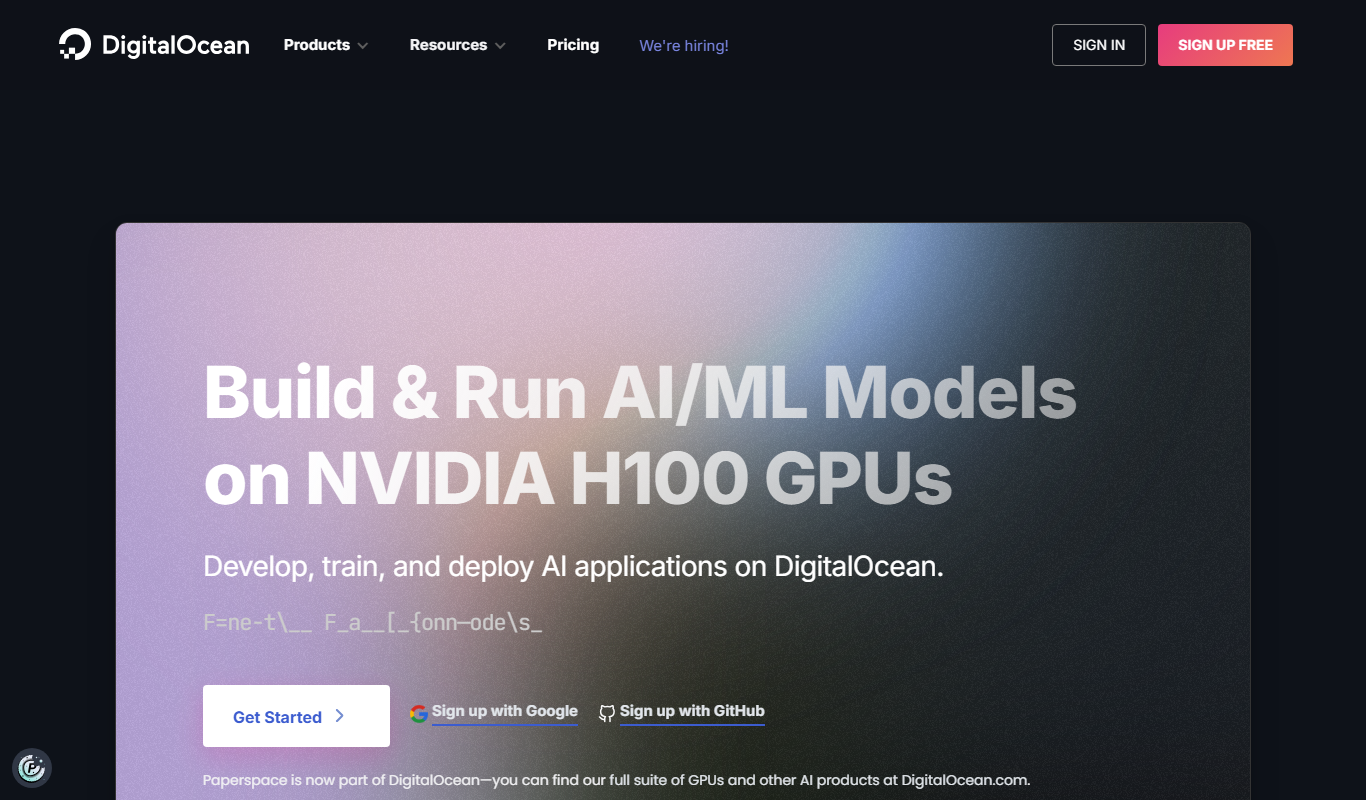
Paperspace
Paperspace is a cloud platform providing scalable GPU-powered virtual machines and tools for AI, machine learning, and data science workloads, enabling remote access to high-performance computing resources.

Pay As You Go
Lambda Labs
Lambda Labs is a cloud platform providing scalable NVIDIA GPU infrastructure optimized for machine learning and deep learning workloads, enabling faster AI model training and deployment.
More AI DevOps Assistant tools
Other tools in the same category, for when this one is not quite the fit.

Free
MLflow
MLflow is an open source platform that manages the machine learning lifecycle by providing tools for experiment tracking, model packaging, registry, and deployment.
Free
DeepSource
DeepSource is an automated code review tool that integrates with GitHub, GitLab, and Bitbucket to detect bugs, security vulnerabilities, and code quality issues in pull requests and codebases.

Enterprise
CockroachDB
CockroachDB is a distributed SQL database designed for cloud-native applications that require strong consistency, high availability, and horizontal scalability across multiple regions.

Free
Octopus Deploy
Octopus Deploy is a DevOps automation tool that simplifies continuous delivery by automating application deployments, managing releases, and integrating with CI/CD pipelines.

Free
ServerPilot
ServerPilot is a cloud server management platform that automates the setup and management of web servers for PHP applications, simplifying deployment and security for developers and businesses.

Enterprise
ScriptRunner
ScriptRunner is an automation platform that centralizes management, security, and execution of PowerShell scripts to streamline IT workflows and enable self-service automation.

Free
Heroku
Heroku is a cloud platform as a service (PaaS) that enables developers to deploy, manage, and scale applications easily without managing infrastructure.
Free
Loggly
Loggly is a cloud-based log management and analytics platform that centralizes logs from multiple sources, enabling real-time monitoring, troubleshooting, and operational insights for DevOps and IT teams.