

TRAE - AI development tool with coding agents
TRAE is a development tool deeply integrated with AI, where you code in an IDE or delegate complex tasks to AI agents, on desktop, web and mobile.
- Best for
- Creating a project from scratch
- Key capability
- IDE and SOLO modes
Save Trae, follow its updates and vote on it — everything stays in your account.
Sign in or create a free account
What is Trae?
Trae (TRAE) is a development tool deeply integrated with AI. It covers coding, project understanding, debugging, running and change management, and lets developers either work step by step in an IDE or delegate complex tasks to AI agents for planning and execution. It runs as a desktop, web and mobile app, after TraeCode and TraeWork were merged into the all-new TRAE.
Key features of Trae
TRAE offers an IDE mode, a SOLO mode where AI plans and builds from natural language, custom agents with MCP servers, CUE code completion and next edit prediction, AI code review, built-in and custom models, remote development and privacy mode.
IDE and SOLO modes
Keep fine-grained control in IDE mode, or let AI plan the task and handle code generation, testing and preview in SOLO mode.
Custom AI agents
Create custom agents and configure prompts, MCP servers and toolsets for different tasks.
CUE code completion
Code completion, multi-line edits, next edit prediction and navigation, plus dependency imports and reference renames.
Built-in and custom models
Multiple built-in models, plus custom models added through API keys.
AI code review
Summarize and review uncommitted changes, individual commits or branch diffs with AI.
Pros and cons of Trae
Pros
- Free plan available
- Desktop, web and mobile apps stay in sync
- Privacy mode keeps codebase files on the local device
- Supports VS Code extensions
Cons
- The free plan is limited to Auto mode with limited usage and autocomplete
- Free usage is a one-time allowance that does not reset monthly
Key use cases for Trae
Creating a project from scratch
Describe requirements in natural language and let an agent break them down, generate code and preview the result.
Maintaining an existing codebase
Locate relevant files, understand dependencies and modify, refactor or troubleshoot existing code.
Working across devices
Start a task on the computer, check it on mobile and continue on the desktop.
Remote development
Connect to remote hosts through Remote SSH or WSL.
How Trae works
- 1
Download TRAE
Install TRAE for your operating system, or use the web app.
- 2
Describe the task
Describe your requirements in natural language.
- 3
Let the agent build
An agent helps with requirement breakdown, code generation, runtime validation and result preview.
- 4
Review and refine
Review the changes with AI summaries and diffs, then continue in the IDE.
Who is using Trae
Trae pricing
Free
$0
Auto mode only, limited usage, limited autocomplete.
Pro
$20 per month
Auto and all models, $20 usage per month, unlimited autocomplete, up to 10 concurrent cloud tasks.
Pro+
$60 per month
Everything in Pro plus $60 usage per month and up to 15 concurrent cloud tasks.
Ultra
$200 per month
Everything in Pro+ plus $200 usage per month, model early access and up to 20 concurrent cloud tasks.
Plans and prices are as published by the vendor and can change. Check the official site before you buy. Open the pricing page (opens in a new tab)
Frequently asked questions about Trae
A development tool deeply integrated with AI that spans coding, project understanding, debugging, running and change management.
TRAE is available as a desktop app, web app and mobile app.
In SOLO mode AI takes the lead: it plans the task from natural language or voice and proceeds through code generation, testing and preview.
With privacy mode enabled, chats, code snippets and AI outputs are not used for model training, and codebase files stay on your device.
Usage is the dollar-denominated balance included in a plan, consumed by AI requests and refreshed each subscription period.
TraeCode and TraeWork were merged into the all-new TRAE.
Conclusion
Software development with AI built in is the premise of TRAE, which covers coding, project understanding, debugging and change management in one tool. Developers can keep step-by-step control in IDE mode or switch to SOLO mode, where AI plans the task from natural language or voice and moves through code generation, testing and preview. Custom agents can be configured with prompts, MCP servers and toolsets, and CUE handles completion and next edit prediction.
Use cases range from creating a project from scratch in natural language to maintaining an existing codebase, and tasks stay in sync across the desktop, web and mobile apps. With privacy mode on, chats and code are not used for model training and codebase files stay local. A free plan exists but is limited to Auto mode with a one-time usage allowance, while Pro, Pro+ and Ultra add monthly usage balances and more concurrent cloud tasks.
Sources
Sign in to review this tool.
Sign In to ReviewNo reviews yet
Be the first to share how this tool worked for you.
Ask about pricing, limits, or how it compares — or answer someone else.
Sign In to AskNo questions yet
Have a question about using or paying for this tool? Be the first to ask.
Featured on TiorAI



More AI Code Assistant tools
Other tools in the same category, for when this one is not quite the fit.

Refraction
Refraction is an AI tool for developers that refactors code, generates documentation and unit tests, detects bugs and converts code between languages.
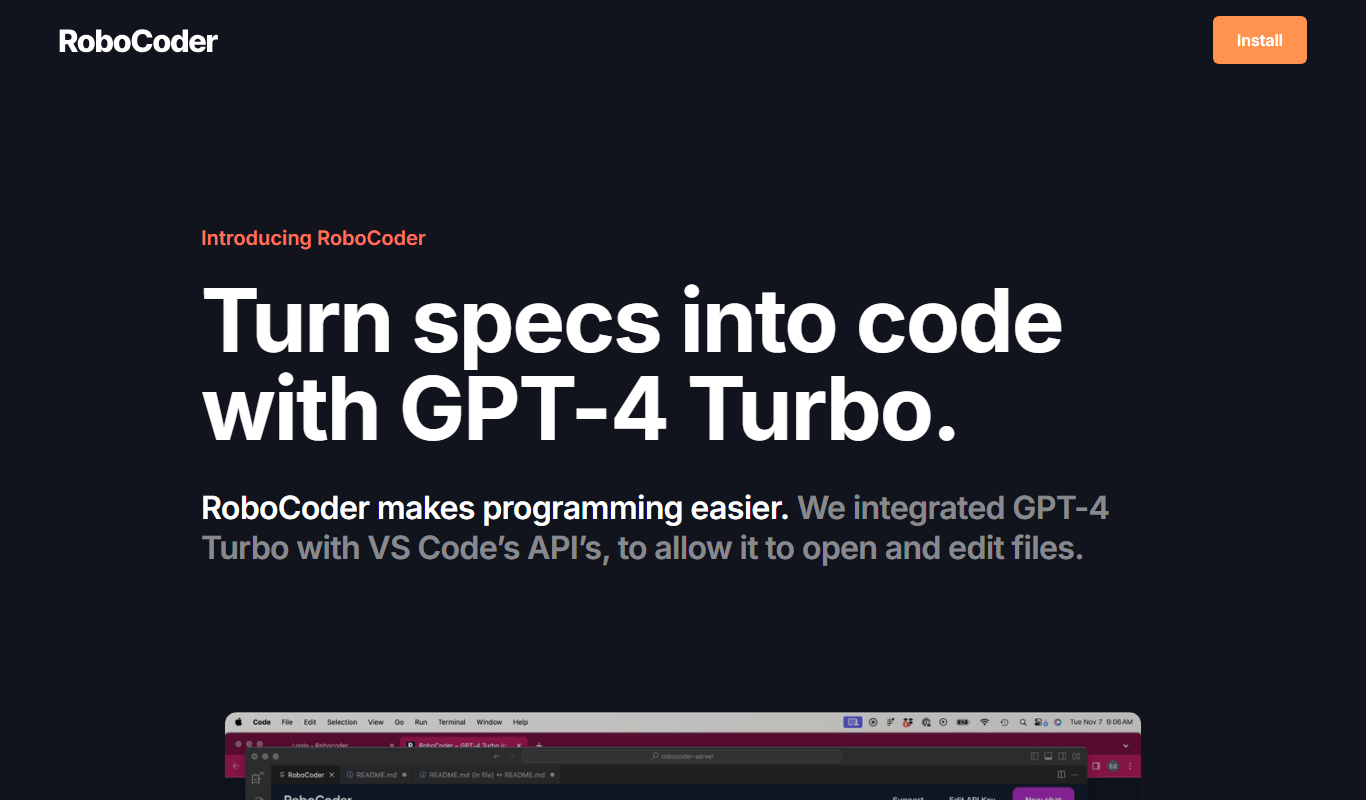
RoboCoder
RoboCoder is a VS Code extension that lets GPT-4o open and edit files, navigate your codebase and propose patches, using your own OpenAI API key.

Cosine
Cosine trains AI models and specialised coding agents for organisations that need frontier capability within secure environments.

WhatTheDiff
What the Diff is an AI code review assistant for GitHub and GitLab that automates pull request descriptions and simplifies team updates.

Code Fundi
Code Fundi turns any repository into a searchable, blast-radius-aware codebase map for AI agents and engineering teams.

Butterfish Shell
Butterfish Shell adds AI prompting to bash and zsh with OpenAI or compatible APIs: prompt with a capital letter and the AI sees your shell history.
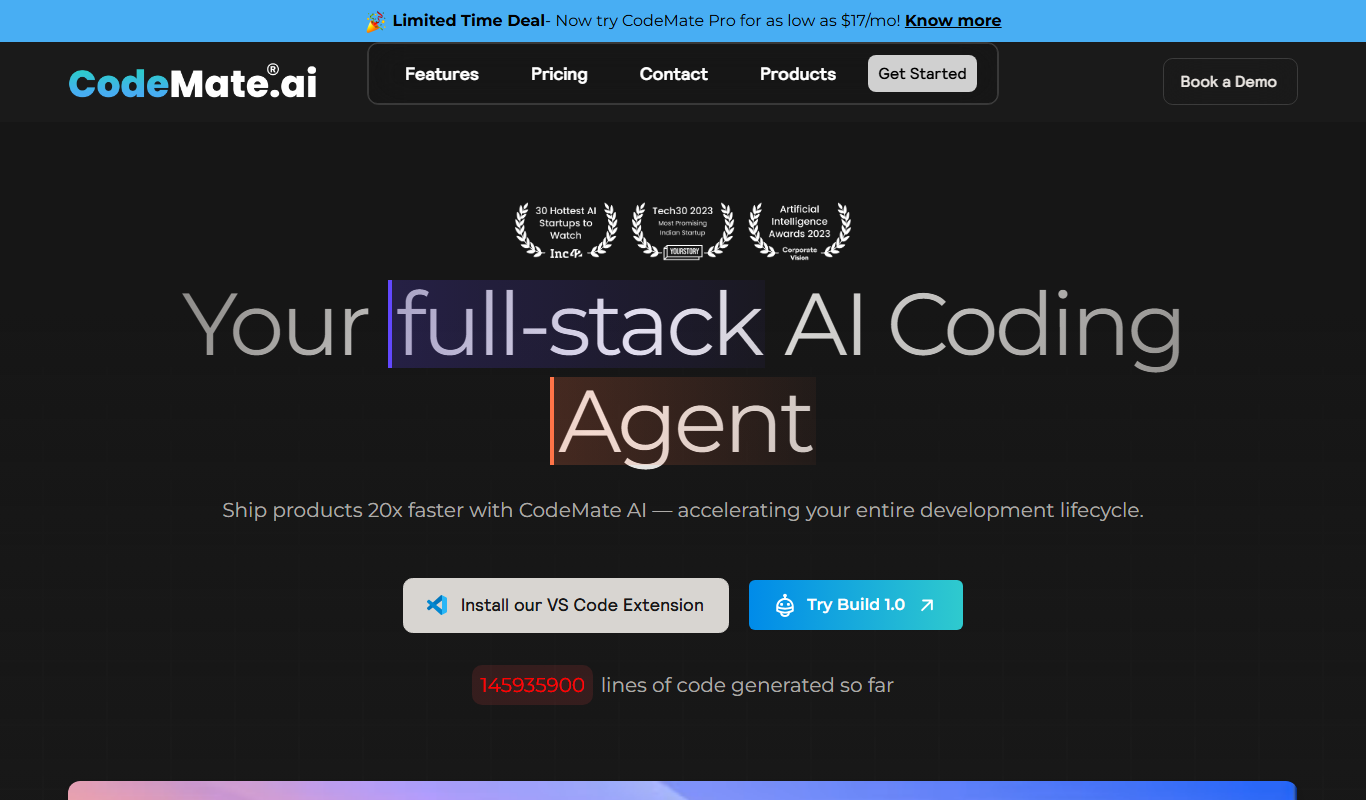
CodeMate AI
CodeMate AI is a sovereign AI pair programmer and developer assistant with private, self-hosted code completion, automated code reviews, debugging and terminal workflows.

GitCase.dev
GitCase.dev lets developers confidentially showcase code from GitHub in a portfolio, using AI-powered transformations to protect sensitive information.