

CodeMate AI - AI-Powered Code Assistant for Developers and Teams
CodeMate AI is a sovereign AI pair programmer and developer assistant with private, self-hosted code completion, automated code reviews, debugging and terminal workflows.
- Best for
- Code Completion
- Key capability
- Context-Aware Code Completion
Save CodeMate AI, follow its updates and vote on it — everything stays in your account.
Sign in or create a free account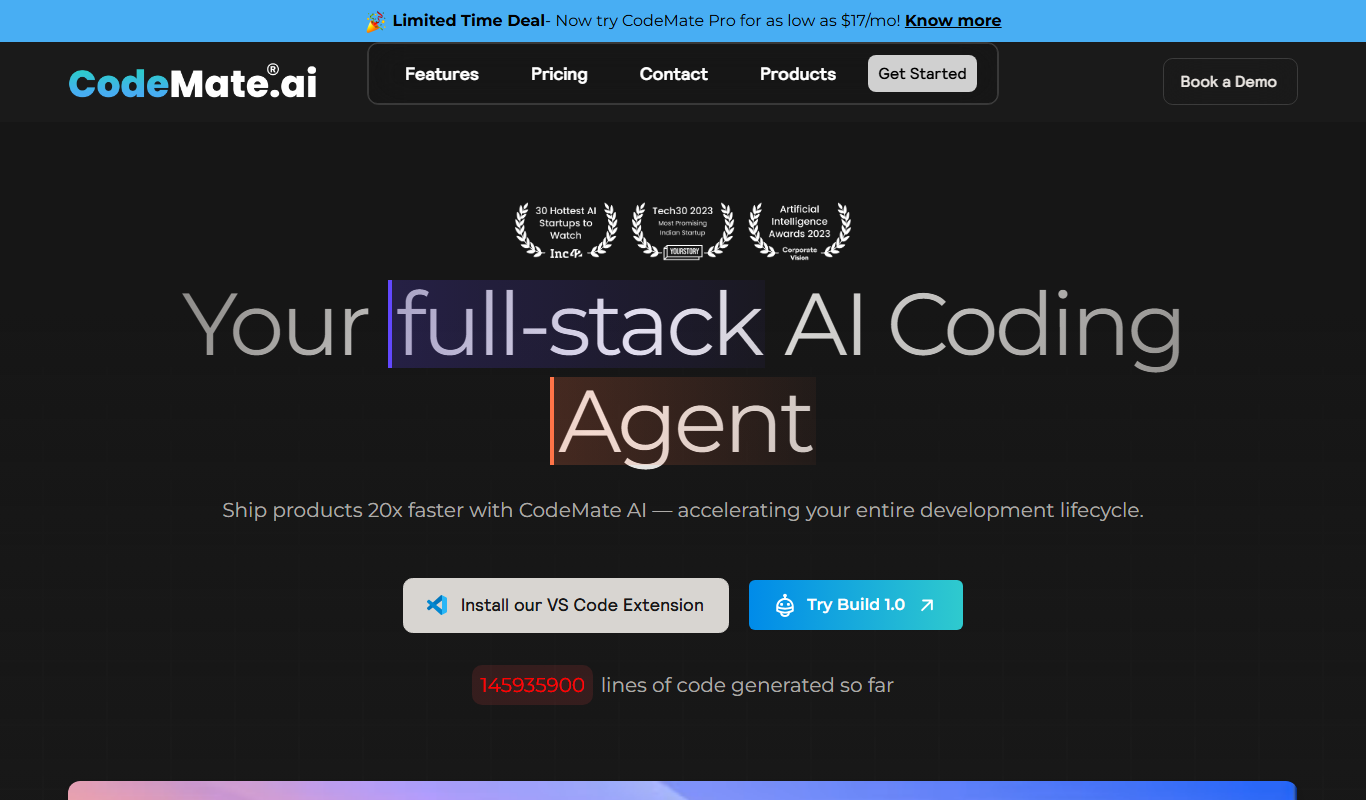

What is CodeMate AI?
CodeMate AI is a sovereign AI pair programmer and developer assistant with private, self-hosted AI code completion, automated code reviews, debugging and terminal workflows. Its products include CodeMate Build, the CORA coding agent, CodeMate Work, a PR Review Agent and an AI Terminal.
Key features of CodeMate AI
CodeMate AI offers real-time AI-driven code completions, context-aware suggestions, debugging assistance, and integration with major development environments to streamline the coding workflow.
Context-Aware Code Completion
Suggests relevant code snippets based on the current coding context.
AI-Powered Code Review
Analyzes code to detect potential issues and recommend improvements.
Multi-Language Support
Supports popular programming languages including Python, JavaScript, and more.
Automated PR Reviews
The PR Review Agent automates code reviews and security analysis across GitHub, GitLab, Bitbucket and Azure DevOps.
AI Terminal
Run code and scripts through an AI-powered command-line interface.
Pros and cons of CodeMate AI
Pros
- Real-time AI code completions improve coding speed
- Integrates smoothly with popular IDEs
- Helpful debugging and learning assistance
- Supports multiple programming languages
- Offers team collaboration features
Cons
- Limited features on free plan
- Currently supports only two major IDEs
- May require internet connection for AI features
Key use cases for CodeMate AI
Code Completion
Provides AI-powered code completions to speed up programming and reduce errors.
Code Review Assistance
Helps developers identify potential bugs and improve code quality through AI suggestions.
Learning and Debugging
Offers explanations and debugging help to assist developers in understanding and fixing code.
Team Collaboration
Facilitates shared coding standards and best practices across development teams.
How CodeMate AI works
- 1
Install Extension
Add the CodeMate AI plugin to your preferred IDE such as VS Code or JetBrains.
- 2
Authenticate Account
Sign in or create a CodeMate AI account to access personalized AI features.
- 3
Start Coding
Begin writing code and receive AI-powered suggestions and completions in real time.
- 4
Review and Improve
Use AI feedback to identify bugs, optimize code, and learn best practices.
Who is using CodeMate AI
CodeMate AI pricing
Free PRO trial
$0 for 14 days
Limited offer: 14 days of PRO for free.
CodeMate Max (all-in-one)
$250/month, annual
Unrestricted access to every CodeMate product (CORA, BUILD and Work), powered by top-tier models and unmetered requests.
Enterprise
Custom
For large teams and organizations: everything in Max, plus dedicated account manager, on-premises deployment and custom fine-tuned models.
Plans and prices are as published by the vendor and can change. Check the official site before you buy. Open the pricing page (opens in a new tab)
Frequently asked questions about CodeMate AI
CodeMate AI currently supports Visual Studio Code and JetBrains IDEs through dedicated plugins.
Yes, it offers AI-powered debugging assistance by providing explanations and suggestions to fix errors.
Yes, CodeMate AI offers a free plan with basic features and limited usage.
Yes, it supports several popular languages including Python, JavaScript, Java, and more.
Yes, it can help with that use case depending on how you configure it and what features are available. You’ll get the best results with clear inputs and a defined goal.
It depends on your specific needs and how you plan to use the tool. The official website and documentation are the best sources for the latest details.
Some tools offer a free plan or trial with limited features. Availability can vary, so confirm on the official website.
It depends on your specific needs and how you plan to use the tool. The official website and documentation are the best sources for the latest details.
Conclusion
CodeMate AI now spans several products: CodeMate Build turns prompts and Figma designs into deployable apps, and CORA is an end-to-end AI coding agent that works directly in the IDE. A PR Review Agent automates code reviews and security analysis across GitHub, GitLab, Bitbucket and Azure DevOps, while an AI Terminal runs code and scripts from a command-line interface. Its pitch is sovereign AI, with private, self-hosted code completion and a hybrid, on-device architecture.
Custom AI Skills let a team teach CORA specific tasks, coding standards and architectural patterns. Individual software developers, development teams and coding bootcamp students are the intended users. A limited offer gives 14 days of PRO for free, and one annual CodeMate Max plan covers every product, including CORA, Build and Work.
Sources
Sign in to review this tool.
Sign In to ReviewNo reviews yet
Be the first to share how this tool worked for you.
Ask about pricing, limits, or how it compares — or answer someone else.
Sign In to AskNo questions yet
Have a question about using or paying for this tool? Be the first to ask.
Featured on TiorAI



More AI Code Assistant tools
Other tools in the same category, for when this one is not quite the fit.

Refraction
Refraction is an AI tool for developers that refactors code, generates documentation and unit tests, detects bugs and converts code between languages.
RoboCoder
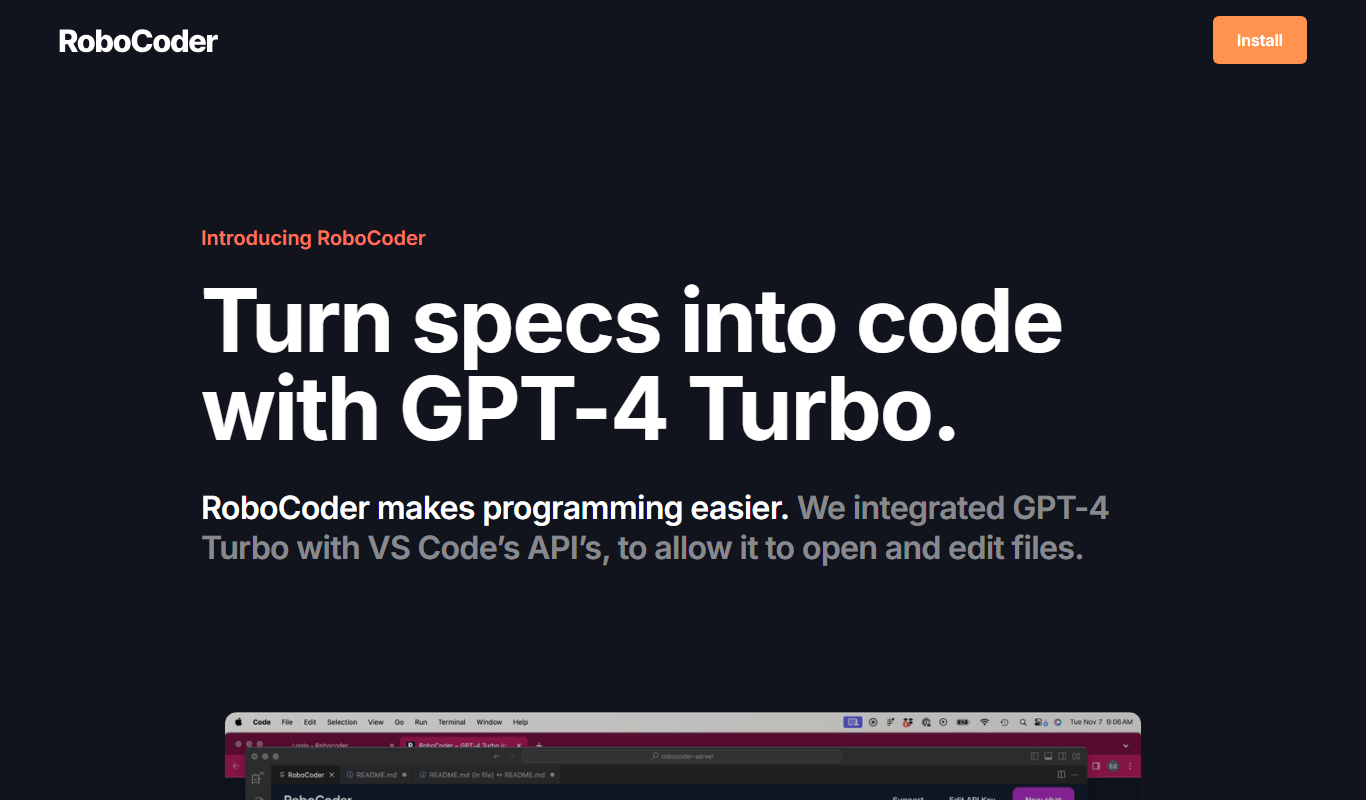
RoboCoder is a VS Code extension that lets GPT-4o open and edit files, navigate your codebase and propose patches, using your own OpenAI API key.

Trae
TRAE is a development tool deeply integrated with AI, where you code in an IDE or delegate complex tasks to AI agents, on desktop, web and mobile.

Cosine
Cosine trains AI models and specialised coding agents for organisations that need frontier capability within secure environments.

WhatTheDiff
What the Diff is an AI code review assistant for GitHub and GitLab that automates pull request descriptions and simplifies team updates.

Code Fundi
Code Fundi turns any repository into a searchable, blast-radius-aware codebase map for AI agents and engineering teams.

Butterfish Shell
Butterfish Shell adds AI prompting to bash and zsh with OpenAI or compatible APIs: prompt with a capital letter and the AI sees your shell history.

GitCase.dev
GitCase.dev lets developers confidentially showcase code from GitHub in a portfolio, using AI-powered transformations to protect sensitive information.