

From my experience with VocalImage.app, I found it excels at producing realistic AI-generated voices with a straightforward web interface that makes voice cloning accessible even for beginners. After spending time with the platform, I can say it’s particularly well-suited for content creators and marketers who need quick, natural-sounding voiceovers without complex setups. However, there’s a trade-off: the tool currently supports primarily English and lacks dedicated desktop or mobile apps, which may limit flexibility for some users. Overall, if you need efficient AI voice cloning for multimedia projects, VocalImage.app delivers solid, easy-to-use results.
VocalImage.app AI Voice Cloning Software for Realistic Speech Synthesis
VocalImage.app is a web-based AI voice cloning tool that converts text into realistic synthetic speech using cloned voices, ideal for content creation and accessibility.
- Best for
- Content Creation
- Key capability
- AI Voice Cloning


Do you recommend this tool?
What is vocalimage.app?
VocalImage.app is a web-based AI voice cloning platform that enables users to create realistic synthetic voices from text input. It leverages advanced speech synthesis technology to clone voices and generate natural-sounding audio outputs, suitable for various multimedia applications.
Key features of vocalimage.app
The platform offers voice cloning, text-to-speech conversion, customizable voice parameters, and easy export options. It supports creating unique AI voices for content creators, marketers, and developers seeking high-quality speech synthesis.
AI Voice Cloning
Create synthetic voices that closely mimic real human speech patterns.
Text-to-Speech Conversion
Convert any text into natural-sounding speech using cloned voices.
Custom Voice Parameters
Adjust pitch, speed, and tone to tailor the voice output.
Easy Export Options
Download audio files in multiple formats for use in various projects.
Pros and cons of vocalimage.app
Pros
- User-friendly web interface with quick voice cloning
- Realistic and natural-sounding AI voices
- Flexible export options for various audio formats
Cons
- Limited language support, primarily English
- No desktop or mobile app versions available
Key use cases for vocalimage.app
Content Creation
Generate realistic voiceovers for videos, podcasts, and audiobooks using AI-cloned voices.
Personalized Voice Messages
Create custom voice messages for marketing, customer engagement, or personal use.
Accessibility
Provide natural-sounding speech for accessibility tools and assistive technologies.
Entertainment
Use AI voices for gaming, animation, and virtual characters.
How vocalimage.app works
- 1
Upload or Select Voice Sample
Provide a voice sample or choose from existing AI voices to clone.
- 2
Input Text
Enter the text you want to convert into speech using the cloned voice.
- 3
Generate Audio
The AI processes the text and produces a realistic voice output.
- 4
Download or Share
Export the generated audio file or share it directly from the platform.
Who is using vocalimage.app
Content creators
Marketing professionals
Accessibility service providers
Game developers
Podcasters
vocalimage.app pricing
Free
$0/month
Limited voice cloning and audio generation with basic features.
Pro
$19/month
Access to advanced voice cloning, higher usage limits, and priority support.
Plans and prices are as published by the vendor and can change. Check the official site before you buy. Open the pricing page (opens in a new tab)
Frequently asked questions about vocalimage.app
Yes, you can upload your voice samples to create a personalized AI voice clone.
The platform supports common audio formats such as MP3 and WAV for downloads.
Free plans have usage limits, while Pro plans offer higher or unlimited text-to-speech conversions.
It depends on your specific needs and how you plan to use the tool. The official website and documentation are the best sources for the latest details.
Yes, it can help with that use case depending on how you configure it and what features are available. You’ll get the best results with clear inputs and a defined goal.
Yes, it can help with that use case depending on how you configure it and what features are available. You’ll get the best results with clear inputs and a defined goal.
Sign in to review this tool.
Sign In to ReviewNo reviews yet
Be the first to share how this tool worked for you.
Ask about pricing, limits, or how it compares — or answer someone else.
Sign In to AskNo questions yet
Have a question about using or paying for this tool? Be the first to ask.
Featured on TiorAI



More AI Coaching tools
Other tools in the same category, for when this one is not quite the fit.

Freemium
Coach’s Eye
Coach's Eye is a video analysis app that helps coaches and athletes improve performance through slow motion playback, annotations, and video sharing.

Enterprise
BetterUp
BetterUp is a digital coaching platform that combines certified human coaches with AI-powered insights to support leadership development, mental fitness, and career growth for individuals and organizations.

Free
Better Self AI
Better Self AI is an AI-driven platform that helps users build and maintain habits, track progress, and receive personalized coaching for personal development.
Freemium
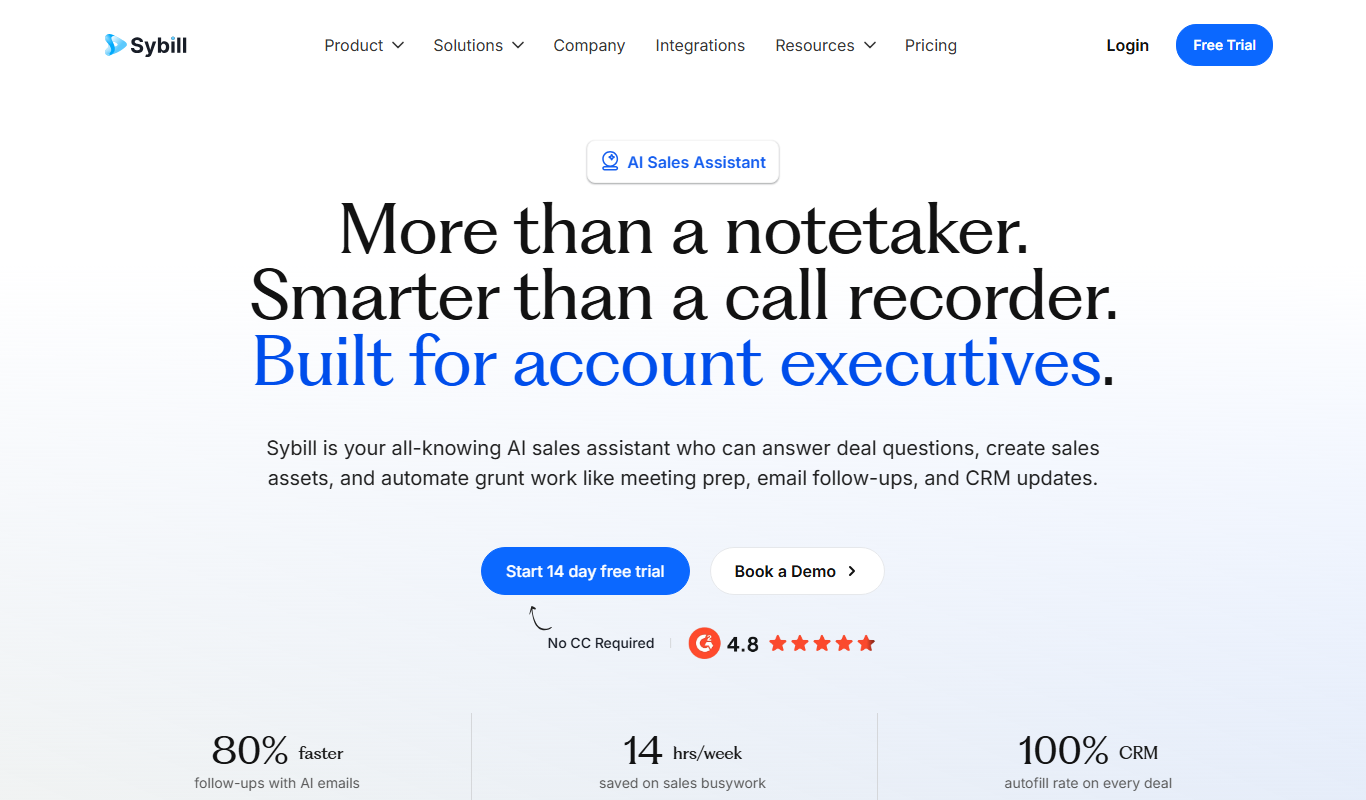
Sybill
Sybill AI is a conversation intelligence platform that uses AI to transcribe, analyze, and provide coaching insights on sales calls to improve team performance and deal outcomes.

Free Trial
Interviews Pilot
Interviews Pilot is an AI-driven platform that helps job seekers practice interviews by simulating realistic questions and providing personalized feedback to improve performance.
Free
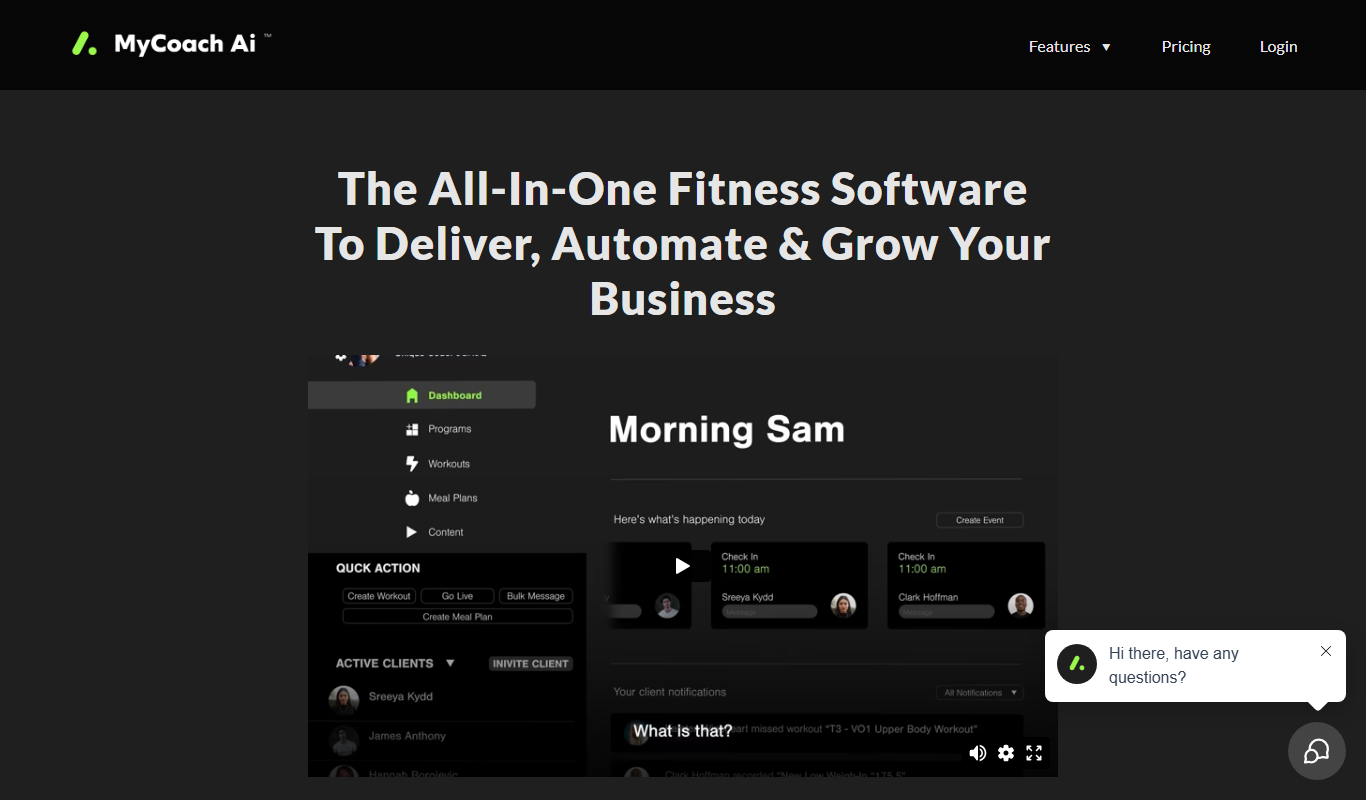
mycoachai.com
MyCoachAI is an AI-powered personal coaching platform that helps users set and achieve goals, track habits, and receive motivational support through personalized coaching prompts.
Free
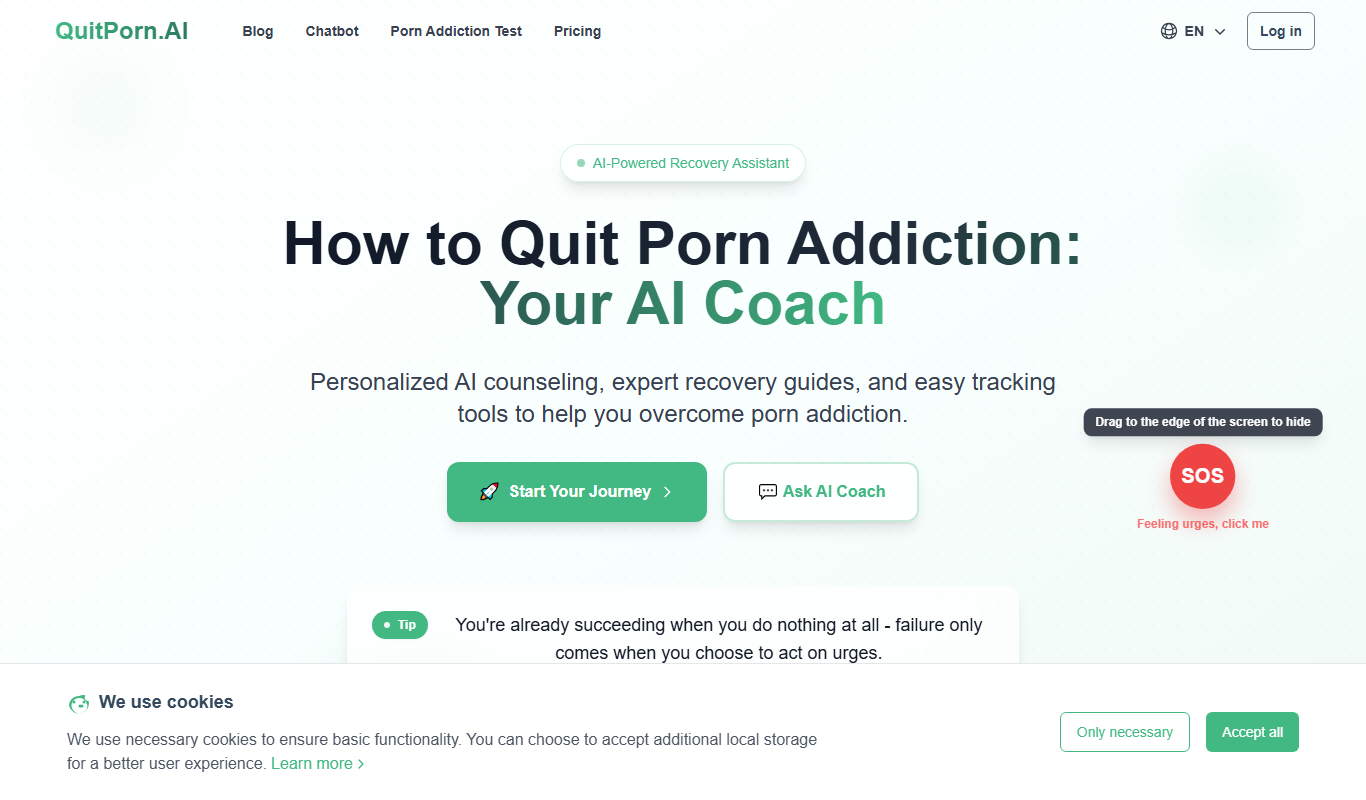
QuitPorn
QuitPorn is an AI-powered coaching platform that helps individuals overcome porn addiction through personalized support, habit tracking, and motivational messaging.
Freemium
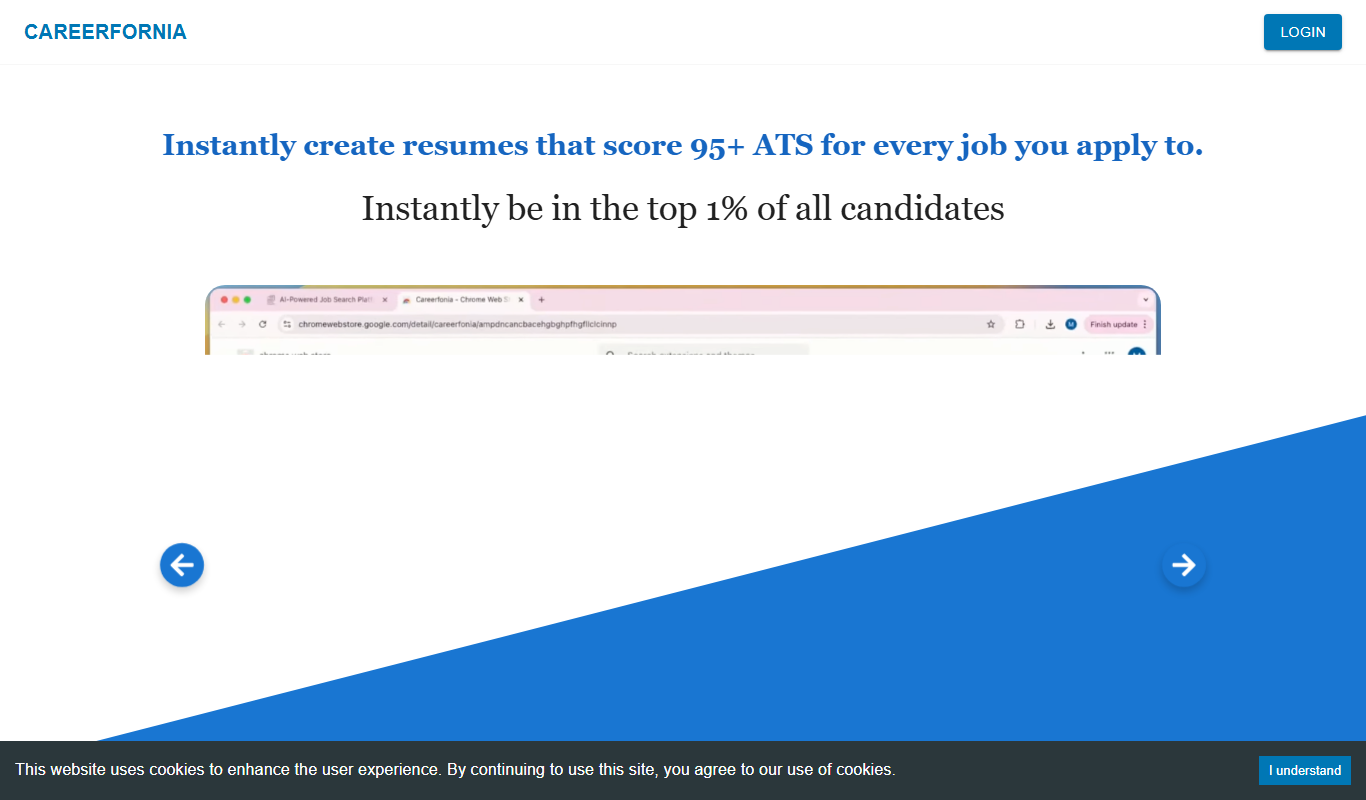
Careerfornia
Careerfornia is an AI-driven career coaching platform that helps users with personalized job search strategies, resume building, interview preparation, and skill development recommendations.