

From my experience with Coach’s Eye, it stands out as a practical and user-friendly video analysis tool tailored for sports coaching and athlete performance improvement. The ability to slow down footage and annotate directly on videos makes it invaluable for detailed technique review. It’s especially useful for coaches and athletes who want to communicate feedback visually and remotely. However, the free version limits storage and features, which may require upgrading for serious users. Overall, Coach’s Eye delivers solid functionality for anyone focused on sports training and performance analysis.
Coach's Eye Video Analysis App for Sports Coaching and Performance Review
Coach's Eye is a video analysis app that helps coaches and athletes improve performance through slow motion playback, annotations, and video sharing.
- Best for
- Sports Coaching
- Key capability
- Slow Motion Playback

Do you recommend this tool?
What is Coach’s Eye?
Coach’s Eye is a video analysis app designed for sports coaches and athletes to capture, review, and provide detailed feedback on athletic performance. It offers slow-motion playback, drawing tools, and voice annotations to help improve technique and training outcomes.
Key features of Coach’s Eye
The tool provides high-quality video capture, frame-by-frame slow motion, side-by-side video comparison, drawing and annotation tools, voiceover feedback, and easy sharing options to enhance coaching and athlete development.
Slow Motion Playback
Watch videos frame-by-frame to analyze precise movements.
Drawing and Annotation Tools
Add lines, shapes, and notes directly on videos to emphasize technique points.
Voiceover Feedback
Record audio comments synced with video playback for detailed coaching.
Side-by-Side Video Comparison
Compare two videos simultaneously to evaluate changes or differences.
Cloud Storage and Sharing
Save videos securely and share with athletes or teams via links or app.
Pros and cons of Coach’s Eye
Pros
- Intuitive video analysis with slow motion and annotation
- Cross-platform support including mobile and web
- Effective for both coaches and athletes
- Easy sharing and collaboration features
Cons
- Free plan has limited storage and features
- No desktop app for Windows or Mac
- Some advanced features require subscription
Key use cases for Coach’s Eye
Sports Coaching
Enables coaches to analyze athletes' movements through video to improve technique and performance.
Athlete Performance Review
Allows athletes to self-assess and receive feedback on their form and skills using slow-motion video playback.
Video Feedback and Annotation
Facilitates adding drawings, voiceover, and notes directly on videos to highlight key points for training.
Team Training Sessions
Supports sharing annotated videos with teams to communicate strategies and corrections effectively.
Remote Coaching
Enables coaches and athletes to collaborate and review performance videos remotely.
How Coach’s Eye works
- 1
Record or Upload Video
Capture new footage or upload existing videos of athletic performance.
- 2
Analyze with Tools
Use slow motion, drawing, and voice annotation features to highlight key movements and provide feedback.
- 3
Compare Videos
View side-by-side comparisons to track progress or contrast techniques.
- 4
Share Feedback
Send annotated videos to athletes or team members for review and improvement.
Who is using Coach’s Eye
Sports coaches
Athletes
Physical therapists
Fitness trainers
Sports teams and clubs
Coach’s Eye pricing
Free
$0/month
Basic video analysis features with limited storage and tools.
Pro
$14.99/month
Full access to all features including unlimited video uploads, advanced tools, and cloud storage.
Plans and prices are as published by the vendor and can change. Check the official site before you buy. Open the pricing page (opens in a new tab)
Frequently asked questions about Coach’s Eye
Yes, your account allows access across supported iOS, Android, and web platforms.
The free plan has limits on storage and uploads; the Pro plan offers unlimited uploads and storage.
Yes, you can share videos via links that can be viewed on web browsers without the app.
Slow motion playback is supported on all platforms, but performance may vary by device capabilities.
It depends on your specific needs and how you plan to use the tool. The official website and documentation are the best sources for the latest details.
Yes, it can help with that use case depending on how you configure it and what features are available. You’ll get the best results with clear inputs and a defined goal.
Some tools offer a free plan or trial with limited features. Availability can vary, so confirm on the official website.
Sign in to review this tool.
Sign In to ReviewNo reviews yet
Be the first to share how this tool worked for you.
Ask about pricing, limits, or how it compares — or answer someone else.
Sign In to AskNo questions yet
Have a question about using or paying for this tool? Be the first to ask.
Featured on TiorAI



More AI Coaching tools
Other tools in the same category, for when this one is not quite the fit.

Enterprise
BetterUp
BetterUp is a digital coaching platform that combines certified human coaches with AI-powered insights to support leadership development, mental fitness, and career growth for individuals and organizations.

Free
Better Self AI
Better Self AI is an AI-driven platform that helps users build and maintain habits, track progress, and receive personalized coaching for personal development.
Freemium
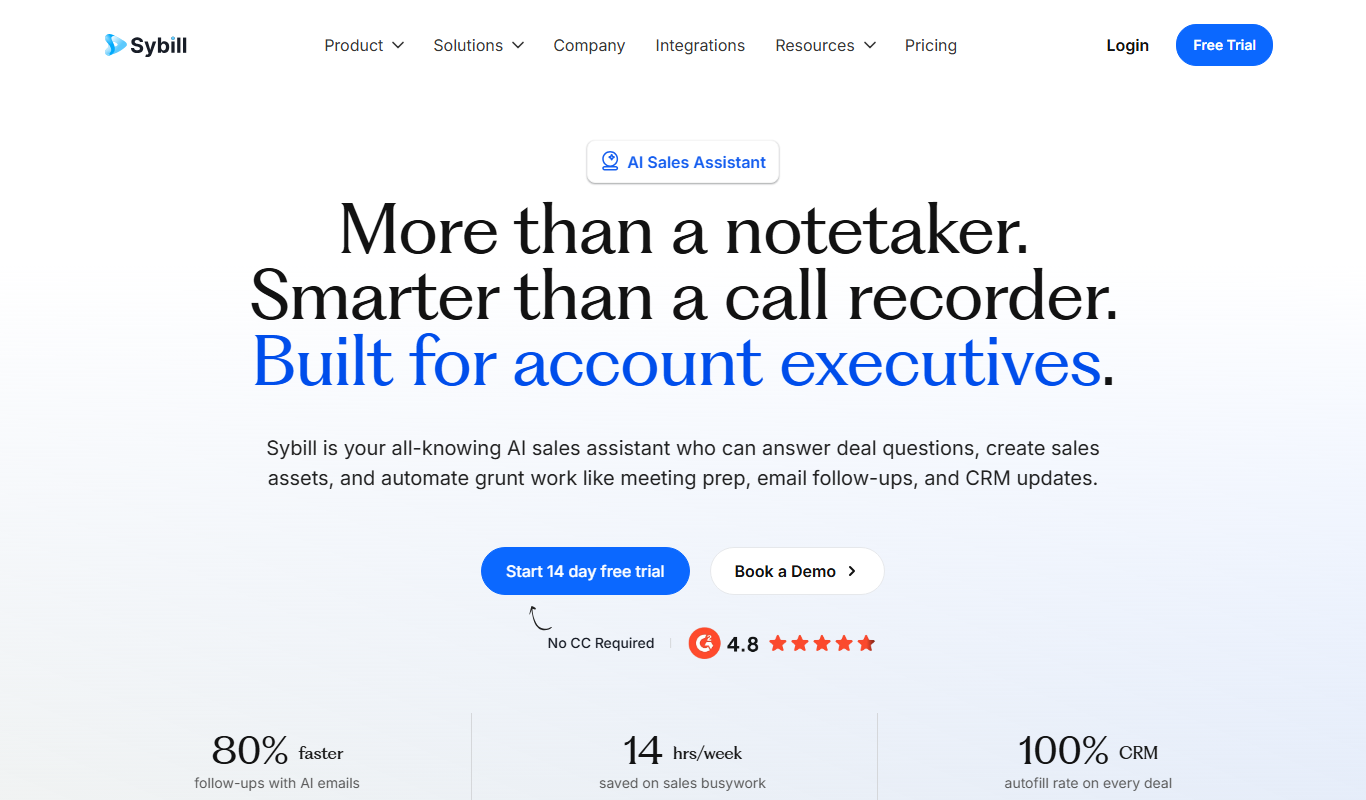
Sybill
Sybill AI is a conversation intelligence platform that uses AI to transcribe, analyze, and provide coaching insights on sales calls to improve team performance and deal outcomes.

Free Trial
Interviews Pilot
Interviews Pilot is an AI-driven platform that helps job seekers practice interviews by simulating realistic questions and providing personalized feedback to improve performance.
Free
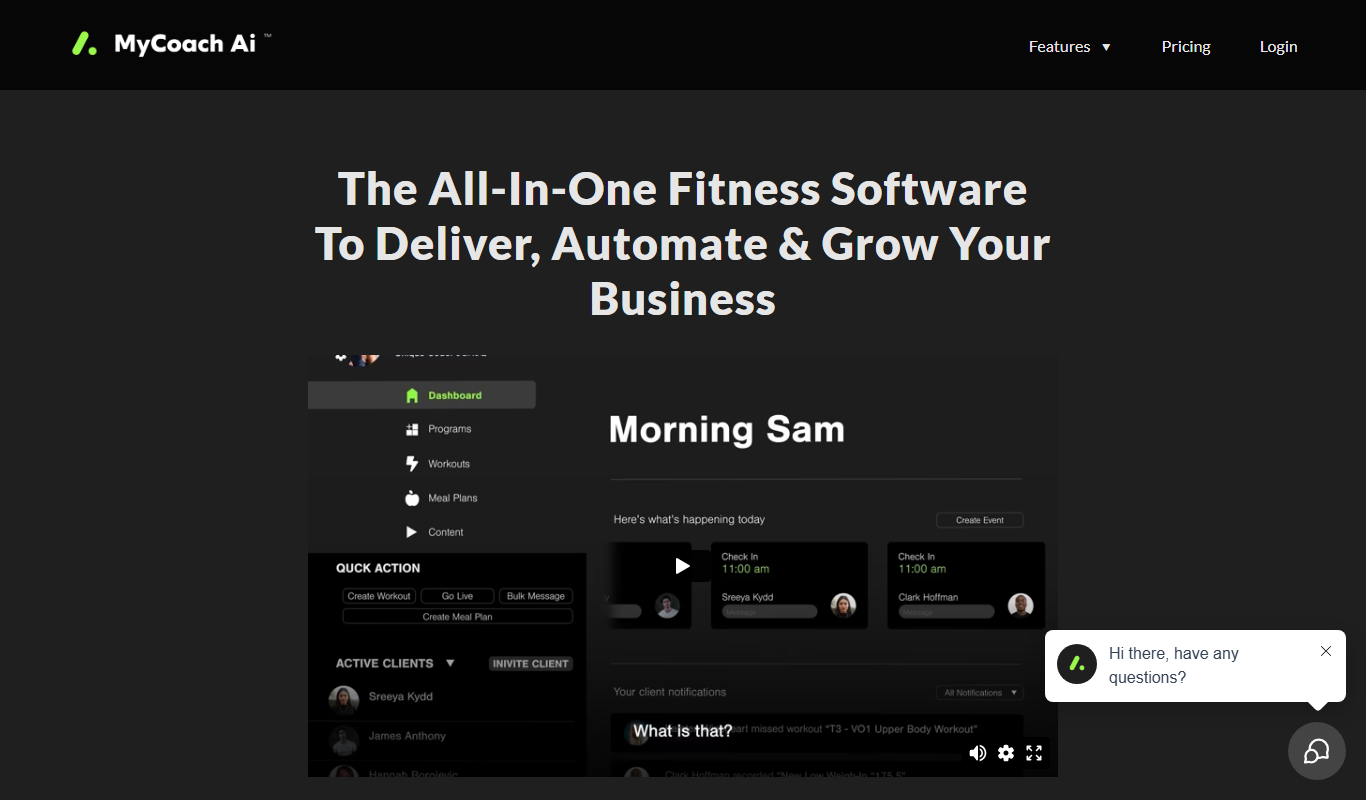
mycoachai.com
MyCoachAI is an AI-powered personal coaching platform that helps users set and achieve goals, track habits, and receive motivational support through personalized coaching prompts.
Free
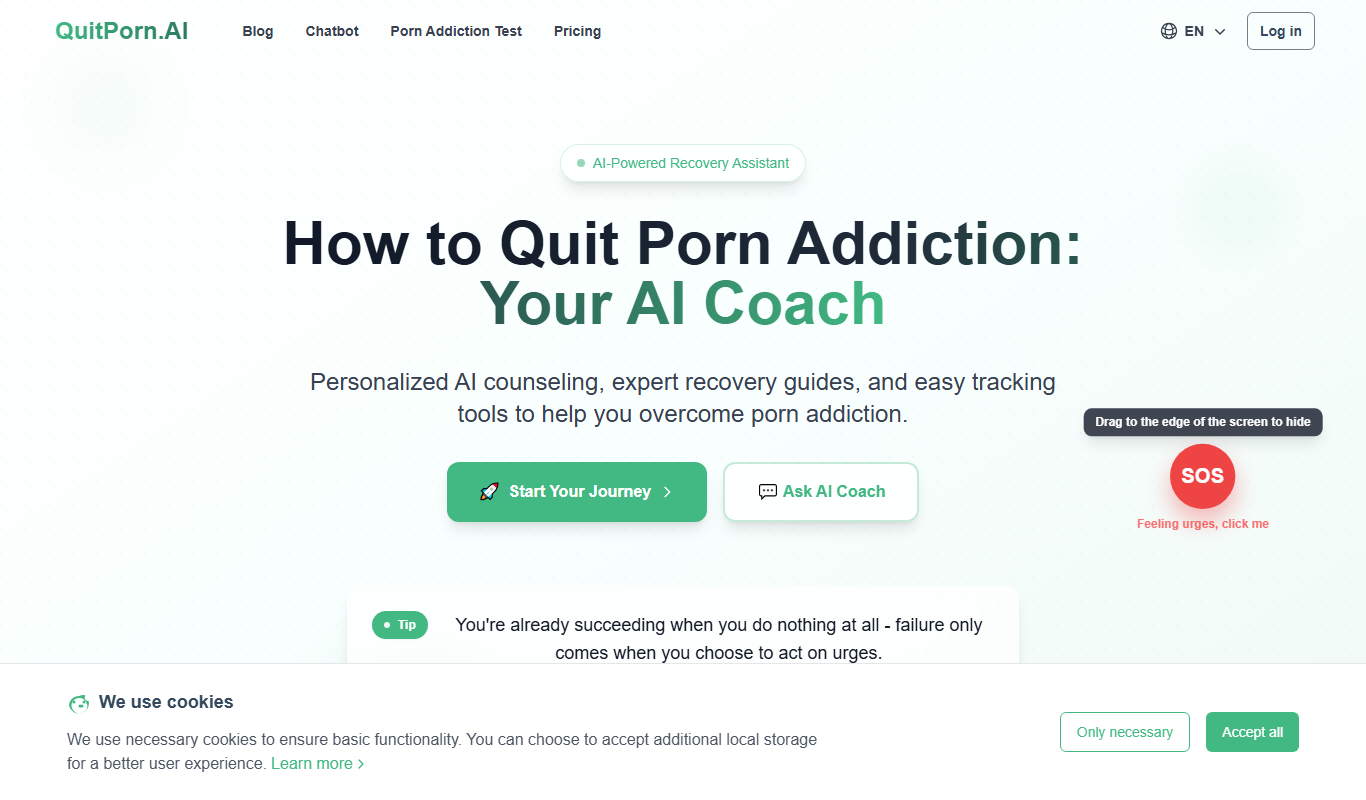
QuitPorn
QuitPorn is an AI-powered coaching platform that helps individuals overcome porn addiction through personalized support, habit tracking, and motivational messaging.
Freemium
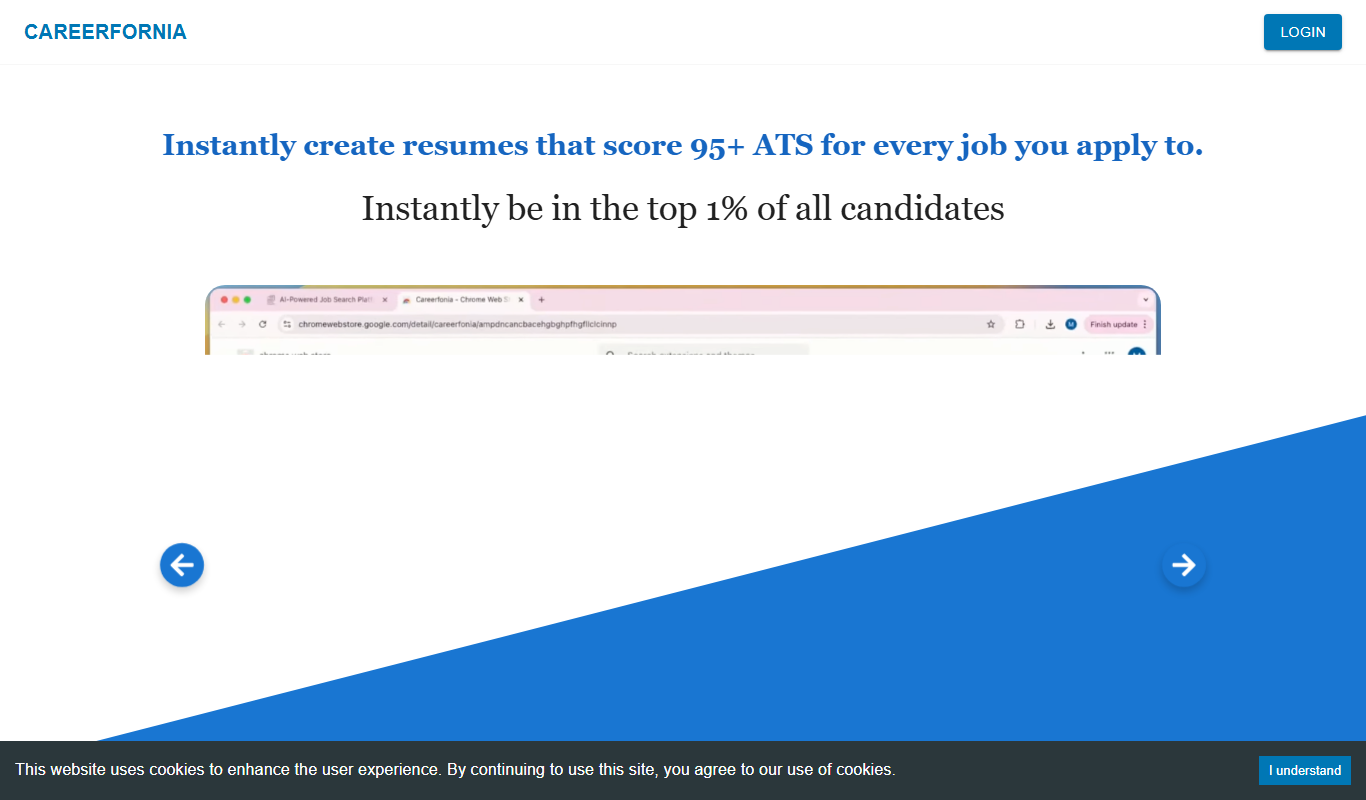
Careerfornia
Careerfornia is an AI-driven career coaching platform that helps users with personalized job search strategies, resume building, interview preparation, and skill development recommendations.
Free
Read Speaker Coach
Read Speaker Coach is an AI-driven platform that helps users practice and improve public speaking by providing real-time feedback on pacing, tone, and clarity.