

Suppa no-code AI chatbot builder for customer support
Suppa is a no-code AI chatbot builder for customer support: create smart chatbots that answer questions and act on your systems, then deploy them across web and mobile.
- Best for
- Customer support automation
- Key capability
- No-code AI chatbot builder
Save Suppa, follow its updates and vote on it — everything stays in your account.
Sign in or create a free account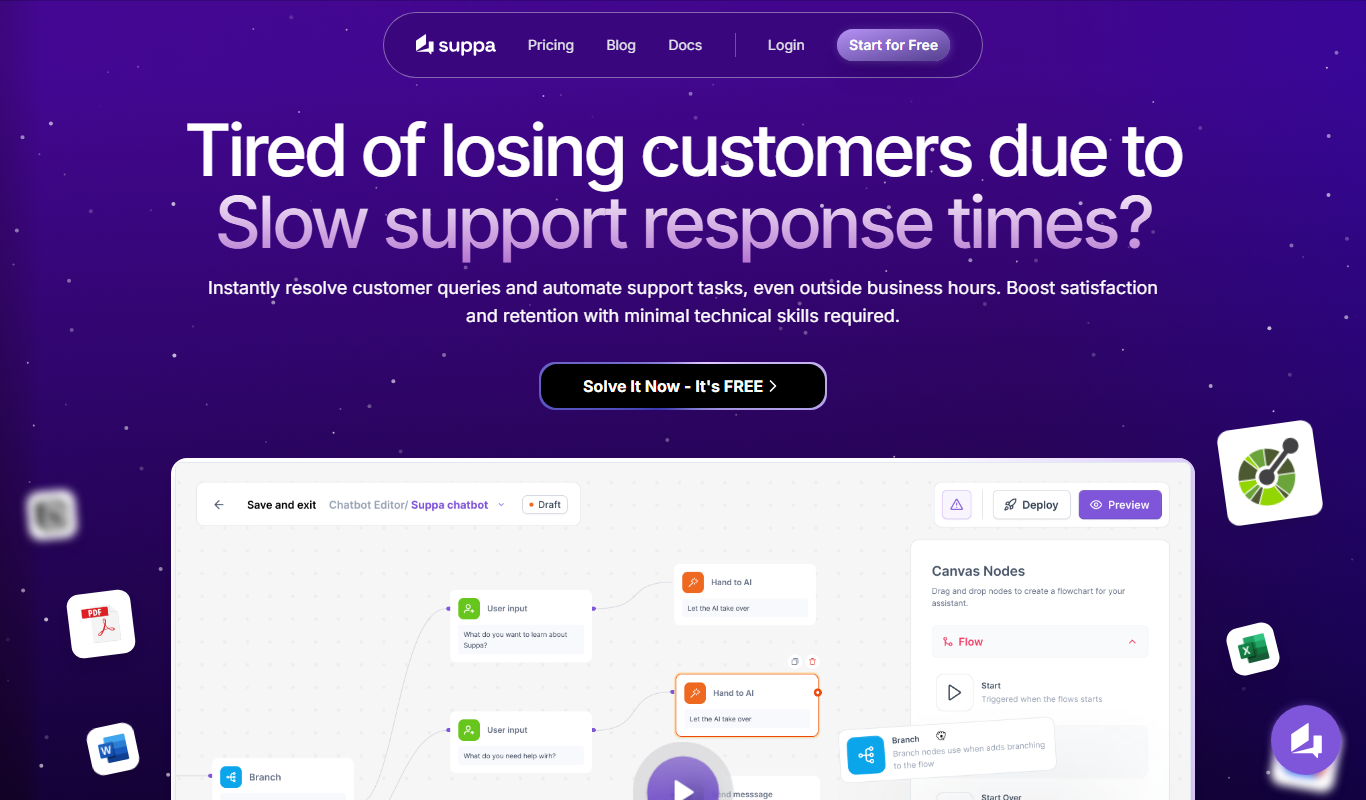
What is Suppa?
Suppa is a no-code platform for building AI chatbots that answer questions and act on your systems. Businesses design conversational flows on a canvas, feed the assistant knowledge from multiple sources, connect their own API endpoints as actions, and deploy the chatbot across web and mobile.
Key features of Suppa
Suppa offers a no-code canvas for conversational flows, knowledge from multiple sources, API actions that call your own endpoints, deployment across web and mobile, and AI responses or full handover to AI.
No-code AI chatbot builder
Design conversational flows on a no-code canvas with branches, user input, messages and AI responses.
Multi-source data
Control the AI assistant with knowledge from various sources stored as knowledgebase items.
API actions
Connect your systems or third-party services through your own API endpoints so the chatbot can act on business systems.
Mobile SDK
Add the AI chatbot to your mobile app in minutes.
Pros and cons of Suppa
Pros
- No coding required to build and deploy chatbots
- API actions let the chatbot act on your own systems
- 14-day free trial with no credit card required
Cons
- No free plan; paid plans start after the 14-day trial
- Chatbots, chat sessions, knowledgebase items and API actions are capped per plan
Key use cases for Suppa
Customer support automation
Resolve customer queries and automate support tasks, even outside business hours.
Sales automation
Automate sales processes with a digital assistant.
Interactive FAQ systems
Turn frequently asked questions and support documents into an interactive assistant.
Acting on business systems
Let the chatbot call your own API endpoints to act on business systems.
How Suppa works
- 1
Build the knowledgebase
Prepare FAQs, company policy, product information and support documents for the assistant.
- 2
Design the flow
Use the no-code canvas to add branches, user input, API calls, knowledgebase lookups and AI responses.
- 3
Customize and test
Customize the assistant’s appearance and behavior and test it thoroughly.
- 4
Deploy to your channels
Deploy the assistant to your desired channels, such as a website or mobile app.
Who is using Suppa
Suppa pricing
Starter
$27 per month
1 chatbot, 1000 chat sessions per month, 5 knowledgebase items and 5 API actions; for individuals and small businesses.
Pro
$57 per month
3 chatbots, 3000 chat sessions per month, 20 knowledgebase items and 20 API actions; for growing businesses.
Business
$137 per month
10 chatbots, 10000 chat sessions per month, 50 knowledgebase items and 100 API actions; for established businesses.
Plans and prices are as published by the vendor and can change. Check the official site before you buy. Open the pricing page (opens in a new tab)
Frequently asked questions about Suppa
A no-code platform for creating AI chatbots that answer questions and act on your systems, deployed across web and mobile.
No. Chatbots are built on a no-code canvas without writing a single line of code.
The pricing page lists GPT-4o Mini, Claude 3 Haiku, GPT-4o and Claude 3.5 Sonnet.
Integrations include a website embed, an Android SDK, an iOS SDK, Zapier, Telegram, WhatsApp and Instagram.
Yes. Every plan starts with a 14-day free trial, no credit card required.
Businesses of all sizes use it to automate customer support, sales and internal processes.
Conclusion
Conversational flows in Suppa are drawn on a no-code canvas, where blocks branch on conditions, collect user input, look up the knowledgebase or hand the conversation over to AI. What sets it apart from a plain FAQ bot is the API action: the chatbot can call the business’s own endpoints or third-party services to act on its systems. Knowledge comes from multiple sources such as FAQs, company policy and support documents.
Finished assistants go out through a website embed, Android and iOS SDKs and integrations with Zapier, Telegram, WhatsApp and Instagram. Customer support is the main target, with sales automation and interactive FAQ systems as further uses for businesses of all sizes. Every plan starts with a 14-day free trial that needs no credit card, and the paid tiers cap chatbots, chat sessions, knowledgebase items and API actions.
Sources
Sign in to review this tool.
Sign In to ReviewNo reviews yet
Be the first to share how this tool worked for you.
Ask about pricing, limits, or how it compares — or answer someone else.
Sign In to AskNo questions yet
Have a question about using or paying for this tool? Be the first to ask.
Featured on TiorAI



More AI Chatbot tools
Other tools in the same category, for when this one is not quite the fit.

Modly
Modly.ai trains, fine-tunes and hosts custom large language models on your business data, delivered as a managed service with API access.

Voyageraid
VoyagerAid is end-to-end disruption management software that helps airlines handle rebooking, passenger communication and disruptions with predictive analytics.
Open Tutor App
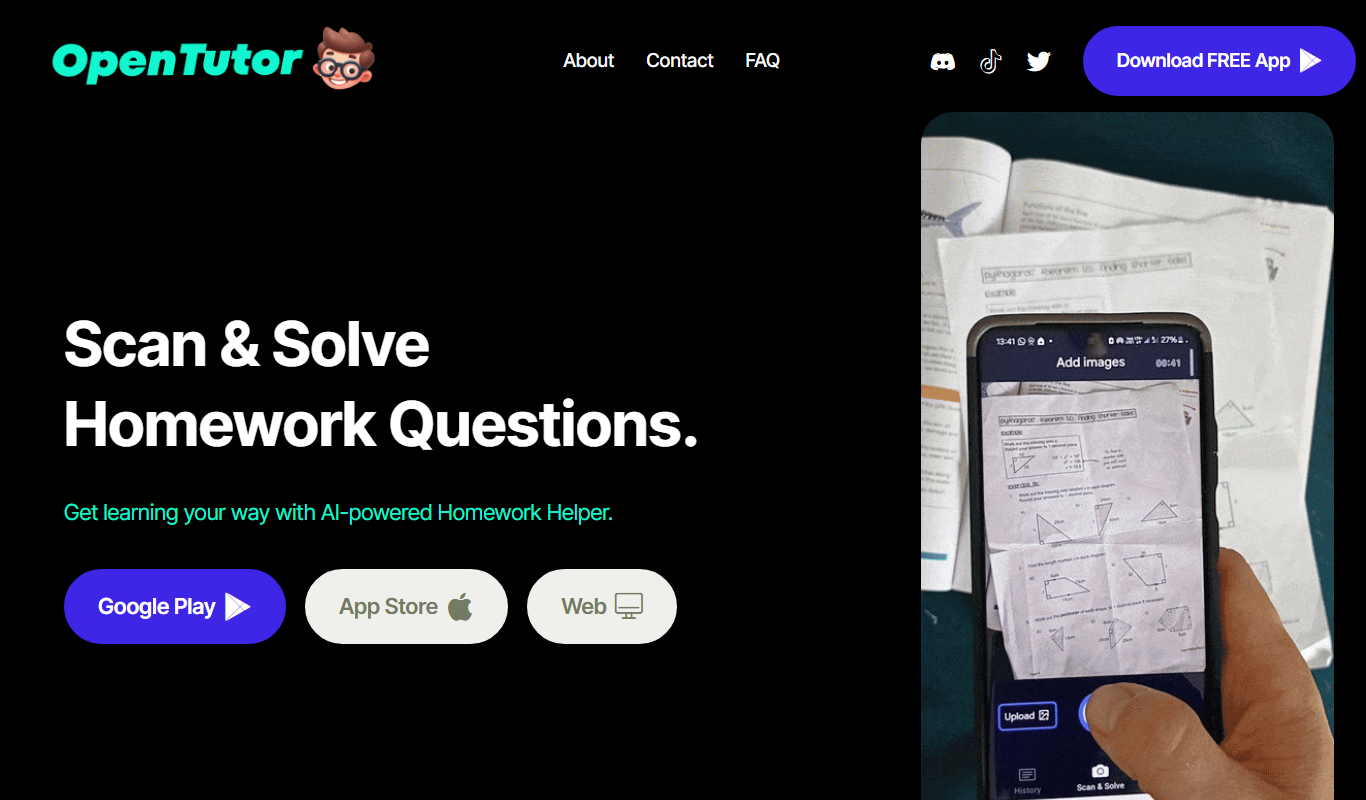
Open Tutor App is an AI homework helper app that scans a photo of a homework question and returns step-by-step solutions and explanations.
Wazgar – ChatGPT in Whatsapp
Wazgar is an AI assistant inside WhatsApp that can assist users at any time, from learning and writing to everyday conversation.

Chat Breezes 1.0
Chat Breezes is an AI-powered omnichannel conversation suite that unifies WhatsApp, Instagram, Facebook and Twitter/X messages in one dashboard for engagement and social selling.

chaterimo.com
Chaterimo is an AI chatbot platform that helps businesses automate customer support and engagement through customizable conversational bots on websites.

Pickaxe
Pickaxe is a no-code platform to build AI agents, package them into products and sell them through branded portals with billing and access control.

ChatHelp.ai
ChatHelp.ai is an AI chatbot platform that automates customer support by engaging website visitors with conversational AI, integrating with helpdesk tools, and providing analytics to optimize service.