

From my experience with Didimo, I found it excels at quickly transforming a single photo into a highly realistic 3D digital human avatar. The platform’s ease of use and integration options, especially with Unity, make it a practical choice for developers and creators who want to add lifelike avatars to games, VR, or social media without deep 3D modeling expertise. However, the customization options, while good, are somewhat limited compared to manual modeling, and pricing may be a consideration for casual users. Overall, if you need fast, realistic avatar creation for digital projects, Didimo delivers solid, professional results.
Didimo AI Avatar Generator for Realistic 3D Digital Human Creation
Didimo is an AI-powered platform that creates realistic 3D digital human avatars from a single photo, supporting gaming, VR, animation, and social media use cases.
- Best for
- Gaming
- Key capability
- Single Photo 3D Avatar Creation

Do you recommend this tool?
What is Didimo?
Didimo is an AI-powered platform that enables users to create highly realistic 3D digital human avatars from a single photo. It automates the complex process of 3D modeling and rigging, producing lifelike avatars suitable for gaming, virtual reality, animation, and other digital applications. The technology focuses on speed and accessibility, allowing creators and developers to generate digital humans quickly without specialized 3D design skills.
Key features of Didimo
Didimo offers fast 3D avatar generation, customizable facial features, full-body avatars, integration with popular game engines like Unity, and an API for seamless embedding into applications. Its avatars are optimized for real-time rendering and animation, supporting diverse use cases from entertainment to virtual communication.
Single Photo 3D Avatar Creation
Generate a full 3D digital human avatar from just one photo in minutes.
Realistic Facial and Body Modeling
AI-driven detailed modeling captures unique facial features and body shape.
Unity Engine Integration
Seamless plugin support for Unity to use avatars directly in game development.
API Access
Developers can integrate avatar generation into their own apps via a robust API.
Customizable Avatars
Adjust facial expressions, hairstyles, and clothing to personalize avatars.
Pros and cons of Didimo
Pros
- Fast and easy avatar creation from a single photo
- High-quality, realistic 3D digital humans
- Integration with popular development platforms like Unity
- API availability for developers
- Customizable avatars with expressions and clothing
Cons
- Limited language support (English only)
- Pricing may be high for casual users
- Customization options are somewhat limited compared to manual 3D modeling
Key use cases for Didimo
Gaming
Create realistic 3D avatars for immersive gaming experiences and character personalization.
Virtual Reality and Metaverse
Generate lifelike digital humans for VR environments and metaverse applications.
Animation and Film
Produce detailed 3D avatars for animation projects and digital storytelling.
Social Media and Communication
Use personalized avatars for social media profiles, virtual meetings, and online communication.
E-commerce and Retail
Enable virtual try-ons and personalized shopping experiences using 3D avatars.
How Didimo works
- 1
Upload Photo
Users upload a single selfie or portrait photo to the Didimo platform.
- 2
AI Processing
The AI analyzes the photo to generate a detailed 3D model of the person’s face and body.
- 3
Customization
Users can customize the avatar’s appearance, expressions, and clothing options.
- 4
Download or Integrate
The finished avatar can be downloaded or integrated via API or Unity plugin into games, VR, or other applications.
Who is using Didimo
Game developers
VR and metaverse creators
Animation studios
Social media content creators
E-commerce platforms
Didimo pricing
Free
$0/month
Basic avatar creation with limited downloads and features.
Pro
$49/month
Access to higher resolution avatars, commercial use, and API integration.
Enterprise
Custom pricing
Tailored solutions with dedicated support, bulk usage, and advanced features.
Plans and prices are as published by the vendor and can change. Check the official site before you buy. Open the pricing page (opens in a new tab)
Frequently asked questions about Didimo
Clear, front-facing photos with good lighting produce the best 3D avatars.
Yes, commercial use is allowed under Pro and Enterprise plans.
Typically, avatars are generated within a few minutes after photo upload.
Yes, Didimo supports full-body 3D avatars, not just facial models.
It depends on your specific needs and how you plan to use the tool. The official website and documentation are the best sources for the latest details.
Yes, it can help with that use case depending on how you configure it and what features are available. You’ll get the best results with clear inputs and a defined goal.
Yes, it can help with that use case depending on how you configure it and what features are available. You’ll get the best results with clear inputs and a defined goal.
Some tools offer a free plan or trial with limited features. Availability can vary, so confirm on the official website.
Sign in to review this tool.
Sign In to ReviewNo reviews yet
Be the first to share how this tool worked for you.
Ask about pricing, limits, or how it compares — or answer someone else.
Sign In to AskNo questions yet
Have a question about using or paying for this tool? Be the first to ask.
Featured on TiorAI



More AI Animation Generator tools
Other tools in the same category, for when this one is not quite the fit.
Free
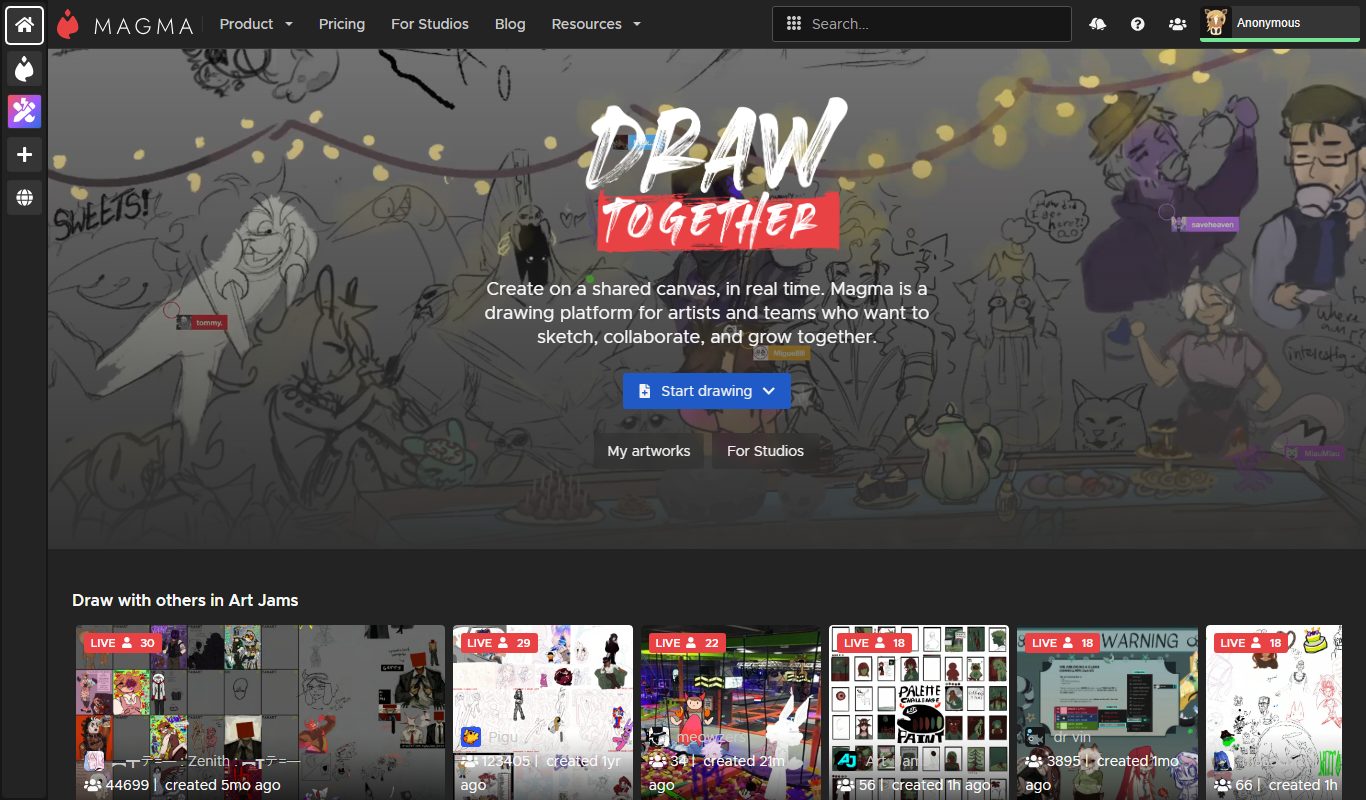
Aggie.io
Aggie.io is a free online collaborative drawing tool that allows multiple users to paint together in real time on a shared canvas without requiring installation or accounts.
Free Trial
PlantFactory
PlantFactory is a desktop 3D software tool that enables users to create, customize, and animate realistic plants using procedural modeling techniques, suitable for visual effects, games, and architectural projects.

Free
GIF Brewery
GIF Brewery is a Mac application that allows users to create, edit, and optimize animated GIFs from videos or screen recordings with advanced editing features and easy export options.

Freemium
DeepAR SDK
DeepAR SDK is a cross-platform augmented reality development kit that enables real-time face tracking, AI avatar creation, and 3D AR effects for mobile apps, games, and live streaming.

Custom Pricing
Banuba SDK
Banuba SDK is an AI-powered augmented reality software development kit that enables developers to integrate real-time face tracking, 3D masks, beauty filters, and avatar effects into mobile and desktop applications.

Contact for pricing
8i
8i is a platform that creates photorealistic 3D holograms and avatars using volumetric video technology for VR and AR experiences.
Free
ImgPlay
ImgPlay is a mobile and web app that converts videos and photos into animated GIFs with editing tools like text, stickers, and filters for social media sharing.
Free
RIFE AI
RIFE AI is a free web-based AI tool that generates intermediate video frames to create smooth slow-motion effects and increase video frame rates without requiring software installation.