

From my experience with KindlePPT, I found it excels at quickly transforming Kindle highlights into editable PowerPoint slides, which is a huge time saver for anyone needing to present book insights. The straightforward web interface makes the process simple, even for users without technical skills. However, the tool is limited to Kindle export formats and primarily supports English content, which might restrict some users. Overall, if you frequently create presentations from your Kindle reading notes, KindlePPT offers a practical and affordable solution.
KindlePPT Review: Convert Kindle Highlights to PowerPoint Slides Easily
KindlePPT is a web-based tool that converts Kindle highlights and notes into editable PowerPoint slides, enabling users to create presentations from their ebook annotations quickly.
- Best for
- Convert Kindle Highlights to Slides
- Key capability
- Automatic Slide Creation
Your actions
Save KindlePPT, follow its updates and vote on it — everything stays in your account.
Sign in or create a free account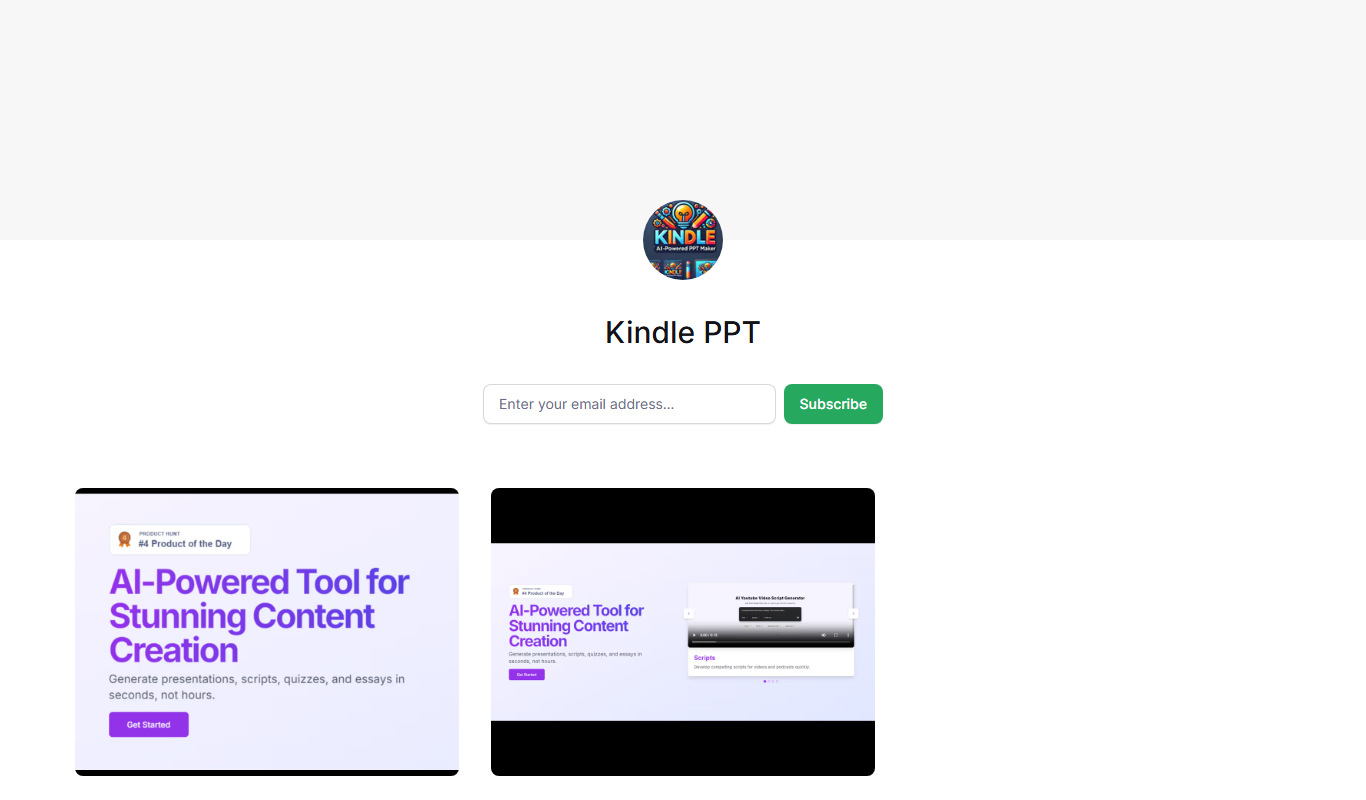
What is KindlePPT?
KindlePPT is a web-based tool designed to convert your Kindle highlights and notes into PowerPoint slides automatically. It streamlines the process of turning your reading insights into professional presentations, saving time and effort.
Key features of KindlePPT
The tool offers seamless import of Kindle highlights, automatic slide generation with editable content, and export options compatible with Microsoft PowerPoint, enabling users to create presentations directly from their ebook notes.
Automatic Slide Creation
Transforms Kindle highlights into well-structured PowerPoint slides without manual input.
Editable PowerPoint Output
Generates .pptx files that can be edited in Microsoft PowerPoint or compatible software.
Simple Upload Interface
User-friendly web interface for uploading Kindle export files.
Supports Multiple Kindle Export Formats
Compatible with common Kindle highlight export formats for flexibility.
Pros and cons of KindlePPT
Pros
- Saves time converting Kindle notes into presentations
- Produces editable PowerPoint files
- Simple and intuitive web interface
- Affordable one-time purchase
Cons
- Limited to Kindle highlight export formats
- No mobile app available
- Supports primarily English language content
Key use cases for KindlePPT
Convert Kindle Highlights to Slides
Automatically transform your Kindle book highlights into editable PowerPoint presentations for easy sharing and review.
Create Study Materials
Use your Kindle notes to generate slide decks that help with studying, summarizing key points from books.
Prepare Presentations from Reading
Quickly prepare presentations based on book content without manual copying or formatting.
How KindlePPT works
- 1
Export Kindle Highlights
Export your highlights and notes from your Kindle device or app.
- 2
Upload to KindlePPT
Upload the exported file to the KindlePPT web platform.
- 3
Generate Slides
KindlePPT automatically converts the highlights into PowerPoint slides.
- 4
Download and Edit
Download the generated PowerPoint file and customize it as needed.
Who is using KindlePPT
Students and educators
Book readers who create presentations
Professionals preparing talks from books
Content creators summarizing reading material
KindlePPT pricing
One-time Purchase
$9.99
Single payment for lifetime access to KindlePPT features.
Plans and prices are as published by the vendor and can change. Check the official site before you buy. Open the pricing page (opens in a new tab)
Frequently asked questions about KindlePPT
KindlePPT supports common Kindle highlight export formats such as .txt files exported from your Kindle device or app.
Yes, the output is a standard PowerPoint (.pptx) file that you can edit using Microsoft PowerPoint or compatible software.
KindlePPT is a web-based tool accessible through your browser; no installation is required.
Currently, KindlePPT primarily supports English language Kindle highlights.
It depends on your specific needs and how you plan to use the tool. The official website and documentation are the best sources for the latest details.
Yes, it can help with that use case depending on how you configure it and what features are available. You’ll get the best results with clear inputs and a defined goal.
Some tools offer a free plan or trial with limited features. Availability can vary, so confirm on the official website.
Yes, it can help with that use case depending on how you configure it and what features are available. You’ll get the best results with clear inputs and a defined goal.
Sign in to review this tool.
Sign In to ReviewNo reviews yet
Be the first to share how this tool worked for you.
Ask about pricing, limits, or how it compares — or answer someone else.
Sign In to AskNo questions yet
Have a question about using or paying for this tool? Be the first to ask.
Featured on TiorAI



Alternative Tools
Explore similar AI tools that might fit your needs

Free Trial
Readwise
Readwise is a tool that imports and organizes your reading highlights from various platforms and uses spaced repetition to help you retain knowledge effectively.
Free
Clippings.io
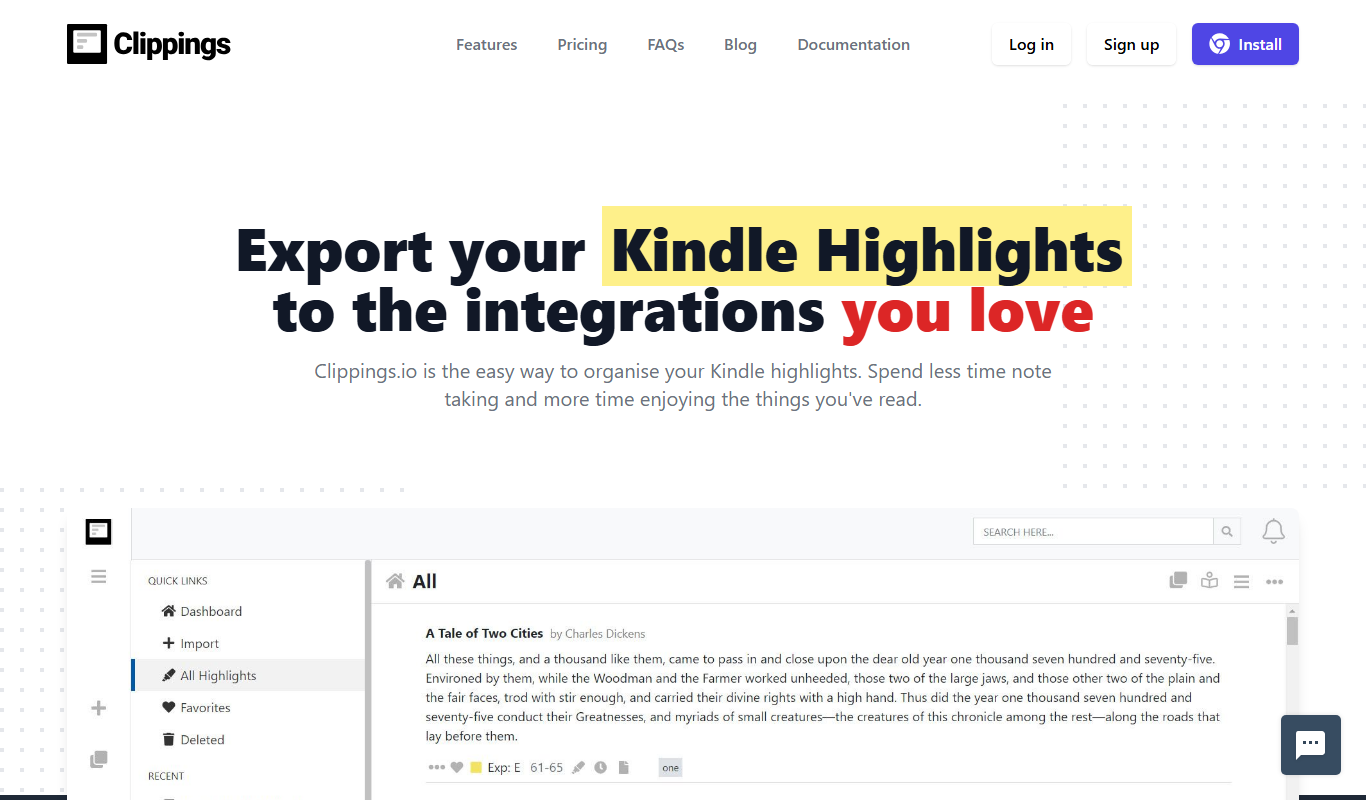
Clippings.io is a web tool that helps Kindle users export, organize, and manage their highlights and notes by importing clippings files and exporting them into various formats like CSV and Evernote.
More AI Presentation Tools tools
Other tools in the same category, for when this one is not quite the fit.

Free
Powerpresent AI
Powerpresent AI is a web-based tool that uses artificial intelligence to automatically generate professional presentation slides from user input, offering customizable templates and easy editing.

Freemium
WorkPPT
WorkPPT is a web-based presentation tool by SoftTooler that uses AI to help users create and customize professional slides quickly, supporting collaboration and export in PPTX and PDF formats.

Freemium
Pi by DeepVinci
Pi by DeepVinci is an AI presentation tool that creates slides from a sentence, an uploaded document or a connected knowledge base.
Free
Piktochart
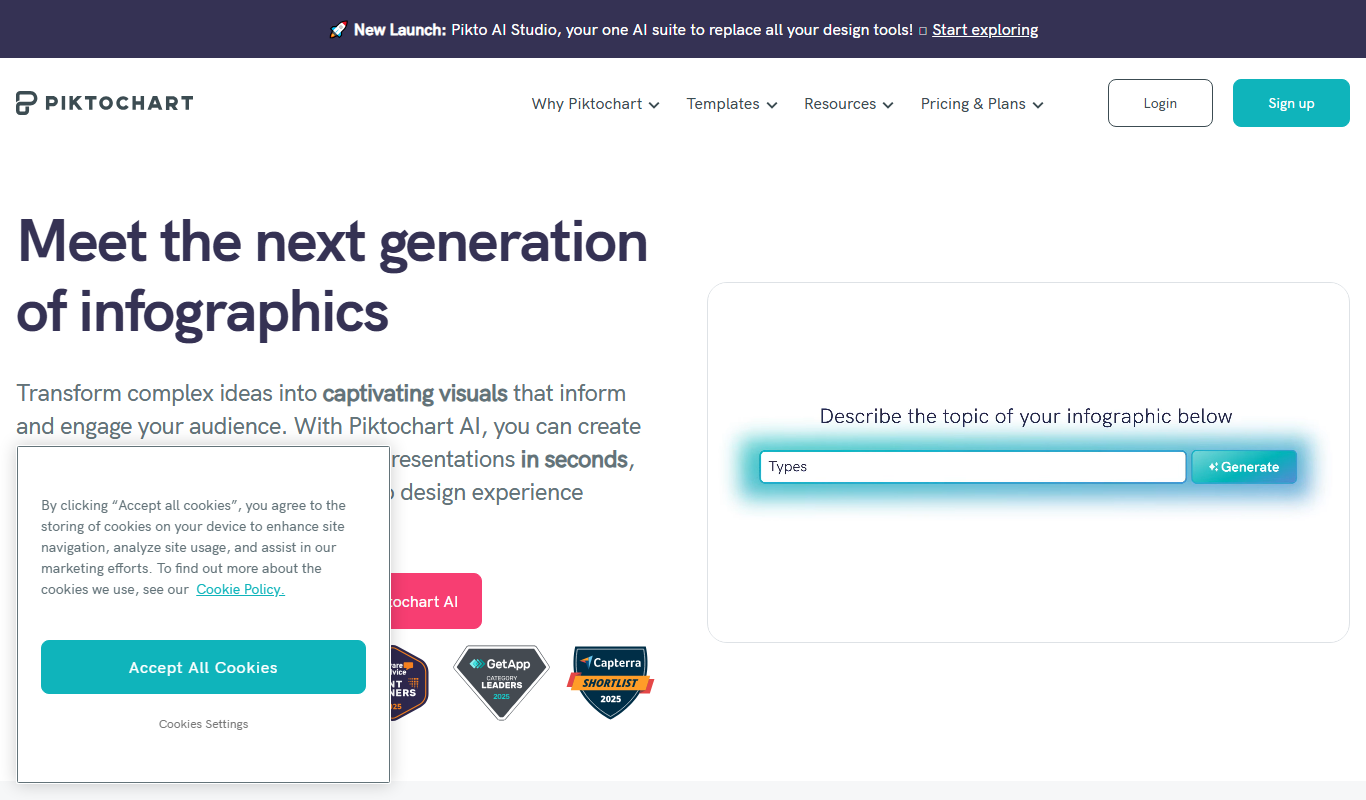
Piktochart is a web-based tool that helps users create infographics, presentations, and reports using customizable templates and an easy drag-and-drop editor.

Freemium
AI Slide Studio
AI Slide Studio is a web-based tool that uses artificial intelligence to automatically generate and design presentation slides from text input, helping users create professional slide decks quickly and easily.

Free
AutoPPT
AutoPPT is an AI-powered tool that automates the creation of professional presentations by generating slides from text inputs, allowing users to customize and export decks quickly.

Free
Pitch
Pitch is a collaborative presentation software that enables teams to create, edit, and share presentations in real-time with integrated design tools and version control.

Free
AiPPT
AiPPT is an AI-driven web tool that helps users create professional presentations quickly by generating slide content and designs automatically.