

Clippings.io Kindle Highlight Manager for Exporting and Organizing Notes
Clippings.io is a web tool that helps Kindle users export, organize, and manage their highlights and notes by importing clippings files and exporting them into various formats like CSV and Evernote.
- Best for
- Kindle Highlights Export
- Key capability
- Kindle Clippings Import
Save Clippings.io, follow its updates and vote on it — everything stays in your account.
Sign in or create a free account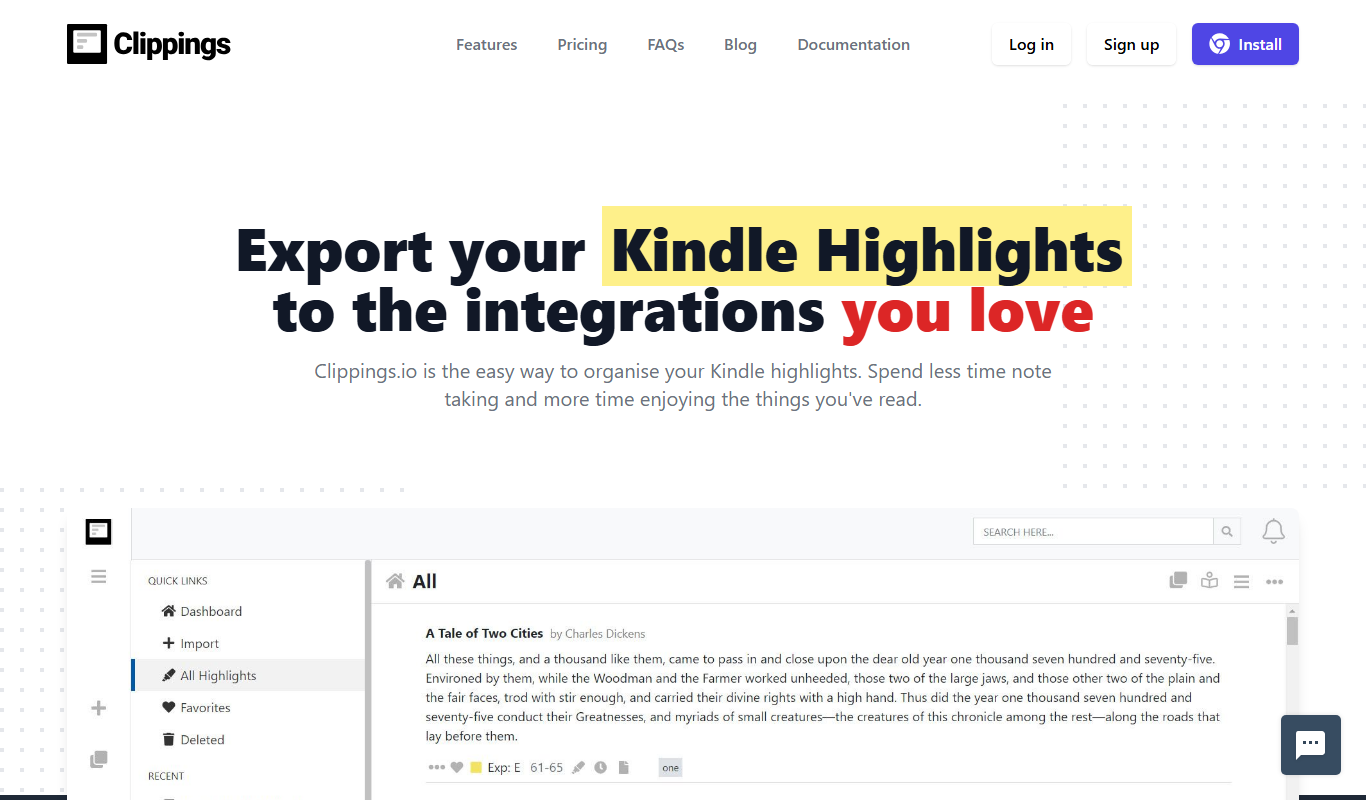
What is Clippings.io?
Clippings.io is a web-based tool designed to help Kindle users export, organize, and manage their highlights and notes from Kindle devices or apps. It simplifies the process of transferring your reading annotations into usable formats such as spreadsheets, Evernote, or plain text, making it easier to review, share, or repurpose your reading insights.
Key features of Clippings.io
The platform offers seamless import of Kindle clippings, powerful organization features including tagging and sorting, and multiple export options to formats like CSV, Excel, Evernote, and plain text. It supports batch editing and provides a clean interface to manage large volumes of highlights efficiently.
Kindle Clippings Import
Supports direct upload of Kindle clippings.txt files or syncing with Kindle accounts.
Multi-format Export
Export highlights and notes to CSV, Excel, Evernote, or plain text formats.
Highlight Organization
Tag, filter, and sort highlights to easily manage large collections.
Batch Editing
Edit multiple highlights at once to save time and maintain consistency.
Clean User Interface
Simple and intuitive interface designed specifically for managing Kindle notes.
Pros and cons of Clippings.io
Pros
- Simplifies Kindle highlight export and management
- Supports multiple export formats
- User-friendly interface tailored for Kindle users
- Paid Professional plan at $1.99 per month, billed annually
Cons
- Limited to Kindle highlights only
- No mobile app, although browser extensions are available.
- Basic free plan has export limits
Key use cases for Clippings.io
Kindle Highlights Export
Easily export your Kindle highlights and notes into organized digital formats for further use.
Note Organization
Manage and organize your book highlights and annotations in one centralized platform.
Content Repurposing
Use exported highlights to create blog posts, articles, or marketing content efficiently.
Research and Study
Compile and review important excerpts from multiple books for academic or professional research.
Book Summary Creation
Generate summaries or outlines from your collected highlights to aid retention and sharing.
How Clippings.io works
- 1
Connect Kindle Highlights
Upload your Kindle clippings file or connect your Kindle account to import highlights.
- 2
Organize Highlights
Tag, sort, and edit your highlights to categorize and prioritize your notes.
- 3
Export Data
Export your organized highlights to formats like CSV, Excel, Evernote, or plain text for further use.
Who is using Clippings.io
Clippings.io pricing
Free
$0/month
Basic import and export features with limited monthly exports.
Professional
$1.99 per month, billed annually
Paid plan at $1.99 per month, billed annually.
Plans and prices are as published by the vendor and can change. Check the official site before you buy. Open the pricing page (opens in a new tab)
Frequently asked questions about Clippings.io
Yes, you can upload the clippings.txt file from any Kindle device or app.
Exports are available in CSV, Excel, Evernote, and plain text formats.
The free plan has some limits on exports; the paid plan is Professional, at $1.99 per month billed annually.
Yes, you can tag and sort highlights by book, date, or custom categories.
It depends on your specific needs and how you plan to use the tool. The official website and documentation are the best sources for the latest details.
Yes, it can help with that use case depending on how you configure it and what features are available. You’ll get the best results with clear inputs and a defined goal.
Yes, it can help with that use case depending on how you configure it and what features are available. You’ll get the best results with clear inputs and a defined goal.
Conclusion
Kindle highlights and notes are the raw material: a clippings.txt file is uploaded, or a Kindle account is connected, to import them. Highlights can then be tagged, sorted and edited, with multiple highlights edited at once. Exports go to CSV, Excel, Evernote or plain text formats.
It is aimed at avid Kindle readers, students and researchers, and writers and bloggers repurposing book notes. Exported highlights can become blog posts and articles, or summaries and outlines of a book. Browser extensions are available alongside the web app, but there is no mobile app. The free plan limits exports, while the paid Professional plan costs $1.99 per month when billed annually.
Sources
Sign in to review this tool.
Sign In to ReviewNo reviews yet
Be the first to share how this tool worked for you.
Ask about pricing, limits, or how it compares — or answer someone else.
Sign In to AskNo questions yet
Have a question about using or paying for this tool? Be the first to ask.
Featured on TiorAI



Alternative Tools
Explore similar AI tools that might fit your needs

Readwise
Readwise is a tool that imports and organizes your reading highlights from various platforms and uses spaced repetition to help you retain knowledge effectively.
More Marketing & Advertising tools
Other tools in the same category, for when this one is not quite the fit.

Jell
Jell is a team collaboration and project management tool that helps teams run daily standups, track OKRs, and improve alignment, especially for remote and agile teams.

Business Portrait AI
Business Portrait AI is an online tool that uses artificial intelligence to create professional business portraits and corporate headshots quickly and affordably without traditional photoshoots.

Polly
Polly is an AI-driven survey and polling tool that integrates with Slack and Microsoft Teams to help organizations gather real-time feedback and improve employee engagement.

Headline Studio
Headline Studio is an online tool by CoSchedule that analyzes and scores headlines based on SEO, emotional impact, and word balance to help content creators improve engagement and search rankings.

SubmitPro
SubmitPro submits your startup to 200+ AI and startup directories with one-click submission and a 10-minute setup.

Demostack
Demostack is an enterprise agentic product simulation platform for product demos.
WPS Presentation
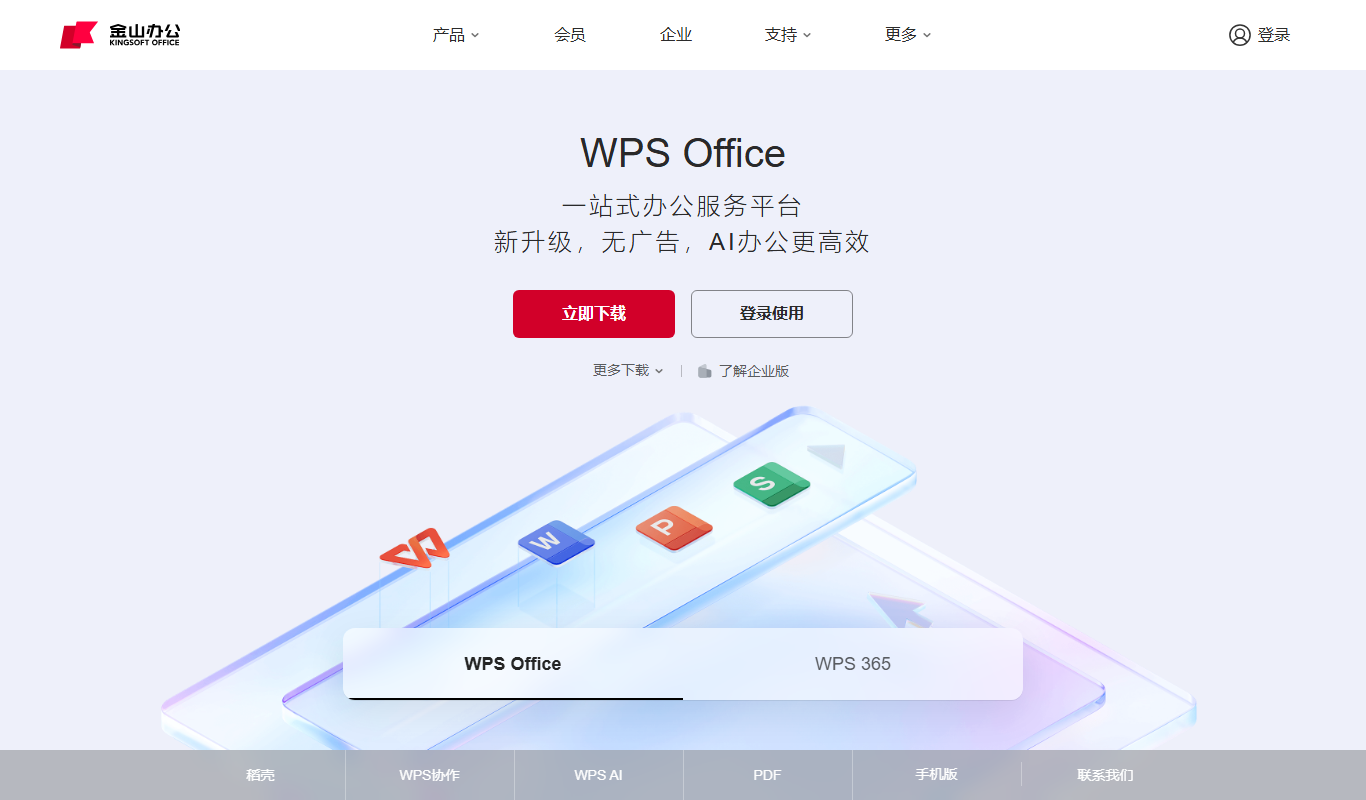
WPS Presentation is a slide creation software by Kingsoft offering templates, multimedia integration, and cloud collaboration across multiple platforms.

MarketResearch.com
MarketResearch.com is an online platform offering extensive market research reports and industry analysis from multiple publishers, helping businesses and investors make informed decisions.