

WPS Presentation Software by Kingsoft - Chinese Office Suite for Slides
WPS Presentation is a slide creation software by Kingsoft offering templates, multimedia integration, and cloud collaboration across multiple platforms.
- Best for
- Business Presentations
- Key capability
- Rich Template Library
Save WPS Presentation, follow its updates and vote on it — everything stays in your account.
Sign in or create a free account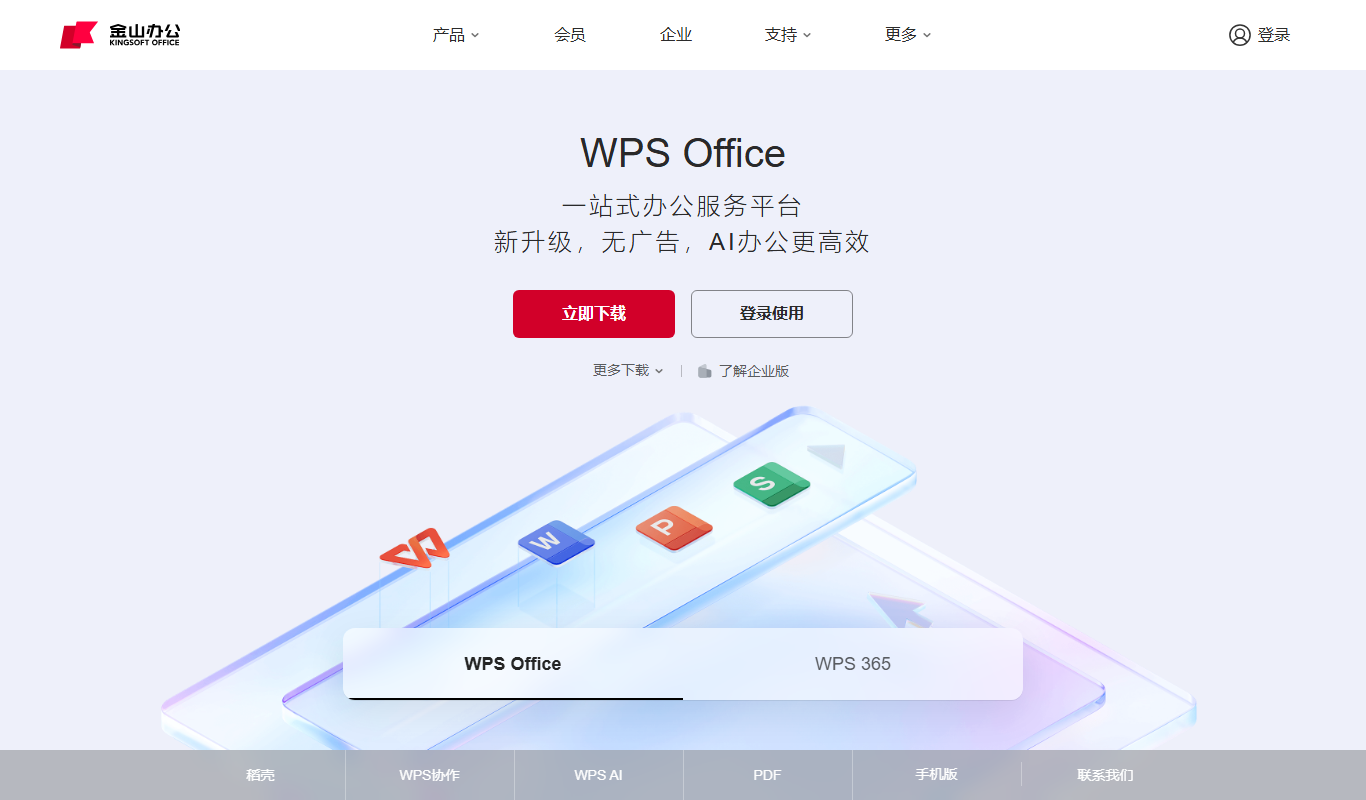
What is WPS Presentation?
WPS Presentation is a component of the WPS Office suite developed by Kingsoft Corporation. It is a slide presentation software designed to create, edit, and display professional presentations. It offers a user-friendly interface similar to Microsoft PowerPoint, supporting a wide range of templates, animations, and multimedia integration. WPS Presentation is widely used in China and internationally for business, education, and personal purposes.
Key features of WPS Presentation
WPS Presentation provides a comprehensive set of tools for slide creation including customizable templates, animation effects, multimedia embedding, cloud collaboration, and cross-platform compatibility. It supports exporting presentations in multiple formats and integrates seamlessly with other WPS Office applications.
Rich Template Library
Access hundreds of professionally designed templates for various presentation needs.
Multimedia Support
Embed videos, audio, and images seamlessly into slides.
Animation and Transition Effects
Enhance presentations with customizable animations and slide transitions.
Cloud Collaboration
Work simultaneously with team members on shared presentations via cloud storage.
Cross-Platform Compatibility
Use WPS Presentation on Windows, macOS, Android, iOS, and via web browsers.
Pros and cons of WPS Presentation
Pros
- User-friendly interface similar to Microsoft PowerPoint
- Wide range of free templates and multimedia support
- Cross-platform availability including mobile and web
- Cloud collaboration features for team projects
- Affordable premium pricing compared to competitors
Cons
- Some advanced features require premium subscription
- Primarily focused on Chinese market with limited English resources
- Occasional ads in free version can be distracting
Key use cases for WPS Presentation
Business Presentations
Create professional slide decks for meetings, pitches, and reports.
Educational Lectures
Design engaging presentations for classroom teaching and seminars.
Marketing Campaigns
Develop visual content to support marketing strategies and advertisements.
Collaborative Projects
Work with teams on shared presentations with cloud syncing and real-time editing.
Personal Use
Make slideshows for personal events, portfolios, or hobby projects.
How WPS Presentation works
- 1
Download or Access Online
Install WPS Office on your device or use the web version to start creating presentations.
- 2
Choose a Template
Select from a variety of pre-designed templates or start from a blank slide.
- 3
Add Content
Insert text, images, charts, videos, and animations to build your slides.
- 4
Collaborate and Edit
Share your presentation with others for real-time collaboration and feedback.
- 5
Export and Present
Save your presentation in formats like PPT, PDF, or video and present it on any device.
Who is using WPS Presentation
WPS Presentation pricing
Free
$0/month
Basic access with limited templates and features, supported by ads.
Premium
$29.99/year
Full access to all templates, advanced features, and ad-free experience.
Business
Custom pricing
Enterprise-level features including team management and priority support.
Plans and prices are as published by the vendor and can change. Check the official site before you buy. Open the pricing page (opens in a new tab)
Frequently asked questions about WPS Presentation
Yes, WPS Presentation can open, edit, and save files in PowerPoint formats such as PPT and PPTX.
Yes, WPS Presentation supports cloud-based collaboration allowing multiple users to edit simultaneously.
Yes, WPS Office including Presentation is available on Android and iOS devices.
Yes, you can export your presentations to PDF format for easy sharing and printing.
This tool is designed to help users accomplish its core tasks more efficiently. It is typically used by individuals or teams looking to improve productivity and workflow.
Some tools offer a free plan or trial with limited features. Availability can vary, so confirm on the official website.
Yes, it can help with that use case depending on how you configure it and what features are available. You’ll get the best results with clear inputs and a defined goal.
Yes, it can help with that use case depending on how you configure it and what features are available. You’ll get the best results with clear inputs and a defined goal.
Conclusion
As part of the WPS Office suite from Kingsoft Corporation, the presentation app can open, edit and save PowerPoint formats such as PPT and PPTX. A deck starts from a pre-designed template or a blank slide and is built up with text, images, charts, videos and animations. Finished work is saved in formats like PPT, PDF or video.
Team members can work simultaneously on shared presentations via cloud storage. Slide decks for meetings, pitches and reports sit alongside presentations for classroom teaching and seminars among its use cases.
The free version shows ads, while WPS Pro+ costs $69.99/year and a Sharing plan costs $29.99/year per user for teams of 2 or more.
Sources
Sign in to review this tool.
Sign In to ReviewNo reviews yet
Be the first to share how this tool worked for you.
Ask about pricing, limits, or how it compares — or answer someone else.
Sign In to AskNo questions yet
Have a question about using or paying for this tool? Be the first to ask.
Featured on TiorAI



More Business Management tools
Other tools in the same category, for when this one is not quite the fit.

Jell
Jell is a team collaboration and project management tool that helps teams run daily standups, track OKRs, and improve alignment, especially for remote and agile teams.
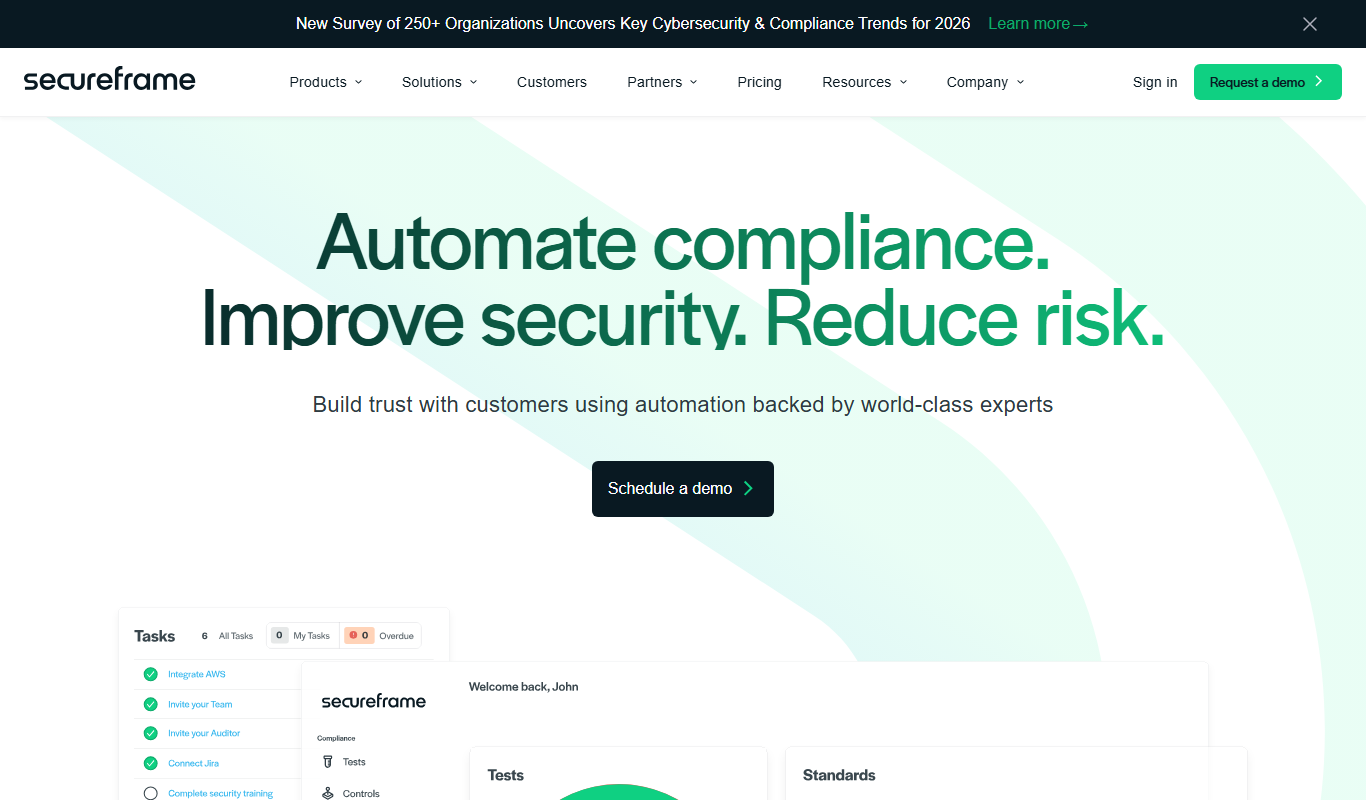
Secureframe
Secureframe is a compliance automation platform that helps businesses achieve and maintain cybersecurity certifications like SOC 2 and ISO 27001 by automating evidence collection, risk assessments, and audit preparation.

Vanta
Vanta is a compliance automation platform that helps businesses automate security monitoring, evidence collection, and audit preparation for standards like SOC 2, ISO 27001, HIPAA, and GDPR.

GetEstimate.ai
GetEstimate.ai is an AI agent that analyzes your project, asks targeted questions and generates detailed construction and software estimates, paid per estimate with no subscription.

TenantCloud
TenantCloud is a cloud-based property management software that helps landlords and property managers handle rental listings, tenant screening, rent payments, maintenance requests, and financial reporting efficiently.

ShootProof
ShootProof is a photography client management platform that provides customizable online galleries, client proofing tools, and integrated e-commerce for selling prints and digital downloads.

Duplicate Cleaner Pro
Duplicate Cleaner Pro is a Windows software tool that scans for and removes duplicate files, helping users free up disk space and organize their files efficiently.
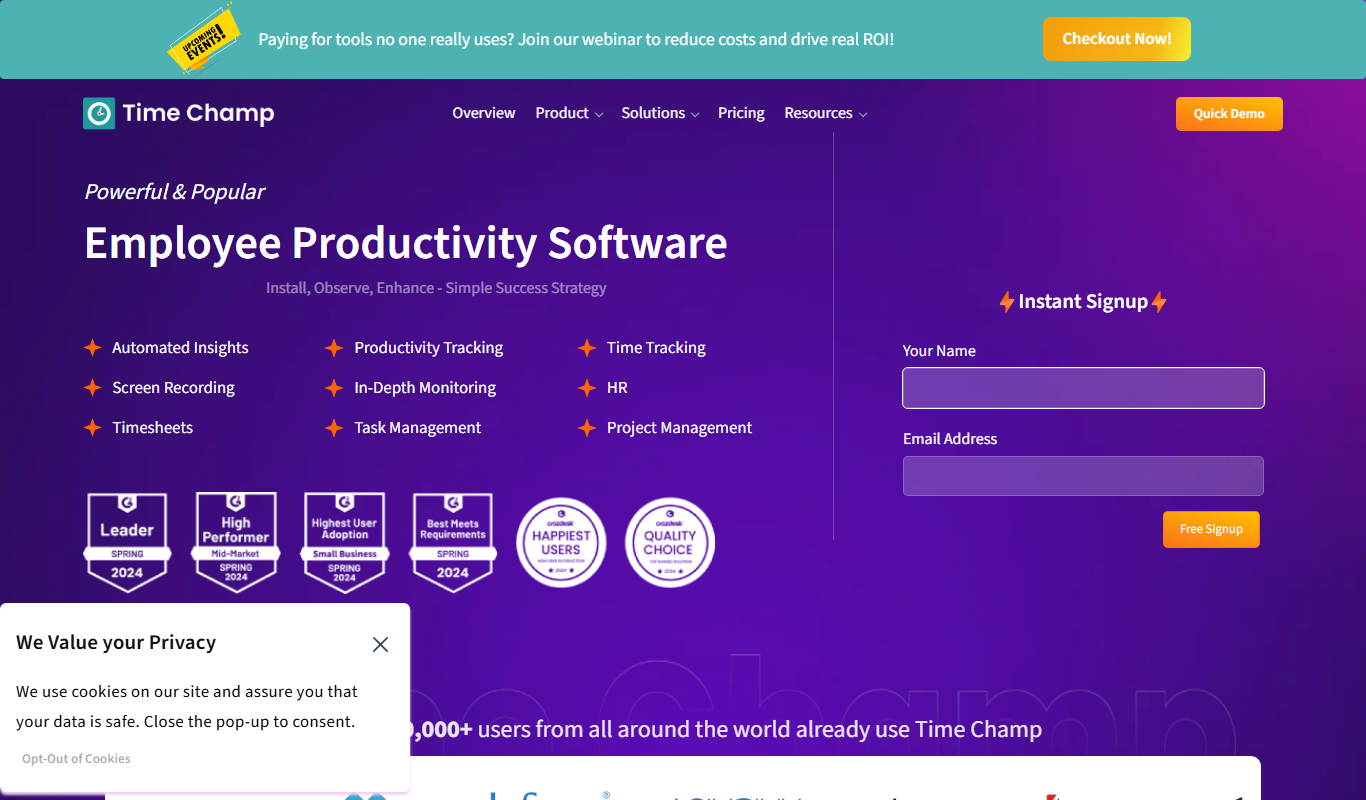
Time Champ
Time Champ is a multi-platform time tracking and employee monitoring software that helps businesses track work hours, manage projects, and analyze productivity with features like automatic tracking, screenshots, and timesheet automation.