

Fotify Live Event Photo Sharing and Digital RSVP Invitations
Fotify is a live event photo sharing and digital RSVP invitation platform: guests upload photos with a QR scan and see them on a live photo wall.
- Best for
- Weddings
- Key capability
- QR code photo uploads
Save Fotify, follow its updates and vote on it — everything stays in your account.
Sign in or create a free account

What is Fotify?
Fotify is a real-time photo sharing and guest management platform for events. Guests scan a QR code to upload photos that appear live on a moderated photo wall, and organizers send digital invitations with RSVP tracking, all sold per event.
Key features of Fotify
Fotify offers QR code photo uploads with no app, a real-time moderated photo wall, AI moderation, digital invitations with RSVP tracking and bulk downloads of event photos.
QR code photo uploads
Guests upload photos with a simple QR scan, with no app downloads.
Real-time photo wall
Photos appear live on a moderated photo wall, ready for display on screens during the event.
Digital invitations and RSVP
Send invitations with RSVP tracking and bouncer scanning of QR codes.
AI moderation
Smart filtering of inappropriate content and automatic highlighting of the best moments.
Bulk downloads
Download all event photos as organized ZIP files.
Pros and cons of Fotify
Pros
- Guests need no app downloads
- Buy events now and activate them whenever you're ready
- Refund if you are not completely satisfied with your event
- Supports JPEG, PNG and HEIC photos
Cons
- The free event is limited to 50 photos
- Bulk download is not available on the free package
- Free events store optimized photos; Full HD quality needs a paid event
Key use cases for Fotify
Weddings
Collect and display guest photos at weddings.
Corporate events
Share photos from corporate events in real time.
Birthday parties
Let guests add their photos to a live gallery at birthday parties.
Conferences
Show attendee photos on screens during conferences.
Family gatherings
Gather shared memories from family gatherings.
How Fotify works
- 1
Create your event
Customize your photo wall, upload your invitation and manage your guest list in one place.
- 2
Share the QR code
Display your unique QR code at the event; guests scan it and reach your branded upload page with no app required.
- 3
Photos in real time
Watch photos appear live on your moderated photo wall.
- 4
Download the photos
Download all event photos as organized ZIP files.
Who is using Fotify
Fotify pricing
Free Event
Free
Live photo carousel and 20 invitations and RSVP, no credit card required.
Photo Gallery
$29.99 per event
Everything in Free Event, plus unlimited photos.
Premium Event
$49.99 per event
Complete event management: everything in Photo Gallery, plus unlimited invitations and RSVP.
Professional Event
$79.99 per event
Advanced event management for planners, companies and teams: everything in Premium Event, plus event collaborators.
Plans and prices are as published by the vendor and can change. Check the official site before you buy. Open the pricing page (opens in a new tab)
Frequently asked questions about Fotify
Yes. A free event needs no credit card and includes a live photo carousel and 20 invitations and RSVP.
No. Guests scan your QR code and instantly access your branded upload page, with no app required.
All common image formats, including JPEG, PNG and HEIC (iPhone photos).
Yes. Choose pre-approval for all photos or automatic sharing with post-moderation.
On any screen with internet access, such as TVs, projectors, digital displays or tablets.
Yes, on paid events; bulk download is not available on the free package.
Yes. You can connect Claude, ChatGPT, Gemini or Muse to manage your whole event.
Conclusion
An event gets its own QR code, and guests who scan it upload photos from their phones without downloading an app. The pictures appear live on a moderated photo wall that can run on TVs, projectors or tablets, while AI moderation filters inappropriate content. Digital invitations with RSVP tracking and QR bouncer scanning handle the guest list.
Weddings, corporate events, birthday parties and conferences are among the occasions it is built for. Plans are sold as one-time events, priced per event. A free event is capped at 50 photos without bulk download, while paid events add unlimited photos, unlimited invitations and RSVP and event collaborators. Purchases are refunded if the organizer is not completely satisfied with the event.
Sources
Sign in to review this tool.
Sign In to ReviewNo reviews yet
Be the first to share how this tool worked for you.
Ask about pricing, limits, or how it compares — or answer someone else.
Sign In to AskNo questions yet
Have a question about using or paying for this tool? Be the first to ask.
Featured on TiorAI



Alternative Tools
Explore similar AI tools that might fit your needs

Fotor
Fotor is an online photo editing and graphic design tool offering AI-powered enhancements, templates, and batch processing across web and mobile platforms.
More Event Management tools
Other tools in the same category, for when this one is not quite the fit.
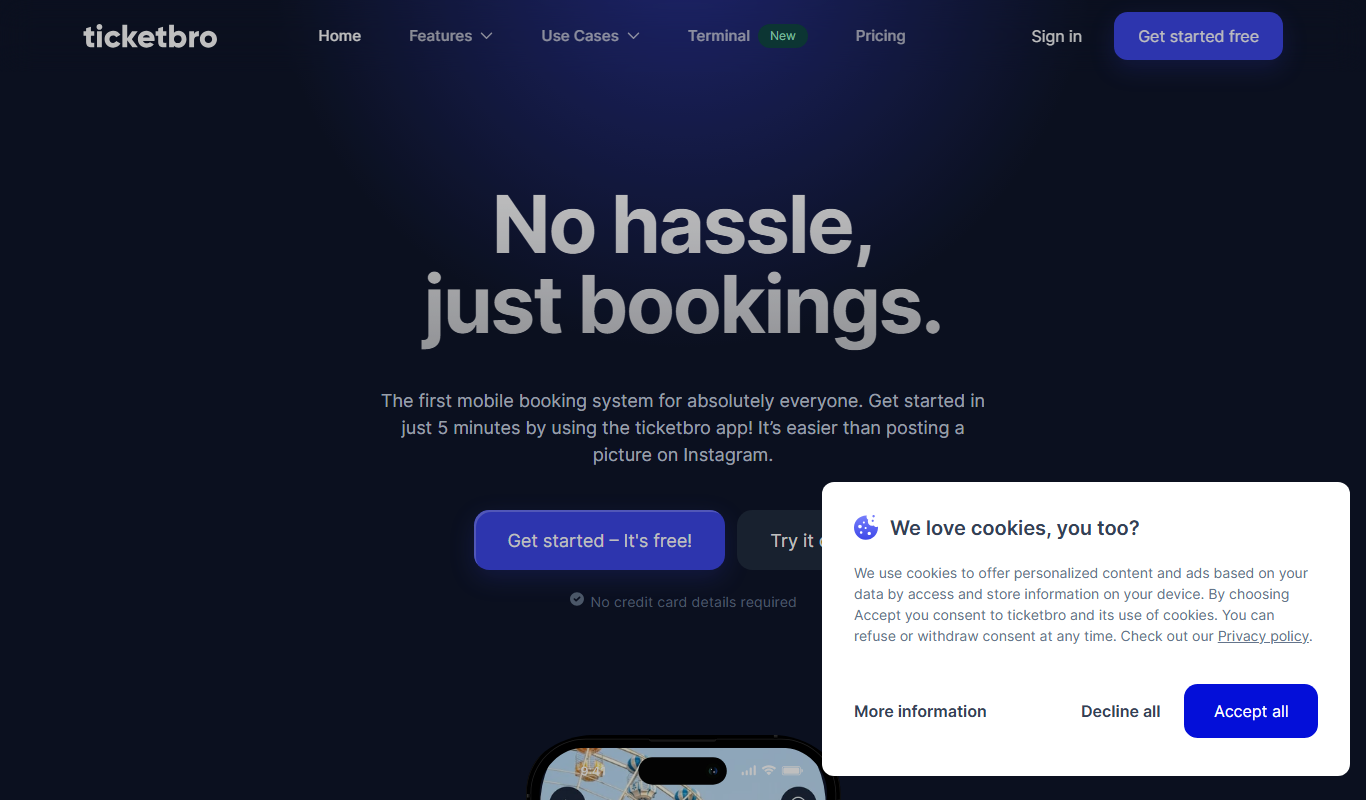
ticketbro
ticketbro is a mobile-first booking system where businesses set up their own shop in the app to sell products, services and tickets, with a flat 8% service fee per transaction that can be passed on to customers.
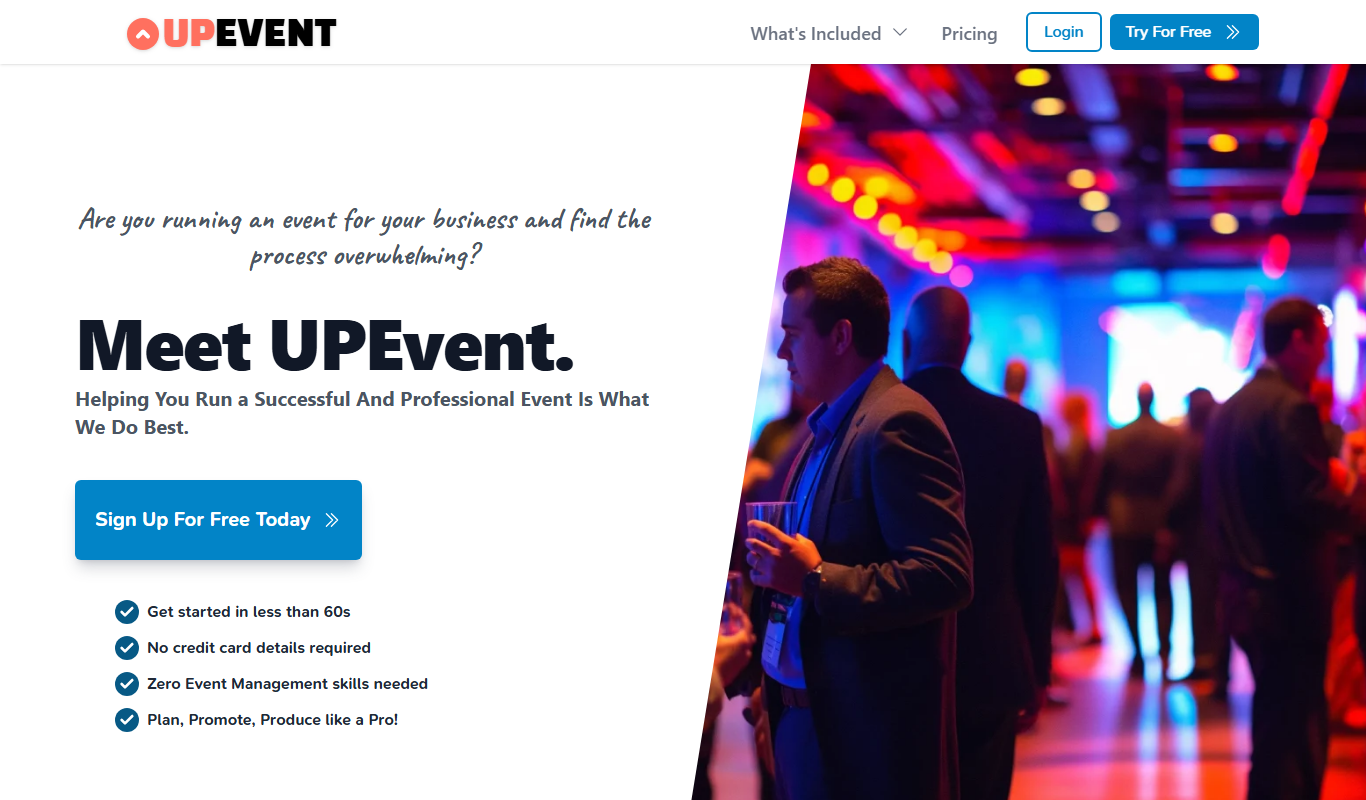
UPEvent
UPEvent is an event management platform designed to create, manage, and analyze virtual, hybrid, and in-person events with features like ticketing, live streaming, exhibitor booths, and attendee networking.
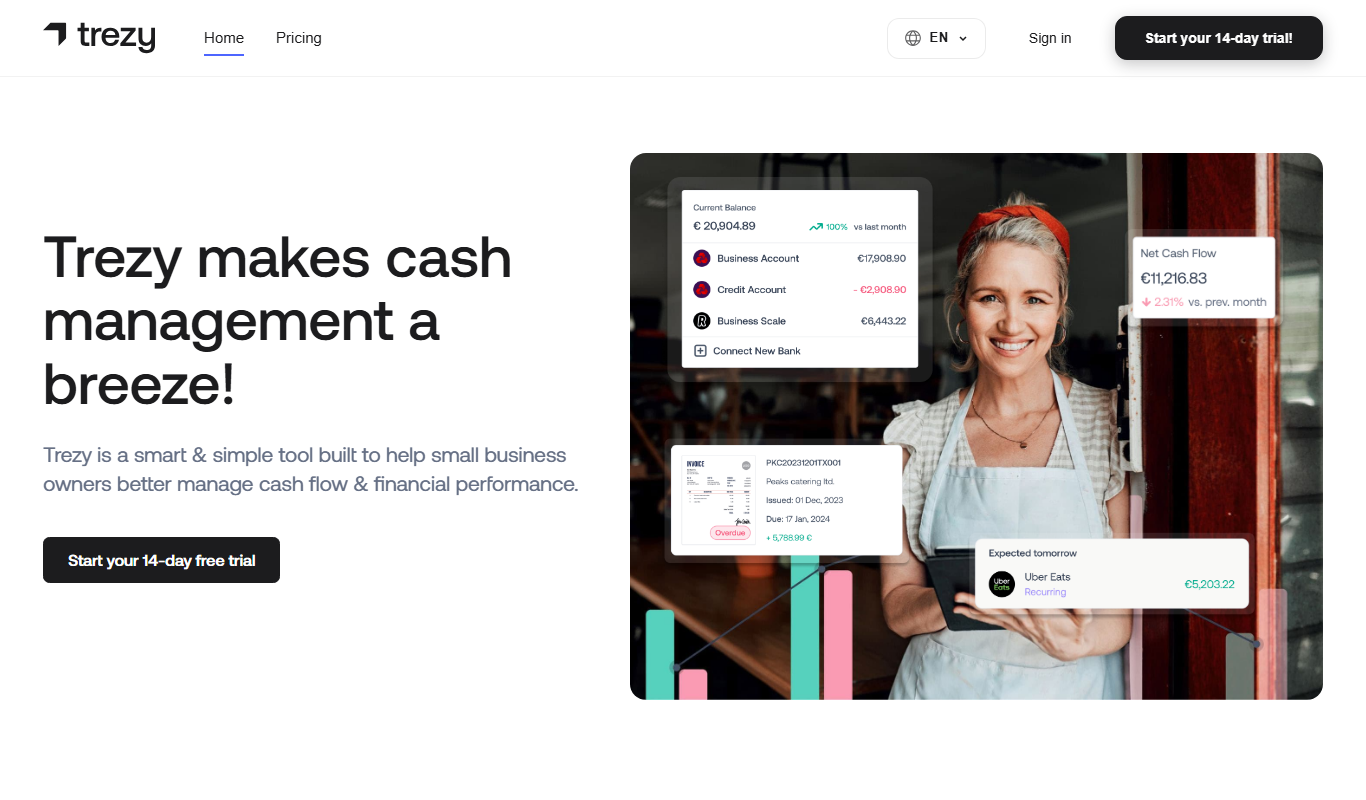
Trezy
Trezy is cash flow software for small businesses that connects your banks, shows your real cash position and forecasts 12 months ahead with AI.

Gatherly AI
Gatherly AI is a virtual event platform that uses spatial video chat and AI to create interactive and engaging online events, ideal for conferences, networking, and workshops.
Brella
Brella is an AI-driven event networking platform that facilitates meaningful connections and engagement for virtual, hybrid, and in-person events through personalized matchmaking and scheduling.

showzone.io
Showzone.io is a virtual event platform that enables organizations to host interactive online events such as conferences, webinars, and trade shows with customizable environments, live streaming, and attendee engagement tools.

Best Man Pro
Best Man Pro is a mobile app that helps grooms and best men manage wedding planning tasks, prepare speeches, and coordinate events with customizable checklists and reminders.

Ticket Artisan
Ticket Artisan is a web-based platform that enables event organizers to create custom event pages, sell tickets online, manage registrations, and securely process payments with no monthly fees, charging only per ticket sold.