

From my experience with Ticket Artisan, I found it excels at providing a straightforward, no-subscription event ticketing solution that is easy to set up and manage. The platform’s pay-per-ticket pricing model is especially beneficial for smaller event organizers who want to avoid upfront costs. Its customizable event pages and real-time sales tracking make managing events efficient. However, the lack of a mobile app and limited language support could be a drawback for some users. Overall, if you need a simple, reliable platform to sell tickets online without monthly fees, Ticket Artisan delivers solid results.
Ticket Artisan Event Ticketing Platform for Seamless Online Sales
Ticket Artisan is a web-based platform that enables event organizers to create custom event pages, sell tickets online, manage registrations, and securely process payments with no monthly fees, charging only per ticket sold.
- Best for
- Event Ticket Sales
- Key capability
- Customizable Event Pages
Your actions
Save Ticket Artisan, follow its updates and vote on it — everything stays in your account.
Sign in or create a free account

What is Ticket Artisan?
Ticket Artisan is a web-based event ticketing platform designed to simplify the process of selling tickets online. It enables event organizers to create custom event pages, manage registrations, and securely process payments. The platform supports multiple ticket types and pricing options, making it suitable for a wide range of events from small workshops to large concerts.
Key features of Ticket Artisan
Ticket Artisan offers features such as customizable event pages, real-time ticket sales tracking, secure payment processing, and attendee management tools. It provides a user-friendly interface for both organizers and attendees, streamlining the ticket purchasing experience.
Customizable Event Pages
Design event pages that reflect your brand and provide all necessary event information.
Multiple Ticket Types
Offer various ticket categories such as early bird, VIP, and general admission.
Real-Time Sales Tracking
Monitor ticket sales and attendee registrations as they happen.
Secure Payment Processing
Handle payments safely with integrated payment gateways.
Attendee Communication Tools
Send updates, reminders, and important information directly to ticket holders.
Pros and cons of Ticket Artisan
Pros
- No monthly fees, pay only per ticket sold
- Easy-to-use interface for event setup and ticket sales
- Customizable event pages to match branding
- Real-time sales and attendee tracking
- Secure payment processing integrated
Cons
- Limited to English language support
- No mobile app currently available
Key use cases for Ticket Artisan
Event Ticket Sales
Sell tickets online for concerts, conferences, workshops, and other events with ease.
Event Registration Management
Manage attendee registrations and track ticket sales in real time.
Custom Event Pages
Create branded event pages to showcase event details and ticket options.
Payment Processing
Securely process payments and handle multiple ticket types and pricing tiers.
Attendee Communication
Send event updates and reminders to ticket holders via email.
How Ticket Artisan works
- 1
Create an Event
Set up your event by entering details, ticket types, and pricing on the platform.
- 2
Publish Event Page
Launch a branded event page to start selling tickets online.
- 3
Sell Tickets
Attendees purchase tickets through the secure online portal.
- 4
Manage Attendees
Track ticket sales and communicate with attendees via email.
- 5
Process Payments
Receive payments securely with integrated payment processing.
Who is using Ticket Artisan
Event organizers
Concert promoters
Workshop facilitators
Conference planners
Small to medium-sized event hosts
Ticket Artisan pricing
Free
$0/month
No monthly fee; pay a per-ticket fee on sales.
Plans and prices are as published by the vendor and can change. Check the official site before you buy. Open the pricing page (opens in a new tab)
Frequently asked questions about Ticket Artisan
No, Ticket Artisan charges a fee per ticket sold with no monthly subscription.
Yes, you can customize your event page to match your branding and event details.
Ticket Artisan supports major credit cards and secure online payment processing.
Yes, the platform allows you to create and manage multiple events simultaneously.
Pricing depends on the plan and included features. For the most accurate and up-to-date details, check the official pricing page.
Yes, it can help with that use case depending on how you configure it and what features are available. You’ll get the best results with clear inputs and a defined goal.
It depends on your specific needs and how you plan to use the tool. The official website and documentation are the best sources for the latest details.
Sign in to review this tool.
Sign In to ReviewNo reviews yet
Be the first to share how this tool worked for you.
Ask about pricing, limits, or how it compares — or answer someone else.
Sign In to AskNo questions yet
Have a question about using or paying for this tool? Be the first to ask.
Featured on TiorAI



Alternative Tools
Explore similar AI tools that might fit your needs
Free
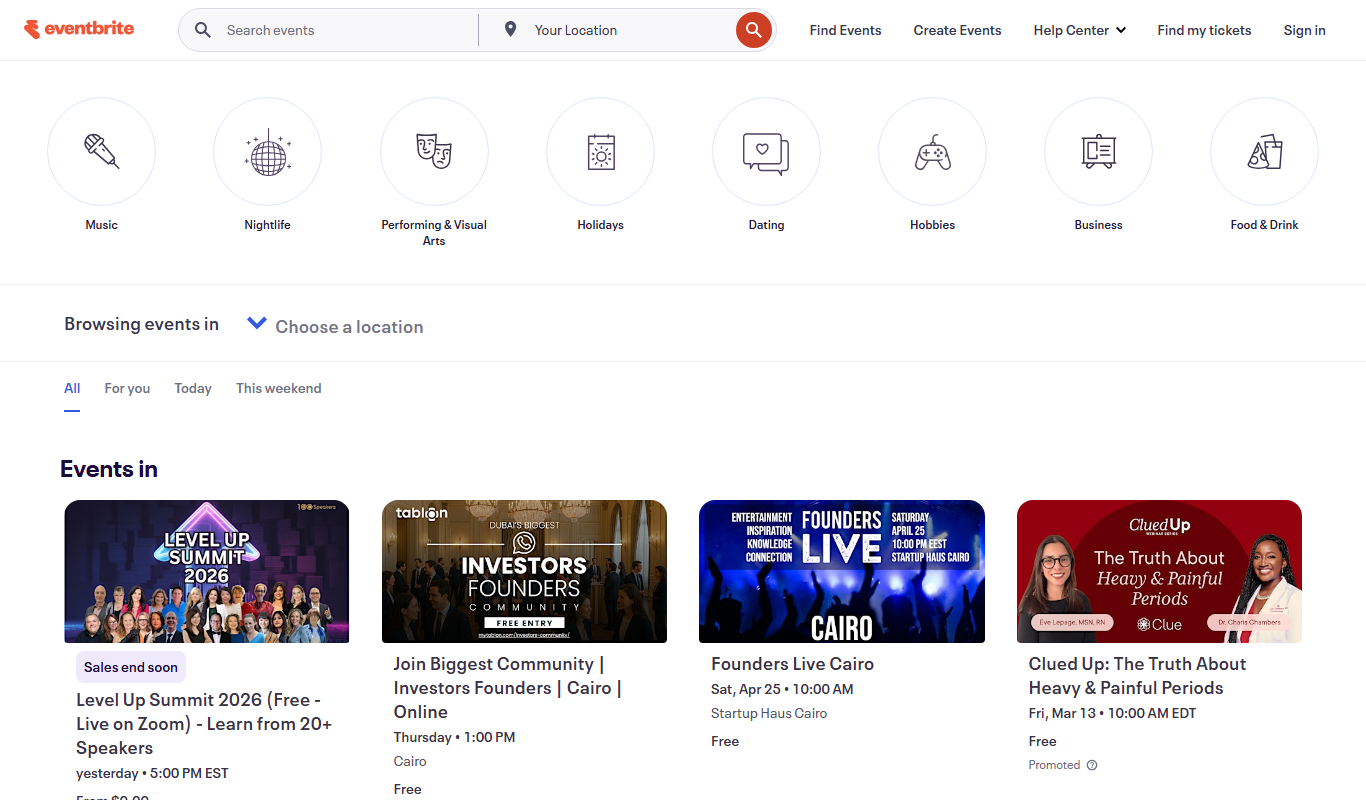
Eventbrite
Eventbrite is an event management platform that enables users to create, promote, and manage events with ticketing, registration, and analytics tools for both in-person and virtual events.
More AI Brochure Maker tools
Other tools in the same category, for when this one is not quite the fit.

Freemium
Blogbutler Ai
Blogbutler AI is an AI-driven writing assistant designed to help bloggers and content creators generate SEO-optimized articles and social media content efficiently through a user-friendly web platform.

Free
BixGPT ReleaseNotes
BixGPT ReleaseNotes is an AI-driven tool that automatically generates software release notes by analyzing commit messages and pull requests, primarily integrating with GitHub to streamline release documentation.

Freemium
Logomaster
Logomaster is an AI-driven online logo maker that generates and customizes professional logos for businesses and individuals without design experience.

Freemium
CelebrateAlly AI
CelebrateAlly AI is a web platform that provides organizations with an inclusive holiday calendar and AI-driven event planning tools to celebrate diverse cultural and identity-based observances.

Freemium
Inksprout Video
Inksprout Video is an AI-driven platform that automates video creation by converting text content into customizable marketing videos optimized for social media.

Freemium
Producks AI
Producks AI is an AI-driven tool that generates unique and SEO-optimized product descriptions for e-commerce stores, helping businesses save time and improve product page performance.

Free
The New GitBook
GitBook is a web-based documentation platform that helps teams and developers create, manage, and share collaborative knowledge bases, internal wikis, and technical documentation with real-time editing and version control.

Freemium
Kater
Kater AI is an AI-powered writing assistant that helps users generate, edit, and improve written content with real-time grammar checks and content suggestions.