

From my experience with Gatherly AI, I found it excels at creating natural and engaging virtual event environments through its spatial video chat technology. The platform’s ability to mimic real-life social interactions makes it particularly well-suited for event organizers and community managers looking to foster meaningful connections online. However, the lack of a dedicated mobile app can limit accessibility for some users, and pricing transparency requires direct contact with sales. Overall, if you need a customizable and interactive virtual event solution, Gatherly AI delivers a compelling experience.
Gatherly AI Virtual Event Platform for Engaging Online Experiences
Gatherly AI is a virtual event platform that uses spatial video chat and AI to create interactive and engaging online events, ideal for conferences, networking, and workshops.
- Best for
- Virtual Conferences
- Key capability
- Spatial Video Chat

Do you recommend this tool?
What is Gatherly AI?
Gatherly AI is a virtual event platform designed to replicate the dynamics of in-person gatherings online. It uses spatial video chat technology to create interactive virtual spaces where attendees can move freely, join conversations, and network naturally. The platform supports various event types including conferences, workshops, meetups, and team-building activities, aiming to enhance engagement and foster meaningful connections in a digital environment.
Key features of Gatherly AI
Gatherly AI offers spatial video chat rooms, customizable event spaces, breakout rooms, attendee movement controls, and integration capabilities. Its AI-driven features help optimize networking and event flow, making virtual events more immersive and interactive.
Spatial Video Chat
Enables attendees to move around virtual spaces and engage in conversations based on proximity.
Customizable Event Spaces
Allows event organizers to design virtual rooms tailored to their event’s needs.
Breakout Rooms
Supports smaller group discussions and workshops within the larger event.
AI-Powered Networking
Uses AI to facilitate meaningful connections and suggest relevant contacts.
Analytics Dashboard
Provides real-time data on attendee engagement and event performance.
Pros and cons of Gatherly AI
Pros
- Intuitive spatial video chat mimics real-life interactions
- Customizable virtual environments enhance event branding
- AI features improve networking efficiency
- Supports various event formats and sizes
Cons
- No dedicated mobile app limits on-the-go access
- Pricing details are not fully transparent without contacting sales
Key use cases for Gatherly AI
Virtual Conferences
Host large-scale virtual conferences with interactive spaces and networking opportunities.
Online Networking Events
Facilitate natural and spontaneous networking among attendees using spatial video chat.
Workshops and Training
Conduct engaging workshops and training sessions with breakout rooms and collaboration tools.
Community Meetups
Create casual and interactive community meetups that mimic in-person socializing.
Team Building Activities
Organize virtual team building events that encourage interaction and relationship building.
How Gatherly AI works
-
1
Create an Event
Set up your event by customizing virtual spaces and defining attendee permissions.
-
2
Invite Attendees
Send invitations with event access links to participants.
-
3
Join Virtual Spaces
Attendees enter the event and navigate through different rooms using spatial video chat.
-
4
Interact and Network
Participants engage in conversations, join groups, and move freely to connect with others.
-
5
Manage and Analyze
Organizers monitor event activity and gather insights to improve future events.
Who is using Gatherly AI
Event organizers
Community managers
Corporate teams
Educational institutions
Marketing agencies
Gatherly AI pricing
Free Trial
$0
Limited access to core features for a trial period.
Pro
Custom pricing
Full access to all features with scalable attendee capacity and dedicated support.
Plans and prices are as published by the vendor and can change. Check the official site before you buy. Open the pricing page (opens in a new tab)
Frequently asked questions about Gatherly AI
You can host virtual conferences, networking events, workshops, meetups, and team-building activities.
Currently, Gatherly AI is optimized for web browsers on desktop and laptop devices.
Yes, organizers can customize rooms and layouts to suit their event requirements.
Attendee limits depend on the chosen subscription plan; custom plans are available for larger events.
It depends on your specific needs and how you plan to use the tool. The official website and documentation are the best sources for the latest details.
It depends on your specific needs and how you plan to use the tool. The official website and documentation are the best sources for the latest details.
Sign in to review this tool.
Sign In to ReviewNo reviews yet
Be the first to share how this tool worked for you.
Ask about pricing, limits, or how it compares — or answer someone else.
Sign In to AskNo questions yet
Have a question about using or paying for this tool? Be the first to ask.
Featured on TiorAI



Alternative Tools
Explore similar AI tools that might fit your needs

Custom Pricing
Hopin
Hopin is a virtual event platform that allows users to create and manage online conferences, webinars, and hybrid events with interactive sessions, networking, and expo areas.

Free Trial
Remo
Remo is a web-based virtual event platform that enables interactive online conferences and networking through spatial video chat and customizable event layouts.

Free
Airmeet
Airmeet is a web-based virtual event platform that enables hosting interactive online conferences, webinars, and networking sessions with features like virtual stages, breakout rooms, and live engagement tools.
More AI Scheduling Tools tools
Other tools in the same category, for when this one is not quite the fit.

Free Trial
Hints
Hints is an AI-driven customer support tool that automates help desk responses by integrating with knowledge bases to provide instant, accurate answers and reduce support tickets.

Freemium
TXTGenie
TXTGenie is an AI-driven text generation tool that helps users create various types of written content efficiently using GPT-3 technology.

Free Trial
myaifrontdesk.com
My AI Front Desk is an AI virtual receptionist platform that automates customer support and appointment scheduling using natural language processing.
Freemium
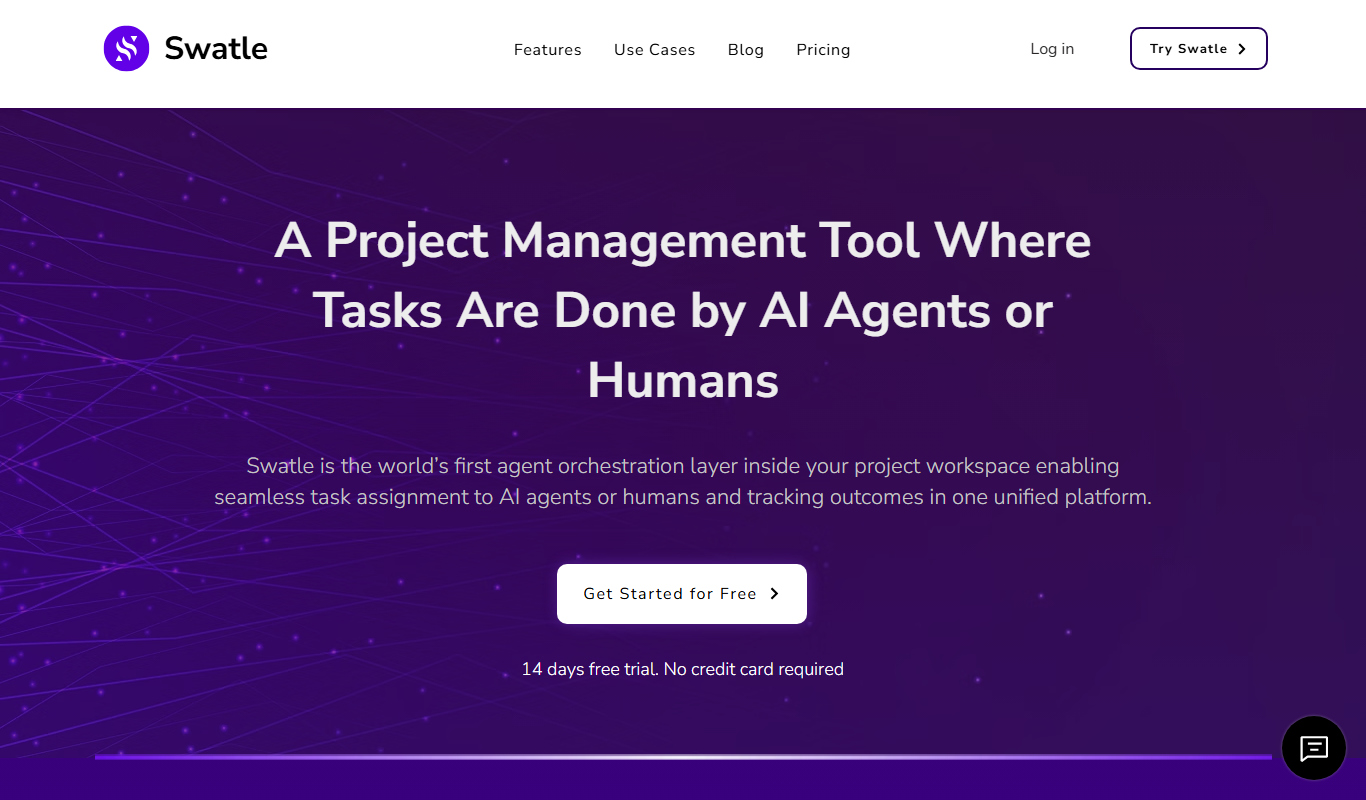
Swatle
Swatle is an AI chatbot platform designed to automate customer support and lead qualification by integrating with websites and helpdesk systems.

Freemium
Alice
Alice is an AI-powered assistant that helps teams automate workflows, manage tasks, and enhance collaboration by integrating with popular productivity tools and generating meeting summaries.

Freemium
CalenAI
CalenAI is an AI-powered calendar assistant that automates scheduling, resolves conflicts, and provides productivity insights to help users manage their time efficiently.

Custom Pricing
Perks
Perks is a customer loyalty platform from Sri Lanka that enables businesses to create and manage rewards programs to increase customer retention and engagement.
Free
Supertasks.io
Supertasks.io is a no-code automation platform that enables users to create custom workflows connecting multiple apps to automate repetitive tasks and improve productivity.