

From my experience with Notedex, I found it excels at simplifying note organization through AI-powered tagging and smart search, which makes retrieving information fast and intuitive. After spending time with the platform, I can say it’s particularly well-suited for students, freelancers, and anyone needing to manage notes and tasks efficiently across devices. However, there’s a trade-off: the free plan limits some advanced features and storage, and there is no dedicated desktop app beyond the web version. Overall, if you want a straightforward, AI-enhanced note-taking solution with task integration, Notedex delivers solid results.
Notedex AI Note-Taking App with Smart Organization and Search Features
Notedex is an AI-powered note-taking app that helps users organize notes with smart tagging, manage tasks, and access content across web and mobile platforms.
- Best for
- Personal Note Organization
- Key capability
- AI-Powered Tagging
Your actions
Save Notedex, follow its updates and vote on it — everything stays in your account.
Sign in or create a free account
What is Notedex?
Notedex is an AI-powered note-taking application designed to help users capture, organize, and manage notes and tasks seamlessly across devices. It integrates smart search, tagging, and reminder features to boost productivity and streamline knowledge management.
Key features of Notedex
Notedex offers intelligent note organization with AI-driven tagging, quick search capabilities, task and reminder integration, and cross-platform synchronization to keep your notes accessible and well-structured.
AI-Powered Tagging
Automatically categorize and tag notes for easier organization and retrieval.
Smart Search Functionality
Find notes quickly using keyword search, filters, and AI-enhanced indexing.
Task and Reminder Integration
Manage to-dos and deadlines directly within your notes.
Cross-Platform Sync
Access and edit your notes on web, iOS, and Android devices seamlessly.
Note Sharing and Collaboration
Share notes with others and collaborate in real-time or asynchronously.
Pros and cons of Notedex
Pros
- Intuitive AI-powered note organization
- Cross-device synchronization
- Integrated task and reminder management
- Affordable pricing with a free tier
Cons
- Limited advanced features on free plan
- No desktop app beyond web version
Key use cases for Notedex
Personal Note Organization
Use Notedex to capture, organize, and retrieve personal notes efficiently with AI-powered tagging and search.
Task and Reminder Management
Manage tasks and reminders within notes to stay on top of daily responsibilities and deadlines.
Knowledge Management
Store and categorize research, ideas, and reference materials for easy access and review.
Collaboration and Sharing
Share notes and collaborate with others to enhance teamwork and project coordination.
How Notedex works
- 1
Create an Account
Sign up on the Notedex website or app to start using the note-taking platform.
- 2
Capture Notes
Add notes manually or import content to build your personal knowledge base.
- 3
Organize with AI Tags
Leverage AI-generated tags and categories to keep notes organized automatically.
- 4
Set Tasks and Reminders
Assign tasks and reminders within notes to manage your schedule effectively.
- 5
Search and Retrieve
Use powerful search tools to quickly find notes based on content, tags, or dates.
Who is using Notedex
Students and educators
Freelancers and remote workers
Small business owners
Knowledge workers
Productivity enthusiasts
Notedex pricing
Free
$0/month
Basic note-taking features with limited storage and AI tagging.
Pro
$4.99/month
Enhanced storage, advanced AI features, priority support, and collaboration tools.
Plans and prices are as published by the vendor and can change. Check the official site before you buy. Open the pricing page (opens in a new tab)
Frequently asked questions about Notedex
Yes, Notedex offers a free plan with basic features and limited storage.
Notedex supports offline access on mobile apps, syncing changes when back online.
Yes, you can share notes and collaborate with others using the Pro plan.
Notedex is available on web browsers, iOS, and Android devices.
It depends on your specific needs and how you plan to use the tool. The official website and documentation are the best sources for the latest details.
Yes, it can help with that use case depending on how you configure it and what features are available. You’ll get the best results with clear inputs and a defined goal.
Yes, it can help with that use case depending on how you configure it and what features are available. You’ll get the best results with clear inputs and a defined goal.
Sign in to review this tool.
Sign In to ReviewNo reviews yet
Be the first to share how this tool worked for you.
Ask about pricing, limits, or how it compares — or answer someone else.
Sign In to AskNo questions yet
Have a question about using or paying for this tool? Be the first to ask.
Featured on TiorAI



Alternative Tools
Explore similar AI tools that might fit your needs

Free
Evernote
Evernote is a cross-platform note-taking app that helps users capture, organize, and collaborate on notes, tasks, and projects with multi-format support and powerful search.
More AI Productivity tools
Other tools in the same category, for when this one is not quite the fit.
Free
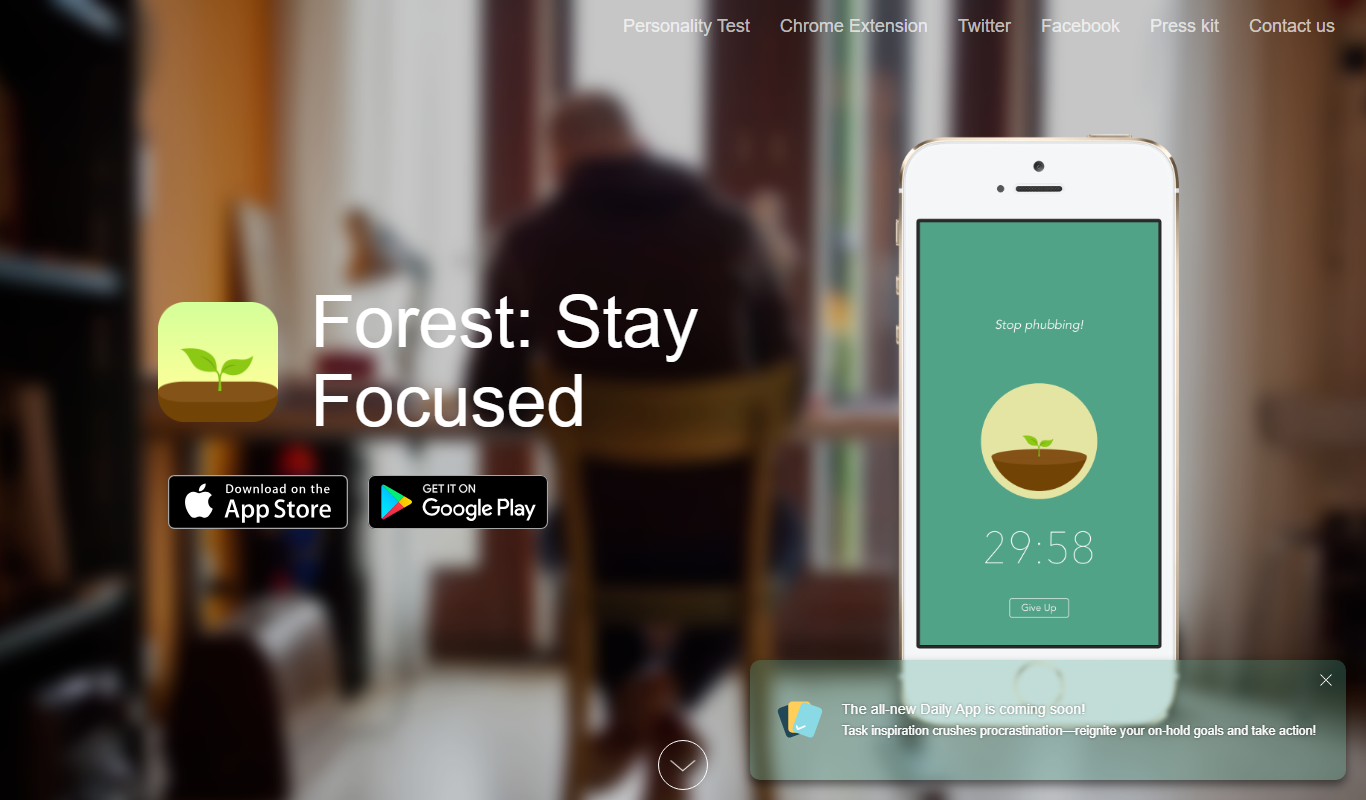
Forest
Forest is a productivity app that uses a gamified focus timer to help users stay concentrated by growing virtual trees during timed sessions, discouraging phone distractions.
Free
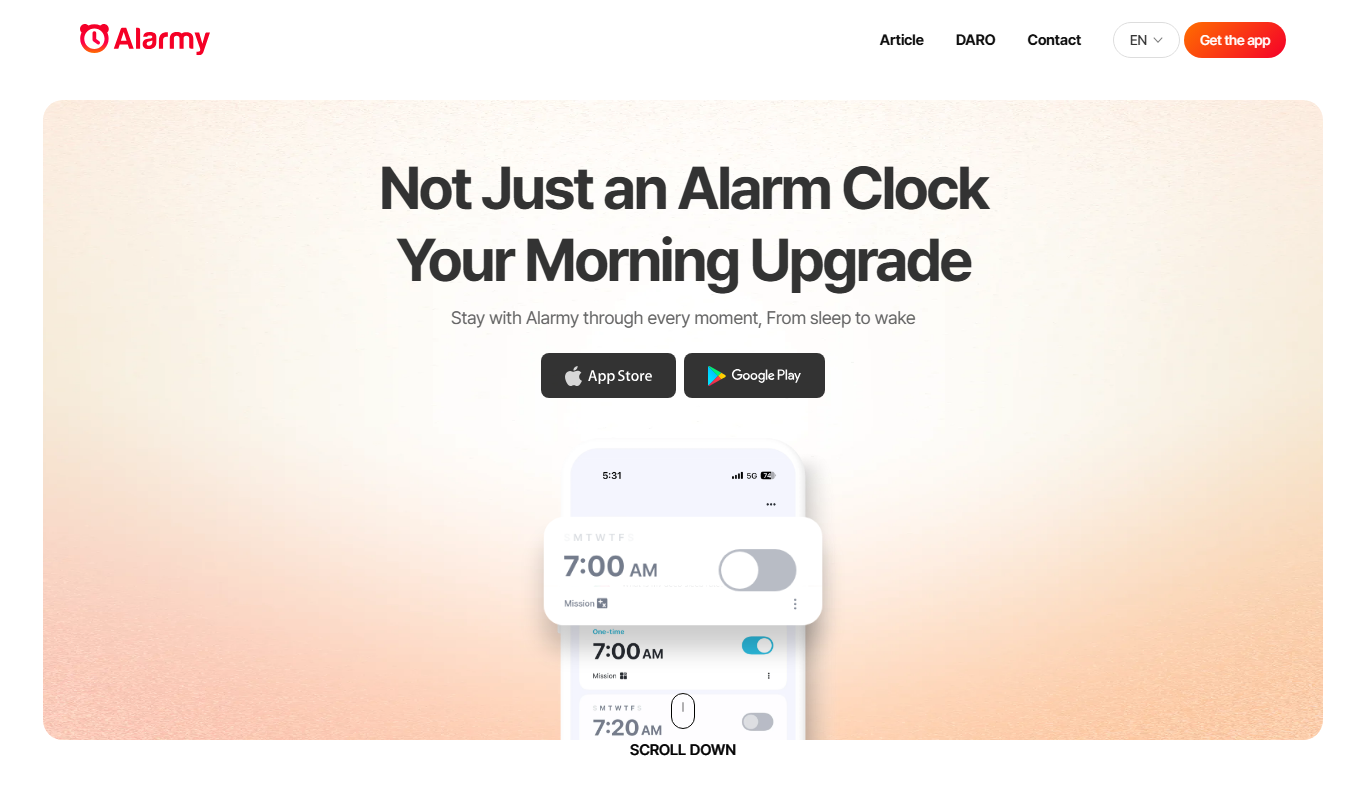
Alarmy
Alarmy is a smart alarm clock app that wakes users by requiring them to complete tasks like solving puzzles or taking photos, making it effective for heavy sleepers.

Free
Anki
Anki is an open-source spaced repetition flashcard program that helps users memorize information efficiently by scheduling reviews at optimal intervals to enhance long-term retention.
Free
Reedy
Reedy is a speed reading tool that uses rapid serial visual presentation to help users read faster, available as an Android app and a Chrome extension.

Free
Taskade AI
Taskade AI is a collaborative productivity platform that integrates task management, note-taking, and video chat with AI-powered automation to enhance team workflows and individual productivity.

Freemium
Notion AI
Notion AI is an AI-powered assistant embedded in the Notion workspace that helps users generate, edit, and summarize content to boost productivity and collaboration.