

Chat 4O AI - all-in-one AI chat, image and video creation
Chat 4O AI is an all-in-one platform for AI chat with leading LLMs plus AI image and video generation, paid with credit packs.
- Best for
- Chatting with several LLMs
- Key capability
- Multi-model AI chat
Save chat4o.ai, follow its updates and vote on it — everything stays in your account.
Sign in or create a free account

What is chat4o.ai?
Chat 4O AI is an all-in-one AI creation platform that combines image and video creation with an LLM chat assistant. Users chat with models such as OpenAI GPT models, Claude 4.0 Sonnet and Gemini 2.5 Pro, generate images and videos, and pay with credits.
Key features of chat4o.ai
Chat 4O AI offers chat with many LLMs, image generation and editing tools, text and image to video generation, smaller AI tools such as a maths solver and image describer, and image and video APIs.
Multi-model AI chat
Chat with models such as Claude Sonnet 4.5, Gemini 2.5 Flash, GPT-4.1, DeepSeek R1 and DeepSeek V3.
AI image generation
Generate images with advanced AI models, including Nano Banana 2.
AI video generation
Animate images into videos or turn text into short videos.
Photo tools
Restore old photos and generate headshot photos with AI.
Small AI tools
A maths solver, image describer, text rewriter and image to prompt tool.
Pros and cons of chat4o.ai
Pros
- Chat, image and video generation on one platform
- Free daily check-in credits
- Paid packs remove watermarks and allow commercial use
Cons
- Free tier has limited access to base models and a slow generation queue
- Paid credits are valid for 1 month
Key use cases for chat4o.ai
Chatting with several LLMs
Use Claude, Gemini, GPT and DeepSeek models in one place.
Image creation
Generate images with advanced AI models.
Short video creation
Turn words into short videos or animate images.
Photo restoration and styling
Restore old photos or transform photos into Ghibli-style art.
E-commerce Assistance
Guide customers through product selections, order tracking, and support within online stores.
How chat4o.ai works
- 1
Claim free credits
New users get 60 credits, plus 20 credits for each daily check-in.
- 2
Pick a tool
Choose chat, image creation or video creation.
- 3
Generate
Enter a prompt or upload an image to generate text, images or videos.
- 4
Buy more credits
Purchase a one-time credit pack for premium models and faster generation.
Who is using chat4o.ai
chat4o.ai pricing
Free
$0
60 credits for new users and 20 credits per daily check-in; limited access to base models, slow generation queue, 15-day history.
Popular credit pack
$19.99 one-time
10000 credits, premium chat AI models, text and image to image and video.
More credit pack
$49.99 one-time
26000 credits.
Max credit pack
$99.99 one-time
56000 credits.
Plans and prices are as published by the vendor and can change. Check the official site before you buy. Open the pricing page (opens in a new tab)
Frequently asked questions about chat4o.ai
An AI creation platform that combines image and video creation with an LLM chat assistant.
There is a free tier with 60 credits for new users and 20 credits per daily check-in, with limited access to base models.
Models include Claude Sonnet 4.5, Gemini 2.5 Flash, GPT-4.1, DeepSeek R1 and DeepSeek V3.
Credits bought in a pack are valid for 1 month.
Paid packs include commercial use and no watermark on outputs.
Yes, it lists image and video APIs such as Veo 3.1 API and Seedance 1.5 API.
Conclusion
Chat, image creation and video creation share one account and one credit balance on this platform. The chat side switches between models such as Claude Sonnet 4.5, Gemini 2.5 Flash, GPT-4.1 and DeepSeek R1. Image tools generate and restore pictures, while the video tools animate images or turn words into short videos. Smaller utilities such as a maths solver and an image describer sit alongside them.
New users start with free credits and can collect more through a daily check-in, but the free tier has limited access to base models and a slow generation queue. Larger needs are covered by one-time credit packs that add premium models, remove watermarks and allow commercial use. Credits bought in a pack expire after 1 month.
Sources
Sign in to review this tool.
Sign In to ReviewNo reviews yet
Be the first to share how this tool worked for you.
Ask about pricing, limits, or how it compares — or answer someone else.
Sign In to AskNo questions yet
Have a question about using or paying for this tool? Be the first to ask.
Featured on TiorAI



More AI Chatbot tools
Other tools in the same category, for when this one is not quite the fit.

Modly
Modly.ai trains, fine-tunes and hosts custom large language models on your business data, delivered as a managed service with API access.

Voyageraid
VoyagerAid is end-to-end disruption management software that helps airlines handle rebooking, passenger communication and disruptions with predictive analytics.
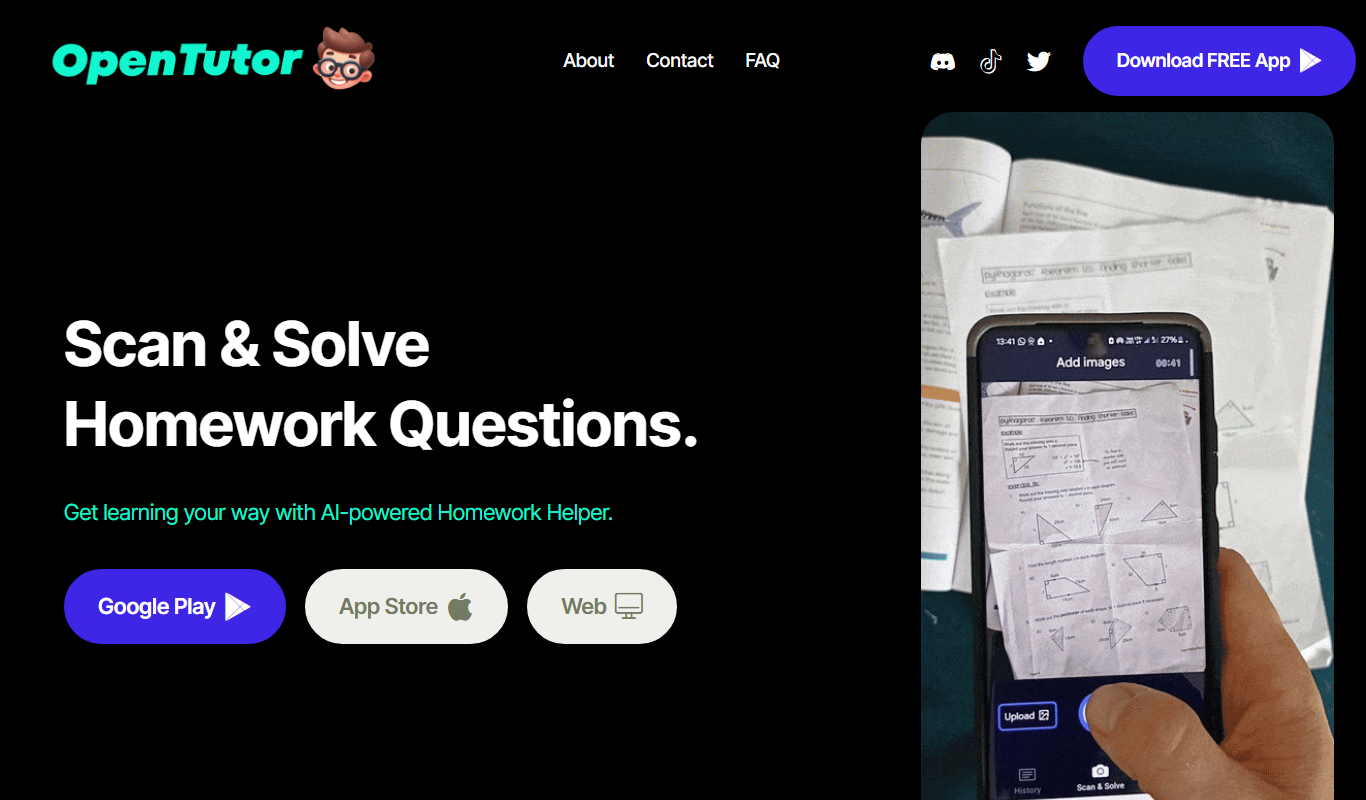
Open Tutor App
Open Tutor App is an AI homework helper app that scans a photo of a homework question and returns step-by-step solutions and explanations.
Wazgar – ChatGPT in Whatsapp
Wazgar is an AI assistant inside WhatsApp that can assist users at any time, from learning and writing to everyday conversation.

Chat Breezes 1.0
Chat Breezes is an AI-powered omnichannel conversation suite that unifies WhatsApp, Instagram, Facebook and Twitter/X messages in one dashboard for engagement and social selling.

chaterimo.com
Chaterimo is an AI chatbot platform that helps businesses automate customer support and engagement through customizable conversational bots on websites.

Pickaxe
Pickaxe is a no-code platform to build AI agents, package them into products and sell them through branded portals with billing and access control.

ChatHelp.ai
ChatHelp.ai is an AI chatbot platform that automates customer support by engaging website visitors with conversational AI, integrating with helpdesk tools, and providing analytics to optimize service.