

hippist AI product photography with AI generated models
hippist AI generates professional product photos with AI models, diverse scenes and custom styling for e-commerce, social media and ad campaigns.
- Best for
- Marketplace listings
- Key capability
- AI-generated models
Save hippist AI, follow its updates and vote on it — everything stays in your account.
Sign in or create a free account

What is hippist AI?
hippist AI is an AI product photography tool. Brands upload product photos, including older studio shots or photos they take themselves, and the AI generates new visuals with lifelike AI models, swapped scenes and backgrounds, and different outfits and accessories. It is used for websites, marketplaces, social media, ads and newsletters, on the web and in iOS and Android apps.
Key features of hippist AI
hippist AI offers AI-generated models, scene and background swaps, styling changes, Magic Expand for full-scene images from close-ups, StyleSwap from a reference image, and after-edits, eraser and background removal tools.
AI-generated models
Instantly generate lifelike models that represent your brand.
Scene and background swap
Swap backgrounds and settings to suit any event, occasion or campaign.
Styling changes
Experiment with different outfits and accessories on the same product.
Magic Expand
Generate full-scene images from close-up photos while keeping high-quality details.
StyleSwap
Use a reference image to replicate its style, look and feel in your outputs.
Pros and cons of hippist AI
Pros
- Replaces costly, repetitive photoshoots with AI-generated models
- Reuses existing studio photos or photos you take yourself
- 7-day free trial on all plans
Cons
- Results may need adjustments step by step to perfect the image
- No permanent free plan; plans are paid after the 7-day trial
- Plans limit the number of projects per month
Key use cases for hippist AI
Marketplace listings
Create photos tailored to platforms like Etsy, Amazon and eBay.
Social media content
Create visuals for social media and ad campaigns.
Ad creatives and A/B tests
Generate multiple variations of product photos to test the best-performing visuals.
Seasonal campaigns
Tailor product photos to seasons, holidays and events across geographies.
Refreshing old photos
Reuse previously shot studio photos and replace the models with AI models.
How hippist AI works
- 1
Sign up and start the trial
Sign up and choose a plan in the app, starting with a 7-day free trial.
- 2
Upload a product photo
Each project starts from one uploaded photo, such as an older studio shot or a photo you took yourself.
- 3
Choose model, scene and styling
Generate an AI model, swap the scene and try new outfits and accessories.
- 4
Refine step by step
Each change uses a credit and creates a new version of the photo until you reach the result you want.
- 5
Download high quality images
Download the finished images for your store, marketplace listings, social media or ads.
Who is using hippist AI
hippist AI pricing
Basic plan
$11.99 per month
For solo creators and small brands. 6 projects, 7-day free trial, no watermark, unlimited revisions (limited time offer).
Pro plan
$34.99 per month
For growing brands and creative teams. 20 projects, 7-day free trial, no watermark, unlimited revisions (limited time offer).
Teams Enterprise plan
$149.99 per month
For agencies, large brands or high-volume teams. 120 projects, 7-day free trial, assisted onboarding, unlimited revisions (limited time offer).
Plans and prices are as published by the vendor and can change. Check the official site before you buy. Open the pricing page (opens in a new tab)
Frequently asked questions about hippist AI
It generates professional product photos with AI-generated models, diverse scenes and custom styling.
Yes. You can use previously shot studio photos or take product photos yourself, and the AI generates new visuals from them.
Yes. Besides the web app, hippist AI links to apps on the App Store and Google Play.
Yes. All plans include a 7-day free trial, and you can cancel anytime.
A project is the work for one product or design: you upload one photo and refine it step by step using credits.
Yes. The hippist AI Concierge Service has the team generate and customize the visuals for you.
Pricing depends on the plan and included features. For the most accurate and up-to-date details, check the official pricing page.
Yes, it can help with that use case depending on how you configure it and what features are available. You’ll get the best results with clear inputs and a defined goal.
Conclusion
Costly, repetitive photoshoots are what this tool sets out to replace: a brand uploads a product photo, even an older studio shot or one taken at home, and the AI generates new visuals around lifelike AI models. Scenes, backgrounds, outfits and accessories can be swapped on the same product. Work happens in projects, one product photo each, refined step by step with credits.
The output is aimed at marketplace listings on platforms like Etsy, Amazon and eBay, social media posts and ad variations for A/B tests. Small businesses, agencies, social media managers and photographers each get their own solution pages. The pricing page warns that an image may need several adjustments, since the technology is still evolving. Every paid plan starts with a 7-day free trial, and a concierge service can produce the photos for brands that lack the time.
Sources
Sign in to review this tool.
Sign In to ReviewNo reviews yet
Be the first to share how this tool worked for you.
Ask about pricing, limits, or how it compares — or answer someone else.
Sign In to AskNo questions yet
Have a question about using or paying for this tool? Be the first to ask.
Featured on TiorAI



More AI Image & Visual Tools tools
Other tools in the same category, for when this one is not quite the fit.

TwoShot
TwoShot is an AI creative suite for music, audio, video and images: generate music and sounds from text, split stems, make voiceovers and produce in an online studio.

Midjourney API
Midjourney API is available through TTAPI, which gives access to Midjourney and 100+ AI models through one unified REST API with one API key, one balance and pay as you go billing.

Sticker.Show
Sticker.Show is an online AI sticker generator that creates custom stickers from a text description, with transparent-background downloads and a searchable sticker gallery.
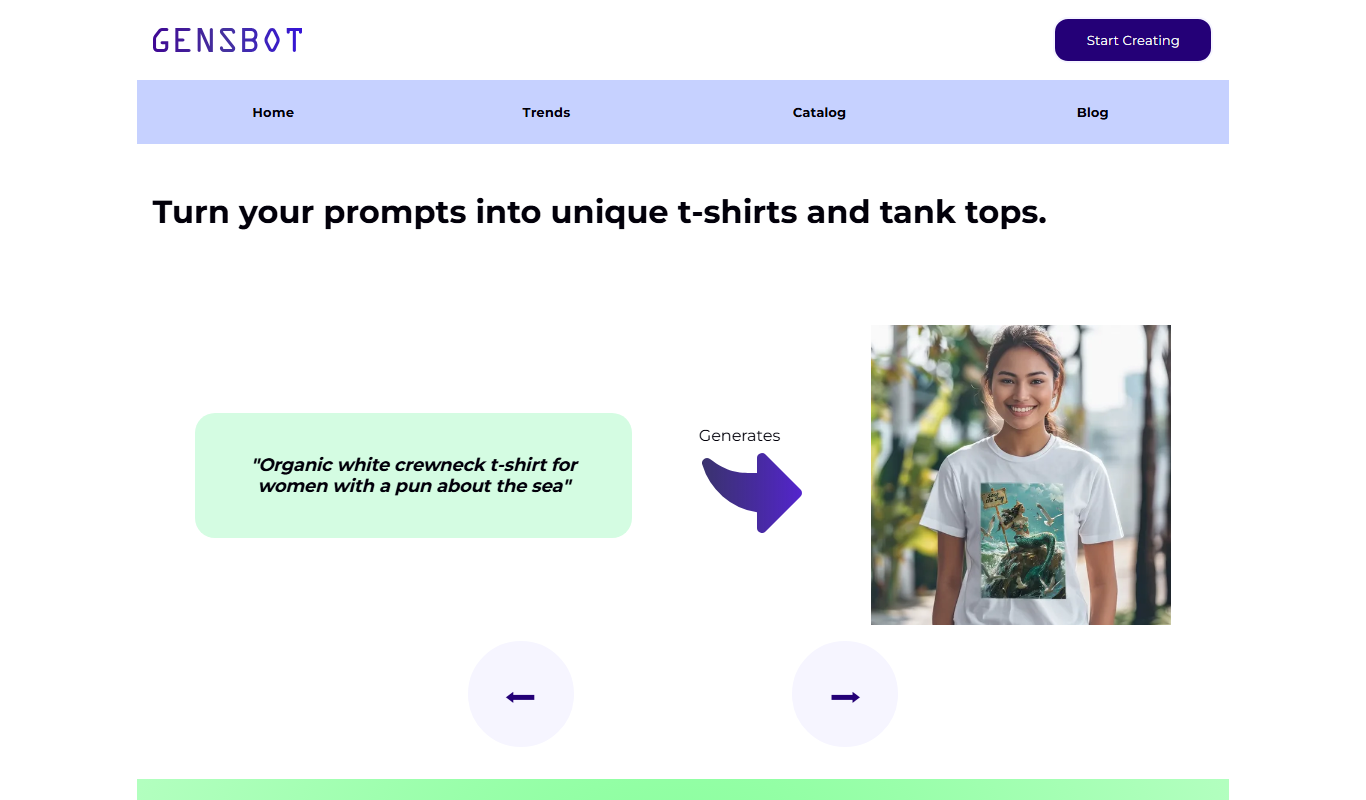
Gensbot
Gensbot turns your prompts into personalized printed merchandise, from t-shirts and mugs to canvas art, designed by AI in less than a minute and produced on demand.
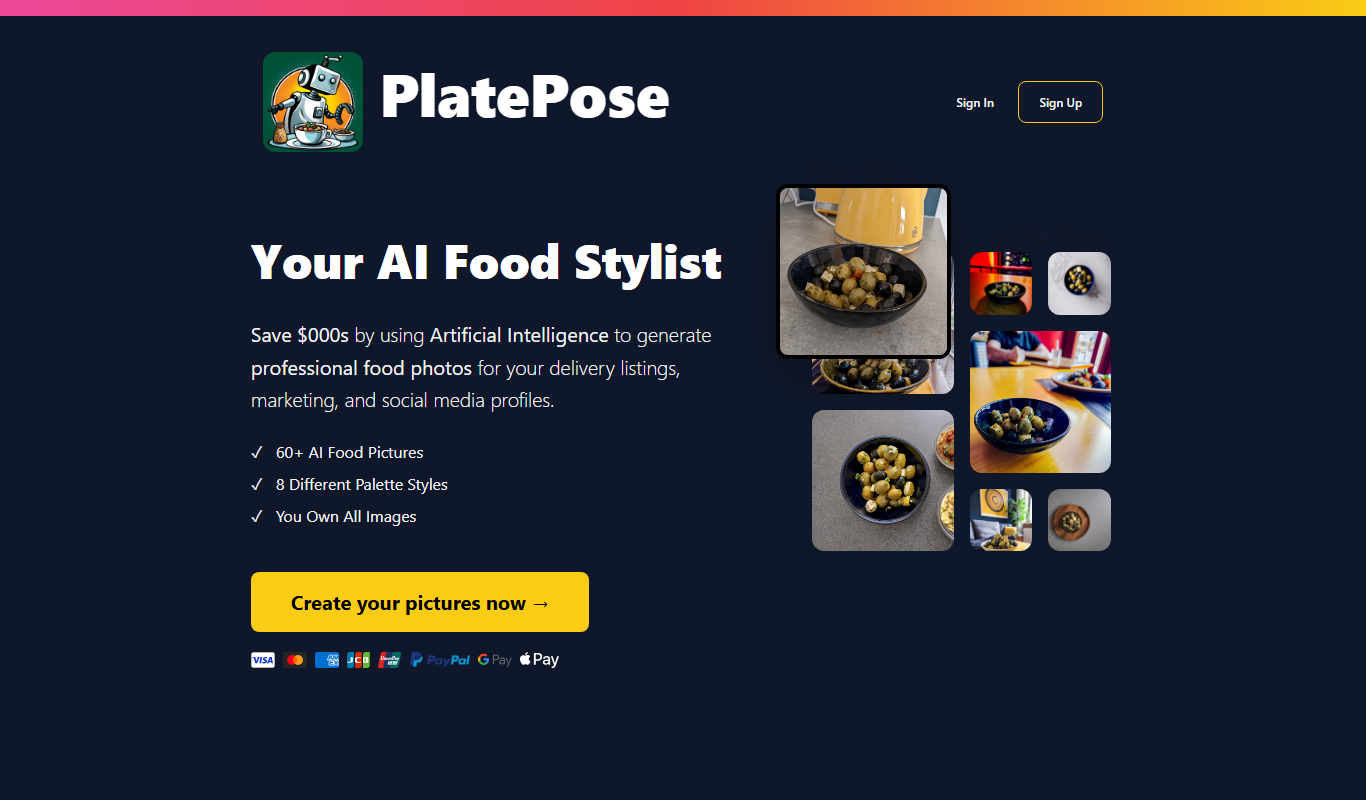
PlatePose
PlatePose trains an AI model on 10-20 photos of your dish and generates professional, stylised food photos for menus and social profiles, with full ownership of the images.

RealFake
Real Fake Photos turns 10-20 selfies into photoshoot quality AI headshots for LinkedIn and more, sold as one-time style packages.
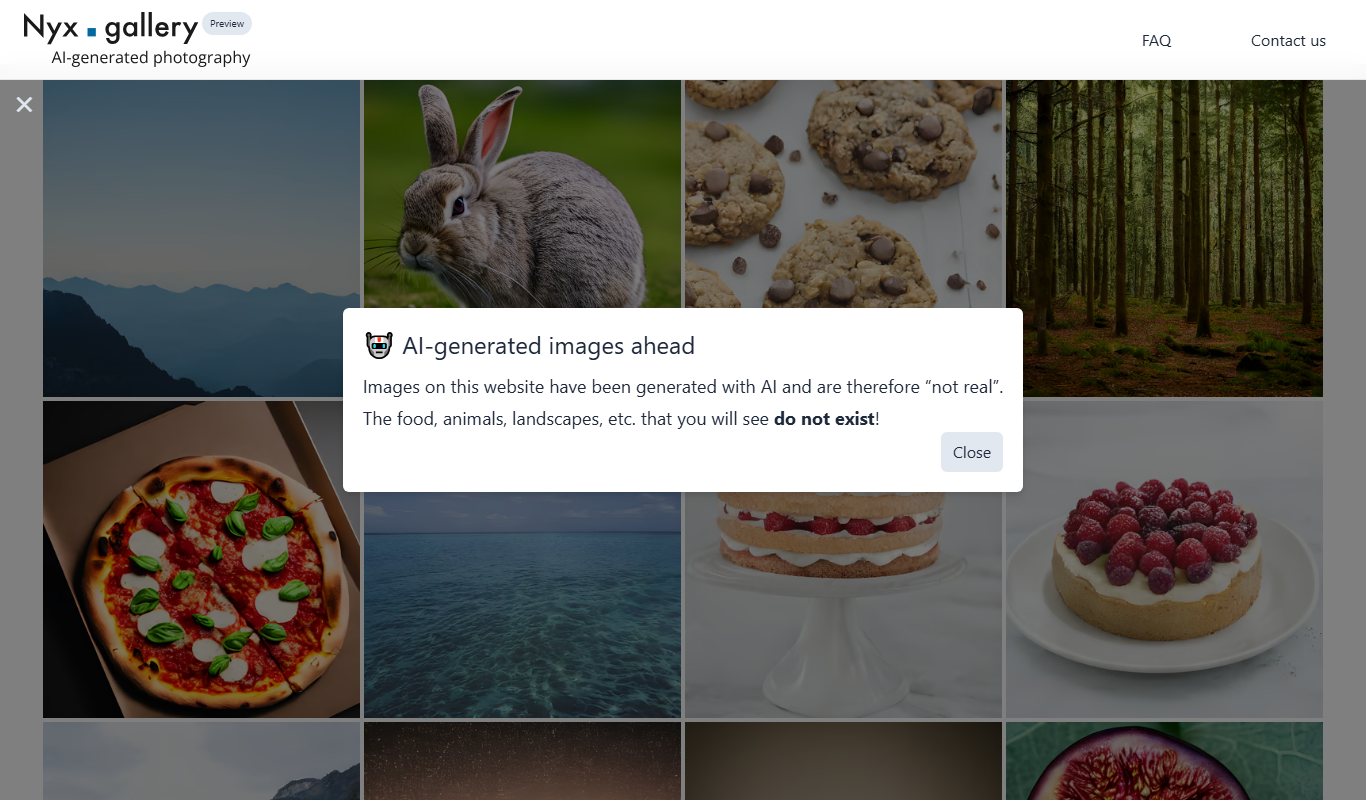
Nyx
Nyx.gallery is a preview gallery of photorealistic AI-generated images that can be downloaded and used for commercial or non-commercial purposes.

Pawfect Snapshots
Pawfect Snapshots trains an AI model on 5-10 photos of your pet and generates personalized pet portraits in styles such as Professional Photo, Water Color and Digital Art, paid with FurTokens.