

Rize automatic time tracking for teams that bill for their time
Rize tracks time automatically and gives managers team time visibility into utilization, billable hours and profitability by client, with no timers or screenshots.
- Best for
- Agency billable hours
- Key capability
- Automatic time tracking
Save Rize, follow its updates and vote on it — everything stays in your account.
Sign in or create a free account
What is Rize?
Rize is automatic time tracking software for individuals and teams. A desktop app for macOS and Windows captures work time in the background without timers or screenshots, and gives managers team time visibility: utilization, billable hours and profitability by client.
Key features of Rize
Rize captures work time in the background, organizes it automatically by client, project and task, and adds profitability dashboards, client-ready reports, utilization insights and focus tools, without keylogging or stored screenshots.
Automatic time tracking
Captures every billable hour in the background without timers, timesheets or screenshots by default.
Client and project categorization
Time is automatically organized by client, project and task.
Profitability dashboard
Understand margins by client, project and team member.
Automatic client reports
Client-ready reports on a recurring schedule calculate billable hours and progress.
Focus tools
Automatic focus detection and distraction blocking, with personalized check-ins from an AI productivity coach.
Pros and cons of Rize
Pros
- No keylogging and no stored screenshots
- Time organized by client, project and task automatically
- Team members approve their time data before managers see it
- Free 7-day trial with full feature access
- Integrates with Linear, ClickUp, Asana, Jira, Notion and Google Calendar
Cons
- Desktop-focused by design, for macOS and Windows
- No permanently free tier
Key use cases for Rize
Agency billable hours
Track billable hours across clients without asking the team to start and stop timers.
Law firm time by matter
Capture time by matter automatically, including research, drafting and client calls.
Team utilization
See each team member's capacity and forecast staffing needs.
Freelancer time tracking
Learn how long projects actually take so you can quote and bill accurately.
Personal focus
Stay in deep work longer with automatic focus detection and distraction blocking.
How Rize works
- 1
Download Rize
Install the desktop app for macOS or Windows and start the free trial.
- 2
Work as usual
Rize captures time in the background, reading only window metadata by default.
- 3
Review categorized time
Time is organized by client, project and task automatically.
- 4
Approve and share
Team members review and approve their time data before leadership sees it.
- 5
Report on profitability
Use dashboards and scheduled client reports to see billable hours and margins.
Who is using Rize
Rize pricing
Basic
$9.99/mo billed annually
AI time tracking with 500 AI credits/mo, automatic app and website tracking, AI auto-categorization, personal reports and data exports.
Pro
$23.99/mo billed annually
For freelancers and consultants, with 1,000 AI credits/mo and everything in the Basic plan.
Max
$39.99/mo billed annually
For power users and solo agencies: 3,000 AI credits/mo and everything in Pro.
Enterprise
Custom, contact for pricing
Everything in Max plus mobile app, SSO and SCIM provisioning, custom contracts and SLA and a dedicated account manager.
Plans and prices are as published by the vendor and can change. Check the official site before you buy. Open the pricing page (opens in a new tab)
Frequently asked questions about Rize
No. Rize never records keystrokes and never stores screenshot images; by default it reads only window metadata such as app name, title and URL.
No. Employees control what time data is shared, and only entries tagged to a team project or client are visible to the admin.
Rize is a desktop app for macOS and Windows, desktop-focused by design.
Yes. Rize offers a free 7-day trial with full feature access, and there is no permanently free tier.
Rize is available for macOS (Mojave 10.14.6 or later) and Windows (Windows 10 or later).
Plans differ by AI credit allotment only; individual plans are single-user.
Yes. You can integrate Google Calendar to capture time in meetings even if your focused window is not the video call.
Team plans are $39.99 per seat per month, or $29.99 per seat per month with annual billing.
Conclusion
Billing for time is the problem this desktop app addresses. It runs on macOS and Windows and captures work in the background, organizing hours by client, project and task without timers or timesheets. By default only window metadata such as app name, title and URL is read, and keystrokes and screenshot images are never stored.
Agencies, law firms, accounting firms and freelancers are the groups the site addresses, with profitability by client, recurring client reports and utilization views for managers. Team members review and approve their time data before leadership sees it. Individual plans differ only by AI credit allotment and start with a free 7-day trial, but there is no permanently free tier, and the mobile app sits in the Enterprise plan.
Sources
Sign in to review this tool.
Sign In to ReviewNo reviews yet
Be the first to share how this tool worked for you.
Ask about pricing, limits, or how it compares — or answer someone else.
Sign In to AskNo questions yet
Have a question about using or paying for this tool? Be the first to ask.
Featured on TiorAI



Alternative Tools
Explore similar AI tools that might fit your needs
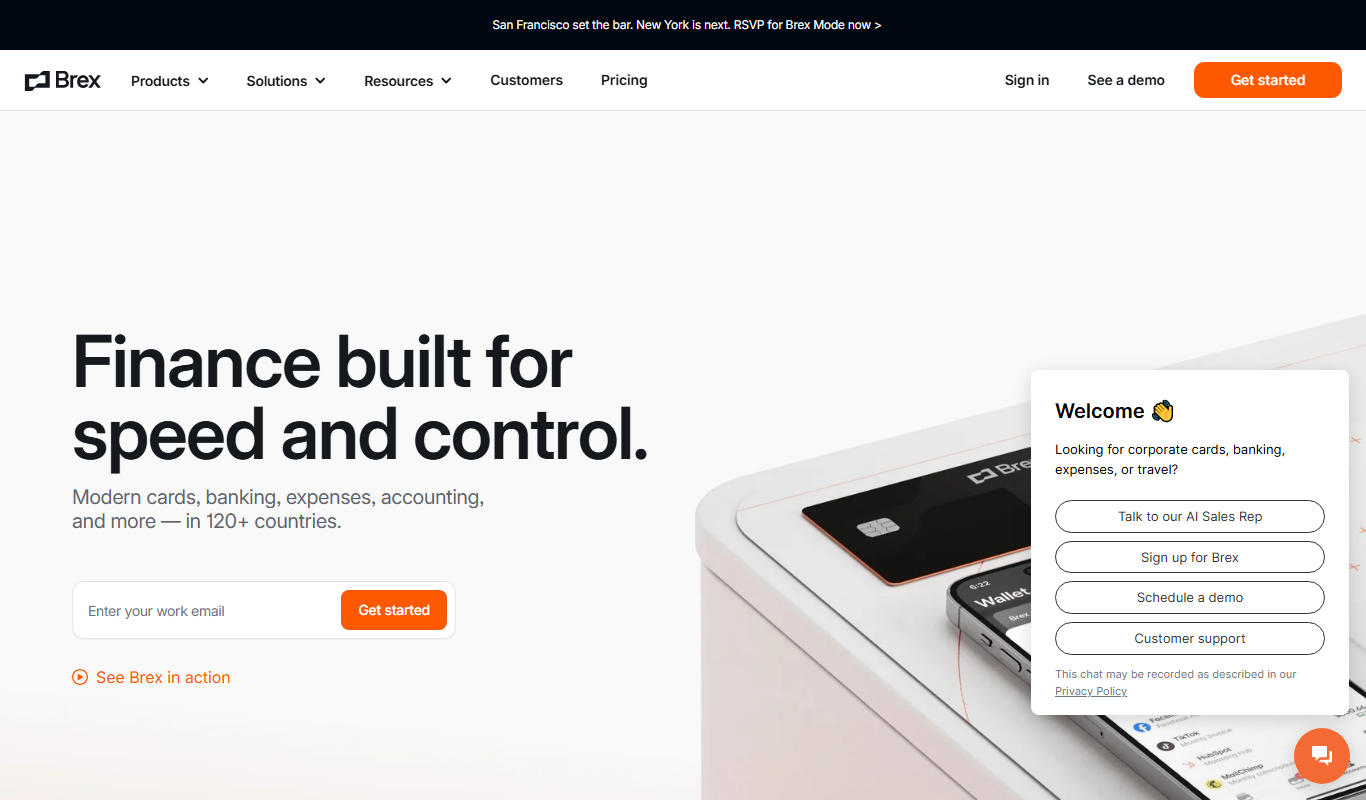
Brex
Brex is a financial technology platform providing corporate credit cards and cash management accounts tailored for startups and growing businesses, enabling streamlined expense management and financial operations without personal guarantees.

Ramp
Ramp is a corporate card and spend management platform that helps businesses automate expense tracking, issue virtual and physical cards, and integrate with accounting software for streamlined financial workflows.
More AI Productivity Tools tools
Other tools in the same category, for when this one is not quite the fit.
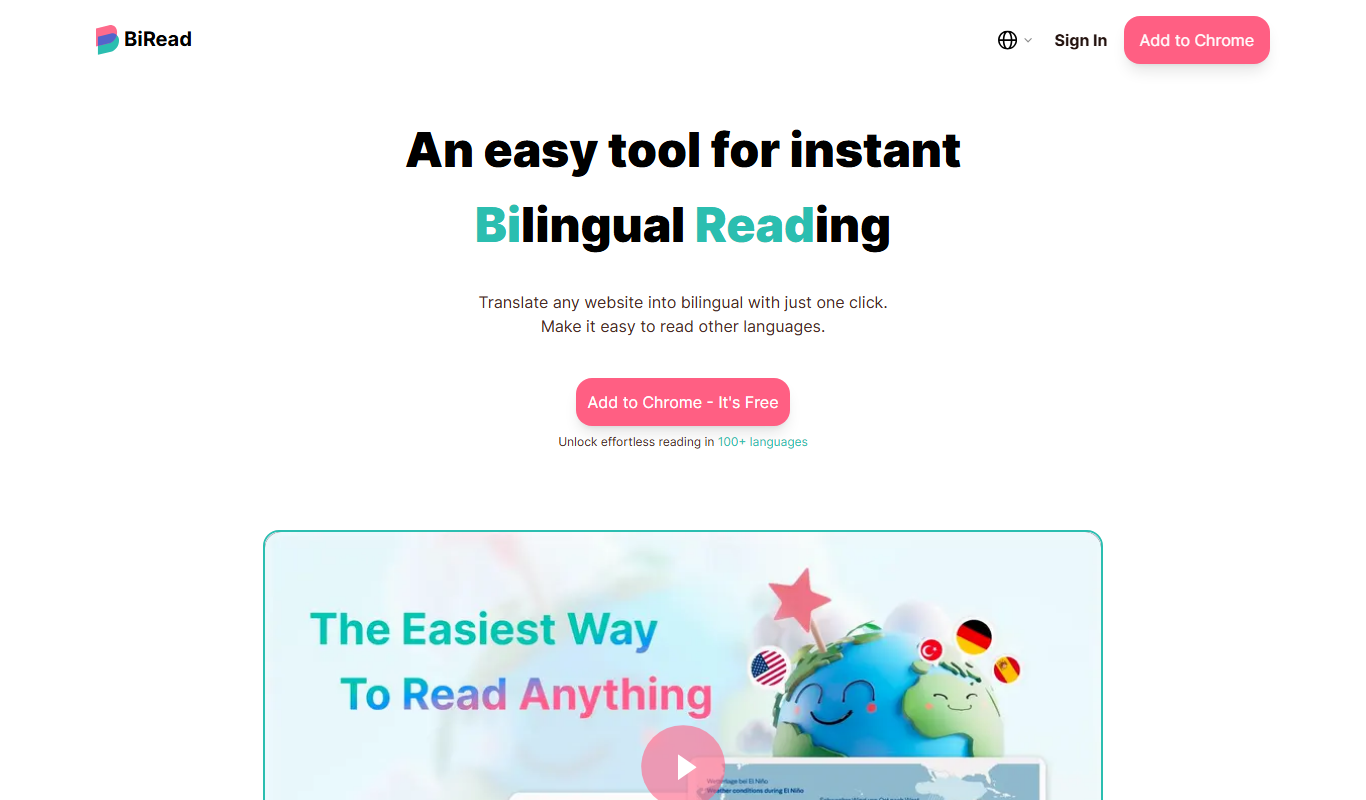
BiRead
BiRead is a Chrome extension that translates any website into bilingual text with one click, for reading and learning in 100+ languages.

16x Prompt
16x Prompt is a desktop tool for AI coding that manages code context, customizes prompts and works with multiple LLM API integrations.

Keysha
Keysha is a voice-first AI planner built for ADHD brains on iOS and iPad: you talk, Keysha plans and prioritizes your day.

Progr.io
Progr.io is an AI-powered tool that tracks your ideas and projects, helps you collaborate and gives insights on a project's potential, including competitor analysis.

WappGPT
WappGPT is an AI personal assistant on WhatsApp that remembers what you tell it, sends reminders and can follow up by SMS or phone.

EvalPro.ai
EvalPro is an AI feedback and performance evaluation tool that delivers fast employee feedback, automates KPIs and simplifies feedback composition.

Prompting Sheets
Prompting Sheets is an AI-powered spreadsheet add-on for Google Sheets that creates tailored project plans and to-do lists.

Chippy
Chippy is a ChatGPT Chrome extension that lets you summarize, research, translate and answer questions on any web page without switching tabs.