

From my experience with Ramp, I found it excels at simplifying corporate expense management by combining unlimited virtual and physical cards with powerful automation features. The platform’s real-time spend controls and seamless accounting integrations make it especially useful for finance teams aiming to reduce manual work and improve visibility. However, Ramp’s focus on US-based companies and limited mobile app capabilities may be a drawback for some users. Overall, if you need a cost-effective, automated solution to manage business spending and streamline accounting, Ramp delivers strong value.
Ramp Corporate Card and Expense Management Platform for Businesses
Ramp is a free corporate card and spend management platform that helps businesses automate expense tracking, issue unlimited virtual and physical cards, and integrate with accounting software for streamlined financial workflows.
- Best for
- Corporate Expense Management
- Key capability
- Unlimited Virtual and Physical Cards
Your actions
Save Ramp, follow its updates and vote on it — everything stays in your account.
Sign in or create a free account
What is Ramp?
Ramp is a corporate card and spend management platform designed to help businesses control expenses, automate accounting, and gain real-time visibility into company spending. It offers both virtual and physical cards with customizable limits and integrates with popular accounting software to streamline financial workflows.
Key features of Ramp
Ramp provides unlimited corporate cards, automated expense tracking, real-time spend controls, seamless accounting integrations, and detailed analytics to optimize business spending and reduce manual finance tasks.
Unlimited Virtual and Physical Cards
Issue as many cards as needed with real-time spend controls and limits.
Automated Receipt Matching
Automatically match receipts to transactions to reduce manual expense reconciliation.
Real-Time Spend Controls
Set spending limits and restrictions to prevent unauthorized expenses.
Accounting Software Integrations
Sync data with platforms like QuickBooks, Xero, and NetSuite for streamlined accounting.
Detailed Spend Analytics
Visualize spending trends and generate custom reports to optimize budgets.
Pros and cons of Ramp
Pros
- No fees or interest on corporate cards
- Unlimited virtual and physical cards
- Strong automation for expense management
- Seamless accounting integrations
- Real-time spend controls and analytics
Cons
- Currently supports only English language
- Primarily focused on US-based companies
- Limited mobile app features compared to web platform
Key use cases for Ramp
Corporate Expense Management
Manage and control company spending with real-time expense tracking and automated receipt matching.
Virtual and Physical Corporate Cards
Issue unlimited virtual and physical cards to employees with customizable spending limits.
Automated Accounting Integration
Seamlessly sync expenses and transactions with accounting software to simplify bookkeeping.
Spend Analytics and Reporting
Gain insights into company spending patterns with detailed analytics and customizable reports.
Workflow Automation
Automate expense approvals, reimbursements, and policy enforcement to reduce manual work.
How Ramp works
- 1
Sign Up and Onboard
Create a Ramp account and onboard your company by adding team members and setting up spending policies.
- 2
Issue Corporate Cards
Generate virtual or physical corporate cards for employees with customizable limits and controls.
- 3
Track and Automate Expenses
Use Ramp’s platform to automatically capture receipts, categorize expenses, and enforce policies.
- 4
Integrate with Accounting Software
Connect Ramp to your accounting system to sync transactions and simplify bookkeeping.
- 5
Analyze Spending
Access detailed reports and analytics to monitor company spend and identify savings opportunities.
Who is using Ramp
Small to medium-sized businesses
Finance teams and controllers
Startups seeking spend automation
Accounting professionals
Companies looking for corporate card solutions
Ramp pricing
Free
$0/month
Access to all Ramp features with no fees or interest charges.
Plans and prices are as published by the vendor and can change. Check the official site before you buy. Open the pricing page (opens in a new tab)
Frequently asked questions about Ramp
Yes, Ramp offers its corporate card and expense management platform free of fees and interest.
Yes, Ramp allows unlimited virtual and physical corporate cards with customizable spending limits.
Ramp integrates with popular accounting platforms such as QuickBooks, Xero, and NetSuite.
Ramp automates receipt capture, expense categorization, and enforces spending policies to reduce manual work.
This tool is designed to help users accomplish its core tasks more efficiently. It is typically used by individuals or teams looking to improve productivity and workflow.
It depends on your specific needs and how you plan to use the tool. The official website and documentation are the best sources for the latest details.
Some tools offer a free plan or trial with limited features. Availability can vary, so confirm on the official website.
Integration support depends on the tool and its available connectors or API. Check the official documentation or integrations page to confirm what is supported.
Sign in to review this tool.
Sign In to ReviewNo reviews yet
Be the first to share how this tool worked for you.
Ask about pricing, limits, or how it compares — or answer someone else.
Sign In to AskNo questions yet
Have a question about using or paying for this tool? Be the first to ask.
Featured on TiorAI



Alternative Tools
Explore similar AI tools that might fit your needs
Freemium
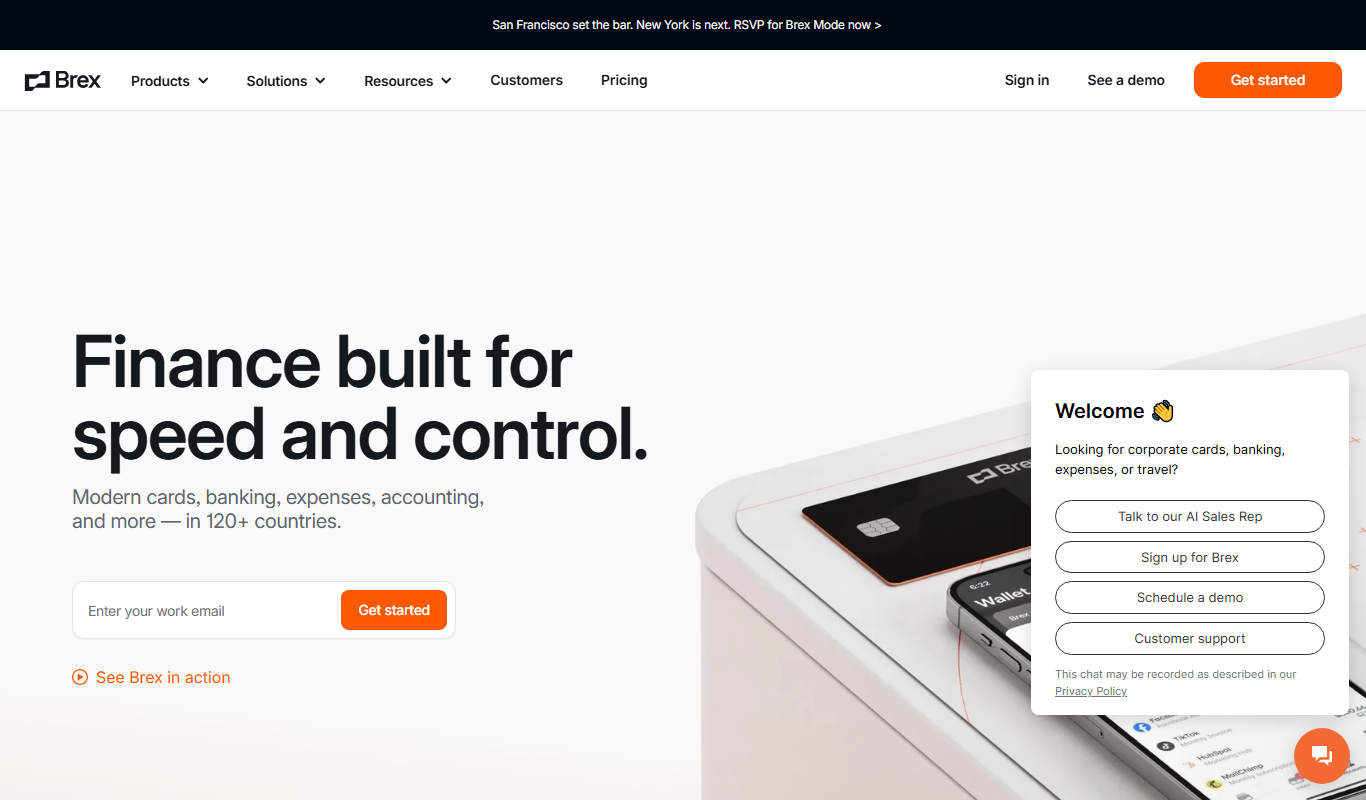
Brex
Brex is a financial technology platform providing corporate credit cards and cash management accounts tailored for startups and growing businesses, enabling streamlined expense management and financial operations without personal guarantees.

Free
Expensify
Expensify is an expense management tool that automates receipt scanning, expense tracking, and reporting for businesses and individuals, offering integrations and approval workflows.
More AI Analytics Assistant tools
Other tools in the same category, for when this one is not quite the fit.
Enterprise
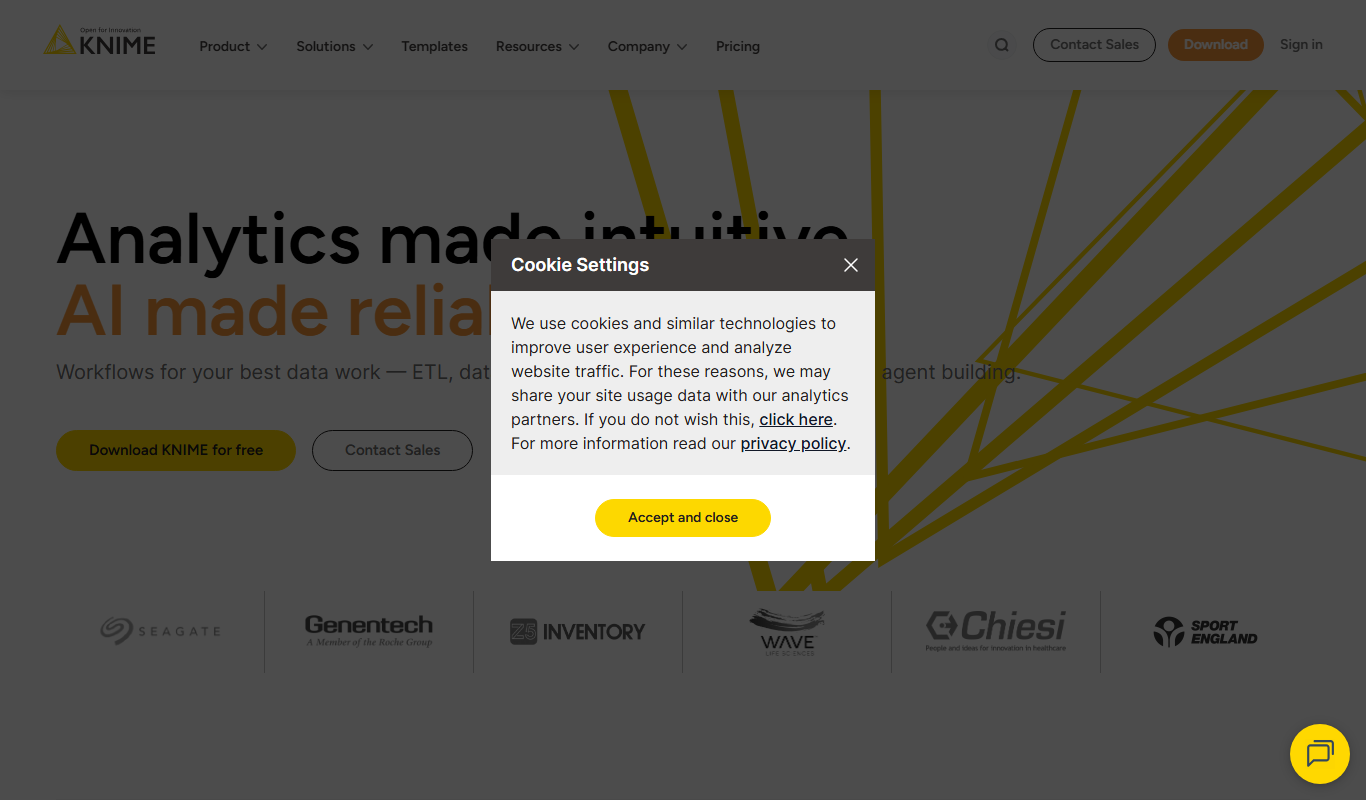
KNIME Analytics Platform
KNIME Analytics Platform is an open-source data analytics tool that enables users to build visual workflows for data processing, machine learning, and automation without extensive coding.
Custom Pricing
Optum
Optum is a healthcare technology company providing data analytics, population health management, and care coordination solutions to improve healthcare outcomes and operational efficiency.

Custom Pricing
Health Catalyst
Health Catalyst is a healthcare data analytics platform that integrates clinical and operational data to provide AI-driven insights for improving patient outcomes and operational efficiency.
Free
Comet.ml
Comet offers Opik, a GenAI observability and evaluation platform, and MLOps tools for experiment tracking, dataset management, model versioning and model production monitoring.

Custom Pricing
Brandwatch
Brandwatch is a social media analytics platform that provides real-time brand monitoring, sentiment analysis, and consumer insights to help businesses make data-driven marketing decisions.

Free
Mode Analytics
Mode Analytics is a collaborative business intelligence platform that enables data analysts and teams to query, analyze, and visualize data using SQL, Python, and R, with features for sharing and automating reports.

Free Trial
ThoughtSpot
ThoughtSpot is an AI-powered analytics platform that allows users to perform natural language searches on data to generate instant business insights and interactive dashboards without needing technical skills.

Free
Heap Analytics
Heap Analytics is a platform that automatically captures and analyzes user interactions on websites and apps, enabling businesses to understand user behavior and optimize product and marketing strategies without manual event tagging.