

Salad GPU Cloud Platform for Distributed Computing and Mining Rewards
SaladCloud orchestrates AI workloads across distributed GPUs, and the Salad Windows app lets PC owners earn rewards from idle GPU compute, CPU compute, or bandwidth.
- Best for
- Distributed GPU Computing
- Key capability
- Idle GPU Utilization
Save Salad – GPU Cloud, follow its updates and vote on it — everything stays in your account.
Sign in or create a free account
What is Salad – GPU Cloud?
Salad orchestrates AI workloads across distributed GPUs through SaladCloud. Its Windows app turns an idle PC into rewards: owners contribute GPU compute, CPU compute, or bandwidth and redeem for PayPal, crypto, prepaid cards, gift cards, and more.
Key features of Salad – GPU Cloud
SaladCloud orchestrates AI workloads across distributed GPUs. The Salad app lets PC owners contribute GPU compute, CPU compute, or bandwidth and redeem their balance for PayPal, crypto, prepaid cards, gift cards, and more.
Idle GPU Utilization
Efficiently uses idle GPU resources without interrupting user activities.
Reward System
Earn Salad Balance and redeem it for PayPal, crypto, prepaid cards, gift cards, and more.
Optional crypto mining
Crypto mining is presented during signup, enabled by default, and can be disabled in settings.
User Control and Transparency
Users can monitor and control GPU usage and mining activity.
Community and Support
Active community forums and customer support for troubleshooting and updates.
Pros and cons of Salad – GPU Cloud
Pros
- Monetizes idle GPU resources effectively
- User-friendly interface with easy setup
- Wide variety of redeemable rewards
- Supports multiple mining algorithms
- Active community and responsive support
Cons
- Windows-only platform
- Eligibility and earnings vary by workload, demand, and region.
- Premium features require subscription
Key use cases for Salad – GPU Cloud
Distributed GPU Computing
Users contribute their idle GPU power to a distributed network that performs computational tasks.
Distributed GPU containers
Businesses orchestrate containers across thousands of distributed GPUs on one API with Salad Container Engine.
Rewards and gift cards
Users spend their balance in the Storefront on PayPal, crypto rewards, prepaid cards, gift cards, games, subscriptions, and charity donations.
Cloud Resource Sharing
Allows users to monetize their unused computing resources by sharing GPU power.
How Salad – GPU Cloud works
- 1
Download and Install
Users download the Salad desktop app and install it on their Windows PC.
- 2
Create an Account
Sign up for a Salad account to start earning rewards.
- 3
Choose when Salad runs
Choose when Salad runs: manually, or automatically when your PC is idle. Pause anytime.
- 4
Earn Salad Balance
Your PC may contribute GPU compute, CPU compute, or bandwidth, depending on your hardware, settings, location, and current demand.
- 5
Redeem Rewards
Spend your balance in the Storefront on PayPal, crypto rewards, prepaid cards, gift cards, games, subscriptions, and charity donations.
Who is using Salad – GPU Cloud
Salad – GPU Cloud pricing
SaladCloud
GPUs from $0.015 per hour, billed per second
Pay-as-you-go GPU compute with no minimum commitment; no free trial.
Premium
$4.99/month
Enhanced earning rates, priority support, and additional reward options.
Plans and prices are as published by the vendor and can change. Check the official site before you buy. Open the pricing page (opens in a new tab)
Frequently asked questions about Salad – GPU Cloud
Yes, Salad is designed to run safely in the background using idle GPU resources without harming your hardware.
You can redeem Salad Balance for PayPal, crypto, prepaid cards, gift cards, and more.
Currently, Salad supports Windows PCs only.
Yes, the app allows you to adjust GPU usage settings to balance performance and resource consumption.
It depends on your specific needs and how you plan to use the tool. The official website and documentation are the best sources for the latest details.
Yes, it can help with that use case depending on how you configure it and what features are available. You’ll get the best results with clear inputs and a defined goal.
Conclusion
Salad orchestrates the world’s idle GPUs, serving AI workloads on one side and rewarding PC owners on the other. On the business side, SaladCloud orchestrates AI workloads across that pool, and containers are deployed through Salad Container Engine on one API. Billing is pay as you go and runs per second, with no free trial for SaladCloud.
PC owners, called Chefs, supply the hardware by installing the Windows app and choosing whether it runs manually or automatically when the PC is idle. Depending on hardware, settings and demand, the machine contributes GPU compute, CPU compute or bandwidth and earns Salad Balance. That balance is spent in the Storefront on PayPal cash, crypto rewards, prepaid cards, gift cards and games. Crypto mining is still presented during signup and enabled by default, though it can be switched off in settings.
The app requires a 64-bit Windows 10 or 11 PC, and eligibility and earnings vary by workload, demand and region.
Sources
Sign in to review this tool.
Sign In to ReviewNo reviews yet
Be the first to share how this tool worked for you.
Ask about pricing, limits, or how it compares — or answer someone else.
Sign In to AskNo questions yet
Have a question about using or paying for this tool? Be the first to ask.
Featured on TiorAI



Alternative Tools
Explore similar AI tools that might fit your needs

NiceHash
NiceHash is a cryptocurrency mining platform that connects buyers and sellers of hash power, enabling users to mine cryptocurrencies without owning hardware by renting computing power through a marketplace.
More Cloud, Data & Infrastructure tools
Other tools in the same category, for when this one is not quite the fit.

nOps
nOps is an automated AI and cloud cost optimization platform that manages discount commitments across AWS, Azure and GCP and rebalances them hourly to maximize savings without lock-in.

getnametag.com
Nametag provides account protection built on Deepfake Defense identity verification, with secure onboarding, self-service account recovery and helpdesk verification for enterprise IAM.

Lift AI
Lift delivers instant, AI-driven insights by transforming live data into actionable intelligence, powered by a DePIN node network and the $LIFT token.
Fieldguide
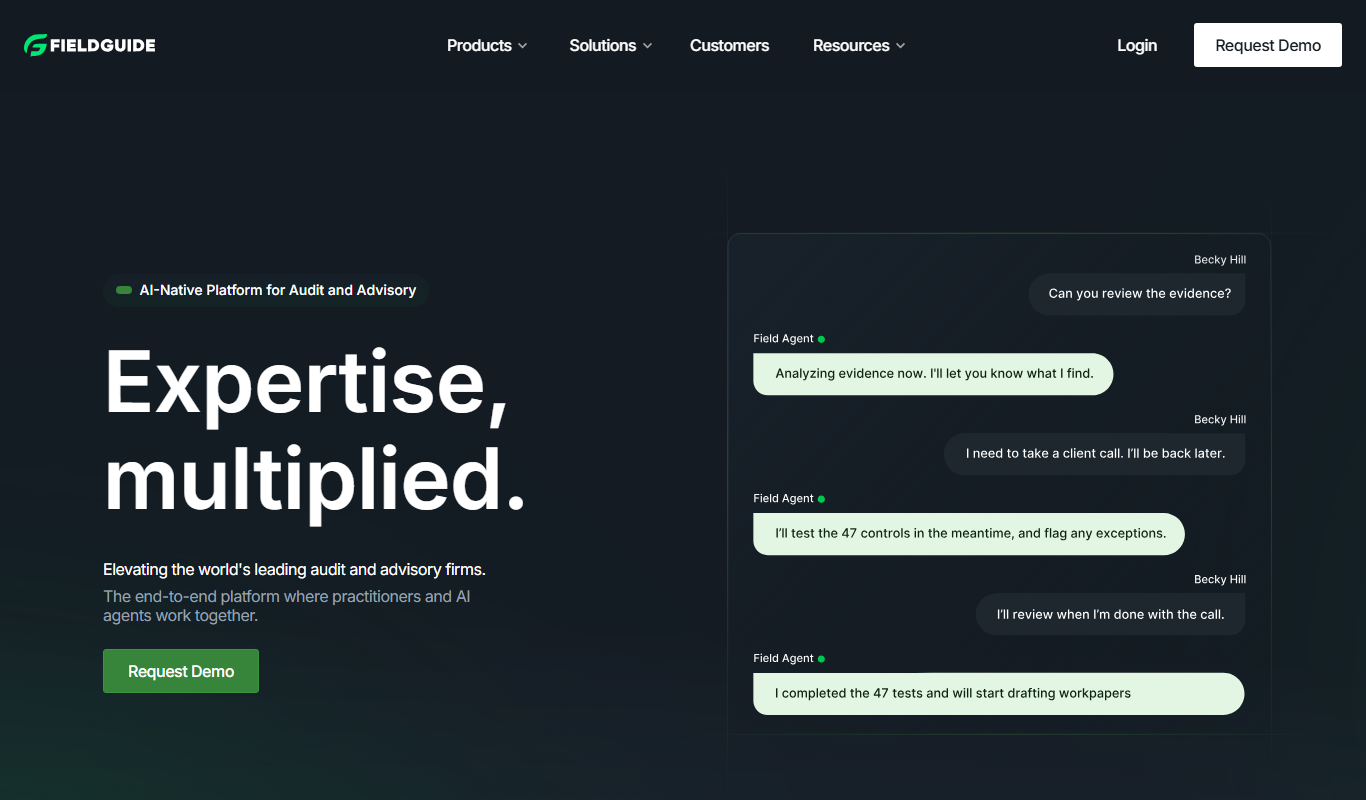
Fieldguide is the agentic AI platform for audit and advisory firms, where Field Agents run planning, testing and review.

Portflix
Portflix converts your resume into a personal website in seconds, with an AI chatbot that assists your visitors on your behalf.
NICH: GPT Anonymizer
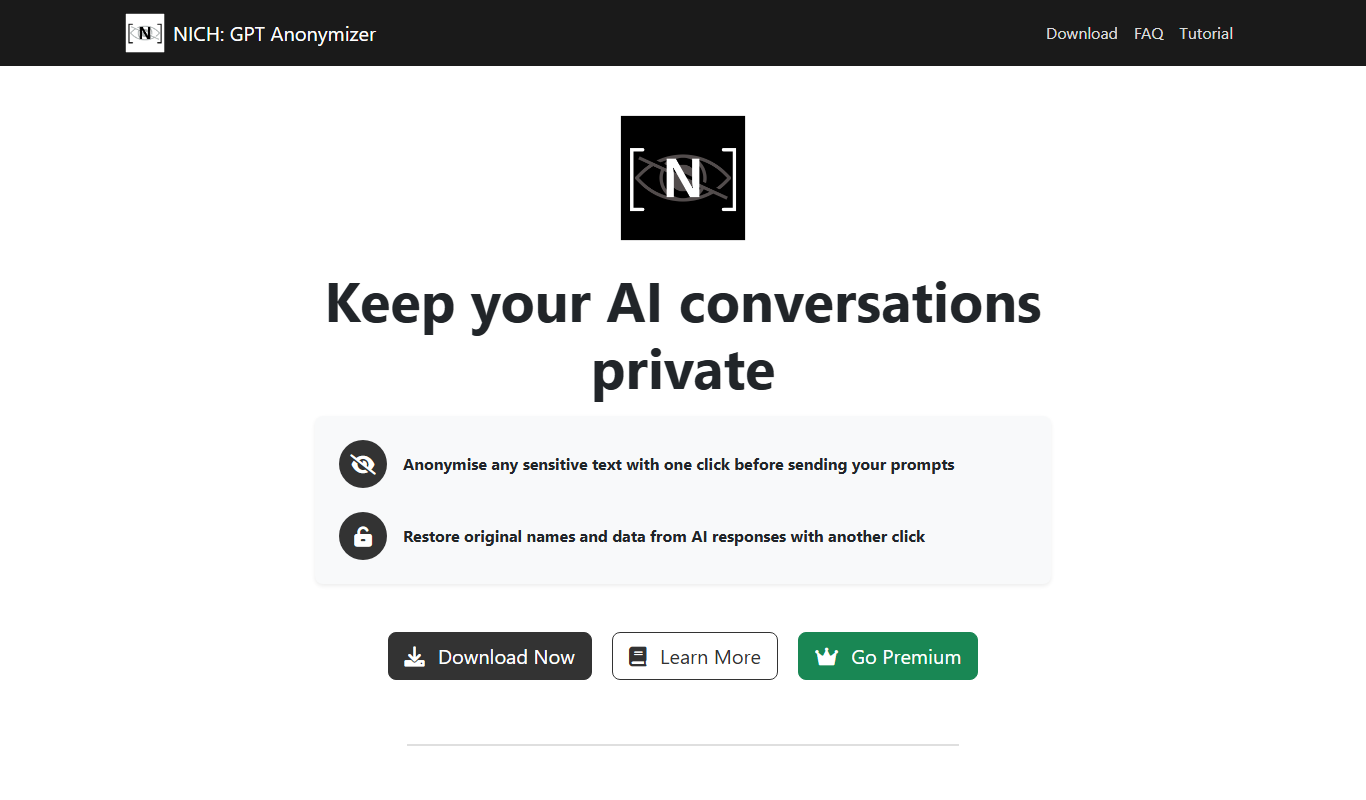
NICH: GPT Anonymizer is a free Chrome extension that replaces personal details with placeholders before you send a message to an AI assistant, with detection running in your browser.

piXme
piXme is an AI-powered photocloud and digital asset management system that stores, tags and searches an organization's photos, videos and documents, for teams and professional photographers.
forms app
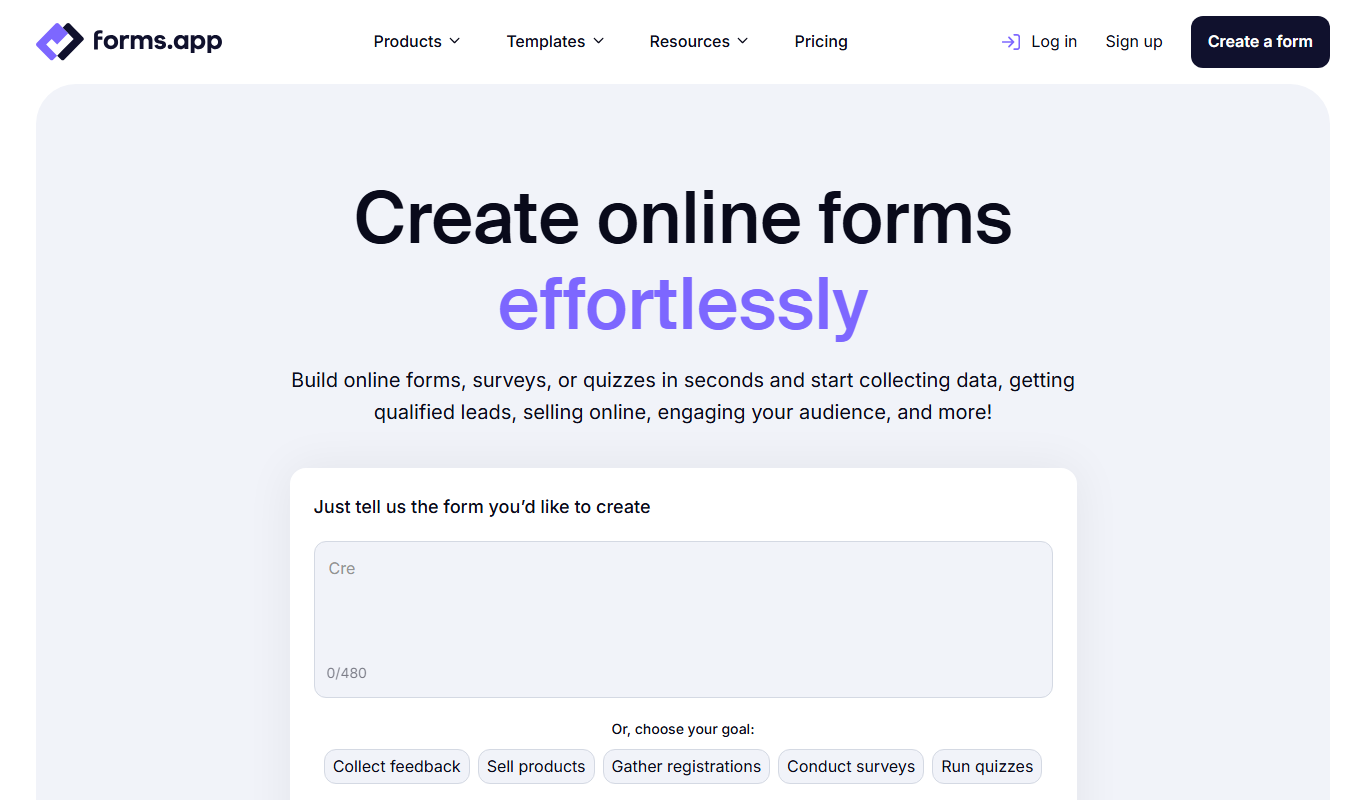
Forms App is an online form builder that allows users to create surveys, registrations, and payment-enabled forms with a drag-and-drop interface and multi-language support.