

From my experience with Fieldguide, I found it excels at enabling reliable offline data collection combined with strong project management features. The platform’s ability to handle multimedia inputs and customizable forms makes it versatile for various research contexts. After spending time with the tool, I can say it’s particularly well-suited for academic researchers and organizations conducting complex field studies who need robust data quality controls. However, the lack of publicly available pricing details means potential users must engage with sales to understand costs, which may slow initial evaluation. Overall, if you require a comprehensive solution for managing field data collection and research projects, Fieldguide delivers solid, dependable results.
Fieldguide Data Collection Software for Research & Fieldwork Management
Fieldguide is a data collection and research management tool that enables field teams to capture data offline, manage projects, and ensure data quality through customizable forms and real-time syncing.
- Best for
- Field Data Collection
- Key capability
- Offline Mobile Data Collection
Save Fieldguide, follow its updates and vote on it — everything stays in your account.
Sign in or create a free account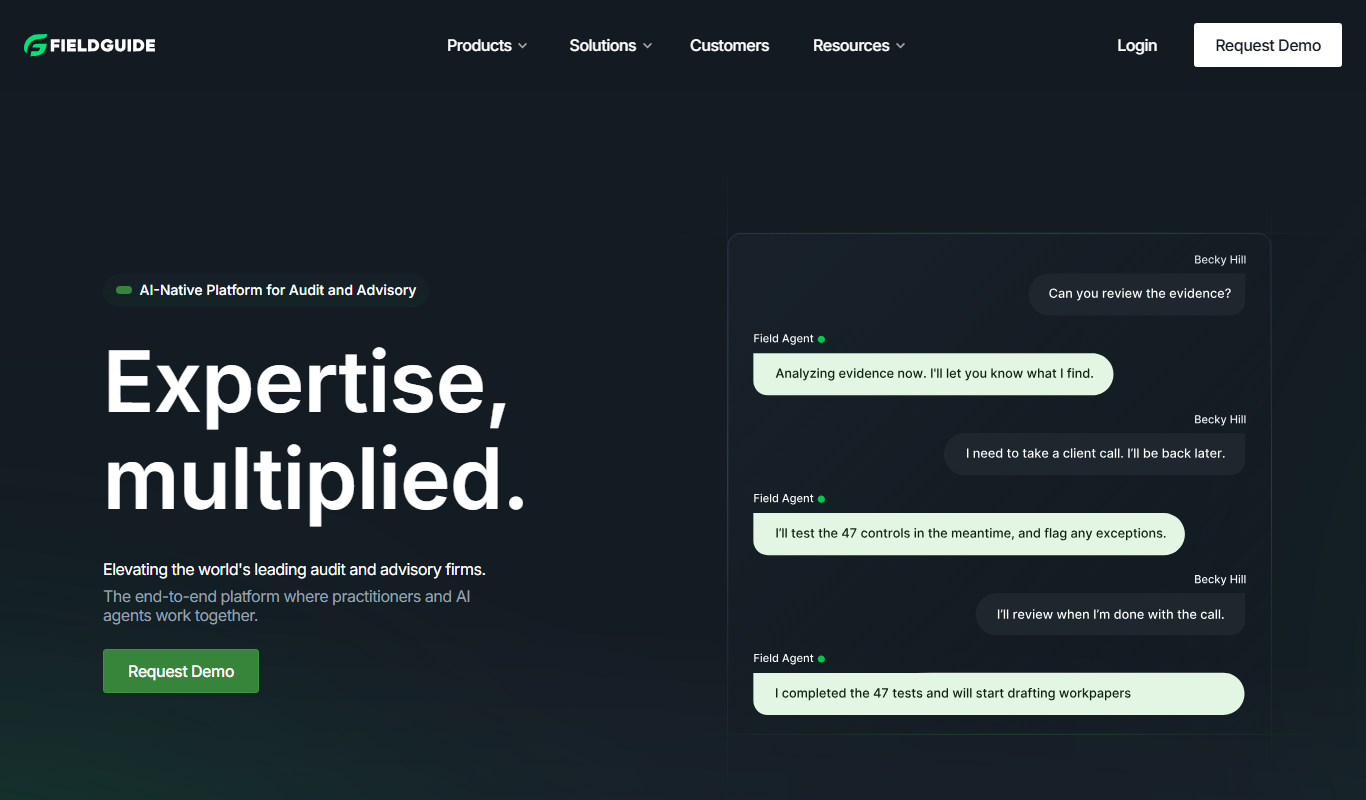

What is Fieldguide?
Fieldguide is a comprehensive data collection and research management platform designed to support field researchers and organizations conducting qualitative and quantitative studies. It offers mobile and web applications that enable teams to capture, manage, and analyze data collected in the field with ease, even in offline environments. The platform emphasizes data quality, team collaboration, and project oversight.
Key features of Fieldguide
Fieldguide provides customizable data collection forms, offline mobile data capture, real-time syncing, multimedia support, project and team management tools, and data quality controls to streamline field research workflows.
Offline Mobile Data Collection
Collect data without internet connectivity and sync automatically when back online.
Customizable Forms
Design flexible data entry forms with various question types and multimedia support.
Real-Time Data Syncing
Automatic syncing of collected data to the cloud for instant access by project managers.
Team and Project Management
Manage multiple projects and coordinate field teams with role-based access and communication tools.
Data Quality Assurance
Built-in validation rules and review workflows to ensure data accuracy and completeness.
Pros and cons of Fieldguide
Pros
- Robust offline data collection capabilities
- Highly customizable forms with multimedia support
- Strong project and team management features
Cons
- Pricing is not publicly listed and requires contacting sales
- Limited information on integrations with third-party analytics tools
Key use cases for Fieldguide
Field Data Collection
Enables researchers and field teams to collect data efficiently using mobile devices, even offline.
Research Project Management
Organizes and manages multiple research projects with real-time data syncing and collaboration.
Survey and Interview Data Capture
Supports structured surveys and interviews with customizable forms and multimedia attachments.
Data Quality Control
Provides tools for data validation, review, and quality assurance to ensure accuracy.
Team Collaboration
Facilitates communication and coordination among distributed field teams and researchers.
How Fieldguide works
- 1
Setup Project
Create and configure research projects with custom forms and data fields tailored to your study.
- 2
Deploy to Field Teams
Assign projects to field researchers who use the mobile app to collect data on-site, even without internet.
- 3
Data Collection
Field teams gather data using smartphones or tablets, capturing text, photos, audio, and other media.
- 4
Sync and Review
Collected data syncs to the cloud when online, allowing managers to review and validate submissions.
- 5
Analyze and Export
Export clean, validated data for analysis or reporting using preferred tools.
Who is using Fieldguide
Fieldguide pricing
Custom Pricing
Contact Sales
Pricing tailored to organizational needs based on project scale and features.
Plans and prices are as published by the vendor and can change. Check the official site before you buy. Open the pricing page (opens in a new tab)
Frequently asked questions about Fieldguide
Yes, Fieldguide’s mobile app allows data collection without internet access and syncs data when connectivity is restored.
Absolutely, Fieldguide offers flexible form design with multiple question types and multimedia attachments.
Yes, it supports team management with role-based permissions and project coordination features.
Fieldguide includes validation rules and review workflows to maintain high data quality standards.
This tool is designed to help users accomplish its core tasks more efficiently. It is typically used by individuals or teams looking to improve productivity and workflow.
Data handling and security practices vary by provider. Review the official privacy policy to understand how your data is stored and used.
Data handling and security practices vary by provider. Review the official privacy policy to understand how your data is stored and used.
Sign in to review this tool.
Sign In to ReviewNo reviews yet
Be the first to share how this tool worked for you.
Ask about pricing, limits, or how it compares — or answer someone else.
Sign In to AskNo questions yet
Have a question about using or paying for this tool? Be the first to ask.
Featured on TiorAI



Alternative Tools
Explore similar AI tools that might fit your needs
KoBoToolbox
KoBoToolbox is a free, open-source data collection platform designed for field surveys and humanitarian projects, supporting offline data collection and complex survey design.

SurveyCTO
SurveyCTO is a secure mobile data collection platform that supports offline surveys, advanced form logic, and encrypted data syncing, designed for field research and monitoring.
More AI Lead Generation Tools tools
Other tools in the same category, for when this one is not quite the fit.

Smartlead
Smartlead is an AI-driven sales automation platform that helps businesses automate lead generation, personalized email outreach, follow-ups, and CRM integration to improve sales efficiency.

CONTADU
CONTADU is a content intelligence platform for SEO that helps you plan, write and optimize content with user intent in mind.

koncert.com
Koncert is a sales engagement platform that helps B2B sales teams automate outbound prospecting and multi-channel outreach to increase efficiency and pipeline growth.
Seamless
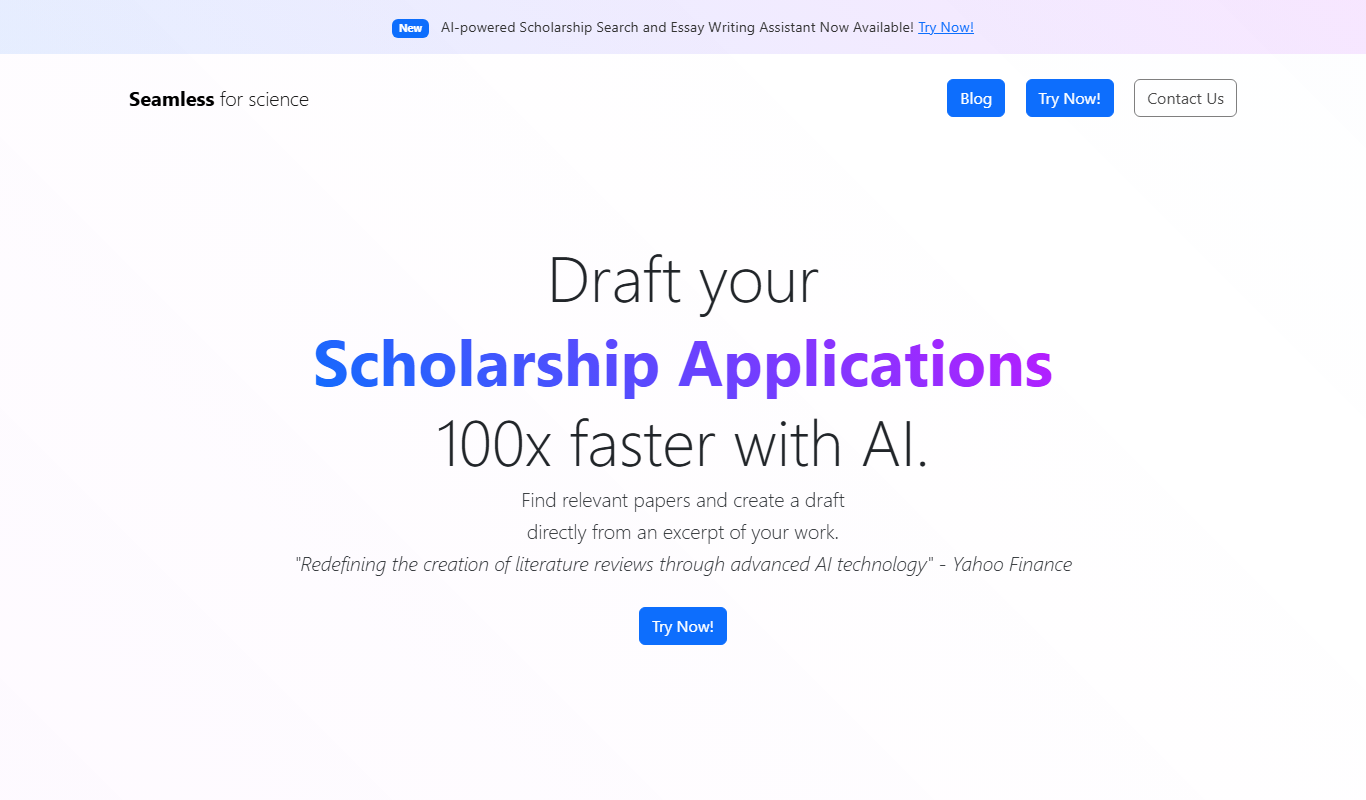
Seamless.ai is an AI-driven sales intelligence platform that provides verified contact and company data to help sales teams generate leads and integrate with CRMs efficiently.

LeadHunt AI
LeadHunt AI is a web-based platform that uses artificial intelligence to automate lead generation, data enrichment, and sales outreach, helping businesses find and engage prospects efficiently.

Coldreach (YC W23)
Coldreach is an AI-powered platform that automates personalized cold email campaigns and lead generation to help sales teams increase outreach efficiency and conversion rates.
MagicSales.ai
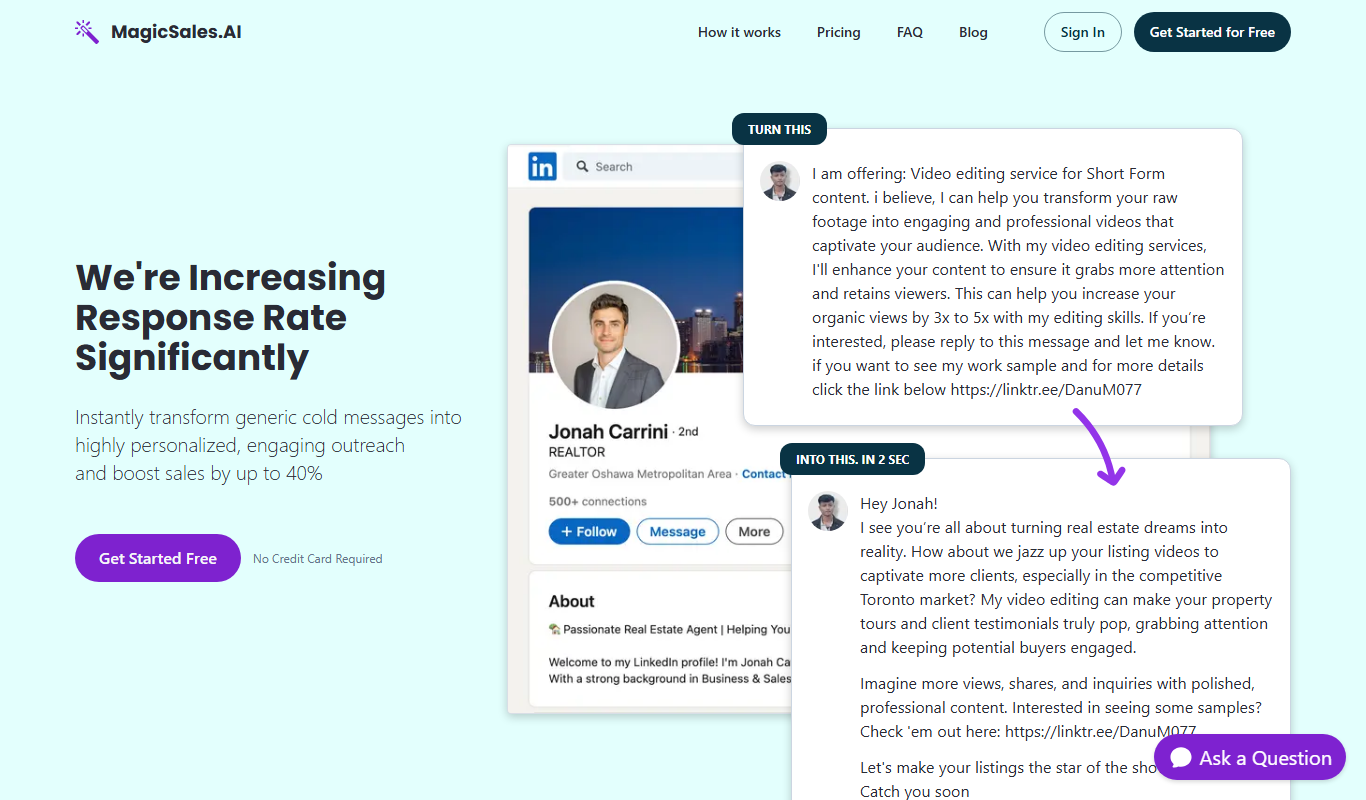
MagicSales.ai is an AI-powered platform that automates lead generation and email outreach, integrating with CRMs to help sales teams increase efficiency and close deals faster.

Instantly
Instantly is an AI-driven email outreach platform that automates cold email campaigns and follow-ups to help sales and marketing teams generate leads efficiently.