

From my experience with Lift AI, the platform stands out for its AI-assisted annotation capabilities that significantly reduce manual labeling effort. Its focus on quality control ensures datasets are reliable for training robust AI models. While the pricing details require direct contact, the tool’s automation and user-friendly interface make it well-suited for AI researchers and developers working on computer vision projects. However, the limited language support and lack of transparent pricing might be a consideration for some users. Overall, Lift AI delivers efficient and accurate data annotation for AI training needs.
Lift AI Data Annotation Platform for Efficient AI Training and Labeling
Lift AI is a web-based data annotation platform that automates labeling for computer vision datasets, enhancing accuracy and speeding up AI model training.
- Best for
- Computer Vision Model Training
- Key capability
- AI-Assisted Annotation
Your actions
Save Lift AI, follow its updates and vote on it — everything stays in your account.
Sign in or create a free account

What is Lift AI?
Lift AI is a data annotation platform designed to streamline the creation of high-quality labeled datasets for AI and machine learning projects. It focuses on automating and improving the accuracy of data labeling, especially for computer vision tasks, enabling faster and more reliable AI model training.
Key features of Lift AI
Lift AI offers automated annotation tools, quality control mechanisms, and a user-friendly web interface to manage and create labeled datasets efficiently. It supports various annotation types and integrates AI-assisted labeling to reduce manual effort.
AI-Assisted Annotation
Automates labeling to reduce manual workload and speed up dataset creation.
Quality Assurance Tools
Includes features to validate and improve annotation accuracy.
Flexible Data Support
Supports various data types including images and videos for diverse AI applications.
User-Friendly Interface
Web-based platform designed for ease of use by data scientists and annotators.
Pros and cons of Lift AI
Pros
- Automates tedious annotation tasks to save time
- Includes quality control to ensure dataset accuracy
- Supports multiple data types for versatile AI projects
Cons
- Pricing is not publicly listed and requires contact
- Limited information on supported languages beyond English
Key use cases for Lift AI
Computer Vision Model Training
Lift AI provides high-quality labeled data to train computer vision models accurately.
Automated Data Annotation
The platform automates the annotation process to speed up dataset preparation.
Quality Control for AI Datasets
Lift AI includes quality assurance features to ensure annotation accuracy and consistency.
Custom Dataset Creation
Users can create tailored datasets for specific AI applications using Lift AI’s tools.
How Lift AI works
- 1
Upload Data
Users upload raw data such as images or videos to the platform.
- 2
Automated Annotation
Lift AI applies AI-powered algorithms to automatically label the data.
- 3
Review and Edit
Users review annotations and make corrections if necessary to ensure accuracy.
- 4
Export Labeled Data
The finalized labeled dataset is exported in formats compatible with AI training frameworks.
Who is using Lift AI
AI researchers
Machine learning engineers
Data scientists
Computer vision developers
Enterprises building custom AI models
Lift AI pricing
Custom Pricing
Contact for pricing
Pricing tailored based on project scope and annotation volume.
Plans and prices are as published by the vendor and can change. Check the official site before you buy. Open the pricing page (opens in a new tab)
Frequently asked questions about Lift AI
Lift AI primarily supports image and video data annotation for computer vision tasks.
Yes, it uses AI-assisted algorithms to automate the labeling process.
Yes, Lift AI allows exporting datasets in formats compatible with popular AI training tools.
This tool is designed to help users accomplish its core tasks more efficiently. It is typically used by individuals or teams looking to improve productivity and workflow.
Data handling and security practices vary by provider. Review the official privacy policy to understand how your data is stored and used.
Yes, it can help with that use case depending on how you configure it and what features are available. You’ll get the best results with clear inputs and a defined goal.
Sign in to review this tool.
Sign In to ReviewNo reviews yet
Be the first to share how this tool worked for you.
Ask about pricing, limits, or how it compares — or answer someone else.
Sign In to AskNo questions yet
Have a question about using or paying for this tool? Be the first to ask.
Featured on TiorAI



More AI Data & Analytics Tools tools
Other tools in the same category, for when this one is not quite the fit.

Free
TimeTK
TimeTK is an open-source R package designed to simplify time series analysis by providing tools for visualization, feature engineering, and data preprocessing, ideal for forecasting and modeling tasks.

Freemium
Graphy for Data Storytelling
Graphy is a web-based platform designed for creating interactive data stories by combining data visualization with narrative elements, enabling users to communicate insights effectively.
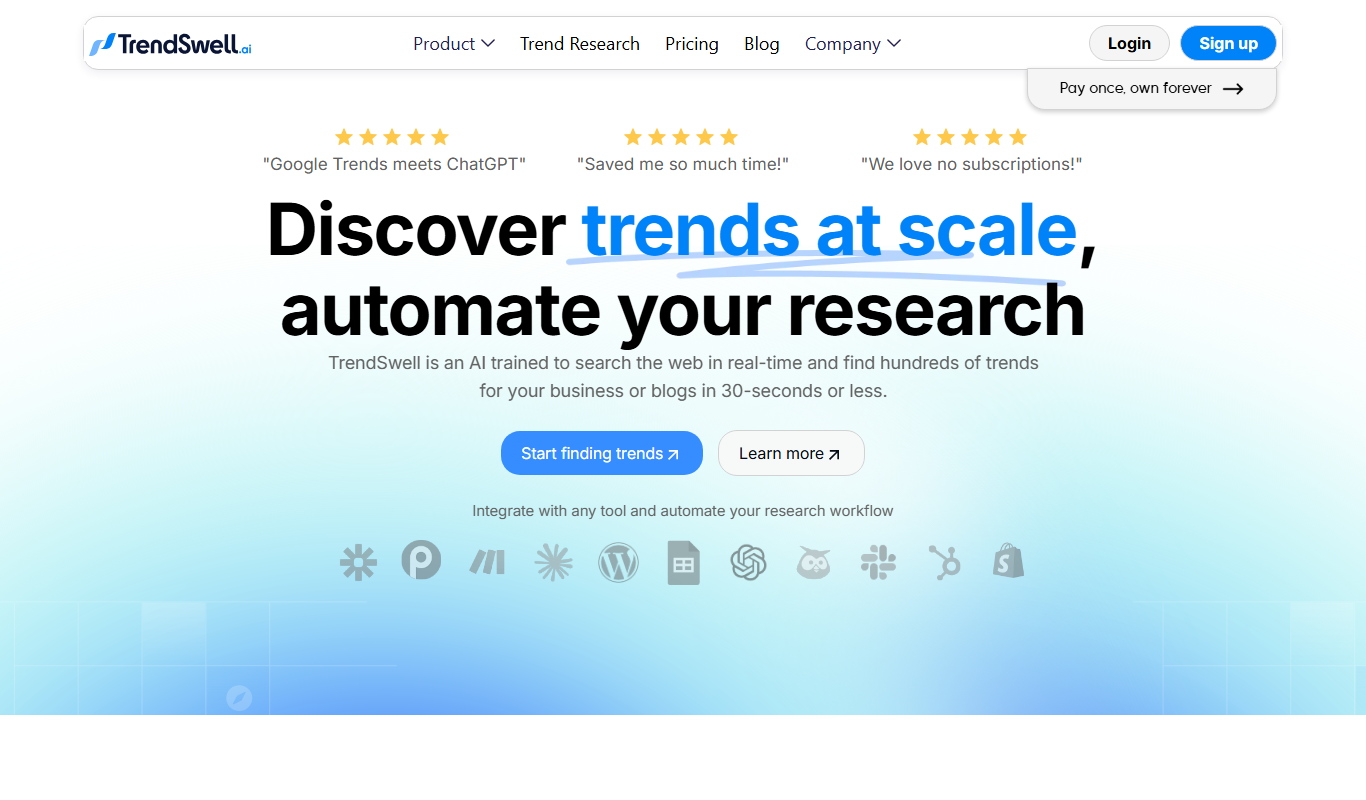
One-time purchase
TrendSwell
TrendSwell.ai uses AI to automate the trend discovery process: search any topic and it finds trends directly related to that search.

Free
Vizzy
Vizzy is a free web-based AI tool that transforms CSV data into interactive charts and graphs, enabling easy data exploration without coding.

Free Trial
Reviewly AI
Reviewly is an AI-powered platform that collects Google reviews through SMS requests and drafts responses to them with AI.

Custom Pricing
unitQ agentQ
unitQ GPT is an AI-powered customer feedback analytics tool that uses GPT-4 to aggregate, analyze, and provide real-time insights from multiple feedback channels, helping product teams improve quality and user experience.

Contact for pricing
Enterpret
Enterpret is an AI-driven platform that analyzes customer feedback from multiple sources to provide actionable insights through sentiment analysis, topic clustering, and trend detection.

Free Trial
Reporfy
Reporfy is an AI-powered platform that automates business report generation by analyzing data and creating insightful, customizable reports to support decision-making.