

Magnific AI creative platform for image, video and audio generation and upscaling
Magnific (formerly Freepik) is an AI creative platform with every AI model for video, image and audio, including the Magnific image and video upscalers.
- Best for
- Upscaling images
- Key capability
- Image upscaler
Save Magnific AI, follow its updates and vote on it — everything stays in your account.
Sign in or create a free account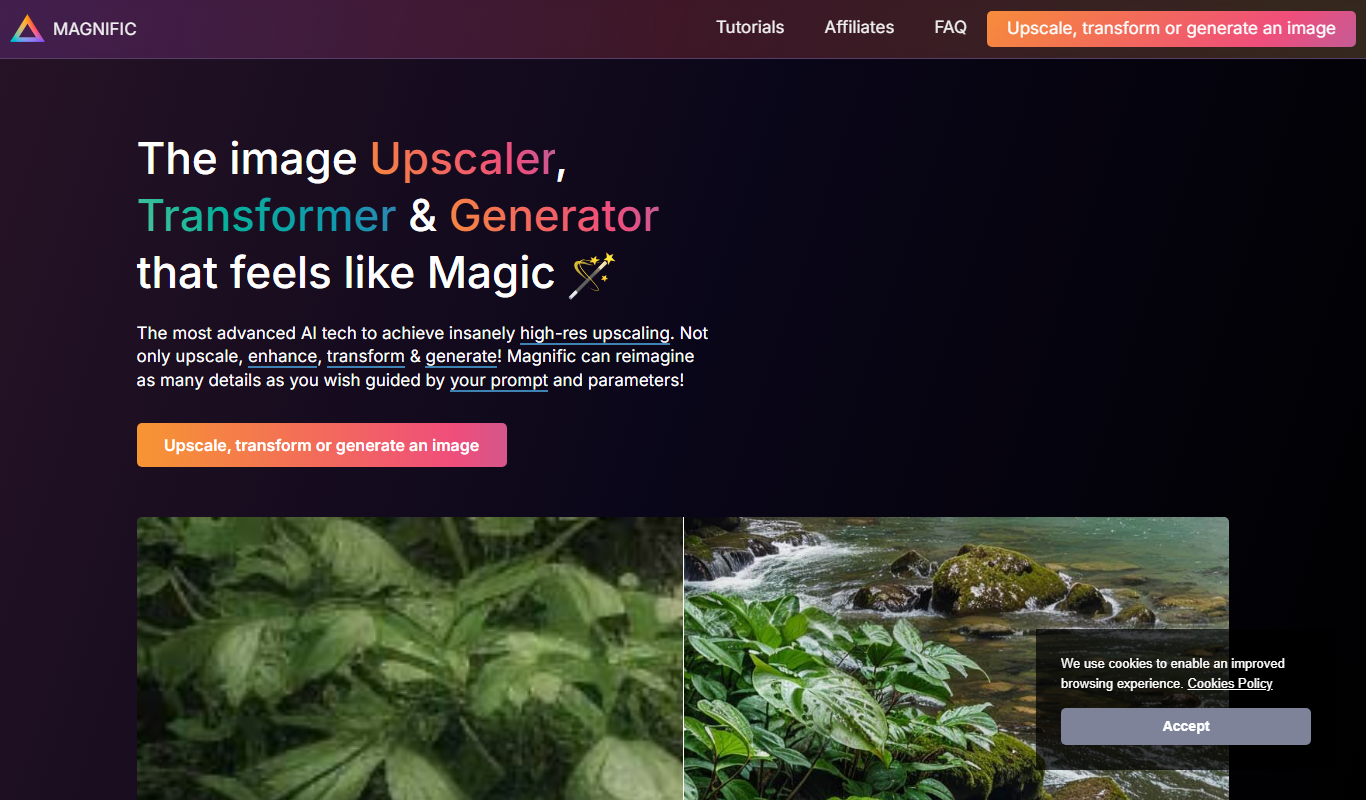
What is Magnific AI?
Magnific is an AI creative platform at magnific.com (formerly Freepik) that brings every AI model for video, image and audio into one place, with tools to generate, edit and upscale images, generate and upscale video, create voices, music and sound effects, and build team workflows on a node-based canvas. It is the next chapter of magnific.ai, whose upscaling, relight and style transfer tools are available on magnific.com.
Key features of Magnific AI
Magnific offers an Image Upscaler, a Video Upscaler, an AI Image Generator, an Image Editor, a Background Remover, a Skin Enhancer, Relight and a Video Generator with editors, alongside audio and 3D tools, stock content and API access.
Image upscaler
Upscale images up to 10K with real detail.
Video upscaler
A dedicated Video Upscaler sits next to the Video Generator and editors.
Every leading AI model
Generate images and video with models such as Nano Banana 2, Veo 3, Seedance 2 and Kling 3.
Spaces
A node-based canvas where your team explores, automates and collaborates.
MCP, plugins and API
Magnific MCP and plugins, Magnific for ComfyUI and API access with credit-based usage.
Pros and cons of Magnific AI
Pros
- Every AI model for video, image and audio in one platform
- Image upscaling up to 10K
- 250M+ Premium stock assets with paid plans
- No model training on your data
- 30-day refund guarantee and no cancellation fees
Cons
- Max quality generations use credits
- New users can no longer sign up on the original magnific.ai site
- Prices exclude VAT and local taxes
Key use cases for Magnific AI
Upscaling images
Upscale images up to 10K with real detail.
Product shots
AI-powered photoshoots with no studio, crew or scheduling.
Brand campaigns
On-brand visuals, video and audio at any scale and in any format.
Filmmaking
Explore characters, storyboards and concepts for cinematic work.
Advertising
Go from brief to final asset without a vendor chain.
How Magnific AI works
- 1
Sign up on magnific.com
New registrations are only available on magnific.com.
- 2
Pick a tool
Choose an image, video, audio or 3D tool to start creating.
- 3
Generate, edit or upscale
Generate, upscale and edit your images and videos.
- 4
Build workflows in Spaces
Connect tools on the node-based Spaces canvas and collaborate with your team.
- 5
Share as an App
Save a complex on-brand workflow as an App that the next person runs in one click.
- 6
Publish or Export
Use the content directly in your marketing channels or export it for further use.
Who is using Magnific AI
Magnific AI pricing
Premium
EUR 10.50 per month, billed annually (shown next to EUR 15)
For individuals exploring AI tools and stock content: Spaces, 250M+ Premium assets, 240K credits per year and no model training on your data.
Premium+
EUR 25.50 per month, billed annually (shown next to EUR 34)
For creatives who need unlimited generations and full AI access: unlimited generations and 600K credits per year.
Pro Starter
EUR 62.25 per month, billed annually (shown next to EUR 83)
For professionals scaling content production: everything in Premium+ and 1.5M credits per year.
Enterprise
Talk to the team
Full legal indemnification, enterprise-grade security, unlimited users, custom SSO and a dedicated team.
Plans and prices are as published by the vendor and can change. Check the official site before you buy. Open the pricing page (opens in a new tab)
Frequently asked questions about Magnific AI
Yes. Freepik is now Magnific, the AI creative platform at magnific.com.
Magnific launched a new platform at magnific.com with more tools and new features; magnific.ai is still fully operational for existing users.
No. New registrations are only available on magnific.com.
Yes. Image and video upscaling, style transfer, relight, skin enhancer and mystic generations are available as specific tools on magnific.com.
The Image Upscaler upscales images up to 10K with real detail.
No. The plans include no model training on your data.
Yes. You can cancel anytime, with a 30-day refund guarantee and no cancellation fees.
Conclusion
What started as the magnific.ai image upscaler now lives on magnific.com, the AI creative platform formerly called Freepik, which brings AI models for image, video and audio into one place. Upscaling is still central, with images enlarged up to 10K and a separate video upscaler next to the generators and editors. Generation draws on models such as Nano Banana 2, Veo 3, Seedance 2 and Kling 3, plus the platform’s own Magnific One image model. Teams can wire tools together on Spaces, a node-based canvas, and save a finished workflow as an App that others run in one click.
Paid plans run on yearly credit allowances and add 250M+ Premium stock assets, a commercial AI license and API and MCP access, with no model training on the user’s data. Existing magnific.ai accounts keep working on the legacy site, but new registrations are only available on magnific.com.
Sources
Sign in to review this tool.
Sign In to ReviewNo reviews yet
Be the first to share how this tool worked for you.
Ask about pricing, limits, or how it compares — or answer someone else.
Sign In to AskNo questions yet
Have a question about using or paying for this tool? Be the first to ask.
Featured on TiorAI



More AI Image & Visual Tools tools
Other tools in the same category, for when this one is not quite the fit.
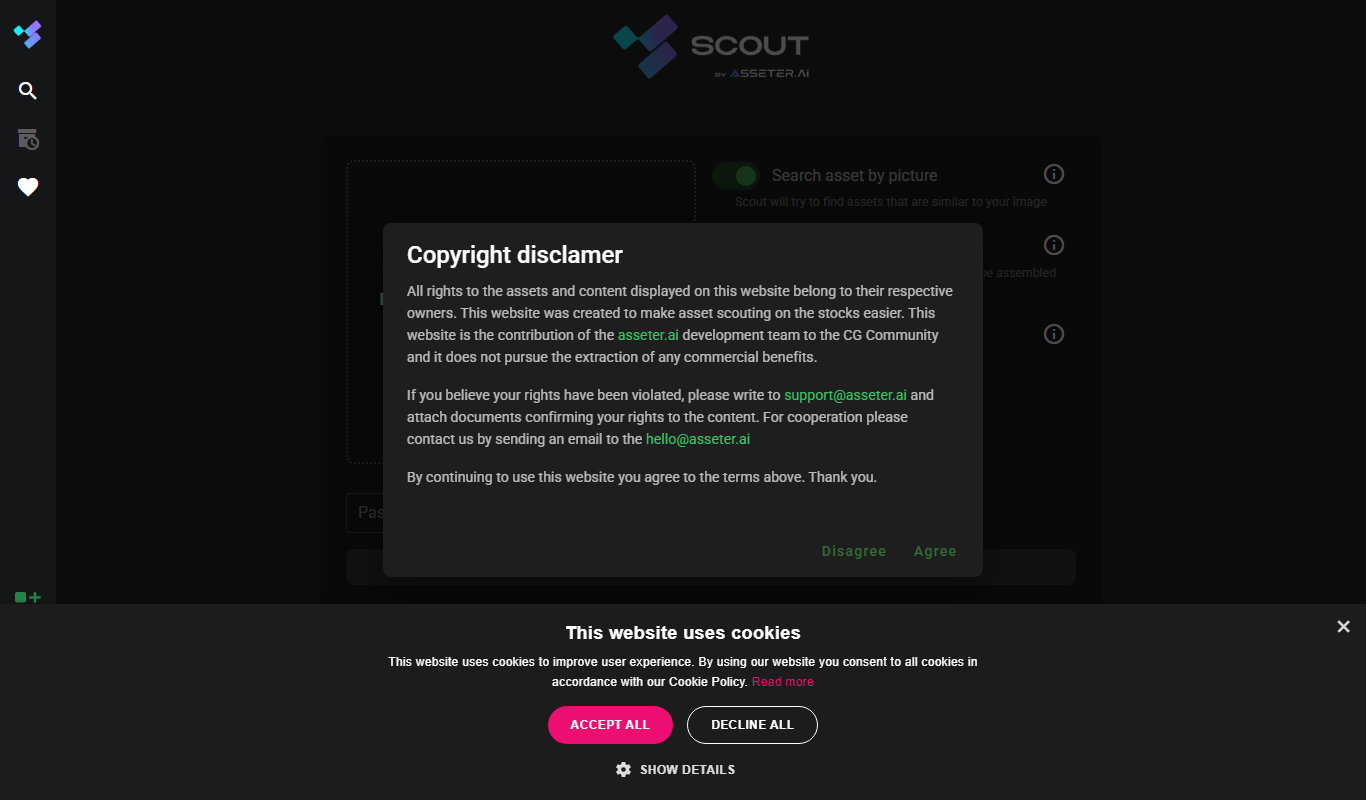
Scout by Asseter.ai
Scout by Asseter.ai is an AI-powered visual search engine that finds 3D models, textures and materials by picture across stock marketplaces such as 3DSky, CGTrader and Quixel Megascans.

TwoShot
TwoShot is an AI creative suite for music, audio, video and images: generate music and sounds from text, split stems, make voiceovers and produce in an online studio.

Midjourney API
Midjourney API is available through TTAPI, which gives access to Midjourney and 100+ AI models through one unified REST API with one API key, one balance and pay as you go billing.

Sticker.Show
Sticker.Show is an online AI sticker generator that creates custom stickers from a text description, with transparent-background downloads and a searchable sticker gallery.
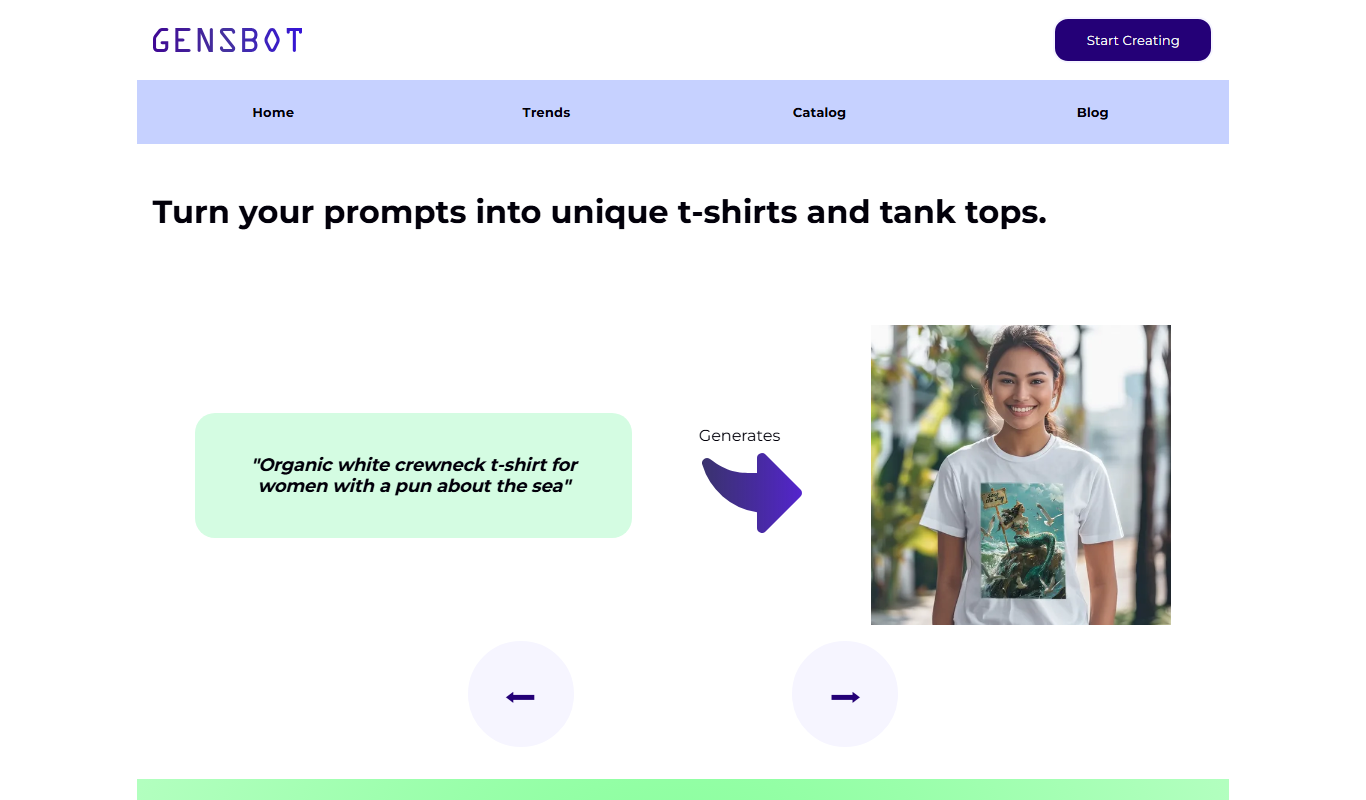
Gensbot
Gensbot turns your prompts into personalized printed merchandise, from t-shirts and mugs to canvas art, designed by AI in less than a minute and produced on demand.
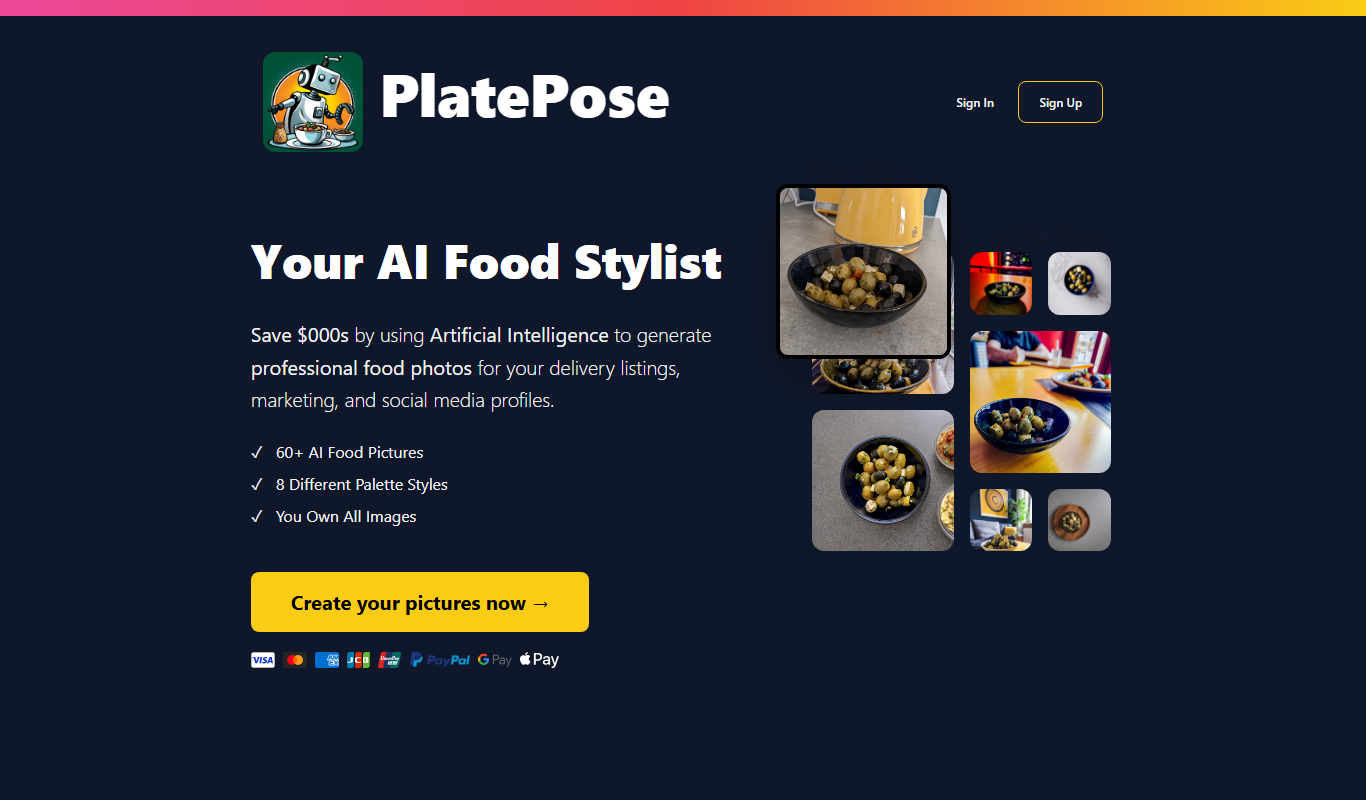
PlatePose
PlatePose trains an AI model on 10-20 photos of your dish and generates professional, stylised food photos for menus and social profiles, with full ownership of the images.

RealFake
Real Fake Photos turns 10-20 selfies into photoshoot quality AI headshots for LinkedIn and more, sold as one-time style packages.
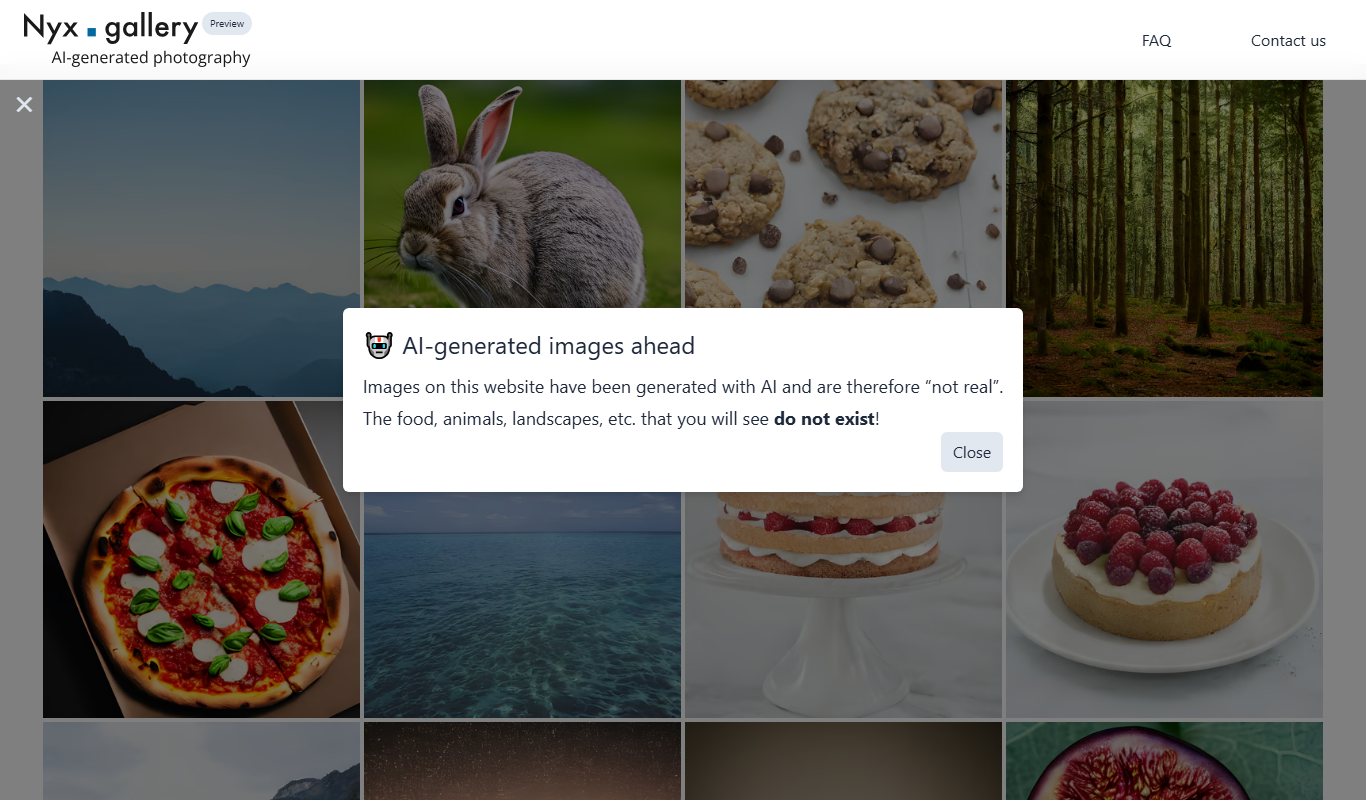
Nyx
Nyx.gallery is a preview gallery of photorealistic AI-generated images that can be downloaded and used for commercial or non-commercial purposes.