

Copyscape Plagiarism Checker for Content Verification and Duplicate Detection
Copyscape is an online plagiarism detection tool that scans the web to find duplicate content and verify originality, widely used by writers, educators, and SEO professionals.
- Best for
- Content Originality Verification
- Key capability
- Premium Plagiarism Search
Save Copyscape, follow its updates and vote on it — everything stays in your account.
Sign in or create a free account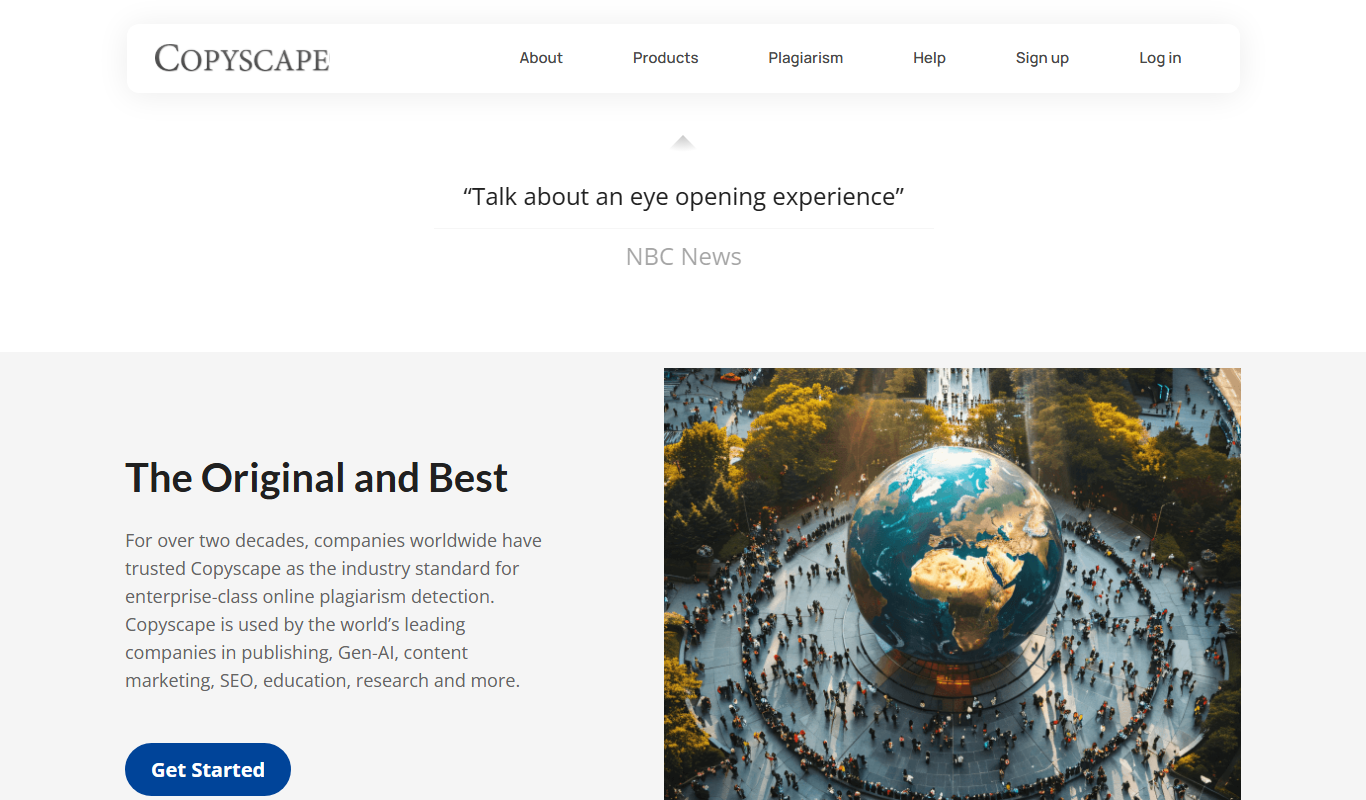
What is Copyscape?
Copyscape is an online plagiarism detection service designed to help users verify the originality of their content by scanning the internet for duplicate or copied text. It is widely used by writers, publishers, SEO professionals, and educators to ensure content authenticity and protect intellectual property.
Key features of Copyscape
Copyscape offers web-based plagiarism checking, batch search capabilities, private index searches, and API access for automated content verification. It provides detailed reports highlighting matching sources and duplicate passages.
Premium Plagiarism Search
Advanced search with deeper web scanning and more detailed results compared to the free version.
Batch Search
Upload multiple documents at once for plagiarism checking to save time.
Private Index
Create a private index of your own content to check for internal duplication or unauthorized use.
API Access
Integrate Copyscape’s plagiarism detection into your own applications or workflows via API.
Side-by-Side Comparison
View original and matching content side-by-side for easy identification of copied text.
Pros and cons of Copyscape
Pros
- Easy-to-use web interface
- Accurate detection of online duplicate content
- Supports batch and API-based plagiarism checking
Cons
- Limited free usage with pay-per-use pricing for premium features
- Does not detect plagiarism in offline or proprietary databases
- Only supports English language content
Key use cases for Copyscape
Content Originality Verification
Check if your written content is original or copied from other sources online to maintain authenticity.
SEO Duplicate Content Detection
Identify duplicate content on websites to avoid SEO penalties and improve search engine rankings.
Academic and Professional Writing
Verify academic papers, articles, and professional documents for plagiarism to ensure integrity.
Content Protection for Publishers
Monitor the web for unauthorized copies of your published content to protect intellectual property.
Freelance and Agency Quality Assurance
Ensure that content delivered by freelancers or agencies is original and not plagiarized.
How Copyscape works
- 1
Enter Content or URL
Submit the text or webpage URL you want to check for plagiarism on the Copyscape platform.
- 2
Scan for Duplicates
Copyscape scans its extensive index of web pages and databases to find matching or similar content.
- 3
Review Results
Receive a report showing potential duplicate sources with links and similarity percentages.
- 4
Take Action
Use the results to revise content, address plagiarism issues, or protect your original work.
Who is using Copyscape
Copyscape pricing
Free
$0
Basic plagiarism search with limited queries and features.
Premium
$0.03 for the first 200 words, then $0.01 per additional 100 words
Access to advanced plagiarism detection, batch search, and API with pay-per-use pricing.
Plans and prices are as published by the vendor and can change. Check the official site before you buy. Open the pricing page (opens in a new tab)
Frequently asked questions about Copyscape
Copyscape offers a free service for basic plagiarism checks, but advanced features require payment.
Copyscape is highly accurate for detecting copied content on the web, but it may not detect content behind paywalls or private databases.
Yes, Copyscape’s batch search feature allows you to upload and check multiple documents simultaneously.
Copyscape does not store your content publicly; private index options allow you to keep content secure.
It depends on your specific needs and how you plan to use the tool. The official website and documentation are the best sources for the latest details.
Some tools offer a free plan or trial with limited features. Availability can vary, so confirm on the official website.
Yes, it can help with that use case depending on how you configure it and what features are available. You’ll get the best results with clear inputs and a defined goal.
Conclusion
A check starts by submitting text or a webpage URL, and the service scans its index of web pages for matching or similar content. The report lists potential duplicate sources with links and similarity percentages, and matches can be viewed side by side. Beyond single searches, batch search checks multiple documents at once, a private index covers your own content, and an API adds detection to other workflows.
It is widely used by writers, publishers, SEO professionals and educators to verify originality. Basic searches are free, while Premium is pay-as-you-go at $0.03 for the first 200 words and $0.01 per additional 100 words. Content behind paywalls or in private databases may not be detected.
Sources
Sign in to review this tool.
Sign In to ReviewNo reviews yet
Be the first to share how this tool worked for you.
Ask about pricing, limits, or how it compares — or answer someone else.
Sign In to AskNo questions yet
Have a question about using or paying for this tool? Be the first to ask.
Featured on TiorAI



More AI Checker tools
Other tools in the same category, for when this one is not quite the fit.

Dictionary.com
Dictionary.com is a comprehensive online platform offering English word definitions, synonyms, antonyms, pronunciation guides, and grammar tips to help users improve their language skills.

Merriam-Webster Dictionary
Merriam-Webster Dictionary is a trusted online English dictionary offering definitions, synonyms, audio pronunciations, and language learning resources.

Full Fact
Full Fact is an AI-assisted fact-checking platform that combines automated claim detection with expert human review to identify and correct misinformation in news and public statements.

Scite
Scite is an AI-powered platform that analyzes scientific citations by classifying them as supporting, contrasting, or mentioning, providing researchers with deeper insights into how papers are referenced.

inspectorio.com
Inspectorio is a cloud-based platform that digitizes and automates supply chain quality inspections and compliance management, helping brands and suppliers improve product quality and reduce risks.
MailTester
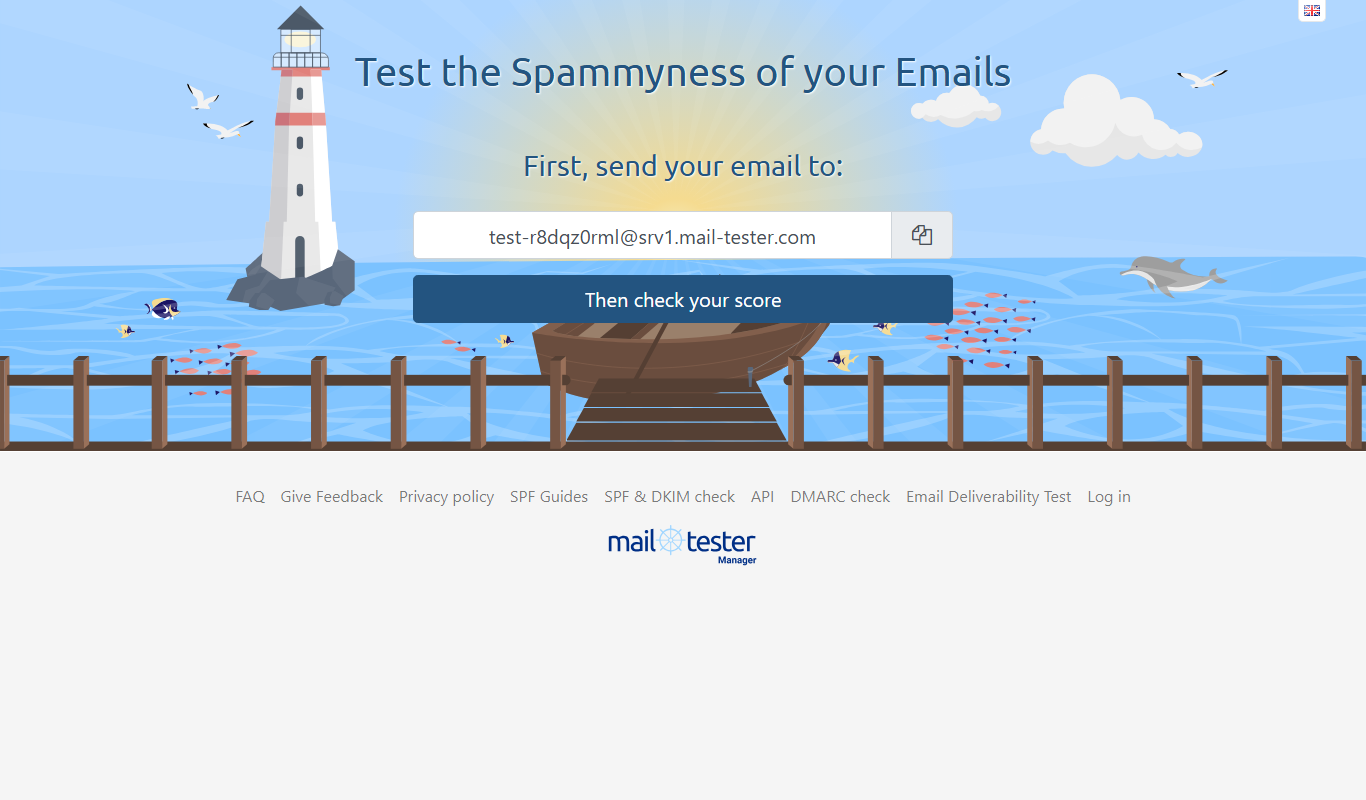
MailTester is an online tool that analyzes your email's spam score, authentication, and deliverability; occasional manual use is free and paid packages start at $10/month.
netradyne.com
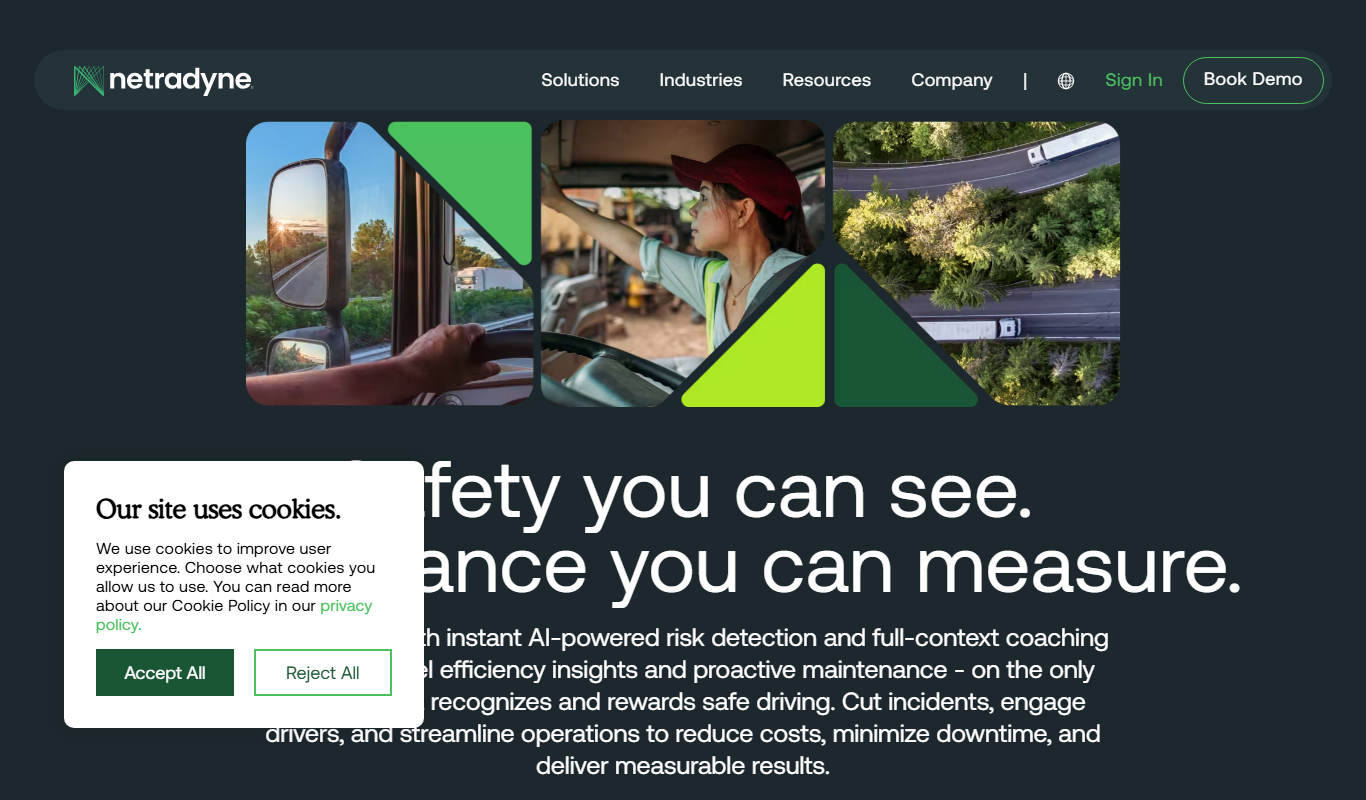
Netradyne is an AI-driven fleet safety platform that uses video telematics and machine learning to monitor driver behavior in real time, providing alerts and analytics to improve safety and compliance.

AI Detector Writer
AI Detector Writer is a free online tool that analyzes text to determine if it was generated by AI, providing a confidence score and detailed report to help users verify content authenticity.