

Story Machine no-code 2D game engine for games and interactive stories
Story Machine is a visual editor and engine for 2D games and interactive stories, with drag and drop scenes, logic without code and builds for Mac, Windows, Linux, Nintendo Switch and the web.
- Best for
- Interactive stories
- Key capability
- Visual scene editor
Save Story Machine, follow its updates and vote on it — everything stays in your account.
Sign in or create a free account
What is Story Machine?
Story Machine is a no-code visual editor and engine for building 2D games and interactive stories. Scenes are composed with drag and drop, game logic runs on sequences of actions instead of code, and games build for Mac, Windows, Linux, Nintendo Switch and the web; the engine is in beta.
Key features of Story Machine
Story Machine offers drag and drop scene editing with instant preview, more than fifty actions for logic without code, branching dialog, sprite animation, localization tools, physics, particles and networking.
Visual scene editor
A drag and drop interface for composing scenes, with instant preview in Play mode.
Logic without code
Sequences of commands drive game logic, with more than fifty actions and breakpoint and logging tools.
Branching dialog
Built-in branching dialog sequences with logic and variables.
Sprite animation
Slice sprite sheets, sequence frames and add events, with Aseprite support.
Cross-platform builds
Build for Mac, Windows, Linux, Nintendo Switch and the web.
Pros and cons of Story Machine
Pros
- No programming required for game logic
- Games run on Steam Deck and integrate the Steamworks SDK
- Built-in localization tools
Cons
- Still in beta; builds are shared through the Discord community
- Early in development, with documentation offered as a preview
Key use cases for Story Machine
Interactive stories
Build narrative games with branching dialog and conversations staged like a film script.
2D games
Make just about any kind of 2D video game.
Multiplayer games
Create multiplayer games and test them locally.
Idea Generation
Brainstorm story ideas and plotlines to inspire writers and content creators.
How Story Machine works
- 1
Join the beta
Join the Discord community to get builds of the beta.
- 2
Compose scenes
Arrange scenes with drag and drop and add components to objects.
- 3
Add logic with actions
Stack actions into sequences to drive game logic without programming.
- 4
Build your game
Build for Mac, Windows, Linux, Nintendo Switch and the web.
Who is using Story Machine
Story Machine pricing
Free Trial
$0
Limited access to features for new users to test the platform.
Subscription
Varies
Full access to all features with monthly or annual payment options.
Plans and prices are as published by the vendor and can change. Check the official site before you buy. Open the pricing page (opens in a new tab)
Frequently asked questions about Story Machine
A general-purpose 2D game engine and visual editor for building interactive games and narratives without complex programming.
Mac, Windows, Linux, Nintendo Switch and the web.
No. Game logic is driven by sequences of commands with more than fifty actions.
It is in beta; join the Discord community to get builds.
Some tools offer a free plan or trial with limited features. Availability can vary, so confirm on the official website.
Yes, it can help with that use case depending on how you configure it and what features are available. You’ll get the best results with clear inputs and a defined goal.
Conclusion
Story Machine takes the place Flash and HyperCard once held: scenes are composed by drag and drop and tested instantly in Play mode. Game logic is built by stacking more than fifty actions into sequences, so no programming is required, and breakpoint and logging tools help with bugs. Branching dialog with variables and conversations written like a film script make it suited to interactive stories as well as 2D games.
Finished games build for Mac, Windows, Linux, Nintendo Switch and the web. The engine is described as easy to learn and able to scale from beginners to game development professionals. It is still in beta, so builds come through the Discord community and the documentation is an early preview.
Sources
Sign in to review this tool.
Sign In to ReviewNo reviews yet
Be the first to share how this tool worked for you.
Ask about pricing, limits, or how it compares — or answer someone else.
Sign In to AskNo questions yet
Have a question about using or paying for this tool? Be the first to ask.
Featured on TiorAI



More Developer Tools tools
Other tools in the same category, for when this one is not quite the fit.

Spectate
Spectate monitors websites, APIs and servers, alerts you before users notice issues and keeps status pages updated with AI, with a free plan.

MixPeek
MixPeek is an AI-driven multimedia search engine that indexes videos, images, audio, and documents to enable fast, accurate search through a web interface and developer API.

Mirascope
Mirascope is The LLM Anti-Framework: open-source Python and TypeScript SDKs with one API for OpenAI, Anthropic and Google, plus tools, tracing and versioning.

AI Music API, Free Cheap AI Music
AI Music API is a unified AI music generation API that lets developers access Suno, Udio and other top AI music models through a single REST endpoint, with a free tier and credit-based plans.

LangUI
LangUI is an open source Tailwind library with 60+ free components for AI and GPT projects, copied and pasted into your project with zero dependencies.

Launchpads
Launchpads AI is a founder-led product studio building agentic AI products, internal tools and AI workflows for mission-driven organisations.
StackRef
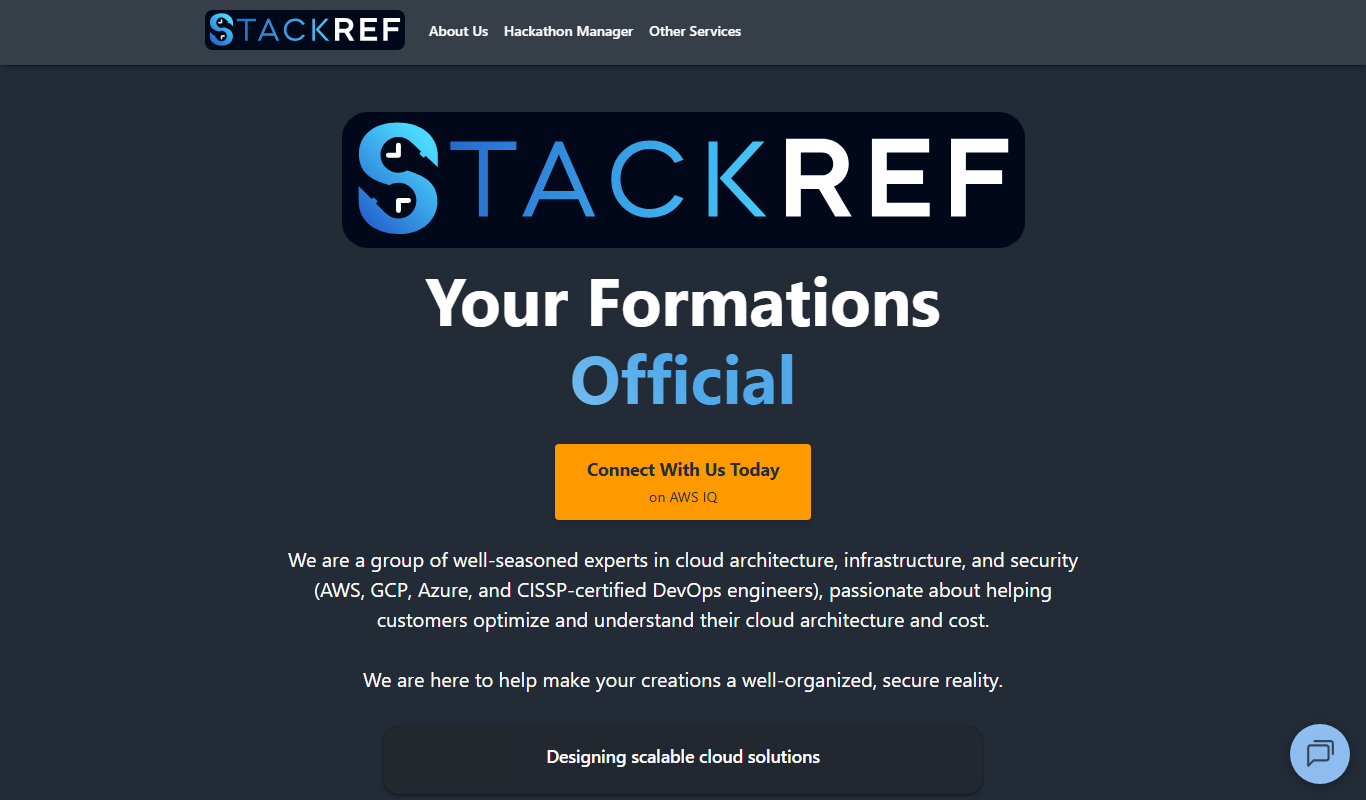
StackRef is a cloud, DevOps and security consulting practice for AWS, GCP and Azure, run by a CISSP-certified cloud architect.

Iconify
Iconify is an open source icon framework with over 300,000 vector icons from popular open source icon sets, plus components, plugins and a public API to use them.