
From my experience with PPTalker, it stands out for its ability to quickly generate natural-sounding voice narrations tailored for PowerPoint presentations. The multi-language support and customization options make it versatile for educators, marketers, and business professionals who want to add engaging audio without recording themselves. However, the platform is web-only and the free trial limits some features, which might be a drawback for users seeking offline or more advanced controls. Overall, PPTalker is a practical solution if you need efficient, high-quality AI voiceovers for your presentations.
PPTalker AI Voice Generator for PowerPoint Presentations and Narration
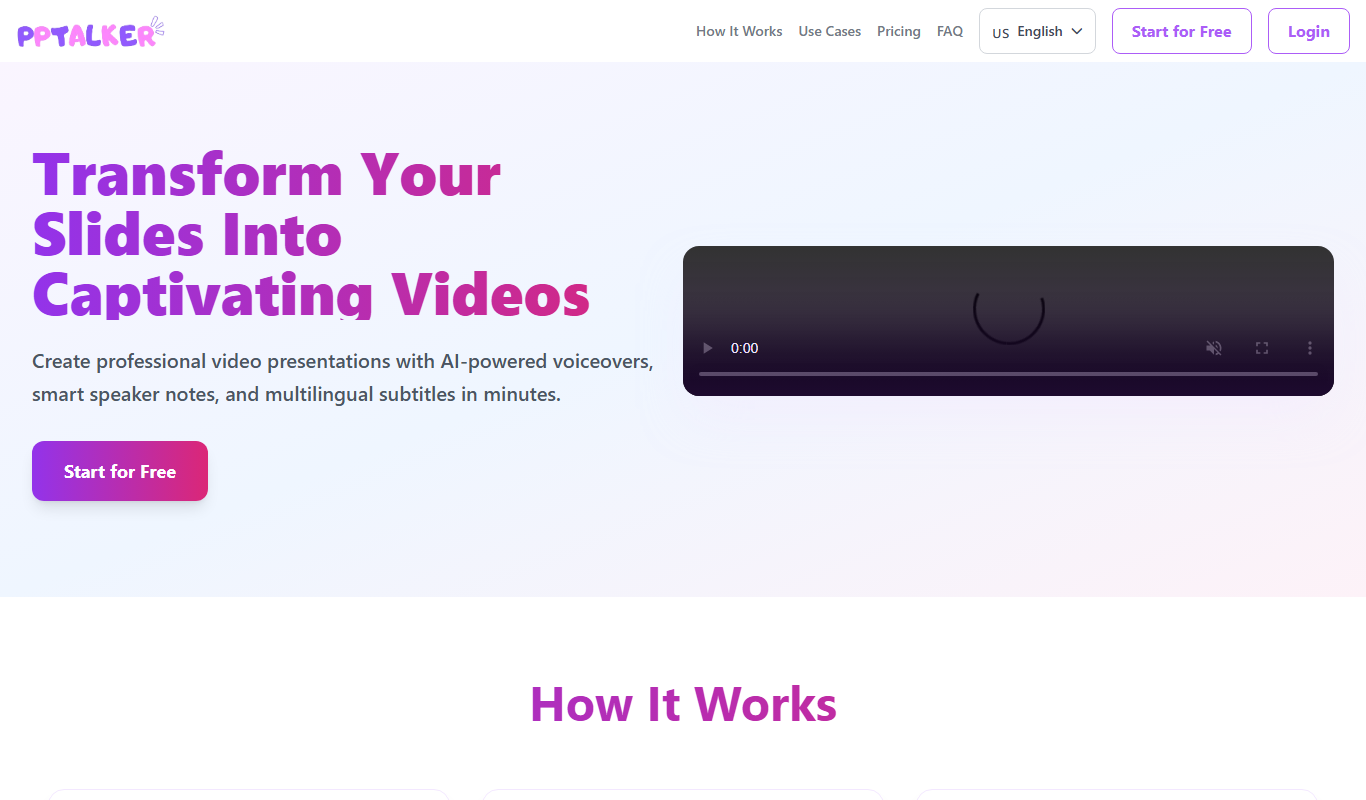
PPTalker is an AI-powered tool that generates natural-sounding voice narrations for PowerPoint presentations, supporting multiple languages and customizable speech options.
What is PPTalker?
PPTalker is an AI-powered voice generator designed specifically to create natural and expressive voice narrations for PowerPoint presentations. It converts slide text into high-quality speech, allowing users to add professional voiceovers without recording manually. This tool helps presenters, educators, and marketers enhance their presentations with engaging audio narration effortlessly.
Key Features of PPTalker
Natural AI Voices
High-quality, human-like AI voices that sound expressive and clear.
Multi-language Support
Supports multiple languages and accents to cater to diverse audiences.
PowerPoint Integration
Seamless integration with PowerPoint for easy narration addition.
Customization Options
Control over speech rate, pitch, and pauses to tailor narration style.
Fast Processing
Quickly generates voiceovers to save time on presentation preparation.
Pros and Cons of PPTalker
Pros
- Produces natural and clear AI voice narrations
- Supports multiple languages and accents
- Easy to use with PowerPoint presentations
- Customizable speech parameters
- Fast voiceover generation
Cons
- Limited free trial features
- No desktop or mobile app, web-only platform
- Customization options could be more advanced
Key Use Cases for PPTalker
PowerPoint Narration
Automatically generate natural-sounding voice narration for PowerPoint slides to enhance presentations.
E-learning Content
Create engaging audio narration for e-learning modules and educational videos.
Marketing Videos
Produce professional voiceovers for promotional and marketing video content.
Accessibility
Add voice narration to presentations to improve accessibility for visually impaired audiences.
How PPTalker Works
-
1
Upload or Connect Presentation
Import your PowerPoint slides or upload text content to the PPTalker platform.
-
2
Select Voice and Language
Choose from a variety of AI voices and languages that best fit your presentation style.
-
3
Customize Speech
Adjust speech speed, tone, and pauses to match your desired narration style.
-
4
Generate Voiceover
Let PPTalker convert your text into natural-sounding audio synced with your slides.
-
5
Download and Use
Download the narrated presentation or audio files for use in your projects.
Who's Using PPTalker
Educators and trainers
Marketing professionals
Business presenters
E-learning content creators
Accessibility advocates
PPTalker Pricing
Free Trial
$0
Limited access to features with watermarked audio for evaluation.
Standard
$19/month
Full access to AI voices, multi-language support, and standard usage limits.
Pro
$49/month
Extended usage limits, premium voices, and priority support.
Frequently Asked Questions About PPTalker
PPTalker works with most modern versions of PowerPoint by exporting audio files that can be added to slides.
Yes, you can adjust speech speed, tone, and pauses to create a natural narration.
Yes, PPTalker offers a free trial with limited features and watermarked audio.
PPTalker supports multiple languages including English, Spanish, French, German, Chinese, and Japanese.
It depends on your specific needs and how you plan to use the tool. The official website and documentation are the best sources for the latest details.
Yes, it can help with that use case depending on how you configure it and what features are available. You’ll get the best results with clear inputs and a defined goal.
Yes, it can help with that use case depending on how you configure it and what features are available. You’ll get the best results with clear inputs and a defined goal.
Some tools offer a free plan or trial with limited features. Availability can vary, so confirm on the official website.
Share your review
Reviews are limited to one per logged-in user and are published after moderation.
You need an account to review this tool.
0.0
★
★
★
★
★
0 reviews
5 star
0
4 star
0
3 star
0
2 star
0
1 star
0
No reviews yet
Be the first to share how this tool worked for you.
Questions from the community
Read questions and answers about this tool, or ask your own.
No questions yet
Start the conversation by asking the first question about this tool.
Is this tool helpful?
Freemium
PitchLeague.ai
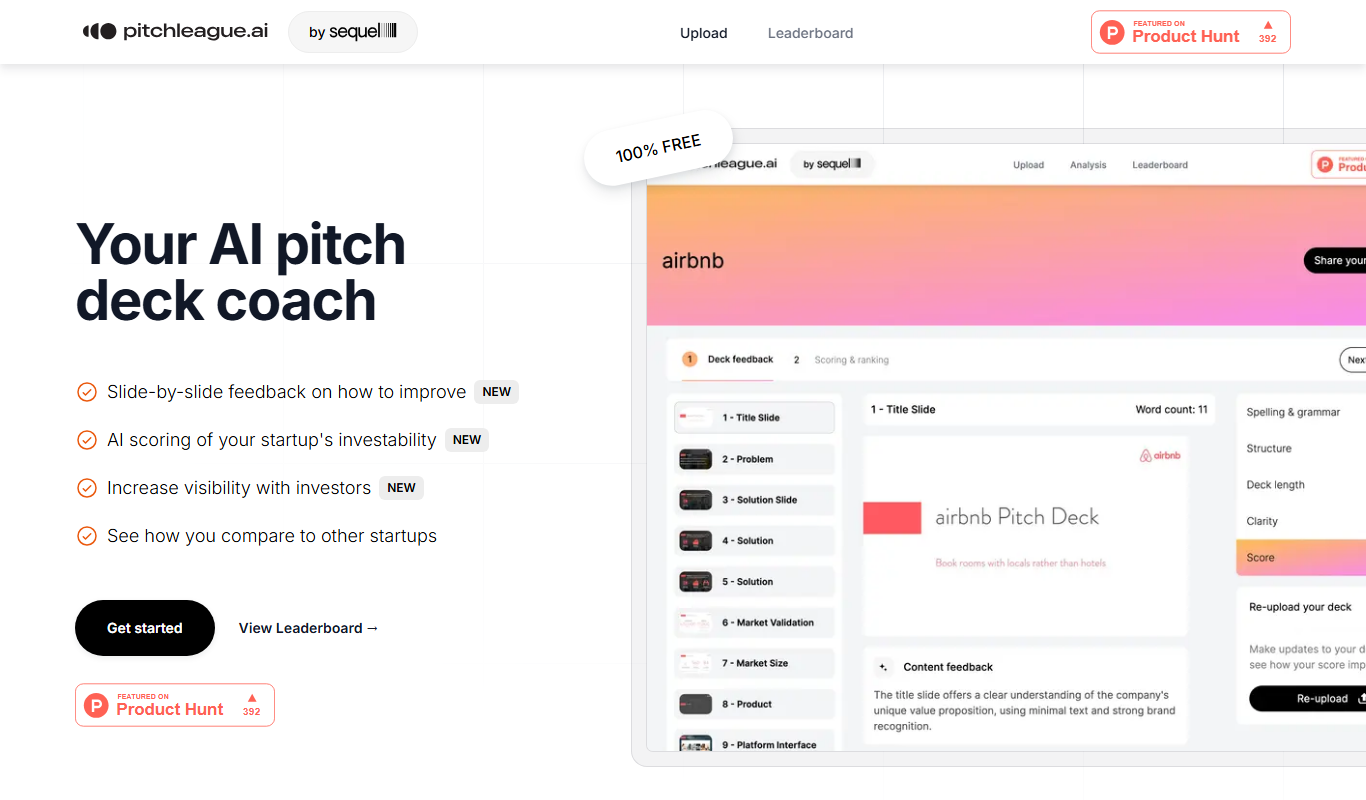
PitchLeague.ai is an AI-driven platform that helps startups create professional pitch decks quickly by generating tailored slides based on your business information, ideal for fundraising and investor presentations.

Free
PRST.ai
PRST.ai is an AI-powered web-based tool that helps users quickly create professional slide presentations by automatically structuring content and applying design templates.

Freemium
Pitch Perfection
Pitch Perfection is an AI-driven presentation tool that helps users create professional and visually appealing slide decks quickly by automating design and content suggestions.

Free
AutoPPT
AutoPPT is an AI-powered tool that automates the creation of professional presentations by generating slides from text inputs, allowing users to customize and export decks quickly.

Free Trial
SlideSpeak
SlideSpeak is an AI-powered online tool that automatically generates presentation slides from text or URLs, enabling fast and professional slide deck creation.

Free Trial
Presbot
Presbot is an AI-powered presentation tool that automates slide deck creation from text inputs, offering customizable templates and export options to streamline professional presentation design.
Free
MagicSlides
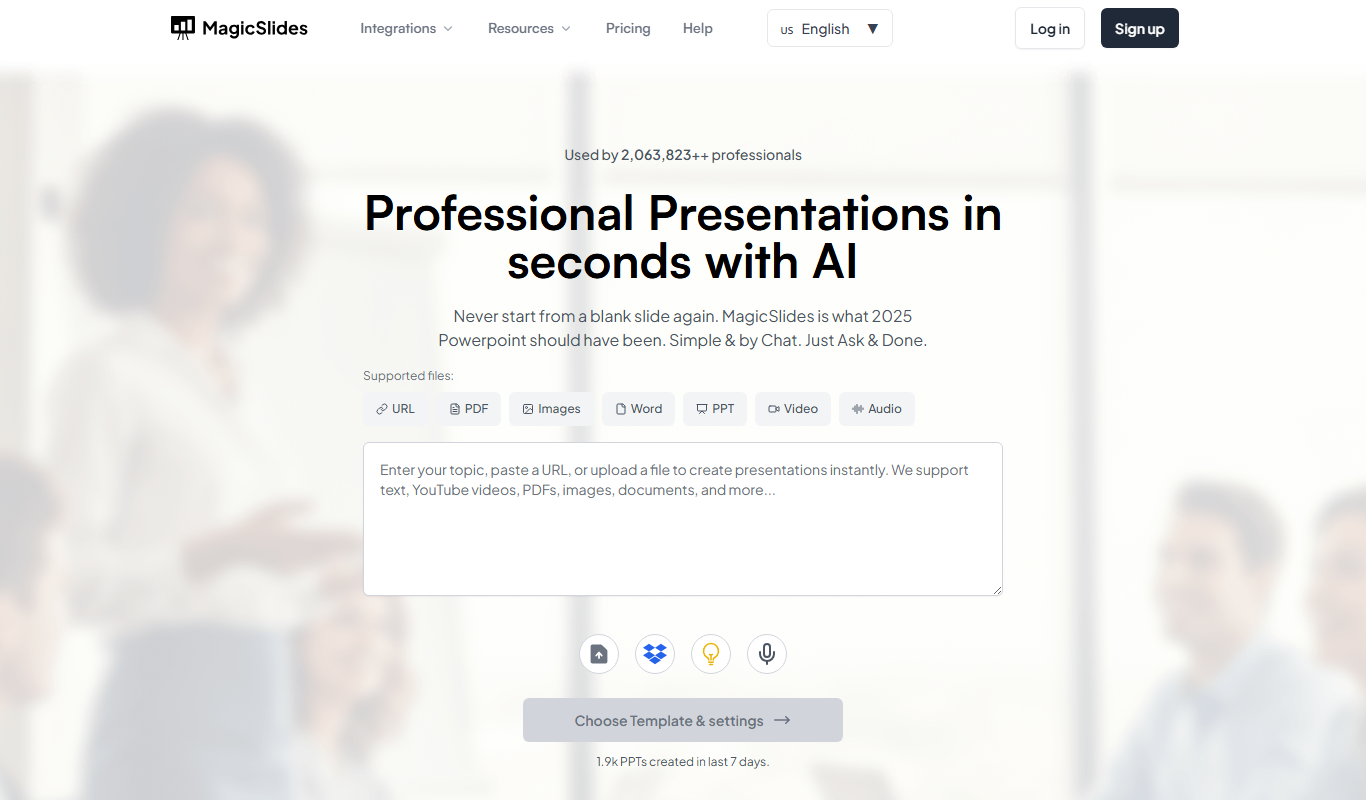
MagicSlides is an AI-powered tool that generates complete presentation slide decks from text input, automating content creation and design to save time.
Free
SlideAI
SlideAI is an AI-driven presentation tool that automatically generates slide decks from text input, enabling fast and professional presentation creation.