

From my experience with TeleportHQ, I found it excels at bridging the gap between design and frontend code by providing a visual interface that outputs clean, production-ready React and Vue code. This makes it particularly well-suited for frontend developers and designers who want to speed up prototyping and development without sacrificing code quality. However, as a cloud-based tool, it lacks offline capabilities and does not handle backend integration, which means it works best as part of a broader development workflow. Overall, if you need a fast, collaborative way to build and export frontend UI, TeleportHQ delivers solid results.
TeleportHQ - Visual Frontend Builder for Fast Web Development
TeleportHQ is a cloud-based visual frontend builder that allows users to design web interfaces with drag-and-drop tools and export production-ready code in React, Vue, or HTML formats, streamlining frontend development workflows.
- Best for
- Rapid Prototyping
- Key capability
- Visual Drag-and-Drop Editor
Your actions
Save Teleporthq, follow its updates and vote on it — everything stays in your account.
Sign in or create a free account
What is Teleporthq?
TeleportHQ is a cloud-based visual frontend builder that enables users to design, prototype, and generate production-ready frontend code without deep coding knowledge. It combines a drag-and-drop interface with code export capabilities, supporting frameworks like React and Vue. The platform targets developers, designers, and teams aiming to accelerate web development workflows by bridging design and code.
Key features of Teleporthq
Key features include a visual editor for UI design, multi-framework code export, real-time collaboration, component reuse, and integration with version control systems. TeleportHQ supports responsive design and offers templates to speed up project initiation.
Visual Drag-and-Drop Editor
Intuitive interface to build UI components without manual coding.
Multi-Framework Code Export
Export frontend code compatible with React, Vue, or plain HTML/CSS.
Component Reusability
Create and reuse components across projects to maintain consistency.
Real-Time Collaboration
Work simultaneously with team members on the same project.
Responsive Design Support
Design layouts that adapt seamlessly to different screen sizes.
Pros and cons of Teleporthq
Pros
- User-friendly visual interface for rapid UI building
- Supports exporting clean, production-ready code
- Multi-framework support including React and Vue
- Real-time collaboration for teams
- Responsive design capabilities
Cons
- Backend integration is not included
- Limited offline capabilities as a cloud-based tool
- Advanced features require paid subscription
Key use cases for Teleporthq
Rapid Prototyping
Design and build interactive web prototypes quickly without writing code.
Frontend Development
Create production-ready frontend code with visual tools and export clean React, Vue, or HTML code.
UI Design Collaboration
Collaborate with designers and developers in a shared environment to streamline UI creation.
Code Export and Integration
Export generated code to integrate with existing projects or backend systems.
Learning and Experimentation
Use the platform to learn frontend concepts and experiment with UI layouts visually.
How Teleporthq works
- 1
Create an Account
Sign up on TeleportHQ’s website to access the visual builder.
- 2
Start a New Project
Choose a template or start from scratch to design your UI using drag-and-drop components.
- 3
Customize and Prototype
Adjust styles, layouts, and interactions visually to build your desired frontend.
- 4
Export Code
Export clean, production-ready code in React, Vue, or HTML formats for integration.
- 5
Collaborate and Iterate
Share projects with team members for feedback and continuous improvement.
Who is using Teleporthq
Frontend developers
UI/UX designers
No-code enthusiasts
Web development teams
Startups and agencies
Teleporthq pricing
Free
$0/month
Access to basic features with limited projects and exports.
Pro
$29/month
Increased project limits, priority support, and advanced export options.
Team
$99/month
Collaboration tools for teams, shared projects, and enhanced permissions.
Plans and prices are as published by the vendor and can change. Check the official site before you buy. Open the pricing page (opens in a new tab)
Frequently asked questions about Teleporthq
Yes, TeleportHQ supports exporting code to Vue and plain HTML/CSS in addition to React.
No, the platform is designed for users with little to no coding experience but also supports developers who want to speed up frontend development.
TeleportHQ focuses on frontend code generation; backend integration needs to be handled separately.
Yes, the platform offers real-time collaboration features for teams.
This tool is designed to help users accomplish its core tasks more efficiently. It is typically used by individuals or teams looking to improve productivity and workflow.
Yes, it can help with that use case depending on how you configure it and what features are available. You’ll get the best results with clear inputs and a defined goal.
It depends on your specific needs and how you plan to use the tool. The official website and documentation are the best sources for the latest details.
Yes, it can help with that use case depending on how you configure it and what features are available. You’ll get the best results with clear inputs and a defined goal.
Sign in to review this tool.
Sign In to ReviewNo reviews yet
Be the first to share how this tool worked for you.
Ask about pricing, limits, or how it compares — or answer someone else.
Sign In to AskNo questions yet
Have a question about using or paying for this tool? Be the first to ask.
Featured on TiorAI



Alternative Tools
Explore similar AI tools that might fit your needs
Free
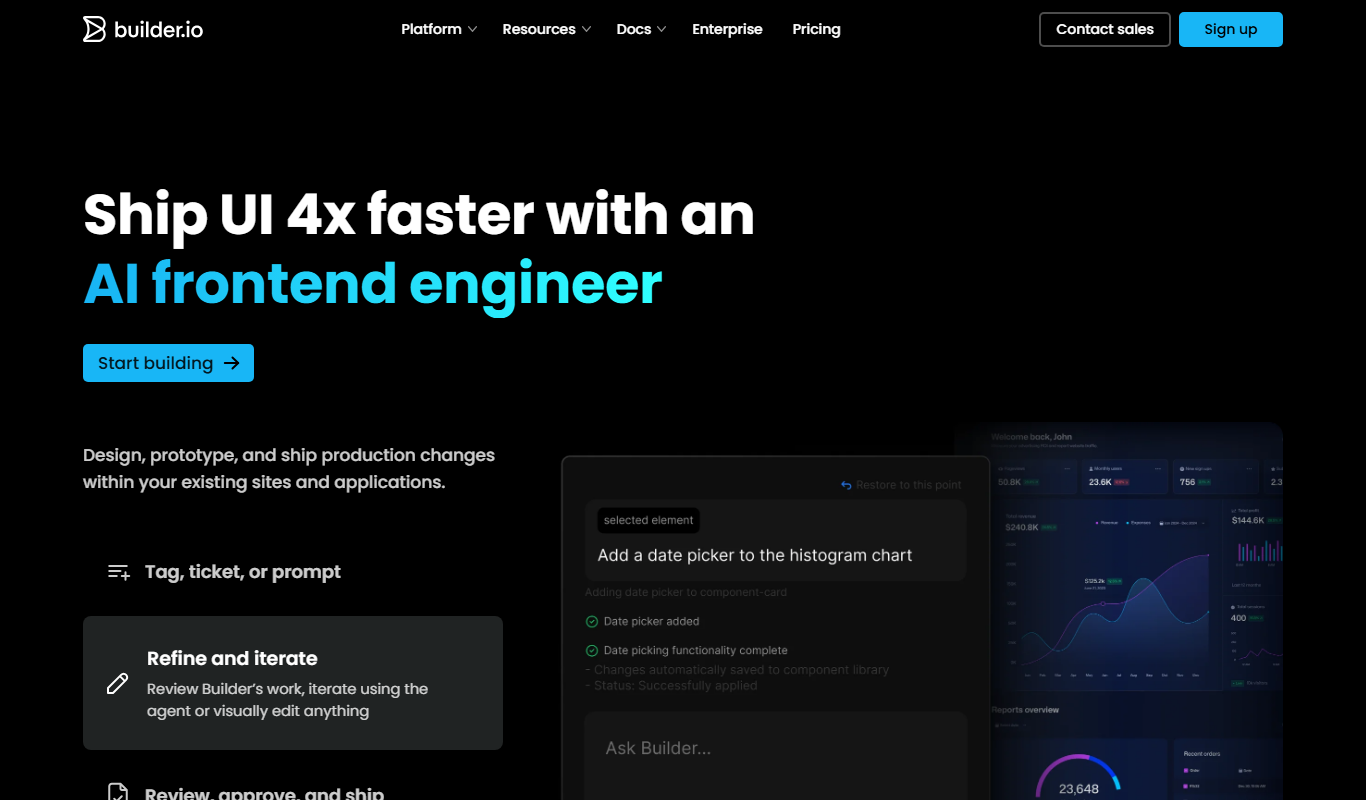
Builder.io
Builder.io is a collaborative platform to build with AI agents, combining a Visual IDE for code and a Visual CMS for publishing content to any site or app.
More AI Developer & Coding Tools tools
Other tools in the same category, for when this one is not quite the fit.

Free
Webo.AI
Webo.AI is an AI-powered no-code website builder that automates website design and content creation, enabling users to launch responsive websites quickly without coding skills.

Free
BuilderKit
BuilderKit is an AI-driven no-code website builder that enables users to quickly create professional and responsive websites without any coding skills.
Free Trial
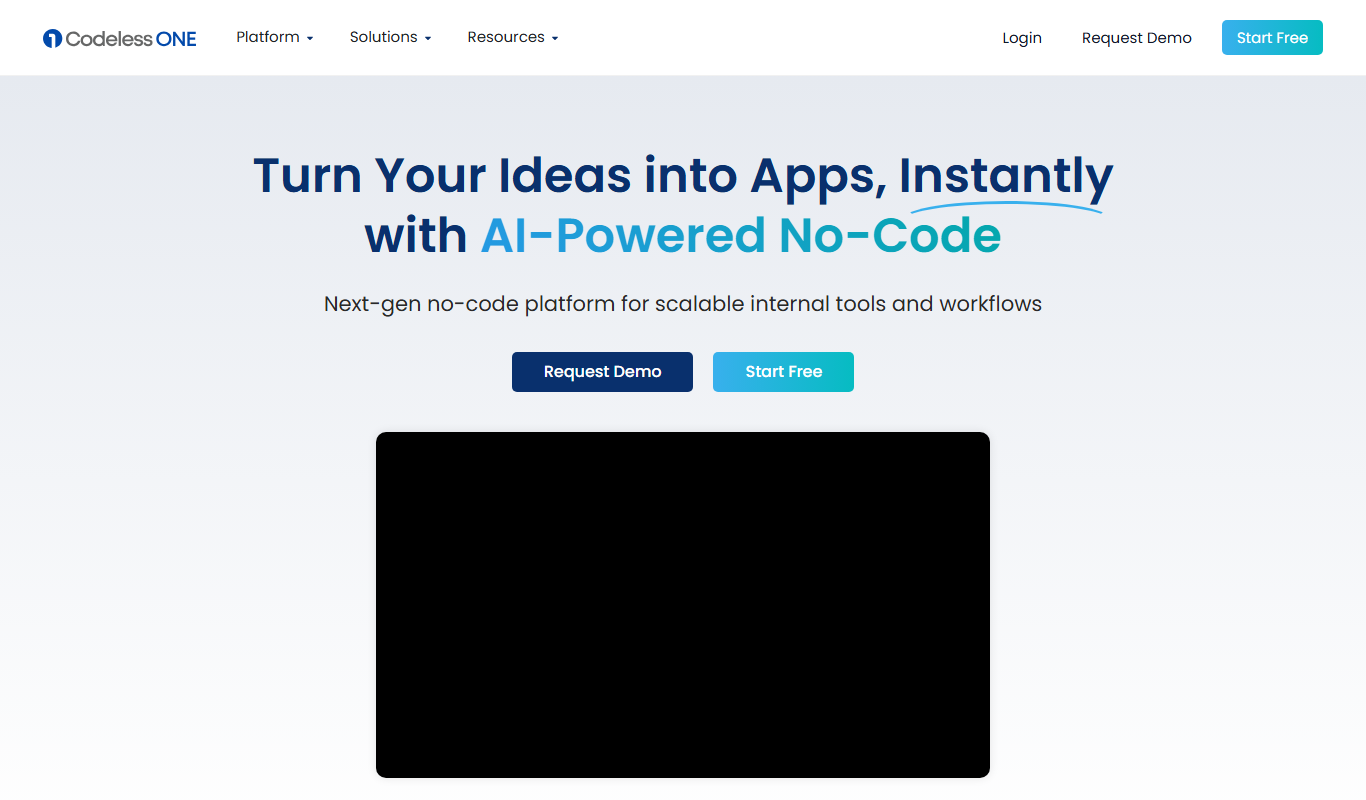
Codeless ONE
Codeless ONE is a no-code platform that allows users to build custom applications and automate workflows using a visual drag-and-drop interface without requiring programming skills.
Free
Arcade
Arcade.dev is a no-code platform that allows users to visually build, deploy, and host web applications without writing code, featuring drag-and-drop design, API integrations, and cloud hosting.
Freemium
DrogoAI
DrogoAI is an AI platform that generates and automates code creation from natural language prompts, helping developers speed up software development.
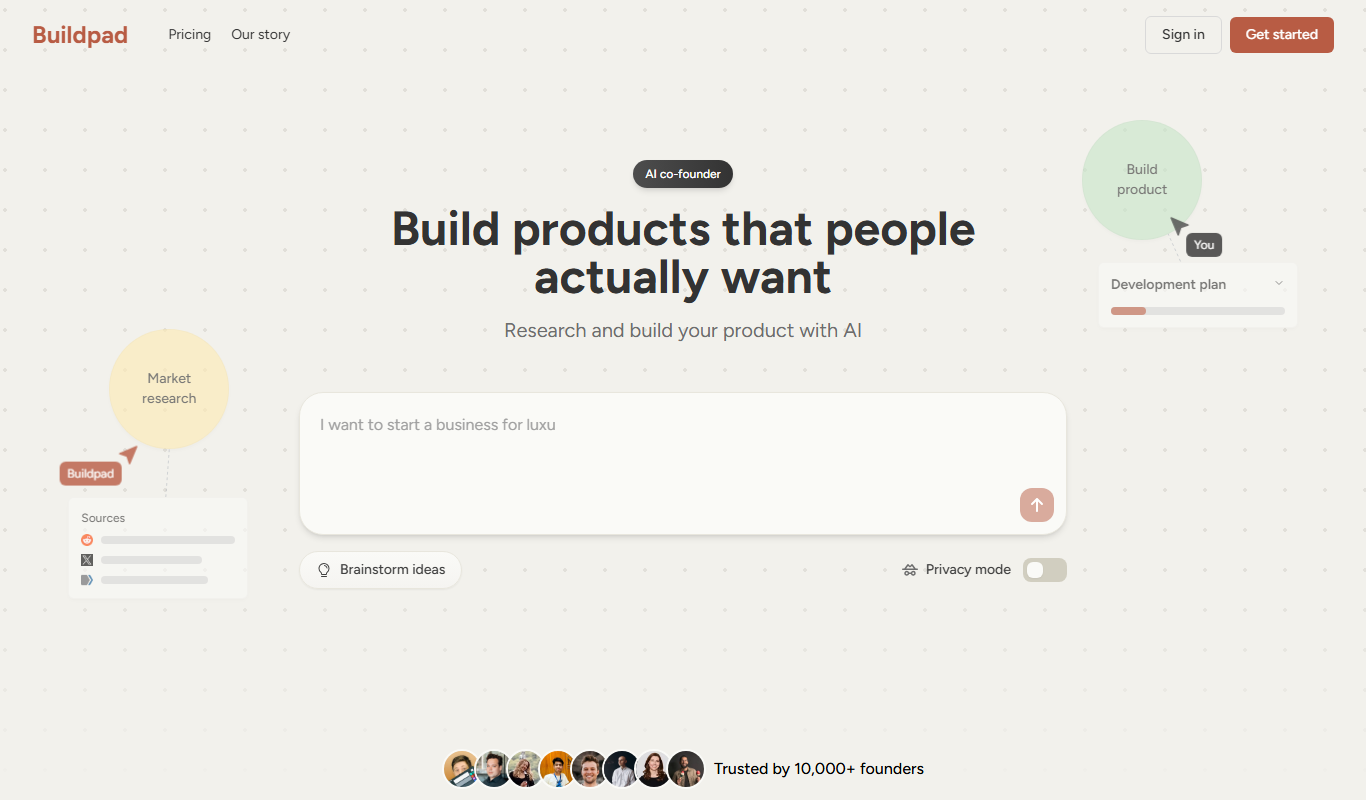
Free Trial
Buildpad
Buildpad is a low-code platform that allows users to quickly create and deploy web applications using a visual drag-and-drop interface without coding.

Free
Brizy AI Website Builder
Brizy AI Website Builder is a web-based platform that uses artificial intelligence to help users create professional, responsive websites quickly without coding skills. It offers AI-generated content, drag-and-drop design, and hosting services.

Free
AI Agent Store
AI Agent Store is a no-code platform that allows users to create, customize, and deploy AI-powered agents for automation and customer interaction without programming skills.