

Alarmy App Review – Best Smart Alarm Clock for Heavy Sleepers
Alarmy is a smart alarm clock app that wakes users by requiring them to complete tasks like solving puzzles or taking photos, making it effective for heavy sleepers.
- Best for
- Heavy Sleeper Alarm
- Key capability
- Multiple Alarm Dismissal Methods
Save Alarmy, follow its updates and vote on it — everything stays in your account.
Sign in or create a free account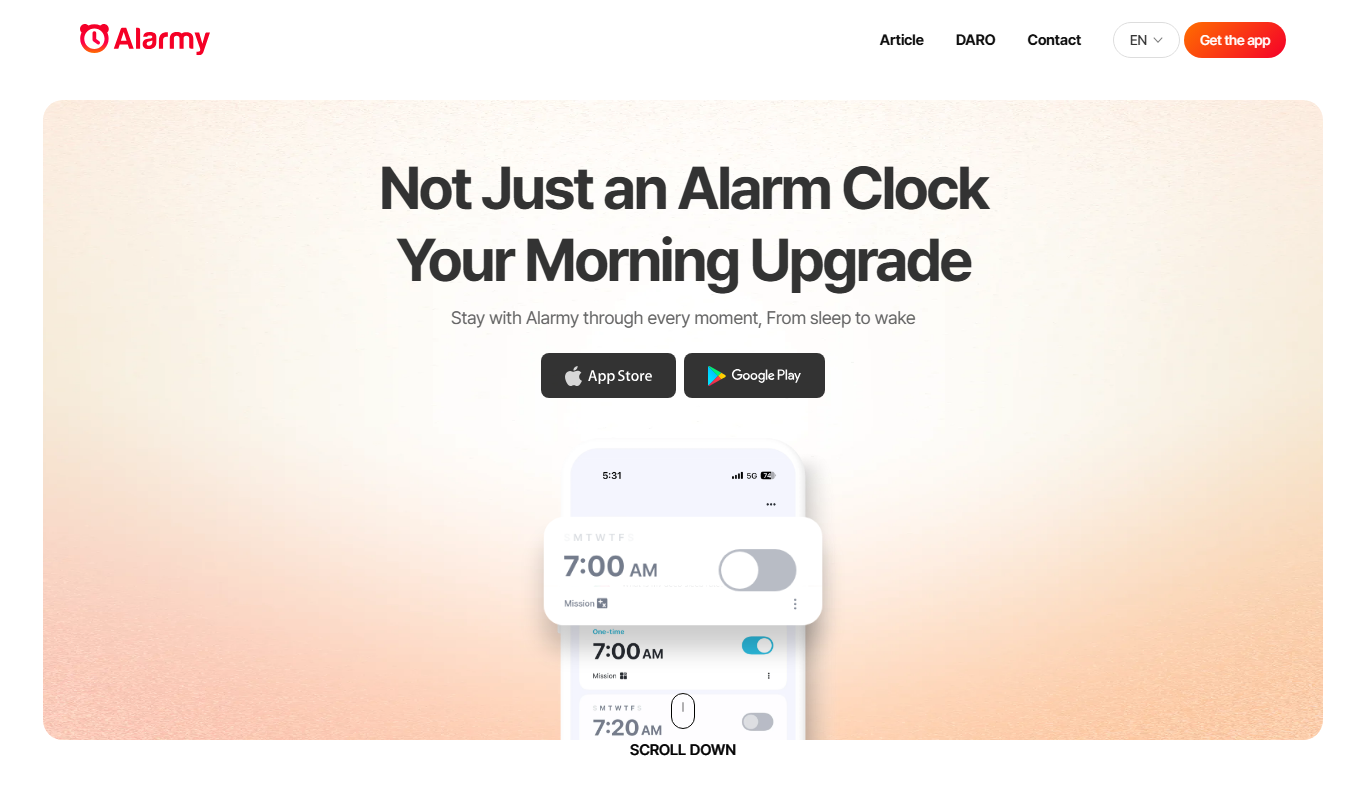
What is Alarmy?
Alarmy is a smart alarm clock app designed to help users wake up reliably by requiring them to complete specific tasks to dismiss the alarm. It targets heavy sleepers and those who struggle with traditional alarms by incorporating interactive challenges such as solving math problems, shaking the phone, or taking pictures of registered locations. This approach ensures users are fully awake before turning off the alarm.
Key features of Alarmy
Alarmy’s main features include multiple alarm dismissal methods, customizable alarm sounds, sleep tracking, and flexible scheduling. Its unique task-based alarm dismissal system makes it one of the most effective apps for preventing oversleeping.
Multiple Alarm Dismissal Methods
Includes photo mode, math problems, barcode scanning, and shaking to dismiss alarms.
Sleep Tracking
Monitors sleep patterns and provides insights to improve sleep quality.
Custom Alarm Sounds
Allows users to select or upload preferred alarm tones or music.
Flexible Scheduling
Supports multiple alarms with customizable repeat options for different days.
Snooze and Volume Control
Adjust snooze duration and alarm volume for personalized wake-up experience.
Pros and cons of Alarmy
Pros
- Effective alarm dismissal methods for heavy sleepers
- Customizable alarms and sounds
- Sleep tracking features in premium version
- User-friendly interface
- Flexible scheduling options
Cons
- Free version includes ads
- Some advanced features require subscription
- Limited tech stack information publicly available
Key use cases for Alarmy
Heavy Sleeper Alarm
Alarmy uses unique alarm dismissal methods like solving puzzles or taking photos to ensure heavy sleepers wake up on time.
Morning Routine Management
Users can customize alarms with tasks that promote active waking and help establish consistent morning routines.
Sleep Tracking and Analysis
Alarmy offers sleep tracking features to monitor sleep patterns and improve sleep quality over time.
Customizable Alarm Sounds
Users can select from various alarm tones or use their own music to wake up more pleasantly.
Smart Alarm Scheduling
The app supports multiple alarms with flexible scheduling options for weekdays, weekends, or custom days.
How Alarmy works
- 1
Download and Install
Get Alarmy from the App Store or Google Play and install it on your device.
- 2
Set Up Alarm
Create an alarm and choose a dismissal method such as solving puzzles, shaking the phone, or taking a photo.
- 3
Customize Settings
Adjust alarm sound, volume, snooze options, and schedule alarms for specific days.
- 4
Wake Up and Complete Task
When the alarm sounds, complete the chosen task to turn it off, ensuring you are awake.
Who is using Alarmy
Alarmy pricing
Free
$0/month
Basic alarm features with ads and limited dismissal methods.
Premium
$2.99/month
Ad-free experience, all dismissal methods unlocked, sleep tracking, and advanced customization.
Premium Annual
$19.99/year
Annual subscription with same benefits as monthly Premium plan at a discounted rate.
Plans and prices are as published by the vendor and can change. Check the official site before you buy. Open the pricing page (opens in a new tab)
Frequently asked questions about Alarmy
Yes, Alarmy’s task-based dismissal methods are designed to ensure even heavy sleepers are fully awake before turning off the alarm.
Alarmy offers a free version with basic features and ads. Premium features require a subscription.
Alarmy is available on iOS, Android, and has a web version for managing alarms.
Yes, the Premium version includes sleep tracking and analysis features.
It depends on your specific needs and how you plan to use the tool. The official website and documentation are the best sources for the latest details.
Some tools offer a free plan or trial with limited features. Availability can vary, so confirm on the official website.
Yes, it can help with that use case depending on how you configure it and what features are available. You’ll get the best results with clear inputs and a defined goal.
Yes, it can help with that use case depending on how you configure it and what features are available. You’ll get the best results with clear inputs and a defined goal.
Conclusion
To stop the alarm, the user has to complete a task such as solving math problems, shaking the phone or taking pictures of registered locations. Barcode scanning is another dismissal method, and the approach is meant to ensure users are fully awake before turning off the alarm. Alarms can use preferred tones or uploaded music, with snooze duration, volume and repeat options for different days set per alarm.
It is built for heavy sleepers and people struggling to wake up on time, including students and professionals with strict schedules. Installation is from the App Store or Google Play. The free version includes ads and basic features, while sleep tracking and analysis come with the Premium subscription.
Sources
Sign in to review this tool.
Sign In to ReviewNo reviews yet
Be the first to share how this tool worked for you.
Ask about pricing, limits, or how it compares — or answer someone else.
Sign In to AskNo questions yet
Have a question about using or paying for this tool? Be the first to ask.
Featured on TiorAI



Alternative Tools
Explore similar AI tools that might fit your needs

SleepCycle
SleepCycle is a smart alarm clock app that tracks your sleep patterns using your phone or wearable sensors and wakes you up during your lightest sleep phase to help you feel more refreshed.
More AI Productivity tools
Other tools in the same category, for when this one is not quite the fit.
Forest
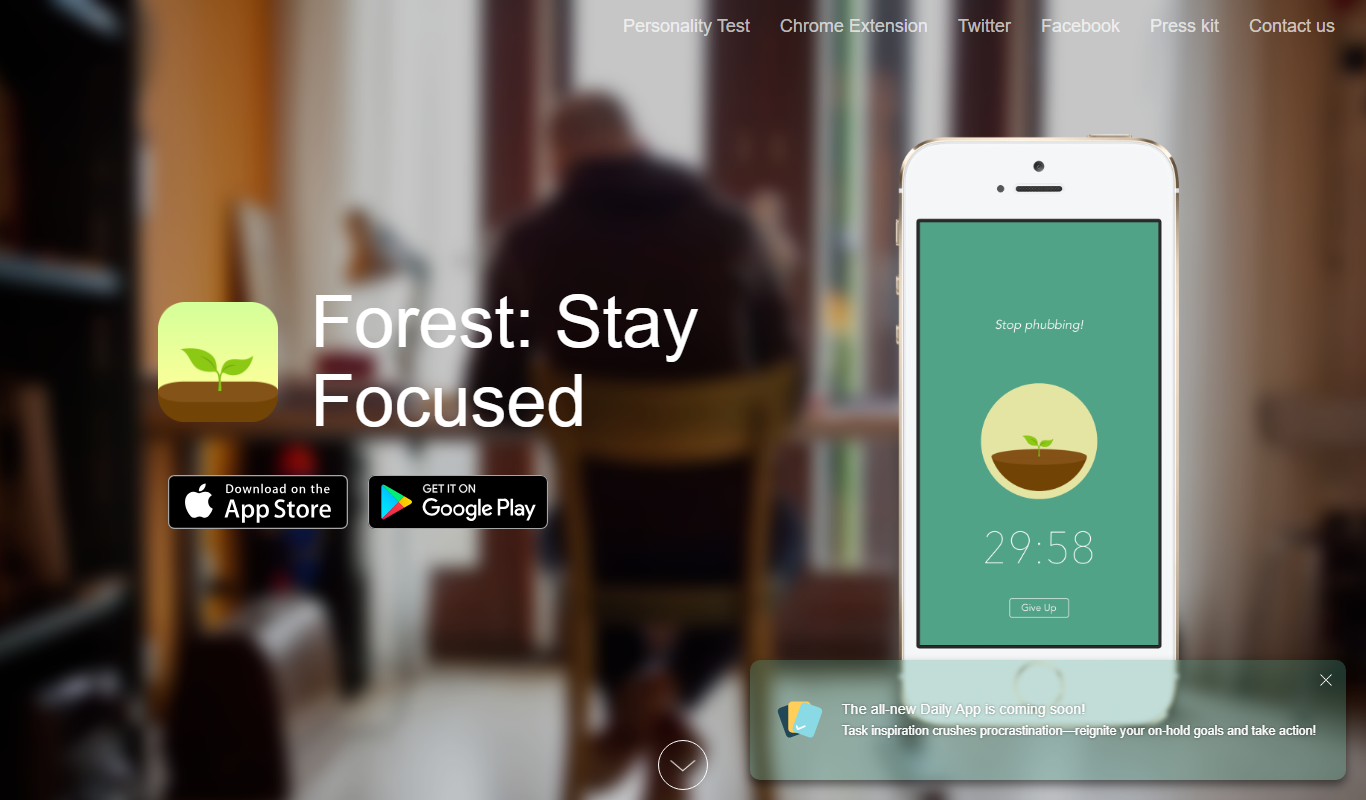
Forest is a productivity app that uses a gamified focus timer to help users stay concentrated by growing virtual trees during timed sessions, discouraging phone distractions.

Anki
Anki is an open-source spaced repetition flashcard program that helps users memorize information efficiently by scheduling reviews at optimal intervals to enhance long-term retention.
Reedy
Reedy is a speed reading tool that uses rapid serial visual presentation to help users read faster, available as an Android app and a Chrome extension.

Taskade AI
Taskade AI is a collaborative productivity platform that integrates task management, note-taking, and video chat with AI-powered automation to enhance team workflows and individual productivity.

Notion AI
Notion AI is an AI-powered assistant embedded in the Notion workspace that helps users generate, edit, and summarize content to boost productivity and collaboration.

Notedex
Notedex is an AI-powered note-taking app that helps users organize notes with smart tagging, manage tasks, and access content across web and mobile platforms.